
AGSHOME A-11Pack
AGSHOME Smart Home Alarm System
Instruction Manual
1. Introduction
Thank you for choosing the AGSHOME Smart Home Alarm System. This 11-piece kit is designed to provide comprehensive security for your home, apartment, RV, or garage with easy DIY installation and remote control capabilities. This manual will guide you through the setup, operation, and maintenance of your new alarm system.
The system includes a central alarm siren, door/window sensors, and remote controls, all designed to work seamlessly together and notify you instantly of any triggered events.
2. Package Contents
Please verify that all components listed below are included in your package:
- 1 x Alarm Siren (Main Unit)
- 8 x Door/Window Sensors
- 2 x Remote Controls
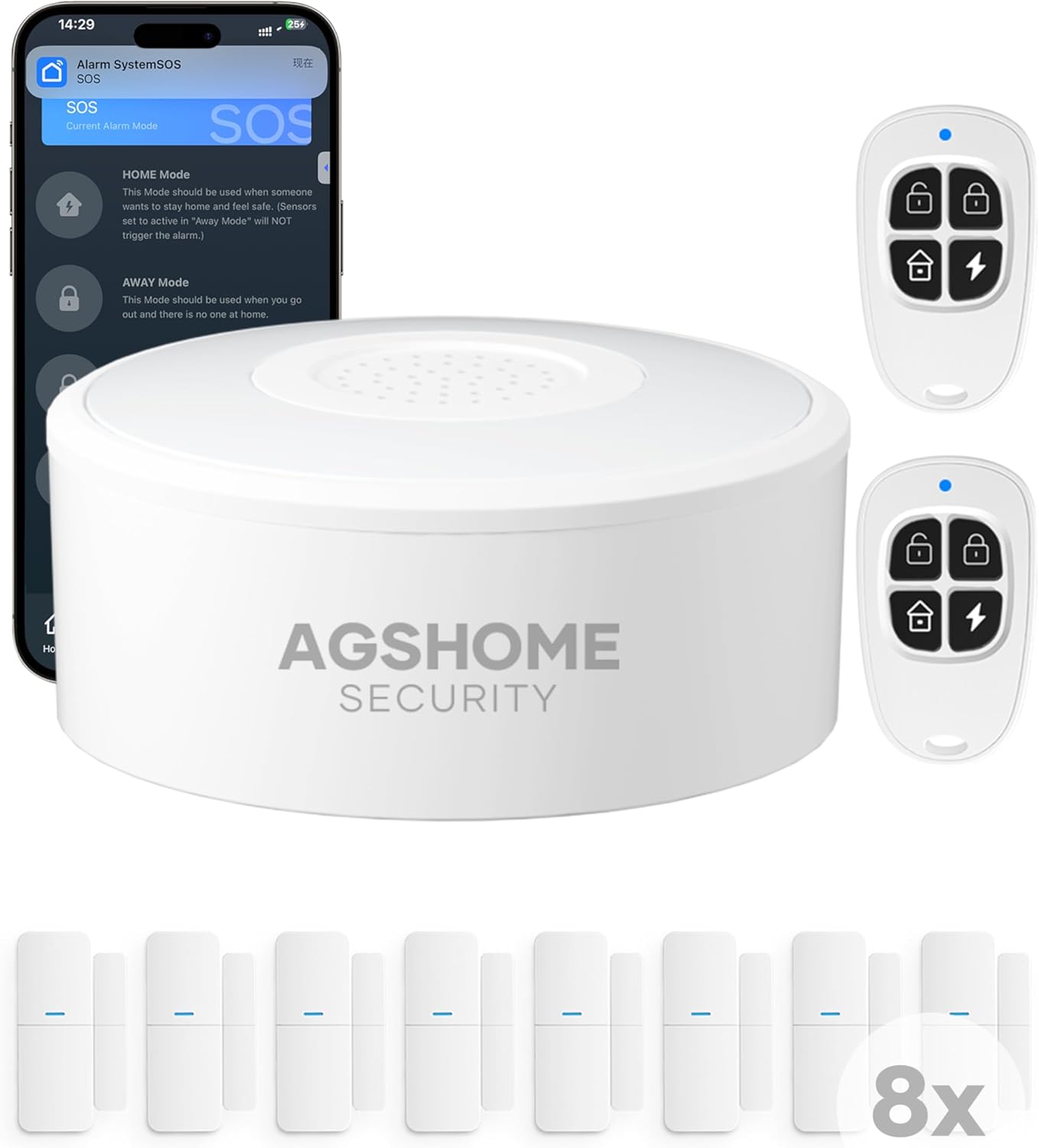
Image: All components of the AGSHOME 11-piece Smart Home Alarm System.
3. Setup and Installation
3.1 Initial Setup
- Power On the Siren: Connect the alarm siren to a power outlet using the provided power adapter. The siren will power on automatically.
- Download the App: Download the "Smart Life" app from your smartphone's app store (iOS or Android).
- Register/Log In: Open the Smart Life app and register a new account or log in if you already have one.
- Add Device: In the app, tap the "+" icon to add a new device. Select "Security & Video Surveillance" > "Alarm (Wi-Fi)" or search for "Alarm System". Follow the in-app instructions to connect the siren to your 2.4GHz Wi-Fi network. Note: This system does not support 5GHz Wi-Fi networks.
3.2 Sensor and Remote Pairing
Once the siren is connected to the app, you can pair the door/window sensors and remote controls:
- Enter Pairing Mode: In the Smart Life app, navigate to the alarm system's settings and select "Accessories" or "Pairing Mode".
- Pair Door/Window Sensors: Separate the two parts of a door/window sensor. The app should detect it and prompt you to add it. Repeat for all 8 sensors.
- Pair Remote Controls: Press any button on the remote control. The app should detect it and prompt you to add it. Repeat for both remote controls.
3.3 Sensor Installation
The door/window sensors are designed for easy, DIY installation without the need for wiring or drilling. They typically use adhesive backing.
- Placement: Install the two parts of each sensor on a door or window frame, ensuring they are aligned and within 1-2 cm of each other when the door/window is closed.
- Adhesion: Clean the surface thoroughly before applying the adhesive backing for optimal hold.

Image: Easy DIY installation of a door/window sensor.
4. Operating the System
4.1 Alarm Modes
Your AGSHOME alarm system offers several operating modes:
- HOME Mode: Activates perimeter sensors (e.g., door/window sensors) while allowing free movement inside the home. Ideal for when you are home.
- AWAY Mode: Activates all sensors, including motion sensors (if added separately). Use this mode when no one is home.
- DISARMED Mode: All sensors are inactive, and the alarm will not trigger.
4.2 Arming and Disarming
You can arm or disarm your system using the Smart Life app or the remote controls:
- Via Smart Life App: Open the app, select your alarm system, and choose the desired mode (HOME, AWAY, DISARMED) from the main interface.
- Via Remote Control: Use the dedicated buttons on the remote control to switch between modes. Typically, there are buttons for Arm (Away), Home Arm, Disarm, and SOS.

Image: Controlling the alarm system from anywhere using the Smart Life app.
4.3 Alarm Activation and Notifications
When a sensor is triggered in an armed mode:
- The siren will emit a loud 120dB alarm to deter intruders.
- You will receive instant notifications on your smartphone via the Smart Life app.
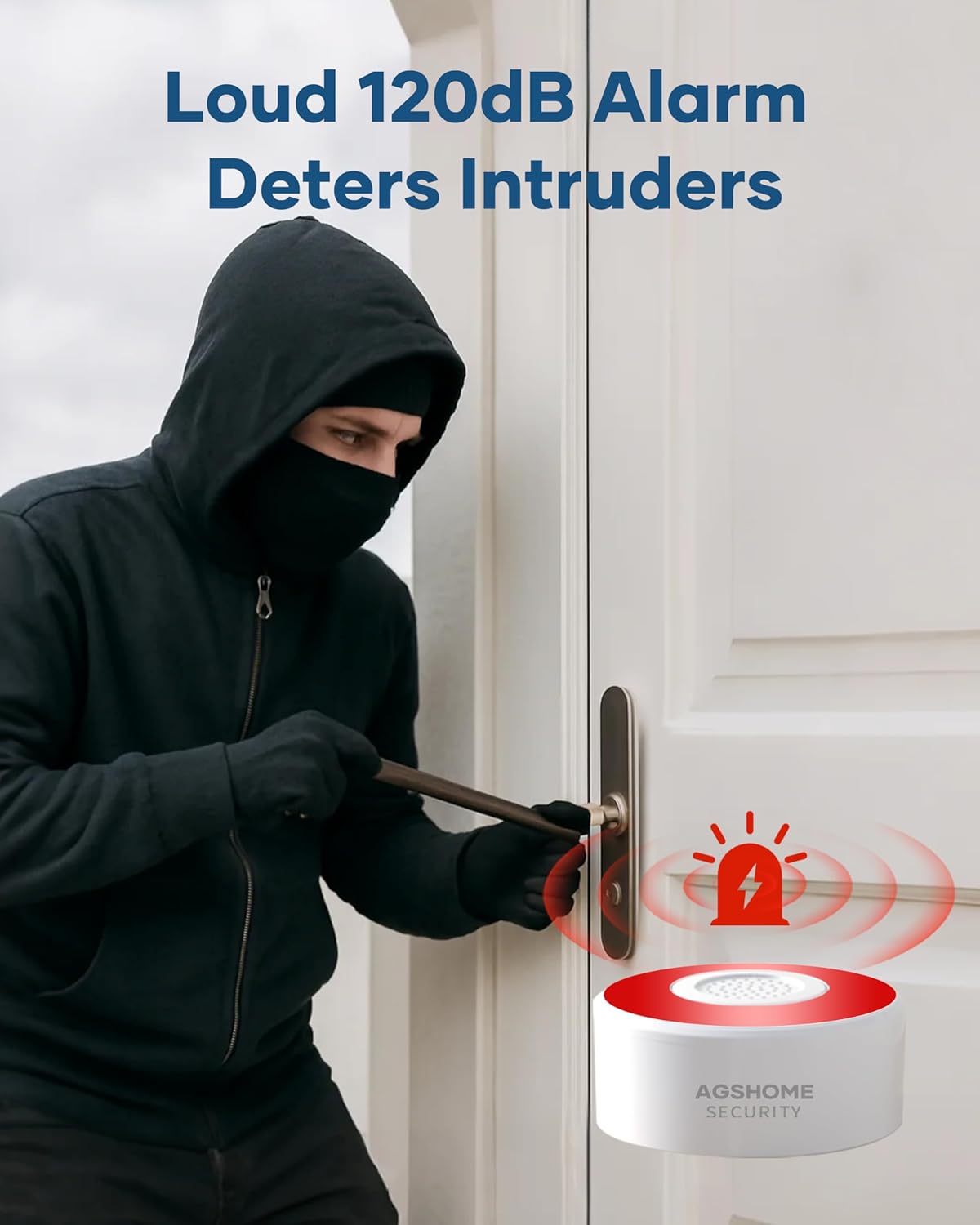
Image: The 120dB alarm deters intruders upon activation.

Image: Instant app alerts sent to your phone.
4.4 Voice Control with Alexa
The AGSHOME alarm system is compatible with Amazon Alexa, allowing for hands-free voice control:
- Enable Skill: In the Alexa app, enable the "Smart Life" skill and link your Smart Life account.
- Voice Commands: You can use commands such as "Alexa, arm my system" or "Alexa, disarm the alarm."

Image: Hands-free voice arming with Alexa integration.
5. Maintenance
5.1 Battery Replacement
The door/window sensors and remote controls are battery-powered. The siren has a built-in backup battery for power outages.
- Sensors/Remotes: When the battery is low, the device may indicate this via an LED or the app. Replace with new alkaline batteries as specified in the device compartment.
- Siren Backup: The siren's internal battery provides approximately 8 hours of backup power. Ensure the siren is connected to main power for continuous operation and battery charging.

Image: Key features including 8-hour backup battery for the siren.
5.2 Cleaning
Clean the devices with a soft, dry cloth. Do not use liquid cleaners or abrasive materials, as they may damage the components.
6. Troubleshooting
| Problem | Possible Cause | Solution |
|---|---|---|
| Siren cannot connect to Wi-Fi. | Incorrect Wi-Fi band (5GHz), weak signal, incorrect password. | Ensure you are connecting to a 2.4GHz Wi-Fi network. Check Wi-Fi signal strength. Verify password. Restart router and siren. |
| Sensors/Remotes not pairing. | Not in pairing mode, low battery, out of range. | Ensure the siren is in pairing mode via the app. Replace batteries in sensors/remotes. Move devices closer to the siren during pairing. |
| Alarm not sounding when triggered. | System is disarmed, siren not powered, sensor malfunction. | Check the system's mode in the app (must be HOME or AWAY). Ensure siren is powered. Test individual sensors. |
| No app notifications. | App permissions, network issues, notification settings. | Check app notification permissions on your phone. Ensure phone has internet access. Verify notification settings within the Smart Life app. |
7. Specifications
- Model Number: A-11Pack
- Dimensions: 24 x 16 x 5 cm (Product packaging)
- Weight: 630 g
- Noise Level: 120 dB (Siren)
- Power Source: Wired (Siren), Battery (Sensors, Remotes)
- Battery Type: Alkaline (for sensors/remotes, included)
- Compatibility: Smart Life App, Amazon Alexa
- Wireless Connectivity: 2.4GHz Wi-Fi (IEEE 802.11 b/g/n)
- Included Components: 1 Alarm Siren, 8 Door/Window Sensors, 2 Remote Controls
8. Warranty and Support
AGSHOME products are designed for reliability and performance. For warranty information, please refer to the product packaging or the official AGSHOME website.
If you encounter any issues or have questions regarding your alarm system, please contact AGSHOME customer support through the contact information provided on the product packaging or their official website. Please have your model number (A-11Pack) and purchase details ready when contacting support.
Ask a question about this manual
Ask about setup, troubleshooting, compatibility, parts, safety, or missing instructions. Manuals+ will review the question and use this page’s manual context to help answer it.