
Product Overview
The YSYFAD 285W 6-Port USB Charging Station is a high-power GaN (Gallium Nitride) charger designed to efficiently charge multiple devices simultaneously. It features three USB-C PD ports and three USB-A QC 3.0 ports, along with a digital LCD display to monitor charging status. Its compact design and advanced safety features make it suitable for various charging needs.

Figure 1: Front view of the YSYFAD 285W 6-Port USB Charging Station, highlighting its compact design and multiple ports.
What's in the Box
- 1x YSYFAD 285W 6-Port USB Charging Station
- 1x Power Adapter with 5ft/1.2m cable
- 1x User Manual
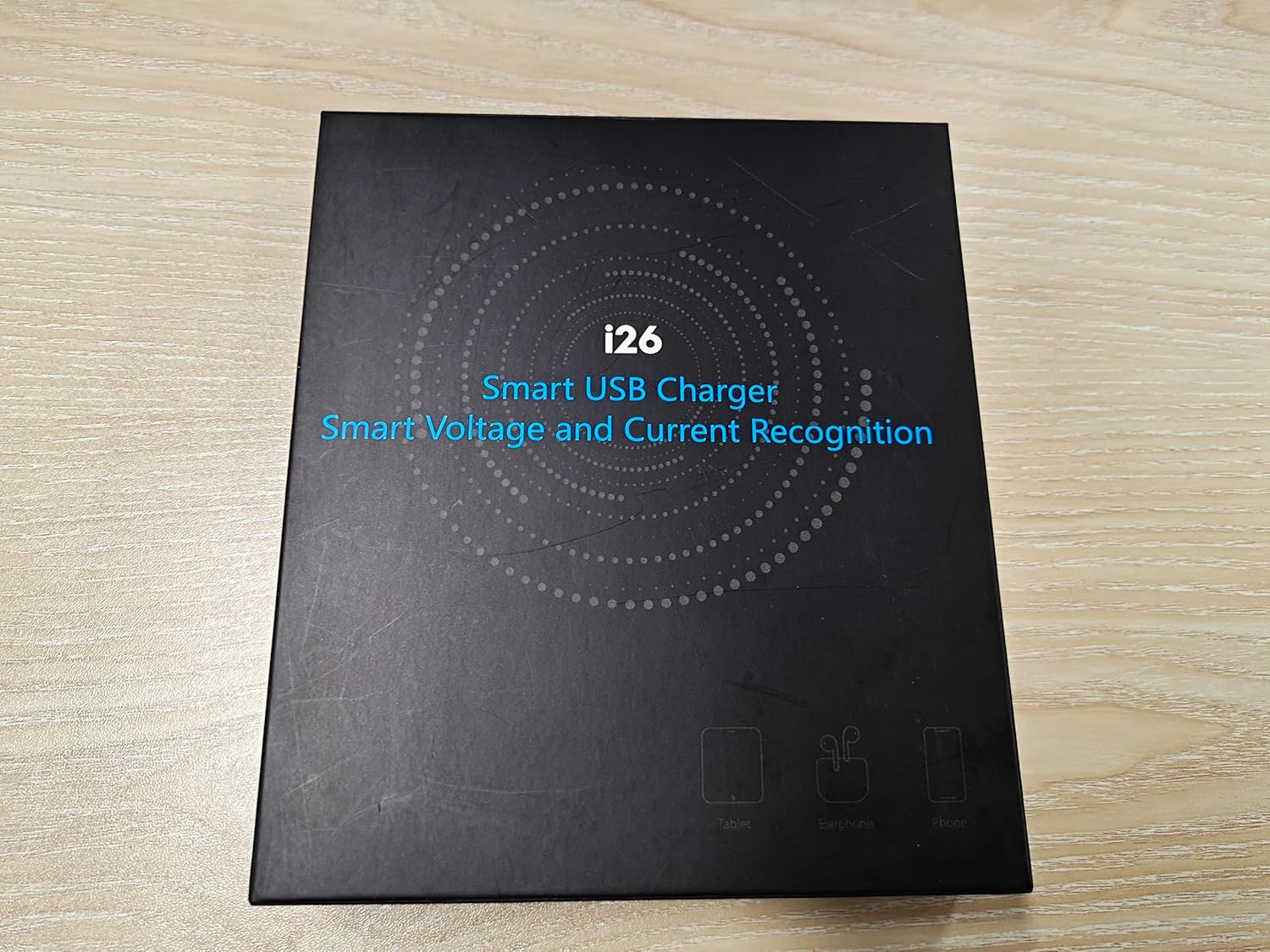
Figure 2: The product packaging for the YSYFAD 285W 6-Port USB Charging Station, indicating the contents.
Setup Instructions
- Unpack the Device: Carefully remove the charging station and its accessories from the packaging.
- Connect Power Cable: Insert the included power cable into the power input port on the back of the charging station.
- Plug into Wall Outlet: Connect the other end of the power cable to a standard wall outlet (AC 100-240V). The digital LCD display on the charging station should illuminate.
- Positioning: The charging station can be placed vertically or horizontally on your desk for optimal space utilization.

Figure 3: Illustration of how the charging station helps organize multiple device cables, showing a "before" and "after" comparison.
Operating Instructions
The YSYFAD 285W Charging Station is designed for intuitive operation. Once powered on, you can begin connecting your devices.
Connecting Devices:
- The charging station features three USB-C PD ports (USB-C1, USB-C2, USB-C3) and three USB-A QC 3.0 ports (USB-A1, USB-A2, USB-A3).
- Connect your devices using appropriate USB cables to any available port.
- The charger intelligently detects the connected device and delivers the optimal charging power.
Digital LCD Display:
The high-resolution LCD display provides real-time information about the charging process:
- "No.": Indicates the currently used USB port (rotates to display the number of the currently used USB port).
- "V": Displays the charging voltage in Volts.
- "A": Displays the charging current in Amperes.

Figure 4: Close-up of the digital LCD display, illustrating how to track charging voltage, current, and active port number.

Figure 5: The charging station in use, demonstrating its ability to charge up to six devices concurrently, including laptops, tablets, and smartphones.
Charging Guide and Power Output
The YSYFAD 285W Charging Station features intelligent power sharing to optimize charging speeds across all connected devices. The total combined output is 285W.
Individual Port Output:
- USB-C1 / USB-C2: Up to 100W (Power Delivery)
- USB-C3: Up to 30W (Power Delivery)
- USB-A1 / USB-A2 / USB-A3: Up to 18W (Quick Charge 3.0)
Power Distribution Examples:
The charger dynamically adjusts power output based on the number and type of connected devices. Here are some common scenarios:

Figure 6: Visual representation of the maximum power output for each individual port (USB-C1, C2, C3, A1, A2, A3).

Figure 7: Examples of power distribution when multiple USB-C and USB-A ports are in use, illustrating intelligent power sharing.

Figure 8: Further examples of power distribution, showing how the charger allocates power efficiently across different combinations of connected devices.

Figure 9: A comprehensive chart detailing the power output when all six ports are utilized, demonstrating the charger's full capacity.
Universal Compatibility
The YSYFAD 285W Charging Station is widely compatible with a broad range of electronic devices, including but not limited to:
- Laptops: MacBook Pro 13"/14"/16", MacBook Air 13"/15", Dell, Lenovo, Samsung laptops, and other USB-C enabled laptops.
- Smartphones: iPhone 15/14/13/12/11/X/8/7 Pro Max Plus series, Samsung Galaxy S24/S22 series, and other Android smartphones.
- Tablets: iPad Pro/Air/Mini, and other tablets.
- Wearables & Accessories: Apple Watch, AirPods, Nintendo Switch, earbuds, and other USB-powered devices.

Figure 10: A visual guide illustrating the wide range of compatible devices, from iPhones and MacBooks to iPads and other laptops.
Safety Features and GaN Technology
The YSYFAD Charging Station incorporates advanced GaN (Gallium Nitride) technology, which allows for higher power output in a smaller, more efficient form factor. It is equipped with a multi-protection system to ensure a safe charging experience for all your devices.
Built-in Protections:
- Over-Current Protection: Prevents damage from excessive current.
- Over-Charge Protection: Protects batteries from being overcharged.
- Over-Voltage Protection: Safeguards against voltage surges.
- Over-Temperature Protection: Prevents overheating during operation.
- Short-Circuit Protection: Automatically cuts off power in case of a short circuit.
- Smart Chip Protection: Intelligent chip management for stable and safe power delivery.
- Fireproof Material: Constructed with fire-resistant materials for enhanced safety.

Figure 11: An overview of the GaN3 technology and the comprehensive multi-protection system integrated into the charging station for user and device safety.
Maintenance
To ensure the longevity and optimal performance of your YSYFAD 285W Charging Station, please follow these maintenance guidelines:
- Cleaning: Disconnect the power cable before cleaning. Use a soft, dry cloth to wipe the surface of the device. Do not use liquid cleaners or aerosols.
- Storage: Store the charging station in a cool, dry place away from direct sunlight and extreme temperatures.
- Handle with Care: Avoid dropping or subjecting the device to strong impacts.
- Cable Management: Ensure cables are not excessively bent or tangled to prevent damage.
Troubleshooting
If you encounter any issues with your YSYFAD 285W Charging Station, please refer to the following common troubleshooting steps:
| Problem | Possible Cause | Solution |
|---|---|---|
| Device not charging. | Loose cable connection, faulty cable, power outlet issue, device not compatible. | Ensure all cables are securely connected. Try a different USB cable. Test the power outlet with another device. Verify device compatibility. |
| Slow charging speed. | Using a non-fast charging cable, too many devices connected, device not supporting fast charge. | Use a high-quality, fast-charging compatible cable. Disconnect some devices to allow higher power to specific ports. Ensure your device supports the fast charging protocol (PD/QC). |
| LCD display not working. | Power issue, internal malfunction. | Check if the power cable is properly connected and the unit is receiving power. If the issue persists, contact customer support. |
| Charging station feels warm. | Normal operation, heavy load. | It is normal for the charger to feel warm during heavy use due to power conversion. If it becomes excessively hot, disconnect all devices and power, and allow it to cool down. Ensure proper ventilation. |
Specifications
| Feature | Detail |
|---|---|
| Product Dimensions | 4.65 x 3.7 x 1.06 inches |
| Item Weight | 9.7 ounces |
| Model Number | i26 |
| Total Power Output | 285W (Max) |
| Input Voltage | 120 Volts |
| Connectivity Technology | USB (USB Type A, USB Type C) |
| Special Features | Charging Indicator, Fast Charging, Lightweight Design, Short Circuit Protection, Travel |
| Color | Black |
| Manufacturer | Shenzhen Ruifeng Microelectronics Co. LTD |
Warranty and Support
YSYFAD products are designed and manufactured to the highest quality standards. For information regarding warranty coverage, technical support, or service inquiries, please refer to the contact information provided on the product packaging or visit the official YSYFAD website.
Please retain your proof of purchase for warranty claims.


