
1. Introduction
Thank you for choosing SANOTO Bone Conduction Headphones, Model X2. These innovative headphones are designed to provide a unique audio experience by transmitting sound through your cheekbones, keeping your ears open to your surroundings. With IP68 waterproofing and a built-in MP3 player, they are perfect for various activities including swimming, running, and daily use. This manual will guide you through the setup, operation, and maintenance of your new headphones.

Image: SANOTO Bone Conduction Headphones, Model X2, shown with water splashes, highlighting its waterproof design.
2. Package Contents
Please check the box for the following items:
- Bone Conduction Headphones (X2) x 1
- Storage Bag x 1
- Earplugs x 2
- Magnetic Charging Cable x 2
- Transfer Port x 1
3. Product Features
3.1 Open-Ear Design
The SANOTO X2 headphones utilize bone conduction technology to deliver sound directly to your inner ear through your cheekbones. This open-ear design ensures your ear canals remain free, allowing you to stay aware of your surroundings while enjoying audio. This enhances safety during outdoor activities and prevents ear discomfort associated with traditional in-ear headphones.

Image: A woman wearing the SANOTO X2 headphones while relaxing by a pool, illustrating the comfortable open-ear fit.
3.2 IP68 Waterproof Rating
Engineered for aquatic environments, the SANOTO X2 boasts an IP68 waterproof rating, making it fully submersible. This allows for worry-free use during swimming, snorkeling, and other water sports. The robust design protects against sweat and water immersion.
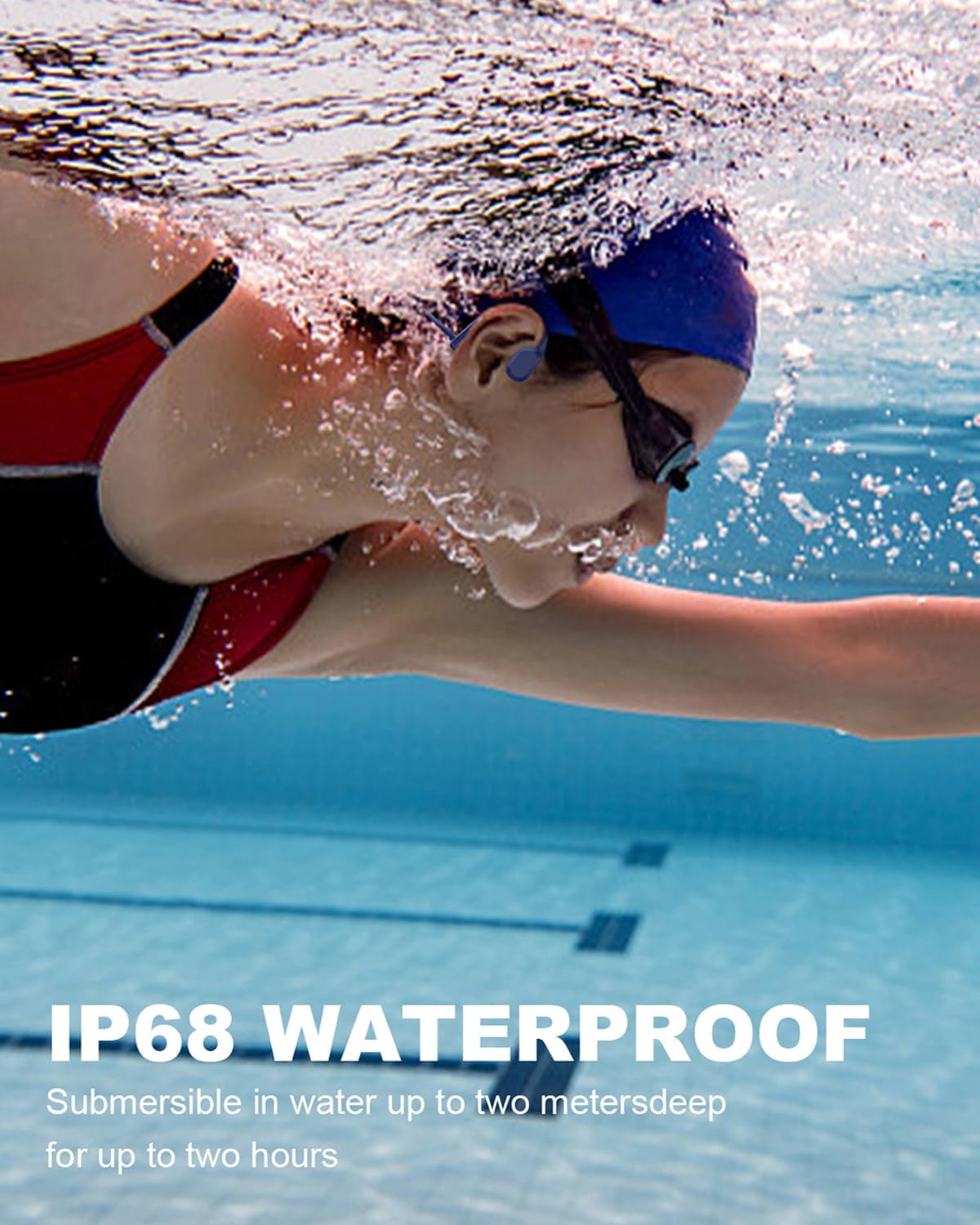
Image: A person swimming underwater with the SANOTO X2 headphones, showcasing its IP68 waterproof capability.
3.3 Built-in 8GB MP3 Player
The headphones feature an integrated 8GB internal memory, capable of storing approximately 3000 songs. This allows you to enjoy your music offline, without needing a connected device, which is particularly useful for swimming or when out of Bluetooth range. Supported audio formats include MP3, FLAC, WMA, and WAV.

Image: A cutaway diagram of the SANOTO X2 headphones highlighting the internal 8GB MP3 storage chip.
3.4 High-Quality Sound & Microphone
Experience clear audio with stable Bluetooth 5.2 connectivity. The headphones are equipped with a dual microphone system featuring noise cancellation, ensuring clear calls even in noisy environments.
3.5 Long Battery Life
A full charge provides up to 8 hours of continuous music playback. The headphones also offer an impressive standby time of up to 10 days, ensuring they are ready when you are.
3.6 Comfortable & Secure Fit
Designed with a lightweight, wrap-around titanium frame, the headphones provide a secure and comfortable fit that stays in place during intense movements and various sports activities.

Image: A man surfing while wearing the SANOTO X2 headphones, demonstrating the secure and comfortable fit during dynamic activity.
4. Setup Guide
4.1 Charging the Headphones
Before first use, fully charge your headphones. Use the provided magnetic charging cable. Connect the magnetic end to the charging port on the headphones and the USB end to a standard USB power adapter (not included) or a computer's USB port.
- Charging time: Approximately 2 hours for a full charge.
- The LED indicator will show charging status (refer to specific light patterns in quick start guide if available).

Image: Close-up of the magnetic charging cable connecting to the charging port on the SANOTO X2 headphones.
4.2 Power On/Off
- Power On: Press and hold the Power button for 3 seconds until the LED indicator lights up and you hear a power-on prompt.
- Power Off: Press and hold the Power button for 3 seconds until the LED indicator turns off and you hear a power-off prompt.
4.3 Bluetooth Pairing
To connect your headphones to a Bluetooth-enabled device (smartphone, tablet, laptop):
- Ensure the headphones are powered off.
- Press and hold the Power button for 5-7 seconds until the LED indicator flashes red and blue alternately, indicating pairing mode.
- On your device, enable Bluetooth and search for available devices.
- Select "SANOTO X2" from the list.
- Once connected, the LED indicator will turn solid blue, and you will hear a connection confirmation.
4.4 MP3 Mode and File Transfer
The SANOTO X2 headphones have a built-in 8GB MP3 player for offline music. To transfer music files:
- Connect the headphones to your computer using the provided magnetic charging cable and transfer port. The computer should recognize the headphones as a removable disk drive.
- Open the recognized drive on your computer.
- Drag and drop your desired audio files (MP3, FLAC, WMA, WAV) into the headphone's storage folder.
- Once files are transferred, safely eject the drive from your computer before disconnecting the cable.
Note: If your computer (e.g., certain Mac models) does not immediately recognize the device, ensure the transfer port is securely connected and try a different USB port or restart your computer. The headphones function as a standard USB mass storage device for file transfer.
5. Operating Instructions
5.1 Button Controls
The headphones feature intuitive button controls for easy operation:
| Button/Action | Function |
|---|---|
| Power Button (Multi-function) | Press and hold for 3s: Power On/Off Press and hold for 5-7s (from off): Pairing Mode Single press: Play/Pause (music), Answer/End call Double press: Redial last number |
| Volume Up (+) | Single press: Increase volume Press and hold: Next track |
| Volume Down (-) | Single press: Decrease volume Press and hold: Previous track |
| Mode Button | Single press: Switch between Bluetooth Mode and MP3 Mode |
5.2 Wearing Instructions
Place the headphones with the transducers resting on your cheekbones, just in front of your ears. The band should wrap around the back of your head. Adjust for a comfortable and secure fit.
5.3 Using in Water (Swimming Mode)
When using the headphones for swimming or other underwater activities, it is crucial to switch to MP3 mode. Bluetooth signals do not transmit effectively underwater.
- Ensure you have transferred your desired music files to the 8GB internal memory (see Section 4.4).
- Before entering the water, press the Mode button to switch to MP3 mode.
- For optimal sound quality underwater, use the included earplugs to block out water noise.
Video: Demonstration of SANOTO Bone Conduction Swimming Headphones in use, highlighting their waterproof capabilities and suitability for swimming. This video shows the headphones being used both above and below water, emphasizing their design for aquatic activities.
6. Maintenance
- Cleaning: After use, especially after swimming, rinse the headphones with clean fresh water to remove chlorine or salt. Wipe them dry with a soft cloth. Do not use harsh chemicals or abrasive materials.
- Storage: Store the headphones in the provided storage bag in a cool, dry place away from direct sunlight and extreme temperatures.
- Charging Port: Ensure the magnetic charging contacts are clean and dry before charging to prevent corrosion.
- Waterproofing: While IP68 rated, avoid prolonged submersion beyond recommended depths (up to 2 meters) or durations (up to 2 hours). Do not charge the headphones if they are wet.
7. Troubleshooting
- Headphones not powering on: Ensure the headphones are fully charged. Connect to the charger and wait a few minutes before attempting to power on again.
- No sound: Check the volume level on both the headphones and your connected device. Ensure the headphones are correctly paired (Bluetooth mode) or have music loaded (MP3 mode). Try switching modes.
- Cannot pair via Bluetooth: Ensure the headphones are in pairing mode (flashing red and blue LED). Turn off and on Bluetooth on your device. Try forgetting the device in your Bluetooth settings and re-pairing. Move closer to your device.
- MP3 files not transferring or recognized by computer: Ensure the magnetic charging cable and transfer port are securely connected. Try a different USB port on your computer. Restart your computer. Verify that the audio files are in a supported format (MP3, FLAC, WMA, WAV).
- Buttons unresponsive: Try resetting the headphones by holding the Power button for 10-15 seconds until it powers off, then power it back on. If the issue persists, ensure the headphones are dry and clean.
- Poor sound quality underwater: Ensure you are in MP3 mode. Use the provided earplugs to improve sound clarity by blocking external water noise.
8. Specifications
| Feature | Detail |
|---|---|
| Model Name | X2 |
| Connectivity Technology | Wireless (Bluetooth 5.2) |
| Water Resistance Level | IP68 Waterproof |
| Built-in Memory | 8GB (stores up to 3000 songs) |
| Supported Audio Formats | MP3, FLAC, WMA, WAV |
| Battery Life (Playback) | Up to 8 Hours |
| Charging Time | Approximately 2 Hours |
| Standby Time | Up to 10 Days |
| Control Type | Button Control |
| Item Weight | 30 Grams |
| Material | Plastic |
| Recommended Uses | Cycling, Running, Swimming, Exercising |
| Compatible Devices | Cellphones, Tablets, Laptops, Desktops |
9. Warranty and Support
SANOTO is committed to providing high-quality products and excellent customer service. Your SANOTO Bone Conduction Headphones are backed by a comprehensive warranty. For specific warranty details and registration, please refer to the warranty card included in your package or visit the official SANOTO website.
If you encounter any issues or have questions regarding your headphones, please contact SANOTO customer support. Our team is dedicated to assisting you promptly and efficiently.
- Online Support: Visit the SANOTO official website for FAQs, troubleshooting guides, and contact information.
- Email Support: Refer to your product packaging or the official website for the customer service email address.

