Introduction
Welcome to the user manual for your Sentry HPXBTA100 True Wireless Earbuds. These earbuds are designed to provide a premium audio experience with advanced features such as Active Noise Canceling, an in-line microphone for clear calls, and intuitive touch controls. This manual will guide you through the setup, operation, maintenance, and troubleshooting of your new earbuds.

Image: Sentry HPXBTA100 True Wireless Earbuds with their charging case.
What's in the Box
Upon opening your Sentry HPXBTA100 package, you should find the following items:
- Sentry HPXBTA100 True Wireless Earbuds (Left and Right)
- Charging Case
- User Manual (this document)
- USB Charging Cable
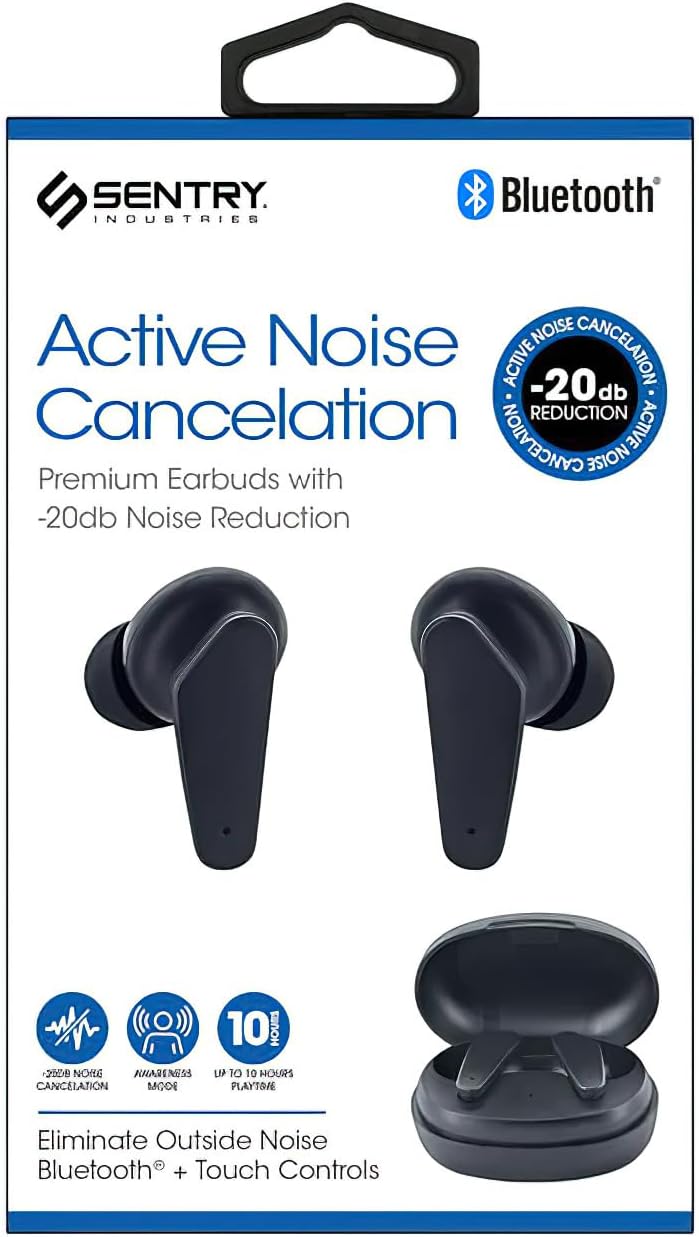
Image: Retail packaging of the Sentry HPXBTA100 Earbuds, showing the earbuds and case.
Product Features
The Sentry HPXBTA100 earbuds are equipped with several features designed to enhance your listening experience:
- Active Noise Canceling (ANC): Reduces ambient noise for immersive audio.
- Extra Soft Noise Reduction Earpads: Provides comfort and aids in passive noise isolation.
- In-line Microphone: Enables clear hands-free calls.
- Touch Control Buttons: Intuitive controls for managing audio playback and calls.
- Wireless Connectivity: Utilizes Bluetooth for seamless connection to your devices.
Video: An overview of the Sentry HPXBTA100 True Wireless Earbuds, highlighting key features and design.
Setup Guide
1. Charging the Earbuds and Case
Before first use, ensure both the earbuds and the charging case are fully charged.
- Place the earbuds into their respective slots in the charging case.
- Connect the charging case to a USB power source using the provided USB cable.
- The indicator lights on the case and/or earbuds will show charging status.
- Once fully charged, disconnect the cable.

Image: The Sentry HPXBTA100 Earbuds resting inside their open charging case.
2. Pairing with Your Device
Follow these steps to pair your earbuds with a Bluetooth-enabled device:
- Ensure the earbuds are charged and placed in the charging case.
- Open the charging case. The earbuds will automatically enter pairing mode.
- On your device (smartphone, tablet, laptop), go to Bluetooth settings and turn Bluetooth on.
- Search for available devices. You should see "HPXBTA100" or "Sentry HPXBTA100" in the list.
- Select the earbuds to connect. Once connected, you will hear an audio prompt, and the indicator light on the earbuds will change.
- The earbuds will automatically reconnect to the last paired device when taken out of the case, if Bluetooth is enabled on the device.
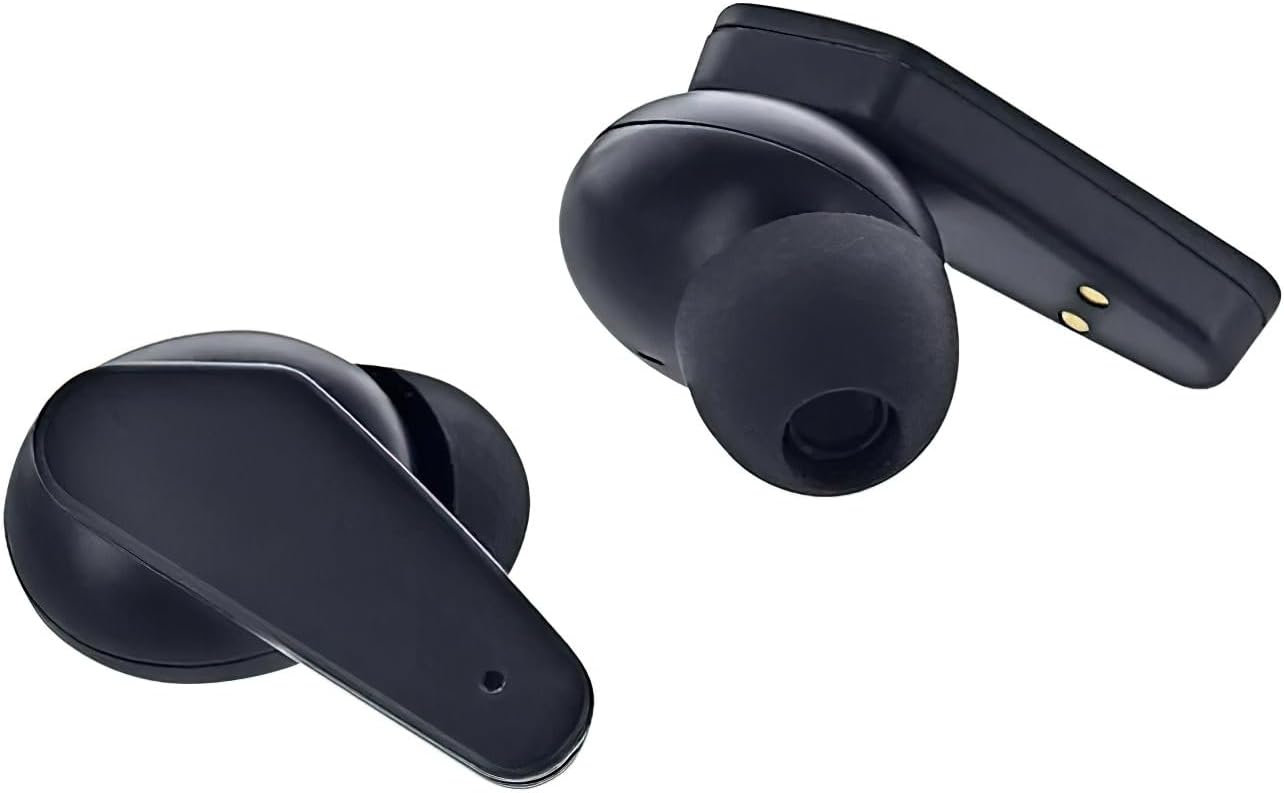
Image: Close-up of the Sentry HPXBTA100 Earbuds, highlighting their design and charging contacts.
Operating Instructions
Touch Controls
The Sentry HPXBTA100 earbuds feature intuitive touch controls on each earbud. The specific functions may vary slightly, but common controls include:
- Single Tap: Play/Pause music, Answer/End call.
- Double Tap (Left Earbud): Previous track.
- Double Tap (Right Earbud): Next track.
- Triple Tap: Activate voice assistant.
- Long Press (Left Earbud): Decrease volume.
- Long Press (Right Earbud): Increase volume.
- Long Press (Either Earbud, during call): Reject call.
- Long Press (Either Earbud, not during call): Toggle Active Noise Canceling (ANC) / Awareness Mode.
Note: Specific touch control functions might be detailed further in the product's quick start guide or on the manufacturer's website.
Active Noise Canceling (ANC) and Awareness Mode
Your earbuds are equipped with Active Noise Canceling technology to minimize external distractions. Awareness Mode allows you to hear your surroundings while still enjoying your audio.
- To toggle between ANC, Awareness Mode, and normal mode, perform a long press on the designated touch control area of either earbud.
- An audio prompt will indicate the current mode.
Maintenance
Cleaning Your Earbuds
Regular cleaning helps maintain sound quality and hygiene.
- Use a soft, dry, lint-free cloth to wipe the earbuds and charging case.
- For ear tips, gently remove them and clean with a mild soap solution if necessary, then rinse and dry thoroughly before reattaching.
- Do not use abrasive cleaners, alcohol, or chemical solvents.
- Avoid getting moisture in any openings.
Storage
When not in use, store your earbuds in their charging case to protect them and keep them charged. Store in a cool, dry place away from extreme temperatures.
Troubleshooting
If you encounter issues with your Sentry HPXBTA100 earbuds, try the following solutions:
| Problem | Solution |
|---|---|
| Earbuds not pairing |
|
| No sound from earbuds |
|
| Microphone not working |
|
| Active Noise Canceling not effective |
|
Specifications
Detailed technical specifications for the Sentry HPXBTA100 True Wireless Earbuds:
| Feature | Detail |
|---|---|
| Model Name | HPXBTA100 |
| Connectivity Technology | Wireless (Bluetooth) |
| Drive Unit | 40mm |
| Frequency Range | 20Hz - 20KHz |
| Sensitivity | 100dB +/- 3dB |
| Impedance | 32 +/- 3 Ohms |
| Rated Power | 150mW |
| Control Type | Media Control (Touch) |
| Noise Control | Active Noise Cancellation |
| Item Weight | 6.4 ounces |
| Package Dimensions | 6.93 x 4.02 x 1.54 inches |
Warranty and Support
Warranty Information
Your Sentry HPXBTA100 True Wireless Earbuds come with a standard manufacturer's warranty. Please refer to the product packaging or the manufacturer's official website for specific warranty terms and conditions, including coverage duration and claim procedures. Keep your proof of purchase for warranty claims.
Customer Support
For further assistance, technical support, or inquiries not covered in this manual, please contact Sentry customer support. Contact details can typically be found on the product packaging, the manufacturer's official website, or through your retailer.
Online Resources: For the most up-to-date information, FAQs, and additional support, please visit the official Sentry product page or support section online.