
1. Product Overview
The TPOB XO Premium Brushless Trimmer is a professional-grade hair cutting tool designed for precision and durability. Featuring a powerful digital brushless motor and a full metal body, this trimmer offers a quiet operation and a long-lasting battery life, making it suitable for various grooming tasks.

2. Safety Information
Please read and understand all safety instructions before using the TPOB XO Premium Brushless Trimmer to prevent injury or damage to the device.
- Always keep the blades away from the skin to avoid nicks and cuts.
- Do not use the trimmer on infants or near water sources.
- Always unplug the charging base before handling the trimmer.
- Use only the appropriate charger and do not use outside the US without an appropriate adapter.
- Always follow the recommended cleaning and maintenance procedures.
3. Package Contents
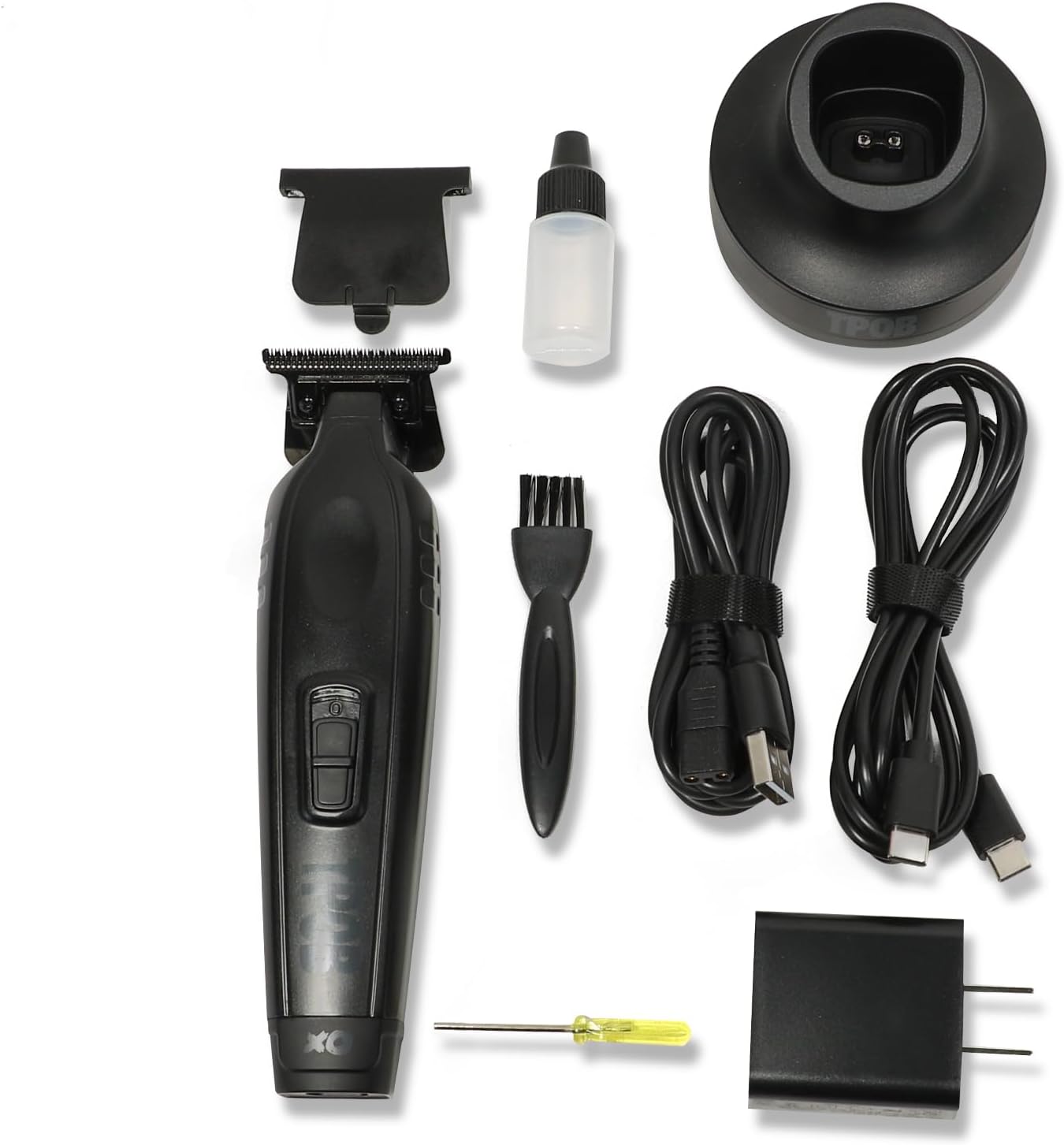
Your TPOB XO Premium Brushless Trimmer package includes the following items:
- TPOB XO Premium Brushless Trimmer
- Charging Base
- 8 Premium Guide Combs
- USB-C Charging Cable and Power Adapter
- Blade Oil
- Cleaning Brush
- Screwdriver for blade adjustment
4. Setup
- Initial Charge: Before first use, fully charge the trimmer. Connect the USB-C charging cable to the charging base and plug the adapter into a power outlet. Place the trimmer onto the charging base. The indicator light will show charging status. A full charge provides approximately 4 hours of run time.
- Attaching Guide Combs: Select the desired guide comb for your preferred hair length. Align the comb with the trimmer blade and snap it securely into place. Ensure it is firmly attached before use.
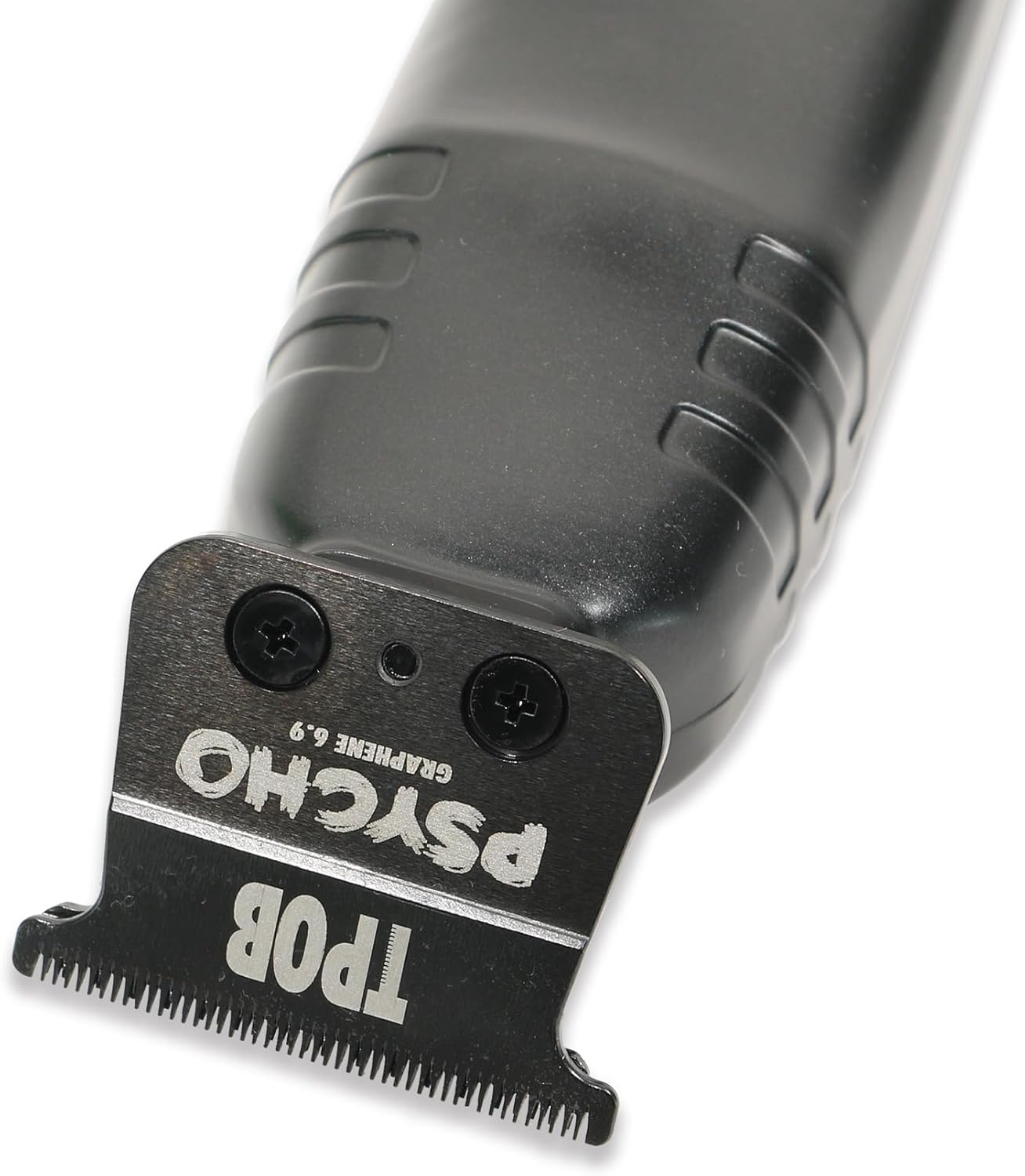
- Blade Adjustment (Optional): The XO Blade with deep tooth chunky cutting blade is pre-set for professional use. If adjustment is needed, use the provided screwdriver to carefully loosen the blade screws, adjust to your desired zero-gap or cutting preference, and then tighten securely.

Setup Video Guide
This video demonstrates the unboxing process of a TPOB Play bundle, showcasing the contents and initial presentation of the clippers and accessories.
5. Operating Instructions
- Power On/Off: Press the power button to turn the trimmer on. Press it again to turn it off.
- Cutting Hair: Hold the trimmer firmly and guide it against the direction of hair growth. Use smooth, even strokes for best results. The XO Blade is designed for deep tooth chunky cutting, ideal for professional hair clipping and creating sharp lines.
- Lever Arm: The stretch 5 clicking lever arm allows for precise adjustments, making these perfect fade clippers.
- Quiet Operation: The digital brushless motor operates at 7200 RPM with constant torque, ensuring extremely quiet performance while cutting.
Operation Video Guides
A short video highlighting the quiet operation and precise blade movement of the TPOB X Trimmer during use.
This video shows the TPOB Play Trimmer being used for hair trimming, demonstrating its performance and handling.
6. Maintenance
Regular maintenance ensures optimal performance and extends the lifespan of your trimmer.
- Cleaning Blades: After each use, turn off the trimmer and use the provided cleaning brush to remove any loose hair from the blades.
- Oiling Blades: Apply a small drop of blade oil to the teeth of the blades after every few uses or as needed. Turn the trimmer on for a few seconds to distribute the oil evenly. This helps maintain blade sharpness and prevents rust.
- Storage: Store the trimmer in a dry place, preferably on its charging base, away from direct sunlight and moisture.
7. Troubleshooting
If you encounter any issues with your TPOB XO Premium Brushless Trimmer, please refer to the following common problems and solutions:
- Trimmer is Loud or Vibrating Excessively: This can sometimes occur after extended use. Ensure the blades are clean and properly oiled. Check if the blade screws are securely tightened. If the issue persists, contact customer support.
- Battery Not Holding Charge: Ensure the charging cable and adapter are correctly connected to both the base and a working power outlet. Verify that the trimmer is properly seated on the charging base. If the battery life has significantly diminished over time, it may indicate battery degradation, and replacement might be necessary.
- Poor Cutting Performance: Ensure the blades are clean and free of hair buildup. Apply blade oil. If the blades feel dull, they may need to be sharpened or replaced.
For further assistance, please contact TPOB customer support.
8. Specifications
| Feature | Specification |
|---|---|
| Model Number | XO |
| Power Source | Battery Powered |
| Motor Type | Digital Brushless Motor |
| RPM | 7200 RPM |
| Battery Type | 1 Lithium Ion battery (included) |
| Battery Life | Approximately 4 hours |
| Body Material | Full Metal Body |
| Item Weight | 1 Grams (Note: This weight seems unusually low and may be a data entry error. Please refer to product packaging for accurate weight.) |
| Package Dimensions | 8.15 x 6.3 x 2.64 inches |
9. Warranty and Support
TPOB products are manufactured to high-quality standards. For specific warranty details and terms, please refer to the warranty card included in your product packaging or visit the official TPOB website. If you require technical support, have questions about product operation, or need assistance with troubleshooting, please contact TPOB customer service through their official channels.