Introduction
Thank you for choosing the YUMONDEAR FOCUS 1 Bluetooth Headphones. This manual provides essential information for the safe and efficient use of your new headphones. Please read it thoroughly before use and retain it for future reference.
Package Contents
- 1x YUMONDEAR FOCUS 1 Bluetooth Headphones
- 1x 3.5mm AUX Cable
- 1x Charging Cable (USB-C)
- 1x User Manual
Product Overview
The YUMONDEAR FOCUS 1 headphones are designed for comfort and high-fidelity audio, featuring Bluetooth 5.3 connectivity, 80 hours of playtime, and multiple EQ modes. They are foldable for portability and include a built-in ENC microphone for clear calls.

Image: YUMONDEAR FOCUS 1 Bluetooth Headphones, showcasing the overall design in pink.
Key Features
- Bluetooth 5.3: Stable and fast wireless connection up to 20 meters (66 feet).
- 80 Hours Playtime: Extended battery life on a single charge.
- 3 EQ Modes: Switch between well-balanced, bass-boosted, and high-definition sound profiles.
- Built-in ENC Microphone: Enhanced clarity for calls in noisy environments.
- Foldable Design: Easy storage and portability.
- Multi-device Connectivity: Connects to two devices simultaneously.
- Comfortable Fit: Adjustable headband and soft memory protein earcups.
Setup and Pairing
Charging the Headphones
Before first use, fully charge your headphones. Connect the provided charging cable to the USB-C port on the headphones and the other end to a USB power source (e.g., computer, wall adapter). The LED indicator will show charging status and turn off when fully charged.
- Quick Charge: 5 minutes of charging provides 3-4 hours of playtime.
- Full Charge: Approximately 2 hours for 80 hours of playtime.

Image: Graphic illustrating the 80-hour playtime capability of the headphones, with quick charge details.
Bluetooth Pairing
- Ensure the headphones are charged and powered off.
- Press and hold the Power button until the LED indicator flashes blue and red, indicating pairing mode.
- On your device (smartphone, PC, tablet), enable Bluetooth.
- Search for "FOCUS 1" in the list of available Bluetooth devices.
- Select "FOCUS 1" to connect. The LED indicator will turn solid blue when successfully paired.
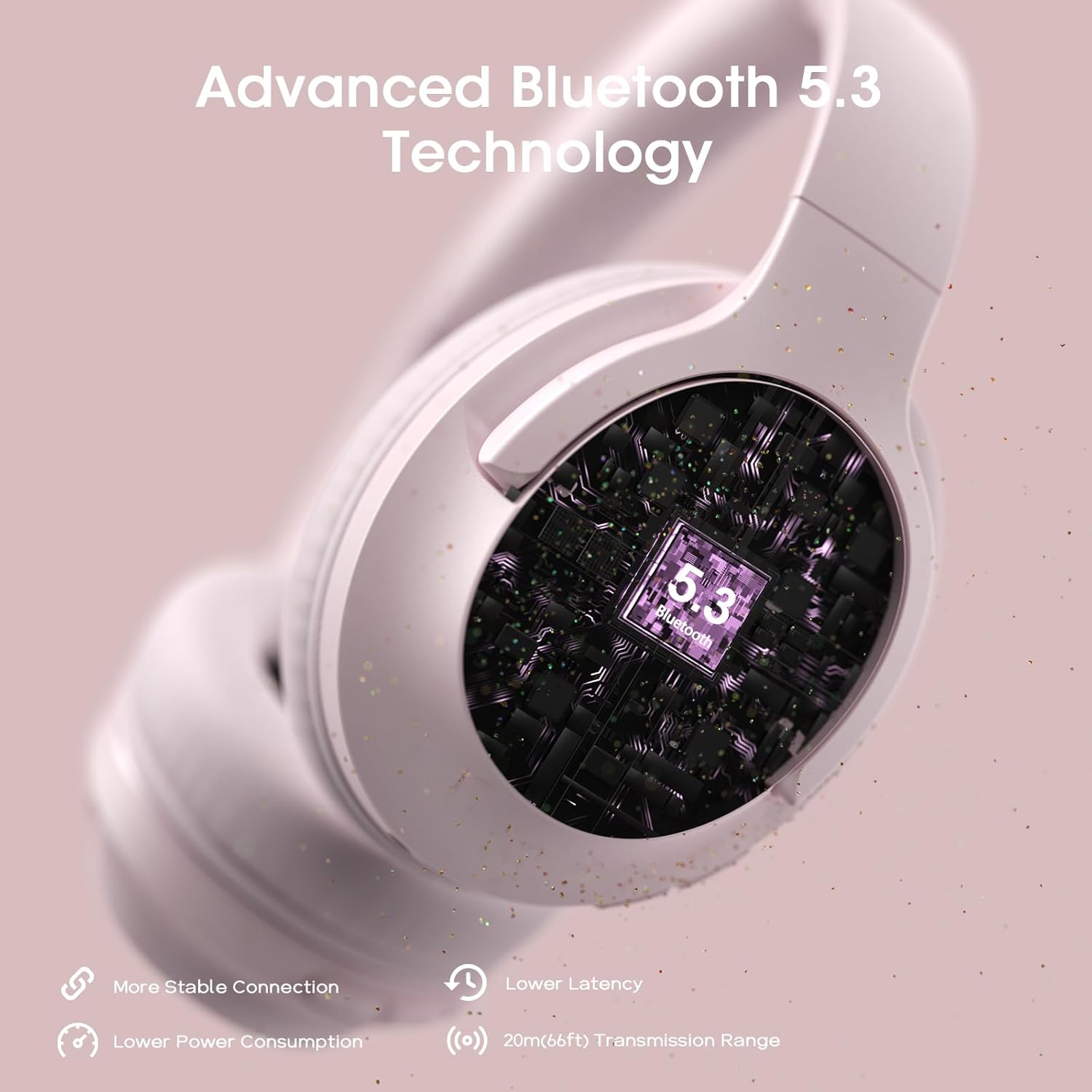
Image: Close-up of the headphone earcup highlighting the Bluetooth 5.3 technology.
Connecting to Two Devices Simultaneously
The FOCUS 1 headphones support multi-point connection, allowing you to connect to two Bluetooth devices at the same time.
- Pair the headphones with the first device as described above.
- Disable Bluetooth on the first device.
- Pair the headphones with the second device.
- Re-enable Bluetooth on the first device. The headphones should now be connected to both devices.

Image: Illustration of the headphones simultaneously connected to a laptop and a smartphone, demonstrating multi-device connectivity.
Operating Instructions
Basic Controls
The headphones feature intuitive controls located on the earcups. Refer to the diagram below for button layout (if available on product itself, otherwise general description):
- Power Button: Press and hold to power on/off. Short press for play/pause.
- Volume Up (+): Short press to increase volume. Long press for next track.
- Volume Down (-): Short press to decrease volume. Long press for previous track.
- EQ Button: Short press to cycle through EQ modes.
EQ Modes
The YUMONDEAR FOCUS 1 headphones offer three distinct EQ modes to customize your listening experience:
- Well-Balanced: Standard audio profile, suitable for most genres.
- Bass Boosted: Enhances low frequencies for a more powerful bass.
- High Definition: Provides clearer treble and detailed sound.
Press the EQ button on the earcup to switch between these modes.

Image: Diagram illustrating the three available sound effects (EQ modes) and how to activate them.
Making and Receiving Calls
The built-in ENC microphone allows for clear hands-free calls.
- Answer/End Call: Short press the Power button.
- Reject Call: Press and hold the Power button for 2 seconds.
- Activate Voice Assistant: Double-press the Power button (compatible with smartphones).

Image: A person wearing the headphones, demonstrating the use of the built-in ENC microphone for clear calls.
Wired Mode (3.5mm AUX)
You can use the headphones in wired mode when the battery is low or with non-Bluetooth devices. Simply connect the provided 3.5mm AUX cable to the headphone's audio jack and your device's audio output.
Maintenance and Care
To ensure the longevity and optimal performance of your YUMONDEAR FOCUS 1 headphones, follow these care guidelines:
- Cleaning: Use a soft, dry cloth to wipe the headphones. Do not use abrasive cleaners or solvents.
- Storage: When not in use, store the headphones in a cool, dry place. The foldable design allows for compact storage.
- Water Resistance: These headphones are NOT water resistant. Avoid exposure to water, rain, or excessive moisture.
- Temperature: Do not expose to extreme temperatures (hot or cold).
- Battery Care: For optimal battery life, avoid fully discharging the battery frequently. Charge regularly.
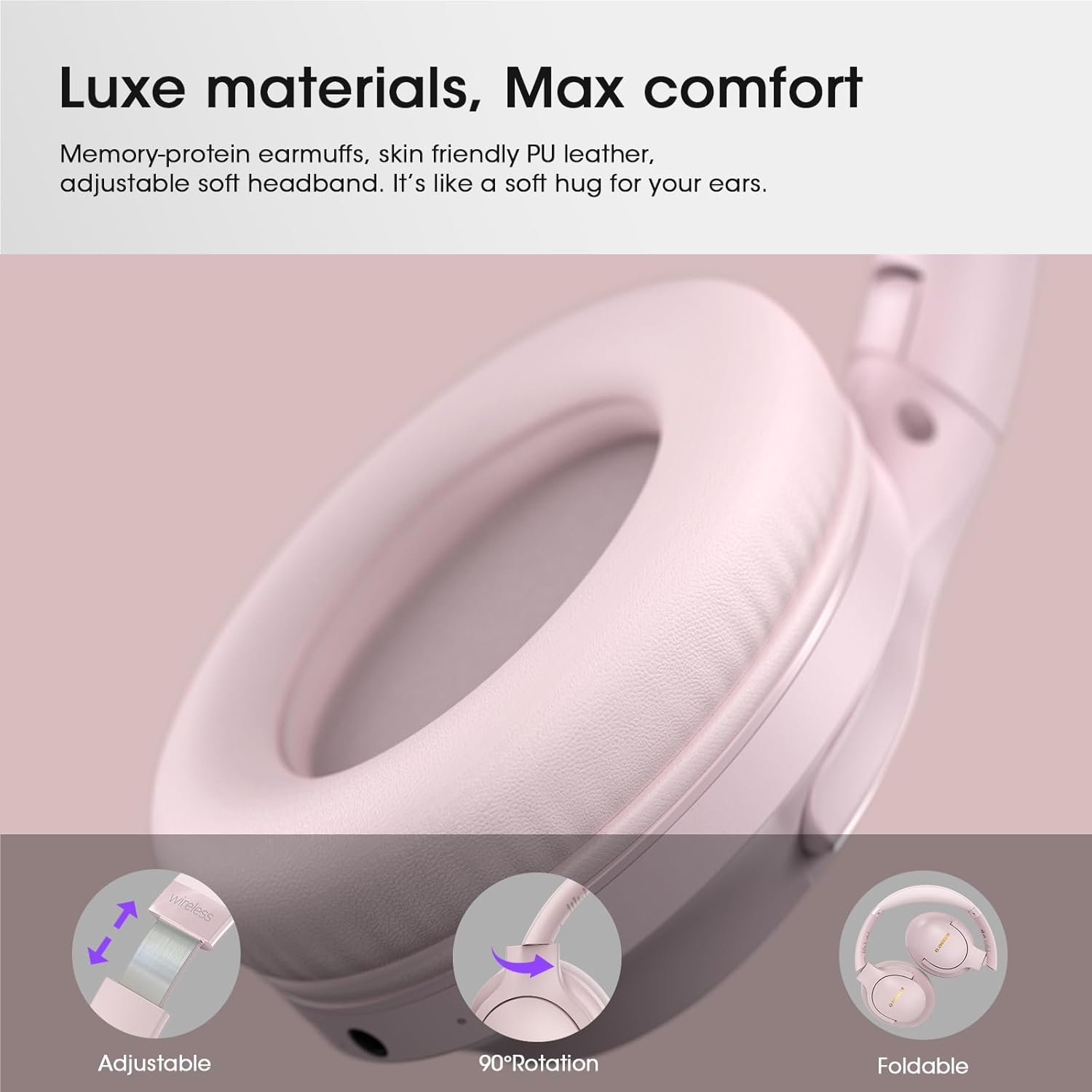
Image: Close-up of the headphones highlighting adjustable, rotatable, and foldable features for comfort and storage.
Troubleshooting
If you encounter issues with your headphones, please refer to the following common solutions:
| Problem | Solution |
|---|---|
| Headphones won't turn on. | Ensure the headphones are fully charged. Connect to a power source and try again. |
| Cannot pair with device. |
|
| No sound or low volume. |
|
| Call quality is poor. |
|
| Headphones disconnect frequently. |
|
Specifications
| Feature | Detail |
|---|---|
| Model Name | US-FOCUS 1 |
| Connectivity Technology | Bluetooth 5.3 and 3.5mm Wired |
| Wireless Communication Technology | Bluetooth |
| Bluetooth Version | 5.3 |
| Bluetooth Range | Up to 20 meters (66 feet) |
| Audio Driver Type | Dynamic Driver |
| Audio Driver Size | 40 mm |
| Frequency Range | 20 Hz - 20,000 Hz |
| Earpiece Shape | Over Ear |
| Form Factor | Over Ear |
| Headphones Jack | 3.5 mm Jack |
| Battery Type | 1 Lithium Polymer (included) |
| Playtime | Up to 80 hours |
| Charging Time | Approx. 2 hours for full charge |
| Microphone | Built-in ENC Microphone |
| Control Type | Media Control, Remote |
| Special Features | Adjustable Headband, Built-In Voice Assistant, Foldable, Noise Isolation (ENC for calls) |
| Water Resistance Level | Not Water Resistant |
| Item Weight | 0.29 Kilograms (10.2 ounces) |
| Manufacturer | YUMONDEAR |
Warranty and Support
Warranty Information
Please refer to the warranty card included in your product packaging or contact YUMONDEAR customer service for detailed warranty terms and conditions. Typically, warranty covers manufacturing defects from the date of purchase.
Customer Support
For any questions, technical assistance, or support inquiries regarding your YUMONDEAR FOCUS 1 headphones, please contact our customer service team. All email inquiries will be processed within 24 hours.
Contact Information: Please refer to the contact details provided on the product packaging or the official YUMONDEAR website.


