1. Introduction
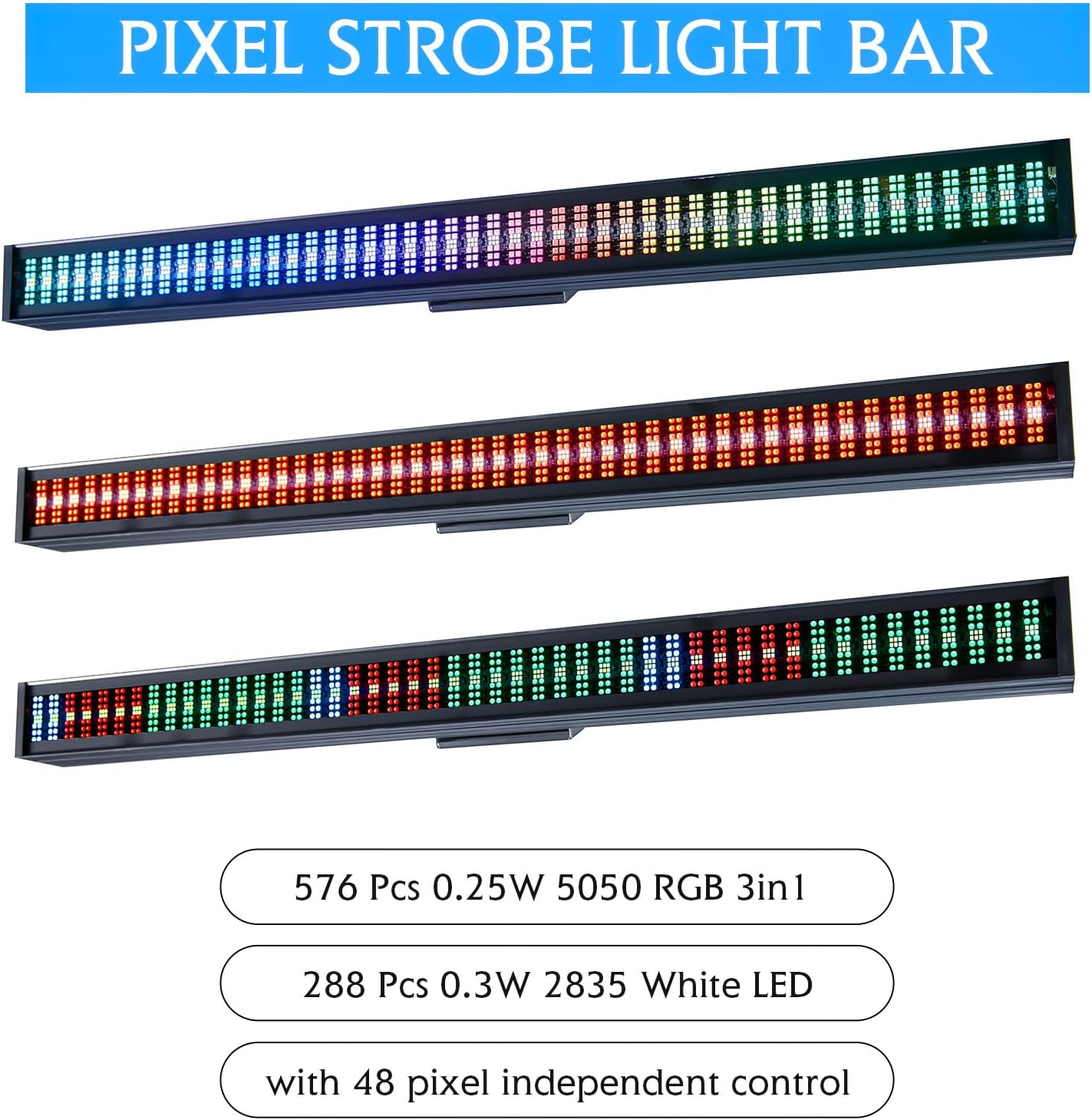
The XFALIGHTS 200W LED DJ Light Bar is a high-performance lighting fixture designed for professional stage washing and pixel mapping applications. Featuring 576 RGB 5050 SMD LEDs and 288 0.3W 2835 White LEDs, this light bar delivers vibrant colors and dynamic effects. It includes multiple control modes such as DMX512, automatic programs, sound activation, and Master/Slave functionality, offering extensive customization for various events including parties, clubs, weddings, and church gatherings.
2. What's in the Box
Please check the package contents upon receipt to ensure all items are present and undamaged:
- 1 x XFALIGHTS 200W LED DJ Light Bar
- 1 x Power Cable
- 1 x DMX Cable
- 1 x Bow Mount with 2 Screws
- 1 x User Manual (this document)
3. Setup Instructions
3.1 Mounting the Light Bar
The light bar can be mounted using the included bow mount. Secure the mount to a stable surface or truss using appropriate clamps (not included) and the provided screws. Ensure the fixture is securely fastened before operation.
3.2 Power Connection
Connect the provided power cable to the 'POWER IN' port on the rear of the light bar and then to a suitable power outlet (110V~240V, 50-60Hz). For daisy-chaining multiple units, use the 'POWER OUT' port to connect to the next fixture's 'POWER IN' port.
3.3 DMX Connection
For DMX control, connect a DMX controller to the 'DMX IN' port using the provided 3-pin XLR DMX cable. To link multiple fixtures, connect the 'DMX OUT' port of the first fixture to the 'DMX IN' port of the next, and so on. Ensure the last fixture in the chain has a DMX terminator (not included) connected to its 'DMX OUT' port for stable signal transmission.

Image: Rear panel of the light bar, illustrating power and DMX connections, cooling fan, and control interface.
4. Operating Modes
The light bar offers several operating modes to suit different applications:
- Automatic Mode: The fixture runs through pre-programmed effects without external input. It includes 50 automatic effect modes.
- Sound Activation Mode: The light bar responds to ambient sound or music, creating dynamic light shows synchronized with audio. It features 4 sound-activated modes.
- DMX512 Control Mode: Provides precise and synchronous lighting control using an external DMX controller. The light bar supports 4, 6, 16, 192, or 194 DMX channels.
- Master/Slave Mode: Link multiple fixtures together. One unit acts as the master, controlling all other linked slave units, ensuring synchronized operation.
- RDM (Remote Device Management): Allows remote adjustment of critical settings via a compatible DMX controller, such as DMX address and channel mode.

Image: Visual representation of the various control modes available for the light bar.
4.1 DMX Channel Modes
The light bar offers flexible DMX channel modes (4/6/16/192/194) allowing for different levels of control, from basic color mixing to individual pixel control. The 192/194 channel modes enable programming of numbers and letters for advanced visual displays.

Image: Examples of complex lighting patterns and text displays possible with advanced DMX channel modes.
5. Features Overview
- Washing and Pixel Mapping: Designed for comprehensive stage washing and intricate pixel mapping effects.
- LED Configuration: Equipped with 576 pieces of 0.25W 5050 RGB 3-in-1 LEDs and 288 pieces of 0.3W 2835 White LEDs.
- Pixel Control: Features 96 zones independently controlled by 48 pixels, allowing for unique chase and strobe effects.
- Color Mixing: RGB color mixing capability produces 16.7 million colors for vibrant wash effects, smooth fading, and static hues.
- Dimming: 0-100% smooth dimming for precise light intensity control.
- Strobe: Variable strobe speeds for any color.
- Durable Construction: Housed in a durable aluminum case with an electrostatic powder-coated finish for scratch and fade resistance.
- Cooling: Silent cooling system ensures optimal performance and longevity.
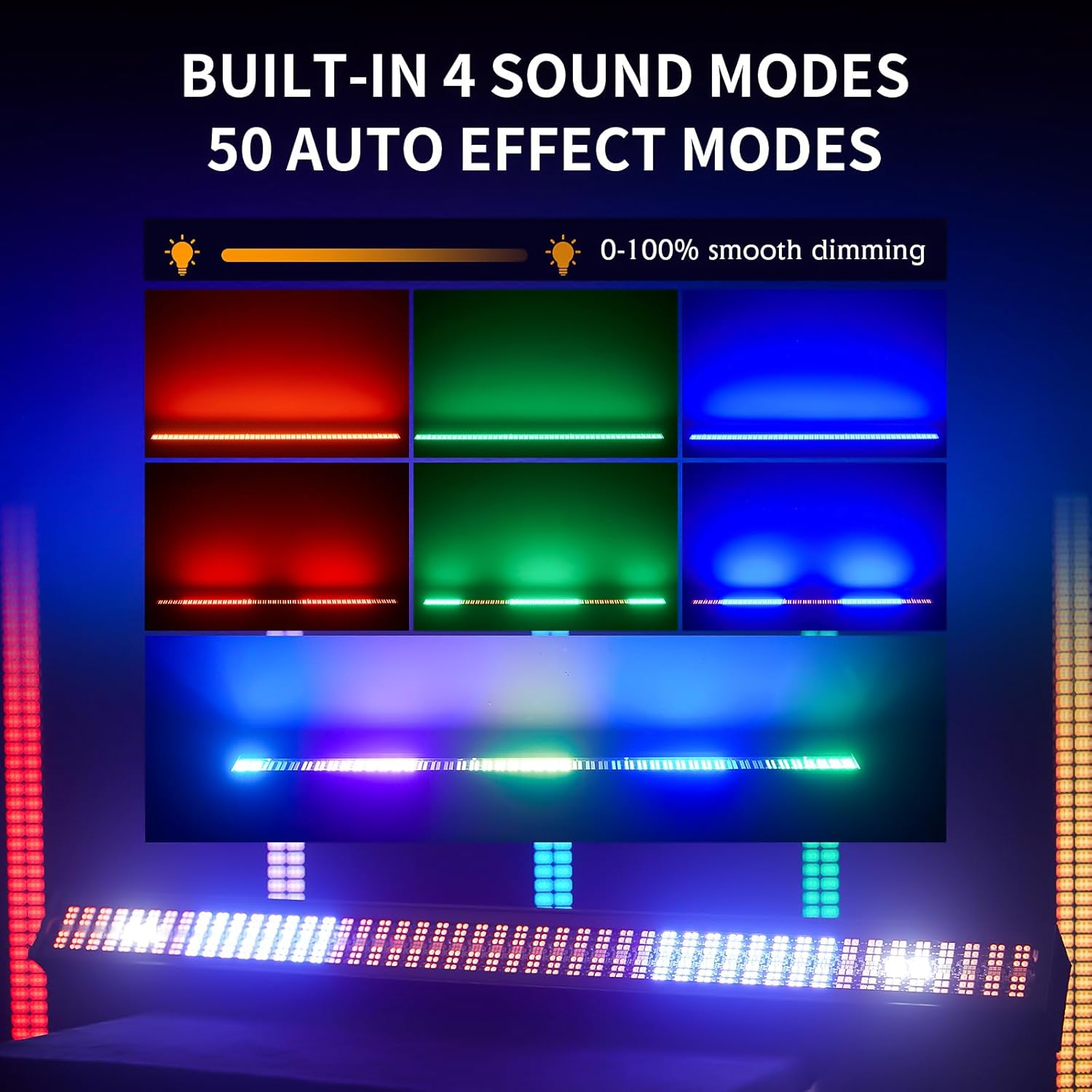
Image: Demonstrates the built-in sound-activated and automatic effect modes with various color washes.
6. Specifications
| Parameter | Value |
| Model Number | STAGE LIGHT BAR (SL-96LED) |
| Power Consumption | 200W |
| Voltage | 110V~240V, 50-60Hz |
| Light Source Type | LED (576x RGB 5050 SMD, 288x 0.3W 2835 White) |
| Brightness | 20000 Lumens |
| Color Temperature | 8000 Kelvin |
| Control Modes | Auto, Sound, DMX512, Master/Slave, RDM |
| DMX Channels | 4/6/16/192/194 |
| Dimmer | 0-100% Smooth Dimming |
| Housing Material | Aluminum |
| Finish Type | Powder Coated |
| Product Dimensions | 39"L x 5"W x 3.12"H |
| Item Weight | 8.36 pounds |
7. Maintenance
Regular maintenance ensures the longevity and optimal performance of your XFALIGHTS LED DJ Light Bar.
- Cleaning: Periodically clean the exterior of the fixture with a soft, dry cloth. For lenses and optical components, use a lint-free cloth and a mild, non-abrasive cleaning solution specifically designed for optics. Ensure the fixture is powered off and disconnected from the mains before cleaning.
- Cooling Fan: Ensure the cooling fan vents are free from dust and debris to maintain efficient heat dissipation. Use compressed air to gently clear any blockages.
- Cable Inspection: Regularly inspect power and DMX cables for any signs of wear, cuts, or damage. Replace damaged cables immediately to prevent electrical hazards.
- Storage: When not in use, store the light bar in a dry, dust-free environment, preferably in its original packaging or a protective case.
8. Troubleshooting
If you encounter issues with your light bar, refer to the following common troubleshooting steps:
- No Power: Check the power cable connection to both the fixture and the power outlet. Ensure the outlet is functional.
- No Light Output: Verify the fixture is receiving power and is not in a black-out or standby mode. Check DMX connections if in DMX mode.
- Incorrect DMX Behavior: Ensure the DMX address is correctly set on the fixture and matches your controller. Check DMX cable integrity and ensure a DMX terminator is used on the last fixture in a chain.
- Sound Activation Not Working: Ensure the microphone sensitivity is adjusted correctly and there is sufficient sound input.
- Overheating: Check that the cooling fan vents are clear and unobstructed. Ensure the fixture has adequate ventilation.
If problems persist after following these steps, please contact customer support.
9. Warranty and Support
XFALIGHTS is committed to providing high-quality products and customer satisfaction.
- 2-Year Warranty: This product comes with a 2-year warranty from the date of purchase, covering any quality problems. We will send new items for free or provide a full refund for eligible issues.
- 30-Day Full Refund Guarantee: If you are not completely satisfied or the item is not what you expected, you may return it within 30 days for a full refund.
- Quick Response: For any inquiries or support needs, you can contact us without hesitation. We aim to respond within 12 hours. Providing a video or pictures of the issue can help expedite the support process.
For customer service, please contact us by sending an email to xianfaot@outlook.com.
10. Product Images