
1. Introduction
Thank you for choosing the VenirCool P1 Mini Projector. This portable projector is designed to provide a high-quality home cinema experience with its native 1080P resolution, electric focus, and versatile connectivity options including WiFi and Bluetooth. Please read this manual carefully to ensure proper setup, operation, and maintenance of your device.
2. Package Contents
Verify that all items are present in the package:
- VenirCool P1 Mini Projector
- Power Adaptor
- Remote Control
- HDMI Cable
- AV Cable
- User Manual (this document)
3. Product Overview
The VenirCool P1 Mini Projector is compact and lightweight, designed for portability and ease of use.
- Dimensions: Approximately 7 x 4 x 7 inches (17.5 x 12.5 x 8 cm)
- Weight: Approximately 1.98 pounds

Figure 3.1: VenirCool P1 Mini Projector with its approximate dimensions.
4. Setup
4.1 Placement
The projector can be placed in various positions to suit your viewing environment:
- Table Placement: Place the projector on a stable, flat surface.
- Tripod Installation: Mount the projector onto a compatible tripod using the threaded hole on its base.
- Ceiling Mount: Securely mount the projector to the ceiling using a compatible ceiling mount kit (sold separately).
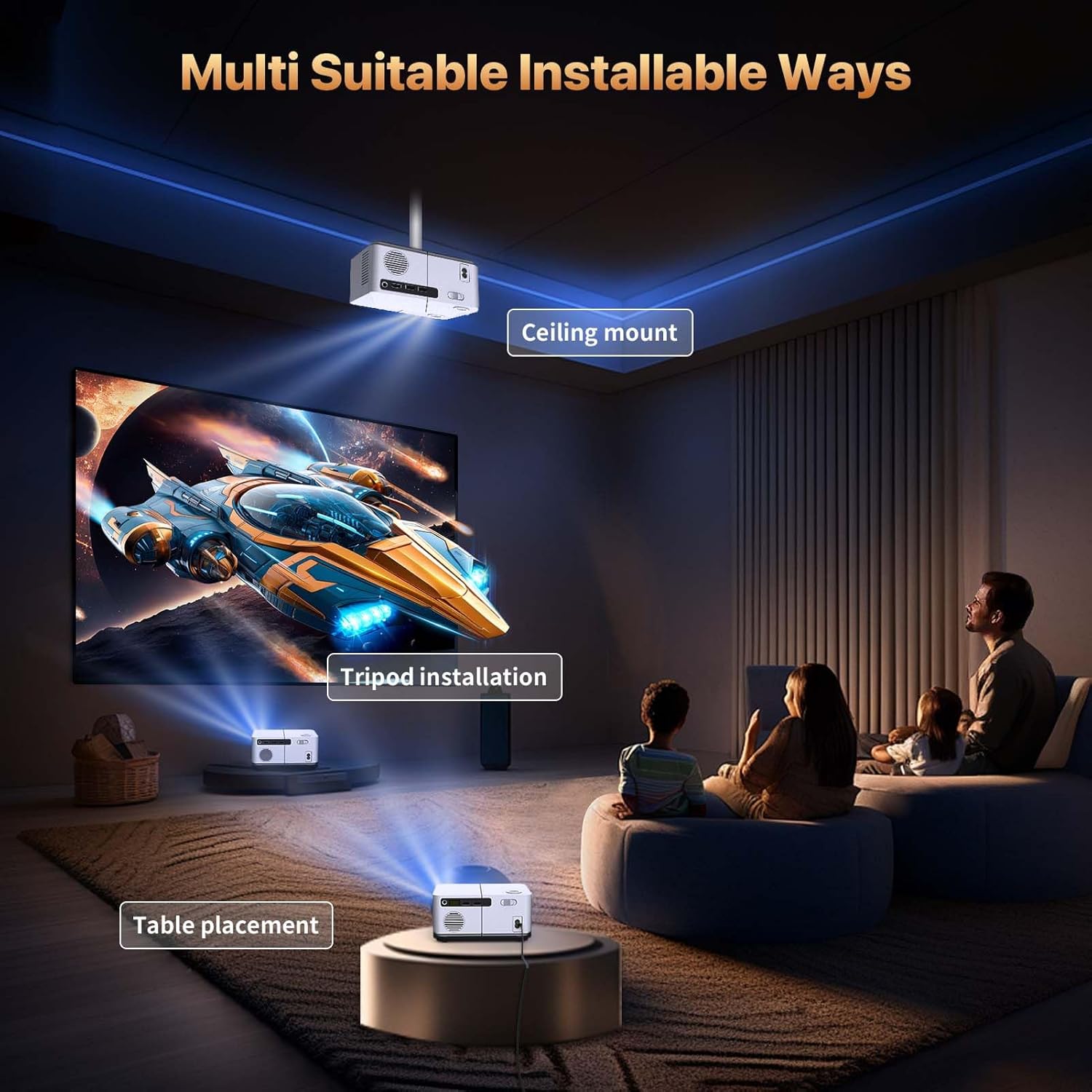
Figure 4.1: Various installation methods for the projector.
4.2 Power Connection
- Connect the power adaptor to the projector's power input port.
- Plug the power adaptor into a standard electrical outlet.
- Press the power button on the projector or remote control to turn on the device.
4.3 Focus Adjustment
The VenirCool P1 features electric focus for easy image clarity adjustment.
- Use the focus buttons on the remote control (typically marked with 'F+' and 'F-') to adjust the image sharpness.
- Alternatively, press the physical focus buttons located on the projector itself.

Figure 4.2: Adjusting the electric focus using the remote or projector buttons.
5. Operating Instructions
5.1 Connectivity
The projector offers multiple input options:
- HDMI Port: Connect devices such as laptops, gaming consoles (PS5, Xbox), Fire Sticks, or Blu-ray players.
- USB Ports: Connect USB drives for media playback.
- 3.5mm Audio Output: Connect external speakers or headphones for enhanced audio.
- AV Port: Connect older devices using the provided AV cable.
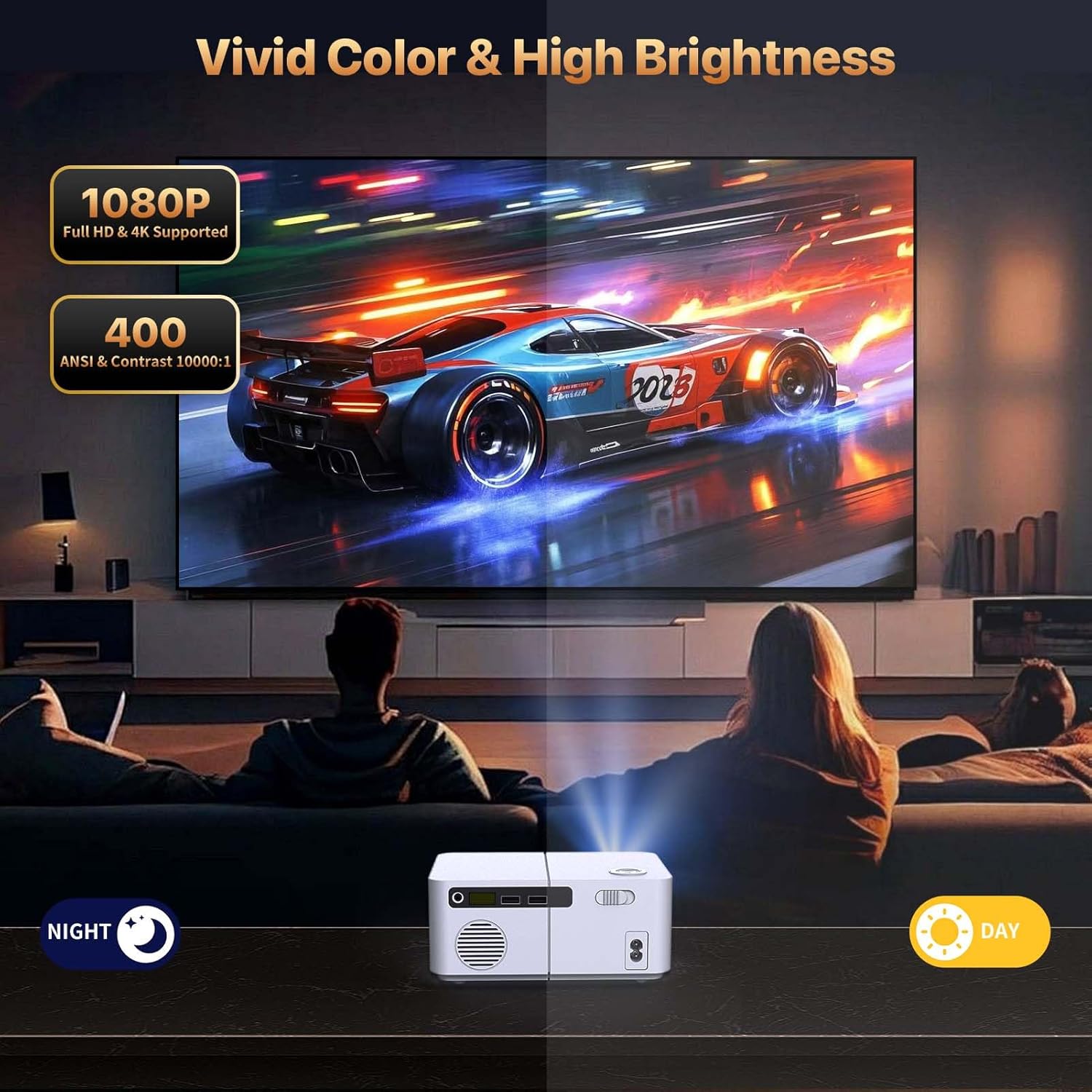
Figure 5.1: Available input and output ports on the projector.

Figure 5.2: Multifunction and device connection options.
5.2 Wireless Connection (WiFi & Bluetooth)
The P1 projector supports both WiFi screen mirroring and Bluetooth audio output.
- Bluetooth: Connect to external Bluetooth speakers for enhanced audio.
- WiFi Screen Mirroring: Compatible with Android, iOS, and PC devices for wireless screen sharing.
Important Note for Streaming Services: Due to copyright restrictions, direct WiFi mirroring for apps like YouTube, Hulu, Disney+, and Netflix is not supported. To project content from these services, connect your device to the projector via an HDMI cable.

Figure 5.3: Bluetooth and WiFi connection setup.
5.3 Projection Size and Distance
The projector supports a projection screen size of 60 to 200 inches. For optimal viewing, the recommended projection distance is between 2 to 15 feet.

Figure 5.4: Illustrates various projection sizes and distances for an immersive home cinema experience.
5.4 Image Quality
The VenirCool P1 Mini Projector delivers a native 1920x1080P Full HD resolution with support for 4K video files (in certain formats). It features 300 ANSI brightness and a 10,000:1 contrast ratio for vivid colors and clear images.
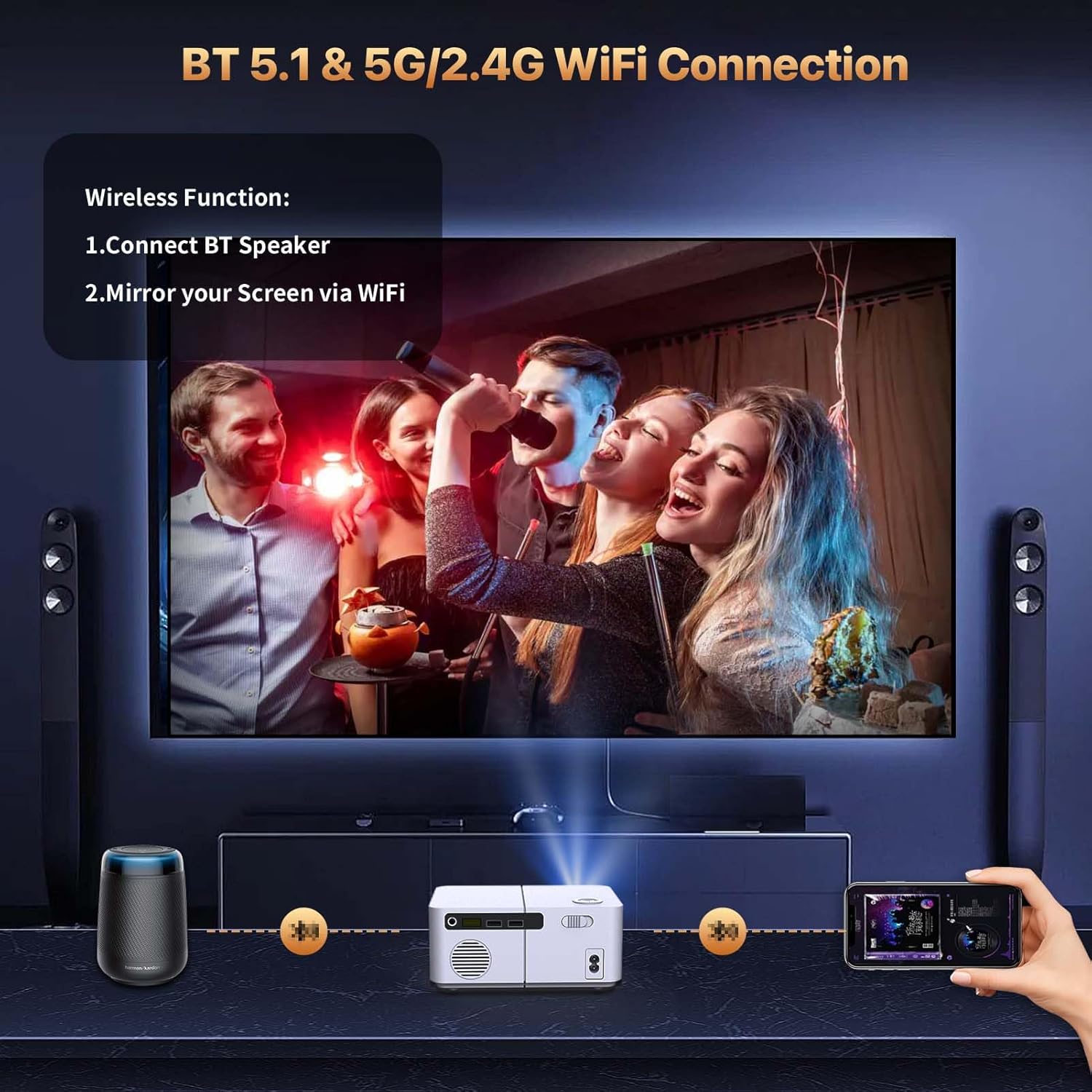
Figure 5.5: Demonstrates vivid color and high brightness performance.
6. Maintenance
Proper maintenance ensures the longevity and optimal performance of your projector.
- Lens Cleaning: Use a soft, lint-free cloth specifically designed for optical lenses to gently clean the projector lens. Avoid abrasive materials or harsh chemicals.
- Ventilation: Ensure the projector's ventilation openings are clear and unobstructed to prevent overheating. Do not block the air vents during operation.
- Storage: When not in use, store the projector in a cool, dry place, away from direct sunlight and excessive dust. Use the original packaging or a protective case if available.
- Power Off Properly: Always turn off the projector using the power button and allow it to cool down before unplugging or moving it.
7. Troubleshooting
If you encounter issues with your projector, refer to the following common solutions:
- No Image/Blurry Image:
- Check power connection and ensure the projector is turned on.
- Adjust the electric focus using the remote control or projector buttons.
- Ensure the projection surface is flat and the projector is stable.
- No Signal:
- Verify that the input source (HDMI, USB, etc.) is correctly selected in the projector's menu.
- Check all cable connections to ensure they are secure.
- Try a different cable or input device to rule out faulty accessories.
- No Sound/Low Sound:
- Adjust the volume on both the projector and the connected source device.
- If using external speakers, ensure they are properly connected and powered on.
- Check if the projector's mute function is activated.
- WiFi Screen Mirroring Issues:
- Ensure your device and the projector are connected to the same WiFi network.
- For iOS devices, connect to the WiFi provided by the P1 before mirroring.
- For Android devices, use the mirror function directly.
- Remember that certain streaming apps (Netflix, Hulu, Disney+, YouTube) require a wired HDMI connection due to copyright protection.
8. Specifications
| Feature | Specification |
|---|---|
| Brand | VenirCool |
| Model Number | P1 |
| Item Weight | 1.98 pounds |
| Product Dimensions | 7 x 4 x 7 inches |
| Color | White |
| Display Resolution | 1920 x 1080 (Native) |
| Special Features | Built-In Speaker, Built-In Wi-Fi, Electric Focus, Lightweight, Portable |
| Connectivity Technology | 3.5mm Jack, Bluetooth, HDMI, USB, Wi-Fi |
| Recommended Uses | Business, Education, Gaming, Home Cinema |
9. Customer Support
For any questions, technical assistance, or support regarding your VenirCool P1 Mini Projector, please contact our customer service team.
- Amazon Support: For purchases made on Amazon, you can reach us via "Order - Request Help" in your Amazon account for a 24-hour service response.
- Email Support: support@venircool.com
- Website: Visit our official website for more information and support: www.venircool.com

Figure 9.1: Email contact for customer support.

Figure 9.2: Website contact for customer support.