
1. Introduction
Welcome to the ONIKUMA GAMING T18 Wireless Earbuds user manual. These earbuds are designed to provide a superior audio experience with their advanced features and unique retro camera design. Enjoy crystal-clear calls, immersive stereo sound, and seamless connectivity for both gaming and music.

The ONIKUMA GAMING T18 Wireless Earbuds with their distinctive retro camera-style charging case.
2. What's in the Box
Your ONIKUMA GAMING T18 package includes the following items:
- T18 Wireless Earbuds
- Wireless Charging Case
- 3 pairs of Eartips (S/M/L)
- Type-C Charging Cable
- User Manual

All components included in the ONIKUMA GAMING T18 Wireless Earbuds package.
3. Key Features
3.1. ENC Noise Reduction Technology
The 13mm chamber speaker driver unit delivers stereo sound with deep bass and clear treble. The large chamber acoustic design balances internal and external air pressure, preventing sound loss and ensuring clear audio even in noisy environments.
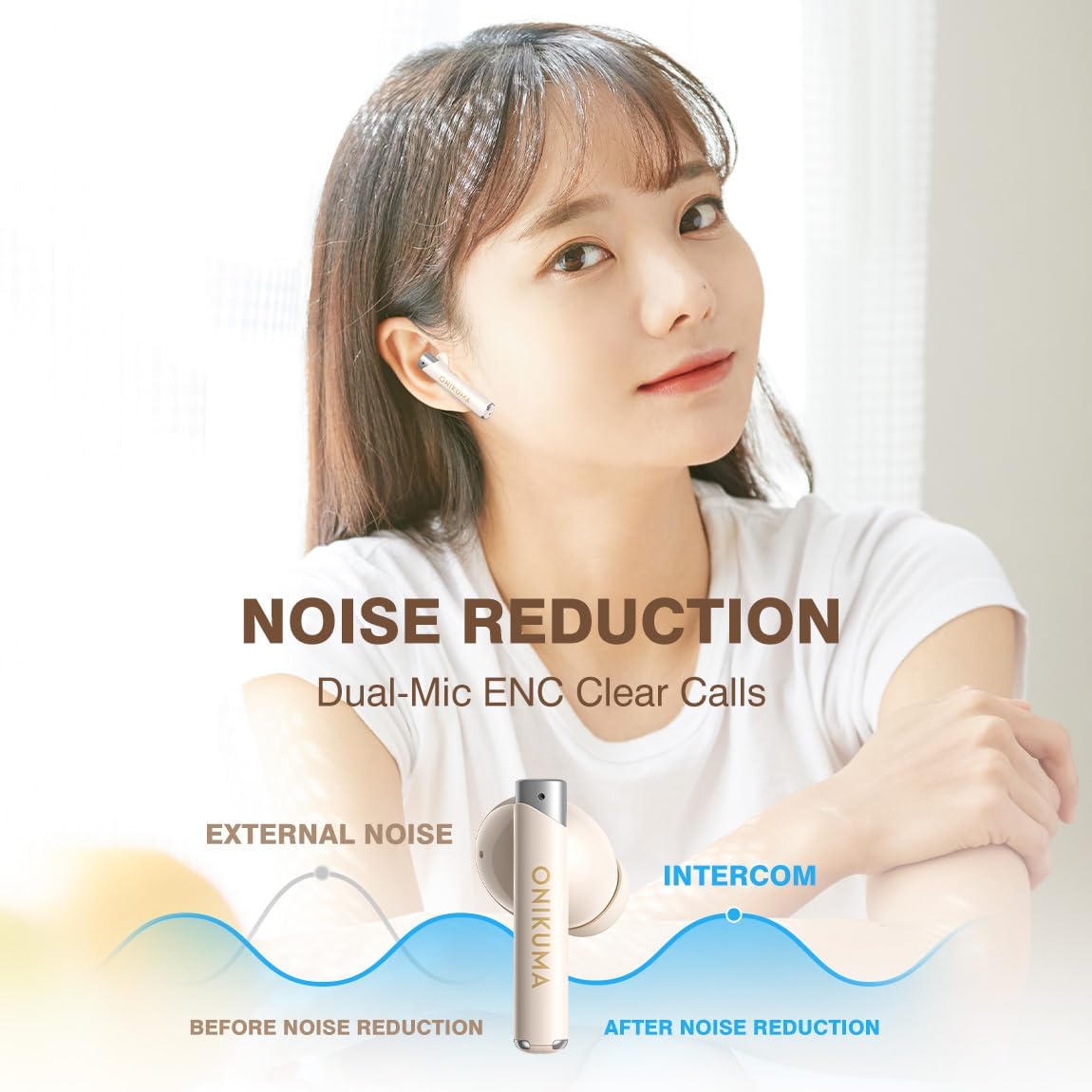
Visual representation of ENC Noise Reduction in action, highlighting clear communication.
3.2. Bluetooth V5.3 Technology and One-Step Auto Pairing
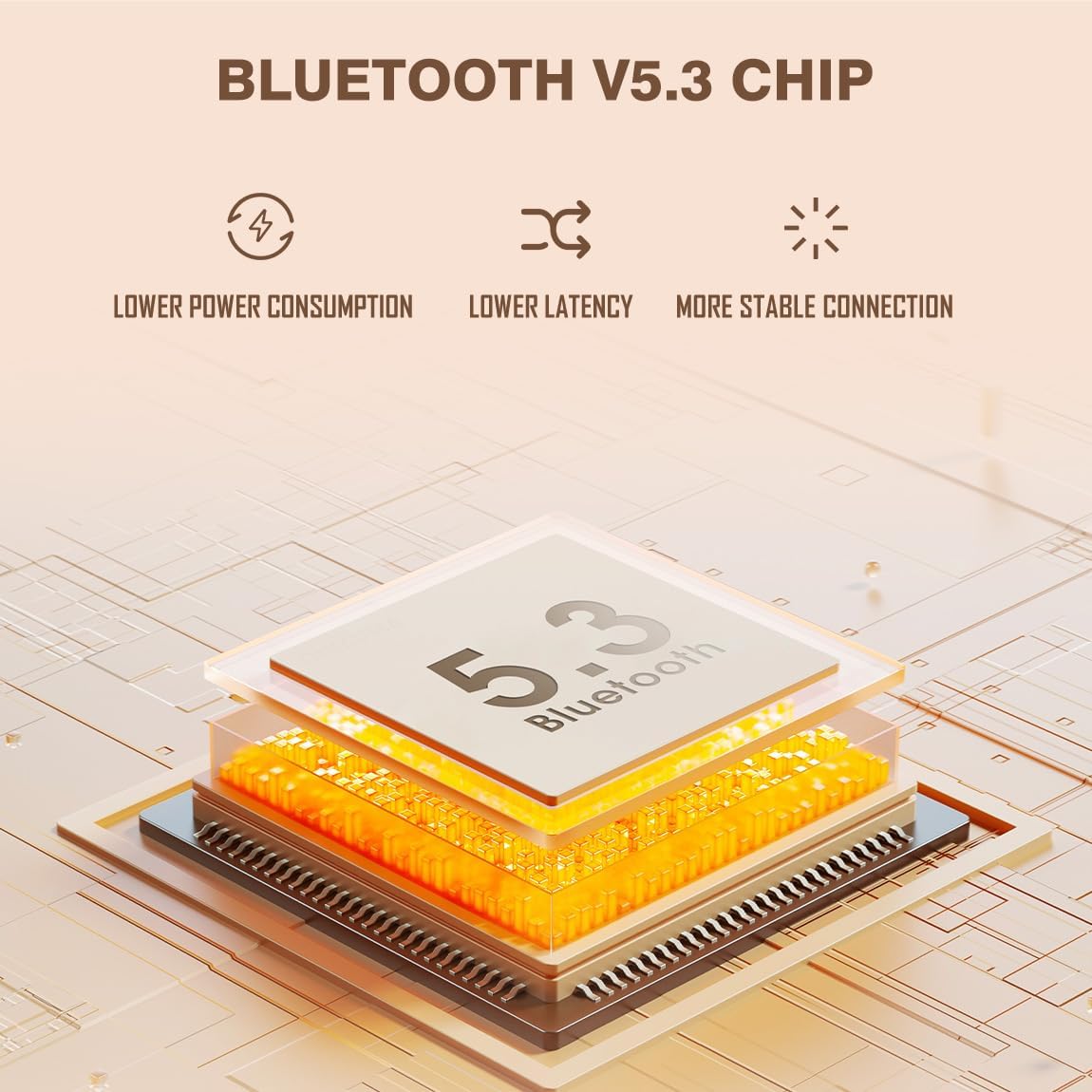
Advanced Bluetooth 5.3 provides faster transmission speed, stronger connection stability, and a longer Bluetooth range. Earbuds automatically pair with each other when taken from the charging case. Simply select 'T18' on your device's Bluetooth list to connect.

The advanced Bluetooth 5.3 chip ensures a stable and efficient connection.

Intelligent flashing connection means no need to repeat pairing.
3.3. Smart Touch Control
Equipped with sensitive touch control panels on both earbuds, allowing flexible control over music playback, calls, volume, and voice assistant activation.
3.4. Ergonomic Design
Precise calculations and experiments resulted in a comfortable, stable fit. The compact body weighs only 4 grams, distributing pressure in the ear canal. Includes 3 sizes of eartips (S/M/L) for optimal comfort.
The ergonomic design ensures a comfortable and secure fit for extended wear.
3.5. Camera Retro Styling
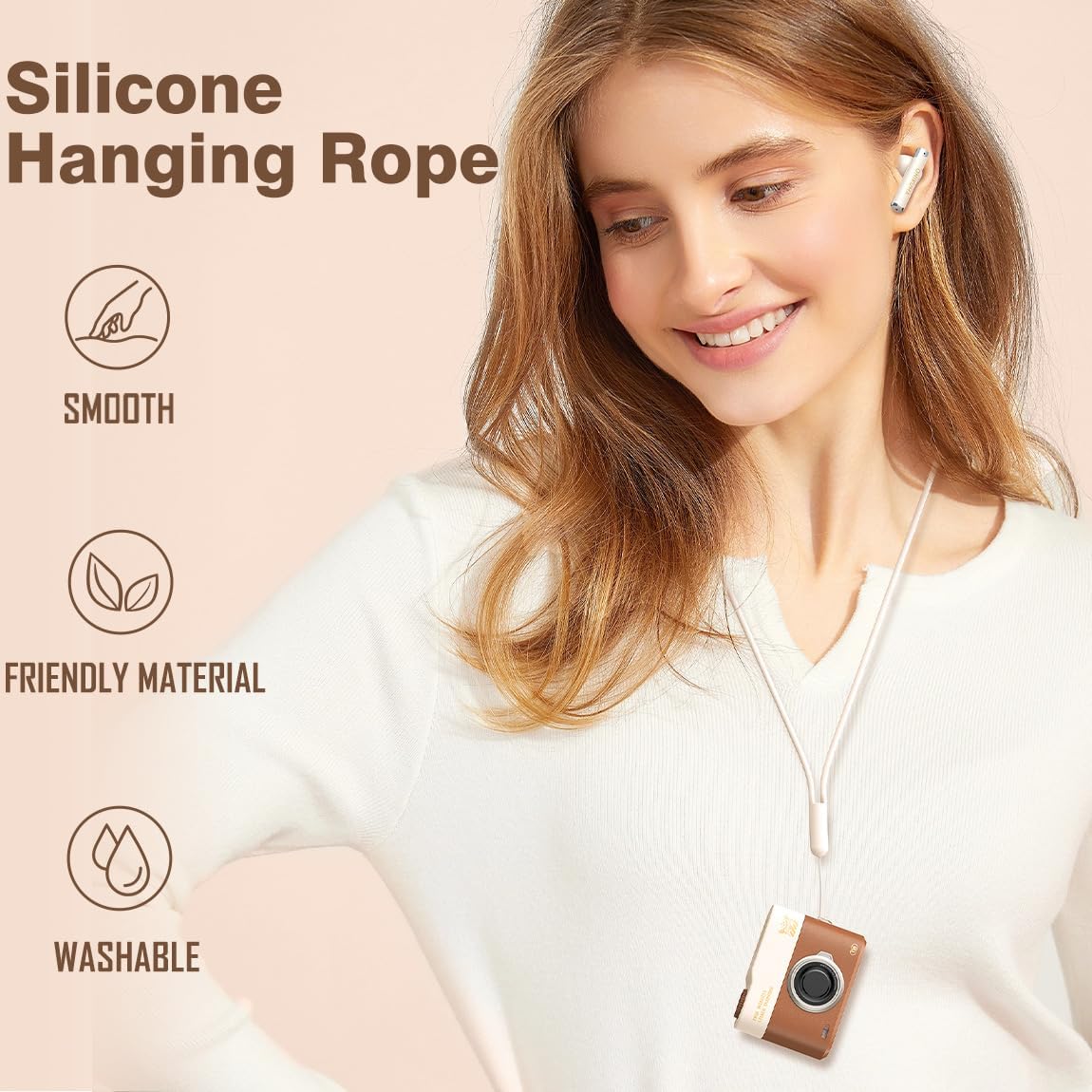
The pocket-sized charging case features a unique retro camera design, making it easy to carry without stress. An extra silicone lanyard is included for convenient carrying around your neck, preventing loss.

The silicone hanging rope provides a convenient and stylish way to carry your earbuds.
3.6. Extended Playback Time
Enjoy over 8 hours of playtime on a single charge. The charging case extends total playtime to an impressive 46 hours. The case fully charges in 1.5-2 hours via Type-C.
Long-lasting battery life for extended listening pleasure.
4. Setup Guide
4.1. Charging the Earbuds and Case
Before first use, fully charge the earbuds and charging case. Connect the provided Type-C charging cable to the charging port on the case and a power source. The indicator light on the case will show charging status and turn off when fully charged.

The Type-C port allows for quick charging of the case and earbuds.
4.2. Pairing with Your Device
- Ensure the charging case is charged and the earbuds are inside.
- Open the charging case. The earbuds will automatically enter pairing mode.
- On your smartphone or other Bluetooth-enabled device, go to Bluetooth settings.
- Search for and select 'T18' from the list of available devices.
- Once connected, you will hear a confirmation tone, and the earbuds are ready for use.

Easy one-step pairing for quick connection to your devices.
5. Operating Instructions
5.1. Smart Touch Controls
The T18 earbuds feature intuitive touch controls for various functions:
| Function | Action |
|---|---|
| Power On | Long Tap MFB x3s |
| Power Off | Long Tap MFB x5s |
| Play/Pause | Double Tap MFB |
| Answer/Hang Up Call | Double Tap MFB |
| Volume + | Tap(R) MFB |
| Volume - | Tap(L) MFB |
| Previous Track | Long Tap(L) MFB x 2s |
| Next Track | Long Tap(R) MFB x 2s |
| Reject Call | Long Tap MFB x 2s |
| Voice Assistant | Triple-Tap(L) MFB |
| Turn Gaming Mode On/Off | Triple-Tap(R) MFB |
MFB refers to the Multi-Function Button, which is the touch-sensitive area on each earbud.

Detailed overview of the specific touch controls for your earbuds.
5.2. Game and Music Dual Mode
The T18 earbuds support both Gaming and Music modes. Switch between modes using the touch controls to optimize audio for low-latency gaming or high-fidelity music listening.

Experience ultra-low latency for an optimized gaming experience.
Official product video demonstrating the Wireless Earbuds with Dual ENC Mic and Retro Camera Design.
5.3. Single and Dual Earbud Use
The earbuds can be used individually (mono mode) or together (stereo mode) for flexible listening options. Seamlessly switch between modes as needed.

Flexibility to use earbuds in single or dual mode.
6. Maintenance
To ensure the longevity and optimal performance of your ONIKUMA GAMING T18 Wireless Earbuds, please follow these maintenance guidelines:
- Cleaning: Regularly clean the earbuds and charging case with a soft, dry, lint-free cloth. Avoid using harsh chemicals or abrasive materials. For the eartips, remove them and clean with mild soap and water, then dry thoroughly before reattaching.
- Storage: When not in use, store the earbuds in their charging case to protect them from dust, moisture, and physical damage.
- Battery Care: To preserve battery life, avoid fully discharging the earbuds and case frequently. Charge them regularly, even if not in daily use. Store in a cool, dry place away from extreme temperatures.
- Water Resistance: The earbuds are water resistant, but not waterproof. Avoid submerging them in water or exposing them to heavy rain. Dry them thoroughly if they get wet.
- Lanyard Use: Utilize the provided silicone lanyard for secure and convenient carrying, reducing the risk of dropping or losing the case. The lanyard is washable for hygiene.
7. Troubleshooting
If you encounter any issues with your ONIKUMA GAMING T18 Wireless Earbuds, please refer to the following common troubleshooting steps:
- Earbuds not pairing/connecting:
- Ensure Bluetooth is enabled on your device.
- Make sure the earbuds are charged and taken out of the case.
- Forget/delete 'T18' from your device's Bluetooth list and try pairing again.
- Restart your device and the earbuds.
- No sound or low volume:
- Check the volume levels on both your device and the earbuds.
- Ensure the earbuds are properly seated in your ears and the correct size eartips are used for a good seal.
- Clean any debris from the earbud speakers.
- Charging issues:
- Verify the Type-C charging cable is securely connected to both the case and the power source.
- Try a different charging cable or power adapter.
- Ensure the charging contacts on the earbuds and inside the case are clean and free of obstruction.
- Microphone not working or unclear:
- Ensure the earbuds are properly connected and selected as the audio input device.
- Check for any obstructions on the microphone ports.
- Test the microphone in a quiet environment to rule out excessive background noise.
8. Specifications
Detailed technical specifications for the ONIKUMA GAMING T18 Wireless Earbuds:
| Feature | Specification |
|---|---|
| Model Name | T18 brown |
| Connectivity Technology | Wireless, Bluetooth 5.3 |
| Bluetooth Version | 5.3 |
| Bluetooth Range | 10 Meters |
| Noise Control | Sound Isolation |
| Audio Driver Size | 13 Millimeters |
| Frequency Response | 20 Hz - 20,000 Hz |
| Battery Life (Earbuds) | 8 Hours |
| Total Playback Time (with case) | 46 Hours |
| Charging Time | 1.5 - 2 Hours (Case) |
| Control Method | Touch |
| Material | Plastic |
| Water Resistance Level | Water Resistant |
| Item Weight | 4.2 ounces |
| Product Dimensions | 2.44 x 0.87 x 1.89 inches |
| Compatible Devices | Cellphones (iOS, Android) |
| UPC | 710329965385 |
9. Warranty and Support
ONIKUMA GAMING stands behind the quality of its products. Your T18 Wireless Earbuds come with a standard manufacturer's warranty against defects in materials and workmanship. Please refer to the warranty card included in your package for specific terms and conditions.
For technical support, troubleshooting assistance, or warranty claims, please contact ONIKUMA GAMING customer service through their official website or the contact information provided in your product packaging. Our dedicated support team is ready to assist you.


