
ONIKUMA GAMING T18
ONIKUMA GAMING T18 Wireless Earbuds
User Manual
Introduction
Thank you for choosing the ONIKUMA GAMING T18 Wireless Earbuds. These earbuds combine advanced Bluetooth 5.3 technology with a unique retro camera design, offering a superior audio experience for music, calls, and gaming. Featuring Dual ENC Microphones for clear communication and HiFi stereo sound, the T18 earbuds are designed for comfort and extended use across iOS and Android devices.
What's in the Box
- T18 Wireless Earbuds
- Wireless Charging Case
- 3 pairs of Eartips (S/M/L)
- Type-C Charging Cable
- User Manual
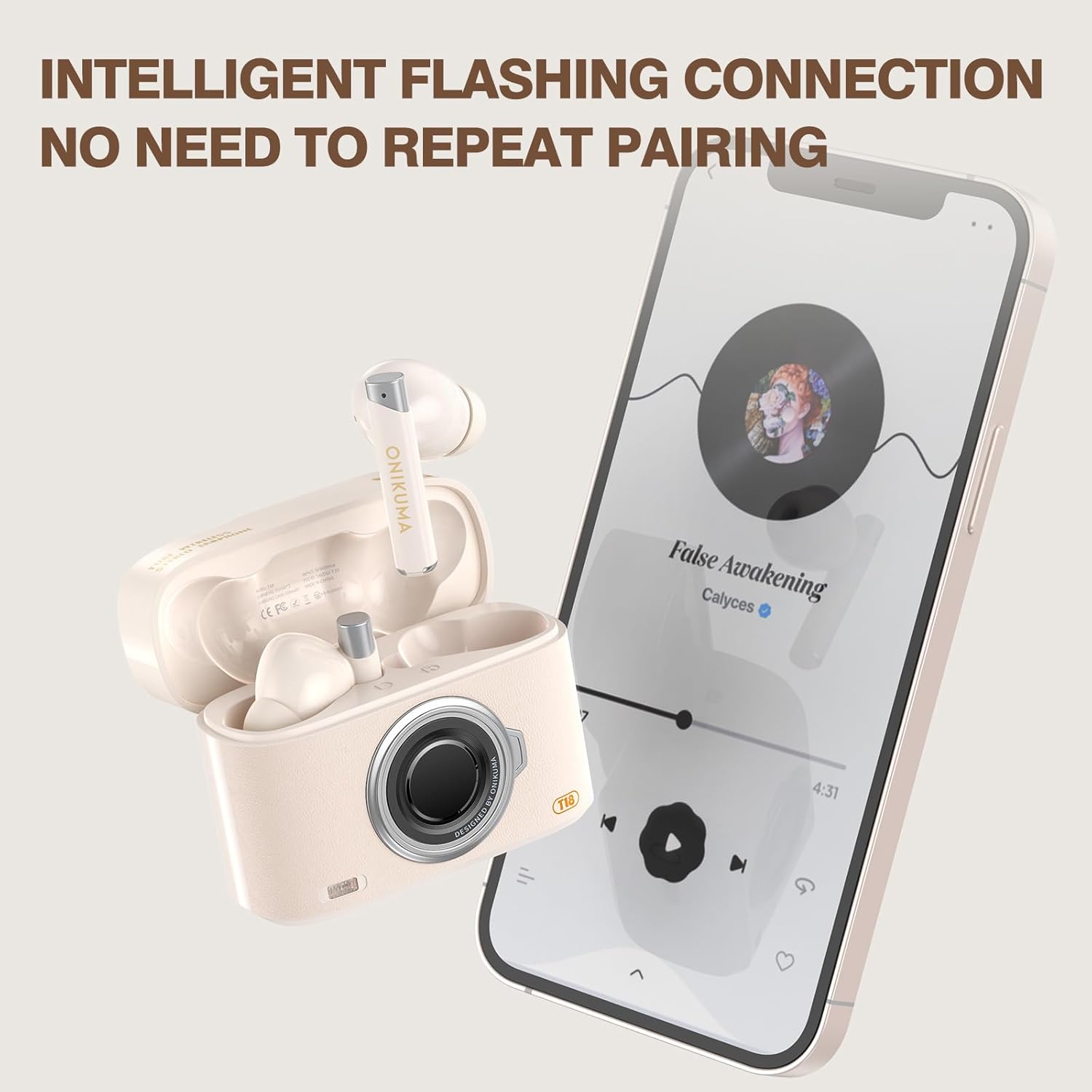
Image: The complete package contents of the ONIKUMA GAMING T18 Wireless Earbuds, showing the beige earbuds, charging case, various eartips, and the USB-C charging cable.
Setup
1. Charging the Earbuds and Case
Before first use, fully charge the earbuds and charging case. Connect the provided Type-C charging cable to the charging port on the case and a power source. The charging light on the case will indicate charging status. A full charge typically takes 1.5-2 hours.

Image: The beige T18 charging case with a USB-C cable plugged into its charging port, indicating the charging process.
2. Pairing with Your Device
- Ensure the earbuds are in the charging case and the case is open.
- On your smartphone or Bluetooth-enabled device, go to Bluetooth settings.
- Search for available devices and select "T18" from the list.
- The earbuds will automatically pair with your device. Once connected, you are ready to use them.

Image: A smartphone displaying its Bluetooth settings, with "T18" highlighted as a discoverable device, next to the open T18 charging case with earbuds inside.
3. Fitting the Earbuds
The T18 earbuds are designed for ergonomic comfort. Select the eartip size (S, M, L) that best fits your ear canal for optimal sound quality and stability. Gently insert the earbud into your ear and twist slightly until it feels secure and comfortable.

Image: A woman wearing the T18 earbuds, showcasing their comfortable and secure fit in the ear.
Operating Instructions
Smart Touch Controls
The T18 earbuds feature intuitive touch controls on each earbud (MFB - Multi-Function Button). Refer to the table below for specific functions:
| Action | Function |
|---|---|
| Long Tap MFB x3s | Power On |
| Long Tap MFB x5s | Power Off |
| Double Tap MFB | Play/Pause Music |
| Double Tap MFB | Answer/Hang Up Call |
| Tap (R) MFB | Volume + |
| Tap (L) MFB | Volume - |
| Long Tap (L) MFB x 2s | Previous Track |
| Long Tap (R) MFB x 2s | Next Track |
| Long Tap MFB x 2s | Reject Call |
| Triple-Tap (L) MFB | Voice Assistant |
| Triple-Tap (R) MFB | Turn Gaming Mode on/off |

Image: A visual guide illustrating the various touch control functions on the T18 earbuds, including power, playback, call management, and mode switching.
ENC Noise Reduction
The T18 earbuds feature Environmental Noise Cancellation (ENC) with dual microphones. This technology helps to reduce ambient noise during calls, ensuring your voice is heard clearly even in noisy environments. The large chamber acoustic design balances internal and external air pressure to prevent sound loss.
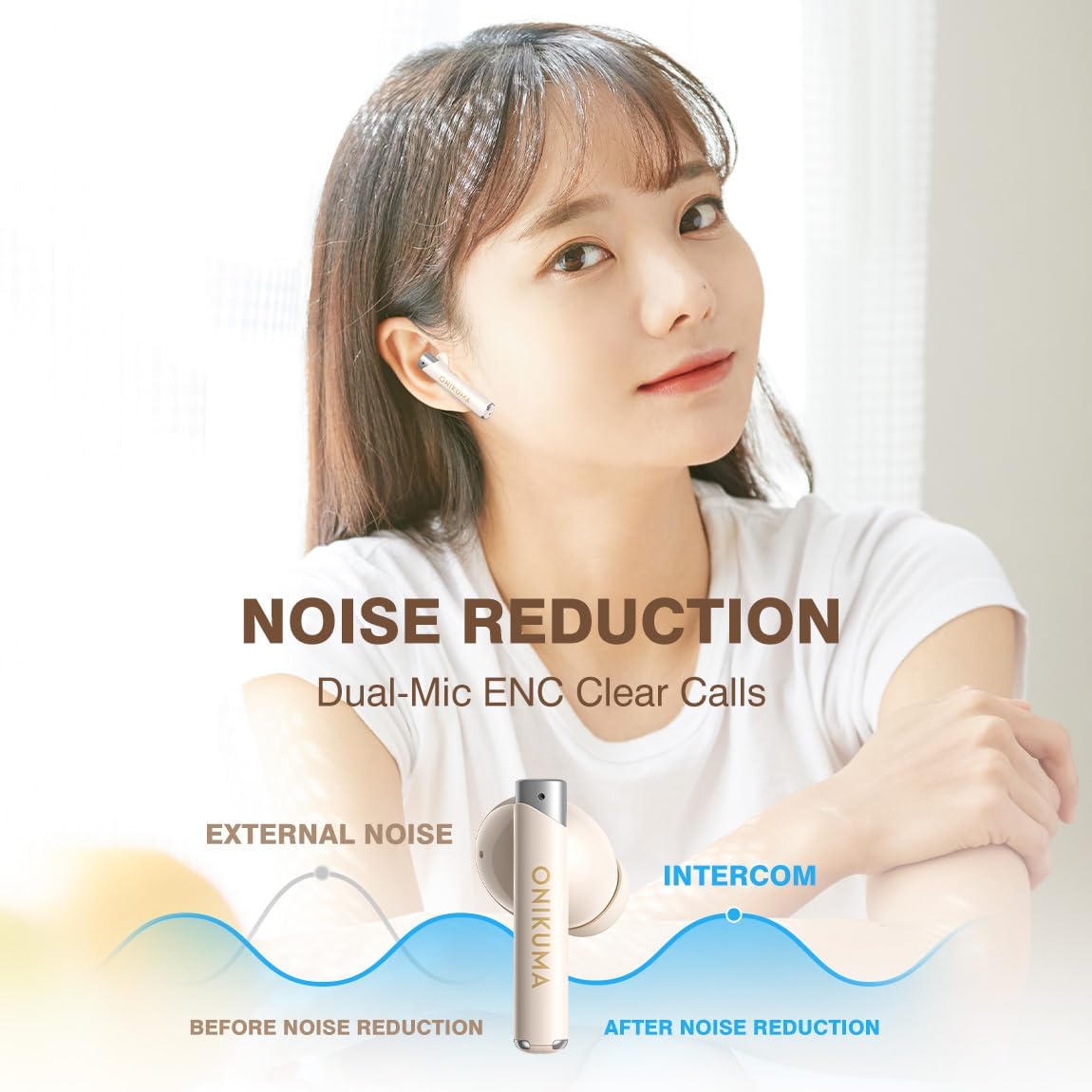
Image: A graphic illustrating how the dual-mic ENC technology in the T18 earbuds reduces external noise for clearer calls.
Game and Music Dual Mode
Switch between Game Mode and Music Mode by triple-tapping the right MFB. Game Mode offers low latency (approximately 60ms) for synchronized audio and visuals, crucial for gaming. Music Mode optimizes sound for high-fidelity audio playback.

Image: A visual comparison showing the T18 earbuds' low latency (60ms) in Game Mode compared to conventional Bluetooth headsets (140ms), with a gaming scene in the background.
Video: An official product video demonstrating the features of the T18 Wireless Earbuds, including their retro camera design and dual ENC mic.
Battery Life
The earbuds provide over 8 hours of playtime on a single charge. When used with the fully charged charging case, the total playtime extends to an impressive 46 hours. The charging case can be fully recharged in 1.5-2 hours via the Type-C port.

Image: A graphic detailing the battery performance of the T18 earbuds, showing 46+ hours of standby time, 5-8 hours of music play time, and 1.5-2 hours of charging duration.
Maintenance
- Keep the earbuds and charging case clean and dry.
- Use a soft, dry cloth to wipe down the surfaces.
- Avoid exposing the device to extreme temperatures, humidity, or corrosive substances.
- Store in a cool, dry place when not in use.
- Regularly clean the eartips and charging contacts to ensure optimal performance.
Troubleshooting
| Problem | Solution |
|---|---|
| Earbuds not pairing | Ensure earbuds are charged. Place them back in the case, close, then open the case. Turn off and on Bluetooth on your device. Try pairing again. |
| Only one earbud working | Place both earbuds back in the charging case, close the lid, and wait a few seconds. Take them out simultaneously to re-establish the connection between them. |
| Poor sound quality | Ensure earbuds are properly seated in your ears. Try different eartip sizes. Clean any debris from the earbud speakers. Ensure your device is within Bluetooth range. |
| Earbuds not charging | Check the charging cable and adapter. Ensure the charging contacts on the earbuds and in the case are clean and free of obstruction. |
Specifications
| Feature | Detail |
|---|---|
| Model Name | T18 |
| Bluetooth Version | 5.3 |
| Connectivity Technology | Wireless, Bluetooth 5.3 |
| Noise Control | Sound Isolation, ENC Noise Reduction |
| Audio Driver Size | 13 Millimeters |
| Frequency Response | 20 Hz - 20,000 Hz |
| Sensitivity | 108 dB |
| Impedance | 32 Ohm |
| Playtime (Earbuds) | Over 8 hours |
| Total Playtime (with Case) | Up to 46 hours |
| Charging Time | 1.5 - 2 Hours (Case) |
| Control Method | Touch |
| Compatible Devices | Cellphones (iOS, Android) |
| Dimensions | 2.44 x 0.87 x 1.89 inches |
| Item Weight | 5 ounces |
| Material | Plastic |
Warranty and Support
ONIKUMA GAMING products come with a standard manufacturer's warranty. For detailed warranty information, technical support, or service inquiries, please refer to the contact information provided on the product packaging or visit the official ONIKUMA GAMING website. Please retain your proof of purchase for warranty claims.
Ask a question about this manual
Ask about setup, troubleshooting, compatibility, parts, safety, or missing instructions. Manuals+ will review the question and use this page’s manual context to help answer it.