
1. Introduction
Welcome to the user manual for your new HP 255 G10 15.6-inch FHD Business Laptop. This document provides essential information for setting up, operating, and maintaining your device. Please read this manual thoroughly to ensure optimal performance and longevity of your laptop.

Image 1.1: Front view of the HP 255 G10 Business Laptop. This image displays the laptop with its screen open, showcasing the full HD display and keyboard with a numeric keypad.
The HP 255 G10 is equipped with an AMD Ryzen 7 7730U processor, 16GB of RAM, and a 512GB PCIe SSD, designed for business and general productivity tasks. It features a 15.6-inch Full HD display and runs on Windows 11 Pro.
2. What's in the Box
Verify that all items are present in the packaging:
- HP Laptop (HP 255 G10)
- AC Power Adapter
- Documentation (this manual and other guides)
3. Initial Setup
3.1 Connecting the Power Adapter
- Connect the AC power adapter to the power connector on your laptop.
- Plug the power cord into an electrical outlet.
- The battery will begin charging automatically.
3.2 First-Time Power On and Windows 11 Pro Setup
- Open the laptop lid and press the power button.
- Follow the on-screen instructions to complete the Windows 11 Pro setup. This includes selecting your region, language, accepting terms, and creating a user account.
- Connect to a Wi-Fi network when prompted to enable updates and full functionality.
4. Components and Ports
Familiarize yourself with the various ports and components of your HP 255 G10 laptop.

Image 4.1: Side view illustrating the various ports and slots available on the HP 255 G10 laptop.
4.1 Available Ports
- 2 x SuperSpeed USB Type-A: For connecting USB devices such as external drives, mice, or keyboards.
- 1 x SuperSpeed USB Type-C: A versatile port for data transfer, display output, or charging compatible devices.
- 1 x HDMI: For connecting to external displays or projectors.
- 1 x Headphone/Microphone Combo Jack: For connecting headphones, external speakers, or a headset with a microphone.
- 1 x AC Smart Pin: For connecting the power adapter to charge the laptop.
4.2 Display Features

Image 4.2: The 15.6-inch Full HD display of the HP 255 G10 laptop, highlighting its size and clarity.
The laptop features a 15.6-inch diagonal Full HD (1920 x 1080) IPS anti-glare display with micro-edge bezels, offering clear visuals for various tasks. It also includes a built-in webcam for video conferencing.
5. Operating Your Laptop
5.1 Power Management
- Power On: Press the power button located on the keyboard deck.
- Sleep Mode: Close the lid or select 'Sleep' from the Windows Start menu.
- Shut Down: Select 'Shut down' from the Windows Start menu.
5.2 Keyboard and Touchpad
Your laptop includes a full-size keyboard with a dedicated numeric keypad for efficient data entry. The precision touchpad supports multi-touch gestures for navigation.
5.3 Windows 11 Pro Features
Windows 11 Pro offers enhanced security, management tools, and productivity features. Explore the Start menu for applications, settings, and search functionalities. For detailed information on Windows 11 Pro, refer to Microsoft's official documentation.
5.4 Wireless Connectivity (Wi-Fi 6 and Bluetooth)
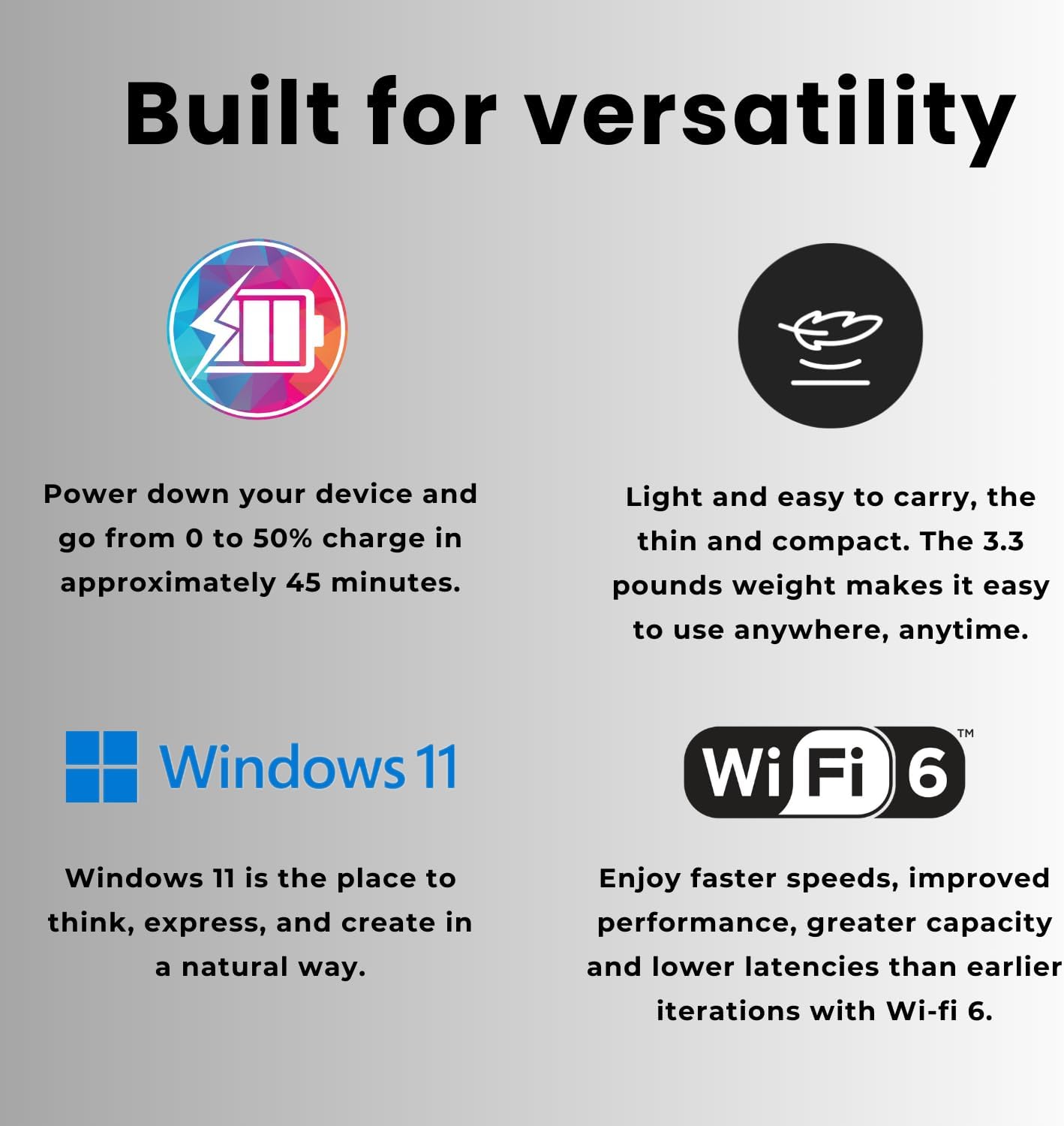
Image 5.1: Features of the HP 255 G10, including fast charging, lightweight design, Windows 11, and Wi-Fi 6 capabilities.
The laptop supports Wi-Fi 6 for faster wireless speeds and improved network efficiency. Bluetooth connectivity allows you to pair wireless peripherals such as headphones, mice, and keyboards.
- Connecting to Wi-Fi: Click the Wi-Fi icon in the taskbar, select your network, and enter the password.
- Connecting Bluetooth Devices: Go to Windows Settings > Bluetooth & devices, turn on Bluetooth, and pair your device.
6. Maintenance
6.1 Cleaning Your Laptop
- Screen: Use a soft, lint-free cloth lightly dampened with water or a screen cleaner. Avoid harsh chemicals.
- Keyboard and Chassis: Use a soft, dry cloth. For stubborn dirt, a slightly damp cloth can be used, ensuring no liquid enters openings.
- Always power off and unplug the laptop before cleaning.
6.2 Battery Care
- Avoid extreme temperatures.
- For optimal battery life, avoid fully discharging the battery frequently.
- The laptop supports fast charging, reaching 0 to 50% charge in approximately 45 minutes.
6.3 Software Updates
Regularly update your Windows operating system and drivers to ensure security, stability, and optimal performance. Windows Update can be accessed via Settings > Windows Update.
7. Troubleshooting
This section addresses common issues you might encounter with your HP 255 G10 laptop.
7.1 Power Issues
- Laptop does not turn on: Ensure the power adapter is securely connected to both the laptop and a working electrical outlet. Check if the power adapter's indicator light is on.
- Battery not charging: Verify the power adapter connection. Try a different outlet. If the issue persists, contact support.
7.2 Display Issues
- No image on screen: Connect an external monitor to check if the display output is working. If the external monitor works, the laptop screen may require service.
- Dim display: Adjust screen brightness using the function keys (usually F2/F3 or similar) or through Windows display settings.
7.3 Connectivity Issues
- Wi-Fi not connecting: Ensure Wi-Fi is enabled in Windows settings. Restart your router and laptop. Check for updated Wi-Fi drivers.
- Bluetooth device not pairing: Ensure Bluetooth is enabled on both the laptop and the device. Place devices close to each other. Remove and re-add the device in Windows Bluetooth settings.
For more complex issues, refer to the HP support website or contact customer service.
8. Specifications
Detailed technical specifications for the HP 255 G10 Business Laptop (Model: TPN-Q287).
| Feature | Specification |
|---|---|
| Model Name | TPN-Q287 |
| Processor | AMD Ryzen 7 7730U (8 Cores, 16 Threads, up to 4.50GHz) |
| RAM | 16GB DDR4 3200MHz |
| Storage | 512GB PCIe M.2 SSD |
| Display | 15.6-inch FHD (1920 x 1080) IPS, Anti-glare, 250 nits |
| Graphics | AMD Radeon Graphics |
| Operating System | Windows 11 Pro |
| Wireless Connectivity | Wi-Fi 6 (802.11ax), Bluetooth |
| Ports | 2x USB Type-A, 1x USB Type-C, 1x HDMI, 1x Headphone/Mic Combo |
| Dimensions (LxWxH) | 14.17 x 9.29 x 0.73 inches |
| Weight | 3.3 pounds |
| Color | Black |
9. Warranty and Support
Your HP 255 G10 Business Laptop comes with a standard manufacturer's warranty. For specific warranty terms and conditions, please refer to the warranty documentation included with your product or visit the official HP support website.
For technical assistance, driver downloads, or further troubleshooting, please visit the official HP support website. When contacting support, have your laptop's model number (TPN-Q287) and serial number ready.
HP Support Website: www.hp.com/support