
1. Introduction
This manual provides comprehensive instructions for the Pyle PMP22GR and PMP20 Megaphone Speakers. These portable, battery-operated devices are designed for effective voice amplification and siren alerts, suitable for various indoor and outdoor environments. Please read this manual thoroughly before operating the device to ensure proper use and longevity.
2. Product Features
- Voice and Siren Modes: Both megaphones include voice amplification and siren modes, offering versatility for different communication needs.
- 20 Watt Max Power: Each megaphone delivers up to 20 watts of power, providing a projection range of up to 800 yards for the PMP20 and 400+ yards for the PMP22GR.
- Portable and Compact Design: Lightweight and compact with convenient folding handles for easy transport and storage.
- Battery Operated: Each unit requires 4 C batteries (not included) for portable, long-lasting performance.
- Adjustable Volume: Equipped with adjustable volume controls to modify sound levels according to the situation.

Image: Pyle megaphone highlighting voice and siren alert modes, power-saving switch, and portable design with folding handle.
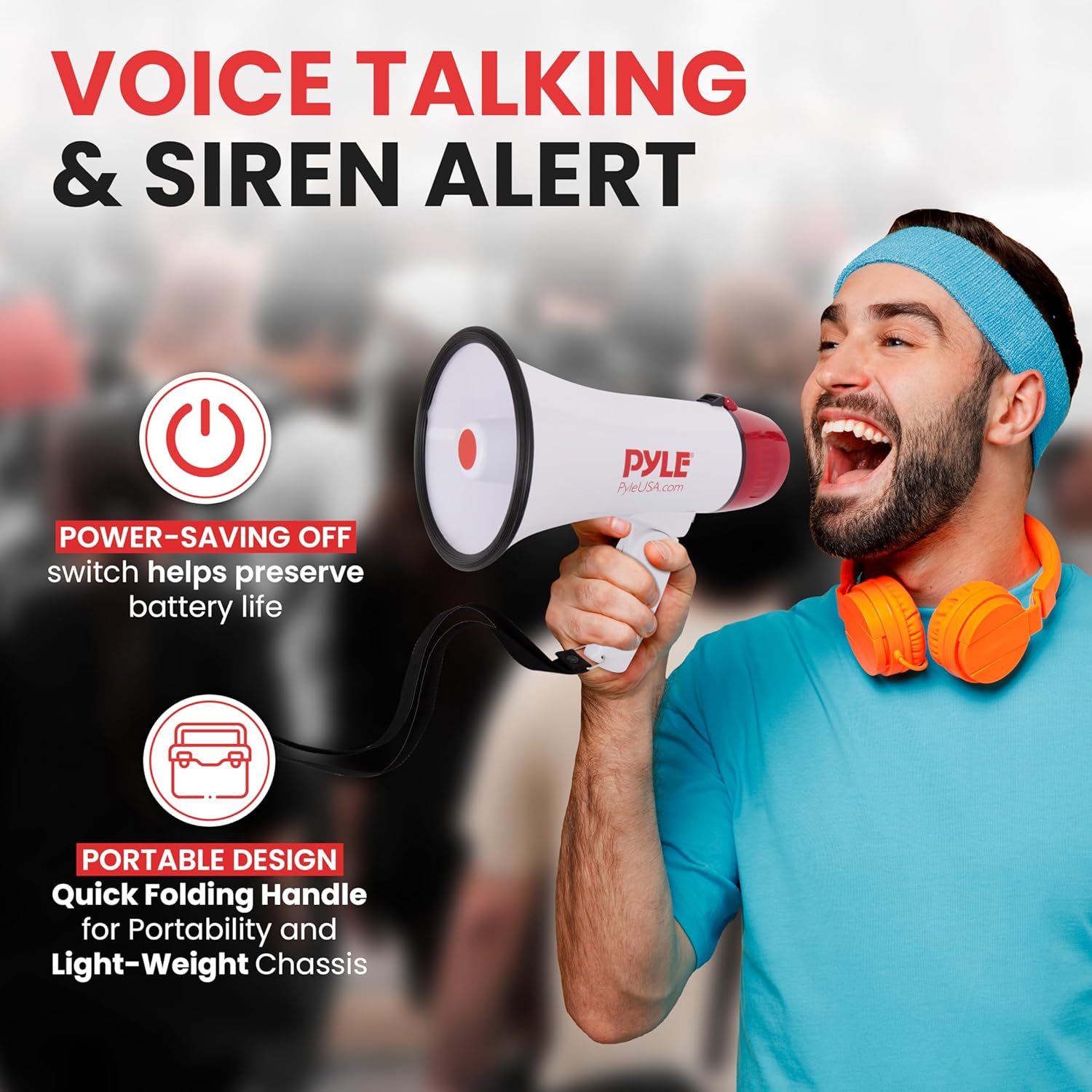
Image: Pyle megaphone highlighting voice and siren alert modes, power-saving switch, and portable design with folding handle.
3. Package Contents
The package typically includes the following items:
- Pyle PMP22GR Megaphone Speaker
- Pyle PMP20 Megaphone Speaker
- User Manual (this document)
Note: 4 'C' batteries are required for each megaphone and are not included in the package.
4. Setup
4.1 Battery Installation
- Locate the battery compartment on the megaphone. This is typically found at the rear of the unit or under the handle.
- Open the battery compartment cover.
- Insert 4 'C' size batteries, ensuring correct polarity (+/-) as indicated inside the compartment.
- Close the battery compartment cover securely.

Image: Pyle megaphone illustrating battery installation, folding handle, and ergonomic grip.
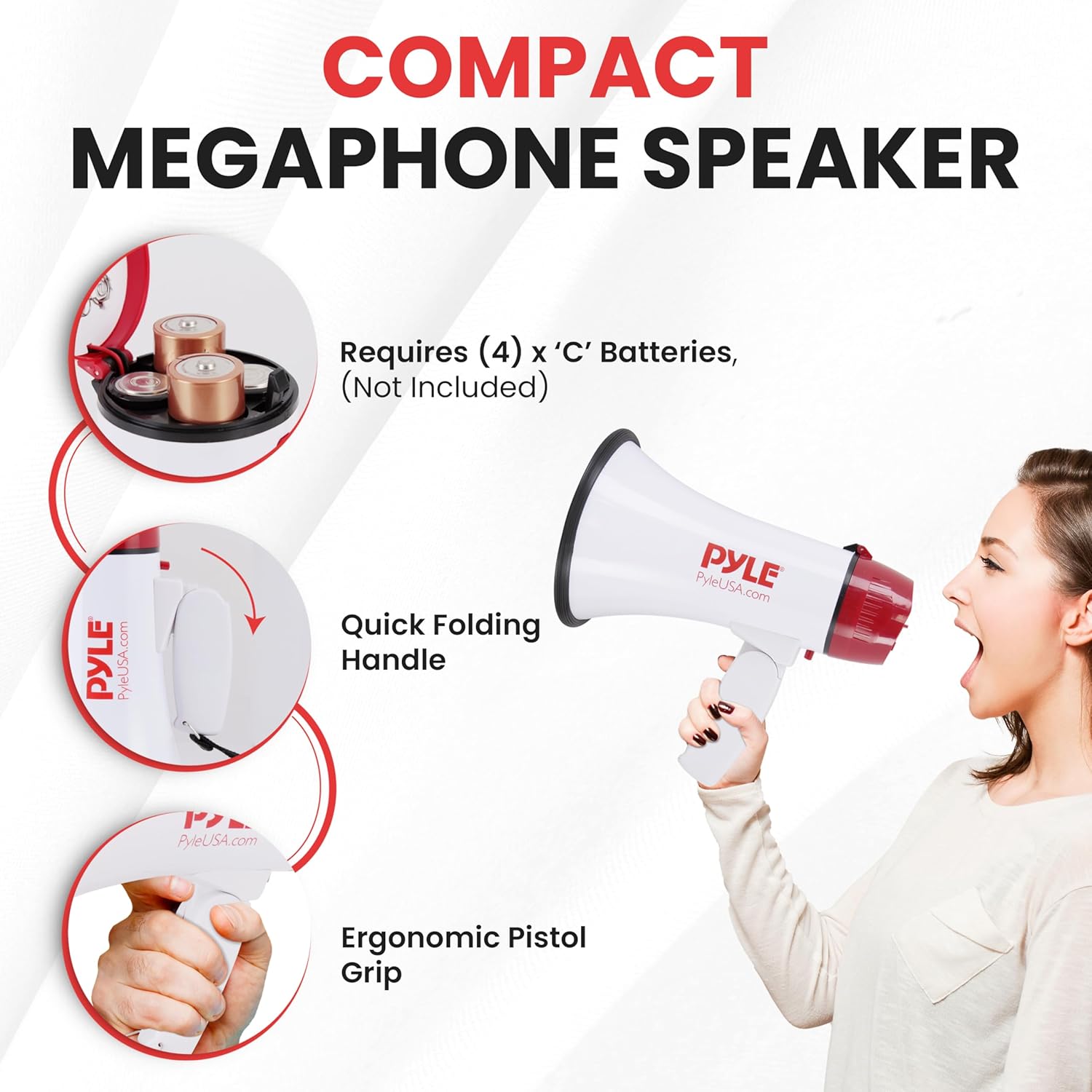
Image: Pyle megaphone illustrating battery installation, folding handle, and ergonomic pistol grip.
4.2 Handle Adjustment
The megaphone features a folding handle for portability. To adjust the handle:
- To unfold, gently pull the handle away from the megaphone body until it locks into the operating position.
- To fold for storage, press the release button (if present) or apply gentle pressure to fold the handle back against the megaphone body.
5. Operation
5.1 Power On/Off
Locate the power switch, usually on the handle or control panel. Slide it to the 'ON' position to power on the megaphone. Slide it to 'OFF' when not in use to conserve battery life.
5.2 Voice Mode
To use the voice amplification feature:
- Ensure the megaphone is powered on.
- Speak clearly into the microphone. The microphone may be integrated into the handle or a separate handheld unit.
- Adjust the volume control to your desired level.
5.3 Siren Mode
To activate the siren:
- Press and hold the 'SIREN' button (if available) or switch to the 'SIREN' mode.
- Release the button or switch to stop the siren.
5.4 Volume Control
Rotate the volume knob or slide the volume switch to increase or decrease the output volume. Start with a lower volume and gradually increase it to avoid sudden loud noises.
6. Maintenance
6.1 Battery Replacement
When the sound output becomes weak or distorted, it is time to replace the batteries. Follow the battery installation steps in Section 4.1.
6.2 Cleaning
Wipe the megaphone's exterior with a soft, damp cloth. Do not use abrasive cleaners or immerse the unit in water.
7. Troubleshooting
| Problem | Possible Cause | Solution |
|---|---|---|
| No sound output |
|
|
| Low or distorted sound |
|
|
8. Specifications
| Feature | Detail |
|---|---|
| Brand | Pyle |
| Model Names | PMP22GR, PMP20 |
| Audio Output Mode | Mono |
| Mounting Type | Tabletop Mount (for storage/rest) |
| Speaker Type | Outdoor |
| Controller Type | Battery Powered |
| Is Waterproof | FALSE |
| Control Method | Voice |
| Compatible Devices | Karaoke Machine, Laptop, Smartphone, Tablet (Note: This refers to potential audio input, not direct connectivity for these megaphone models.) |
| Audio Driver Type | Dynamic Driver |
| Power Source | Battery Powered (4 x 'C' batteries per unit, not included) |
| ASIN | B0D4QTZ2SR |
9. Safety Information
- Do not expose the megaphone to extreme temperatures or direct sunlight for extended periods.
- Avoid dropping the unit or subjecting it to strong impacts.
- Do not attempt to disassemble or modify the megaphone. This will void the warranty and may cause damage or injury.
- Keep batteries out of reach of children. If swallowed, seek immediate medical attention.
- Do not mix old and new batteries, or different types of batteries.
- Remove batteries if the megaphone will not be used for a long period to prevent leakage.
- Avoid prolonged exposure to high volume levels, as this may cause hearing damage.
10. Warranty and Support
For warranty information, technical support, or service inquiries, please refer to the official Pyle website or contact their customer service department. Keep your purchase receipt as proof of purchase for warranty claims.
