
DEMNU Njord Gear Tank S3
DEMNU Njord Gear Tank S3 Smart Watch User Manual
Model: Njord Gear Tank S3
1. Introduction
This manual provides detailed instructions for the setup, operation, maintenance, and troubleshooting of your DEMNU Njord Gear Tank S3 Smart Watch. This rugged smartwatch is designed for active lifestyles, featuring robust construction, comprehensive health monitoring, and convenient communication capabilities.

Image 1.1: The DEMNU Njord Gear Tank S3 Smart Watch, showcasing its display with various metrics and notification features.
2. Package Contents
Please verify that all items are present in your package:
- Smart Watch (1 unit)
- Watch Band (1 unit)
- Charging Cable (1 unit)
- User Manual (this document)
3. Initial Setup
3.1 Charging the Smart Watch
Before first use, fully charge your smart watch. The device features a 680mAh battery. A full charge typically takes approximately 3 hours.

Image 3.1: Illustration of the smartwatch charging, highlighting its 680mAh battery and charging duration.
3.2 App Installation and Pairing
To unlock the full functionality of your smart watch, download and install the companion application on your smartphone. The watch supports Android 5.0+ and iOS 10.0+ devices.
- Scan the QR code provided in the watch's packaging or visit the official app download page: http://plus.crrepa.com/app-download/dafit.
- Download and install the 'Da Fit' application from your phone's app store (Google Play Store for Android, Apple App Store for iOS).
- Open the 'Da Fit' app and follow the on-screen instructions to create an account or log in.
- Enable Bluetooth on your smartphone.
- In the 'Da Fit' app, navigate to the device section and search for your smart watch. Select 'Njord Gear Tank S3' to pair.
- Confirm the pairing request on both your phone and the smart watch.

Image 3.2: The 'Da Fit' application interface, demonstrating its features and providing download options for Android and iOS.
4. Operating Instructions
4.1 Basic Navigation
The smart watch features a 1.96-inch AMOLED touchscreen and physical buttons for navigation. Swipe across the screen to access different functions and press the side button to return to the home screen or access the main menu.
4.2 Bluetooth Call and Message Notifications
Once paired with your smartphone, the watch allows you to make and receive calls directly from your wrist using its built-in HI-FI speaker and microphone. It also displays notifications from various applications such as WhatsApp, Facebook, and LINE.

Image 4.1: The smartwatch displaying an incoming call, demonstrating its Bluetooth call and message notification capabilities.
4.3 Health Monitoring
The smart watch continuously monitors your health metrics, including heart rate, blood pressure, blood oxygen (SpO2), and sleep patterns. Access detailed data and trends through the 'Da Fit' app.
- Heart Rate: Real-time monitoring and historical data.
- Blood Pressure: Automatic measurement and tracking.
- Blood Oxygen (SpO2): Monitors oxygen saturation levels.
- Sleep Monitoring: Analyzes sleep stages (deep, light, REM) and provides sleep quality reports.

Image 4.2: The smartwatch displaying various health metrics, including heart rate, blood pressure, blood oxygen, and sleep data.
4.4 Sports Modes
The watch offers over 123 sports modes to track your physical activities. During exercise, it records data such as heart rate, steps, calories burned, and distance, helping you analyze and improve your performance.

Image 4.3: The smartwatch interface showing a sports tracking mode, with icons for over 100 different sports activities.
4.5 Additional Functions
The Njord Gear Tank S3 includes several practical features to enhance daily convenience:
- Calculator: Perform basic calculations directly on your wrist.
- Remote Camera Control: Use your watch as a remote shutter for your smartphone camera.
- Voice Assistance: Access your phone's voice assistant.
- Music Control: Manage music playback on your paired smartphone.
- Sedentary Reminder: Alerts you to move after periods of inactivity.
- Breath Training: Guided breathing exercises for relaxation.
- Drink Water Reminder: Prompts you to stay hydrated.
- Stopwatch & Alarm Clock: Essential timekeeping tools.
- Weather Forecast: Displays current weather conditions.
- Games: Includes simple games for entertainment.


5. Maintenance and Care
5.1 Water Resistance
The Njord Gear Tank S3 is IP69K and 5ATM waterproof, making it suitable for various water activities such as swimming, showering, and handwashing. It can withstand immersion in water for up to 24 hours under normal conditions. Do not immerse the watch in hot water, as this can compromise its seals and water resistance.
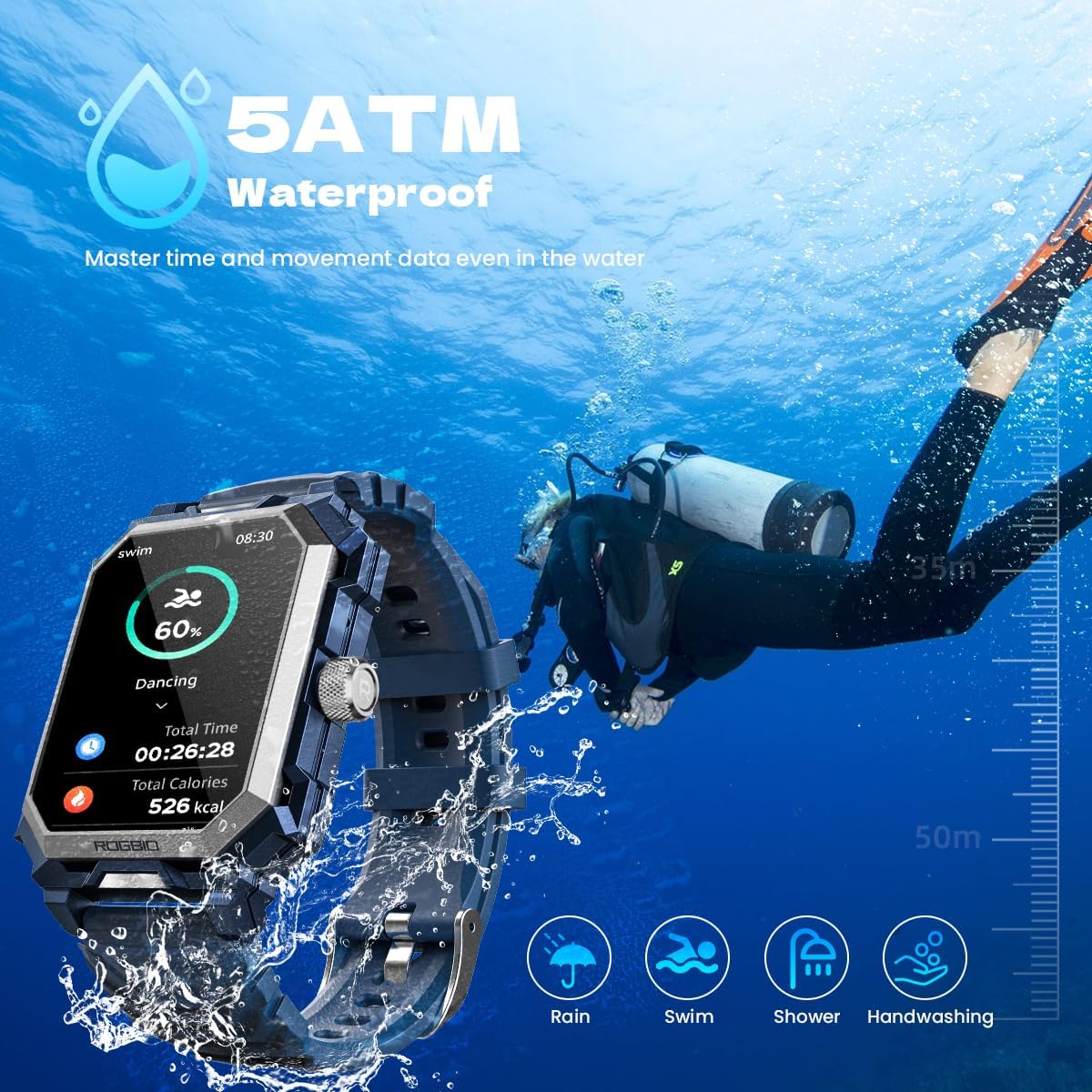
Image 5.1: The smartwatch demonstrating its 5ATM waterproof capability during underwater use.
5.2 Durability and Cleaning
Constructed from titanium metal and meeting MIL-STD-810H military standards, the watch is designed to be rugged and durable, offering frost protection, dust-proof capabilities, and heat resistance from -40°C to 70°C.
- Cleaning: Wipe the watch and strap regularly with a soft, damp cloth. Avoid using harsh chemicals or abrasive materials.
- Storage: Store the watch in a cool, dry place when not in use.
- Avoid Extreme Conditions: While rugged, prolonged exposure to extreme temperatures or direct sunlight can affect battery life and component longevity.

Image 5.2: Visual representation of the smartwatch's MIL-STD-810H certified durability, including resistance to frost, dust, and extreme temperatures.
6. Troubleshooting
If you encounter issues with your DEMNU Njord Gear Tank S3 Smart Watch, please refer to the following common solutions:
- Watch not turning on: Ensure the watch is fully charged. Connect it to the charging cable and allow it to charge for at least 30 minutes before attempting to power it on again.
- Cannot pair with smartphone:
- Ensure Bluetooth is enabled on your smartphone and the watch.
- Make sure the watch is within the Bluetooth range of your phone (typically 10 meters).
- Restart both your smartphone and the smart watch.
- Clear the Bluetooth cache on your phone (if applicable) and try pairing again.
- Inaccurate health data: Ensure the watch is worn snugly on your wrist, about one finger's width above your wrist bone. Clean the sensor on the back of the watch.
- Notifications not appearing:
- Check notification permissions for the 'Da Fit' app in your phone's settings.
- Ensure the 'Da Fit' app is running in the background and not being closed by your phone's power-saving features.
- Verify that notification settings are enabled within the 'Da Fit' app for the desired applications.
- Short battery life:
- Reduce screen brightness.
- Disable continuous heart rate monitoring if not needed 24/7.
- Limit the number of applications sending notifications to the watch.
- Ensure the watch is fully charged each time.
If the issue persists, please contact customer support for further assistance.
7. Specifications
| Feature | Detail |
|---|---|
| Brand | DEMNU |
| Model Number | Njord Gear Tank S3 |
| Display | 1.96 Inches AMOLED Touchscreen |
| Resolution | 320 x 386 pixels |
| Battery Capacity | 680 Milliamp Hours (mAh) |
| Connectivity | Bluetooth |
| Water Resistance | IP69K, 5ATM |
| Durability Standard | MIL-STD-810H |
| Operating Temperature | -40°C to 70°C |
| Item Weight | 3 ounces (85 Grams) |
| Compatible OS | Android 5.0+, iOS 10.0+ |
| Special Features | Activity Tracker, Alarm Clock, Blood Pressure Monitor, Calorie Tracker, Breath Monitor, Heart Rate Monitor, Multisport Tracker, Notifications, Pedometer, Oxymeter (SpO2), Sleep Monitor, Phone Call, Voice Control, Weather Forecast |
8. Warranty and Support
Your DEMNU Njord Gear Tank S3 Smart Watch comes with a standard manufacturer's warranty. For specific warranty terms, duration, and to register your product, please refer to the warranty card included in your package or visit the official DEMNU website.
For technical support, troubleshooting assistance beyond this manual, or warranty claims, please contact DEMNU customer service through the contact information provided on the official website or your purchase platform.