
1. Product Overview
This FGIEU 12V charger (Model CT-1260) is designed to provide a consistent and stable power supply for various Zebra Technologies Direct Thermal Mobile Printers. It is a reliable replacement for models such as FSP048-DBCA2 and AT18486-1.
1.1 Compatible Models
The charger is compatible with the following Zebra Technologies mobile printer series:
- Zebra ZQ520, ZQ510, ZQ500 Series
- Zebra ZQ600, ZQ610, ZQ620, ZQ630 Series
- Zebra ZR658, ZR668 Series
- Zebra QLn420, QLN320, QLN220, QLn-EC4 Series
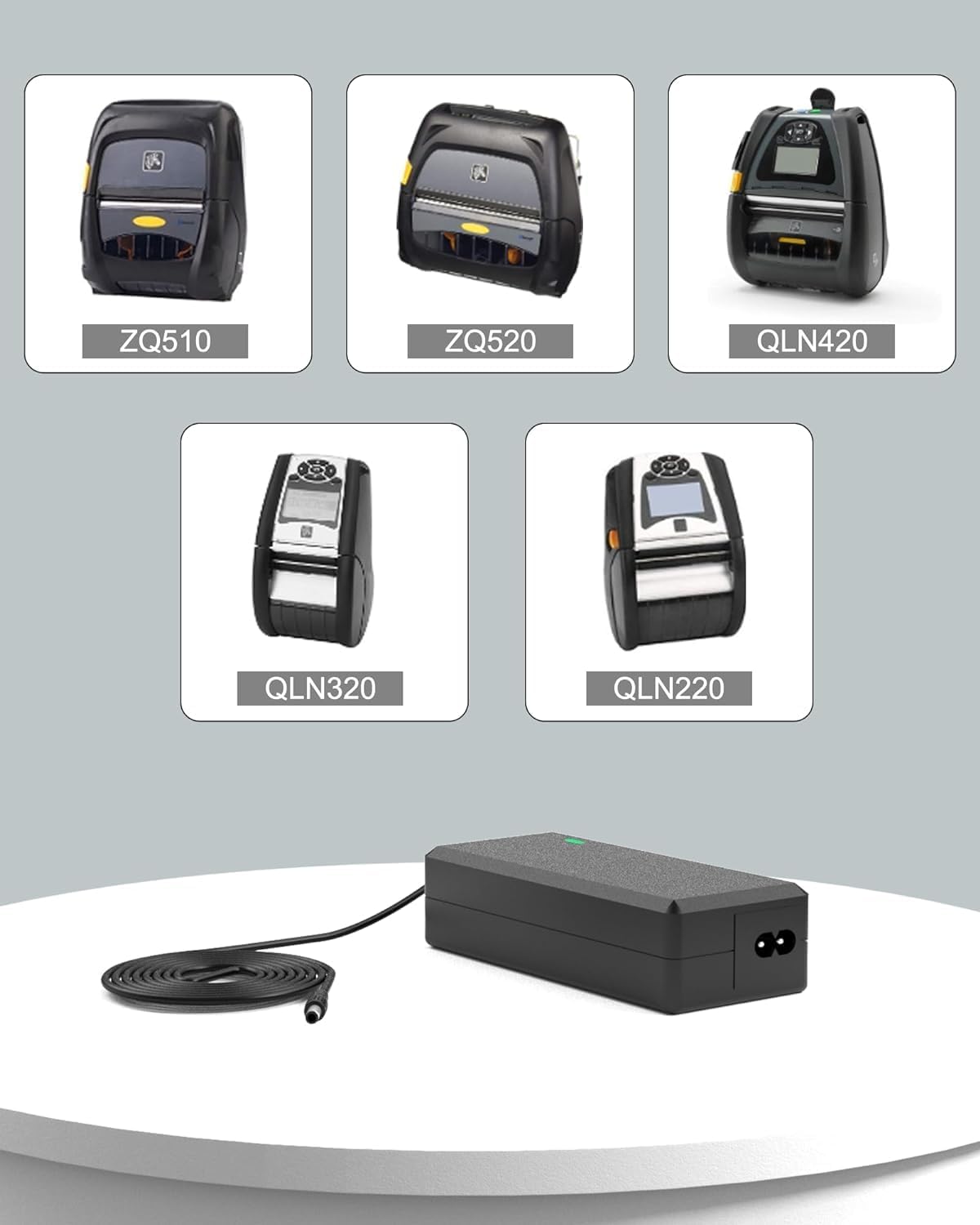
Figure 1: Compatible Zebra Technologies Mobile Printer Models.
1.2 Product Features
- Universal AC Input: Supports 110V to 240V, suitable for worldwide use.
- Stable Output: Delivers 5A 60W for efficient charging.
- Extended Cable Length: The charging cable extends up to 9.8 feet (approximately 3 meters) for convenient reach.
- Safety Protections: Built-in safeguards against overcurrent, overvoltage, and short circuits to protect your devices.
- Durable Construction: Crafted from premium materials for long-lasting durability and reliable performance.

Figure 2: Charger Cable and Interface Details.
1.3 What's in the Box
- 1 x FGIEU 12V Charger (Model CT-1260)
- 1 x Power Cord
2. Setup Instructions
Follow these steps to properly set up your FGIEU 12V charger:
- Connect the AC Power Cord: Insert the AC power cord into the charger's input port. Ensure it is firmly seated.
- Plug into Power Outlet: Connect the AC power cord's plug into a standard wall electrical outlet (110V-240V).
- Connect to Printer: Insert the DC output plug of the charger into the charging port of your compatible Zebra Technologies mobile printer.
The charger typically features an indicator light (often green) that illuminates when power is supplied and the device is charging.
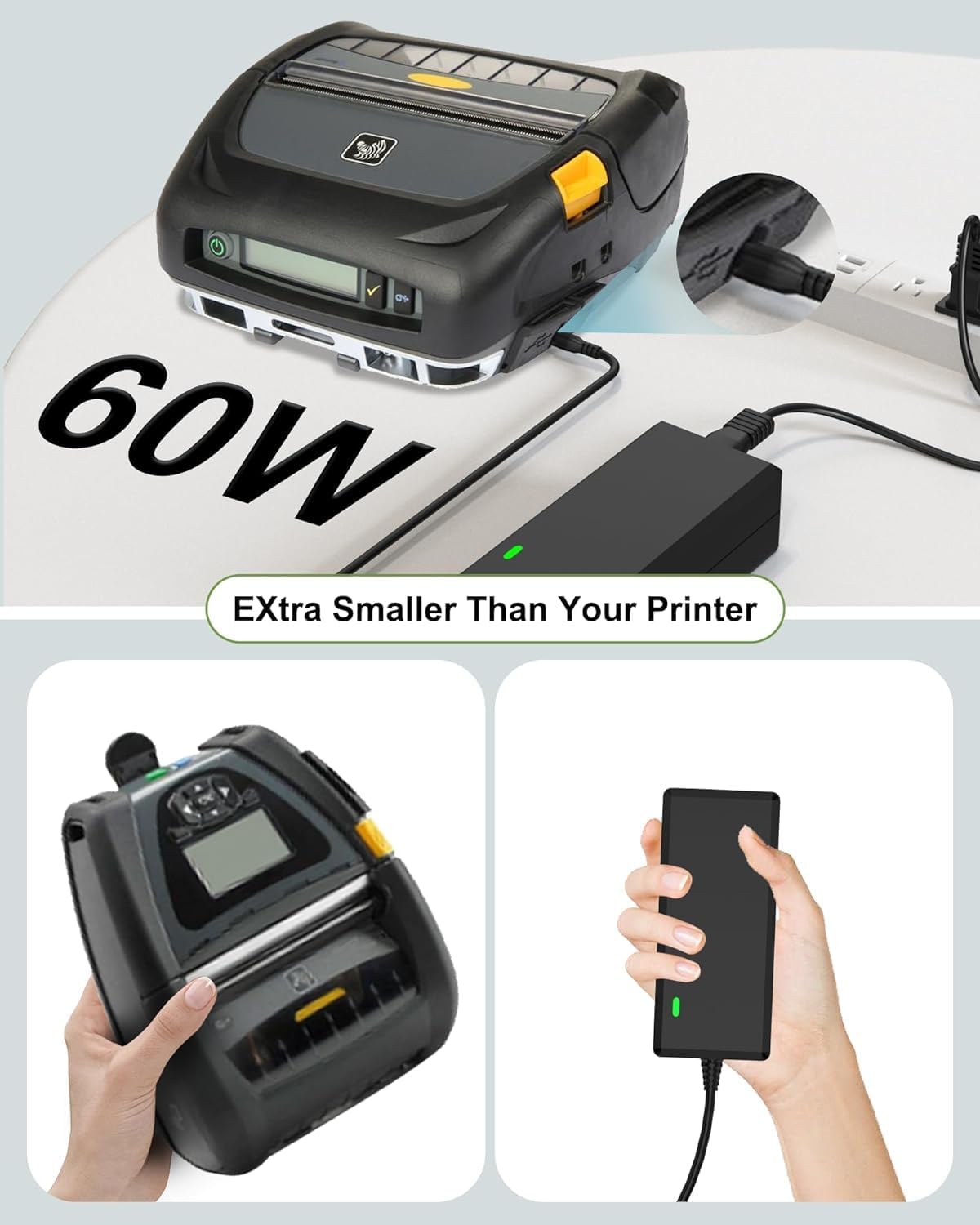
Figure 3: Charger Connected to a Zebra Mobile Printer.
3. Operating Instructions
Once connected, the charger will automatically begin supplying power to your printer. The charger is designed for continuous use to power and charge your device.
- Ensure the charger's indicator light is on, indicating active power supply.
- The universal input voltage allows for operation in various regions without needing a voltage converter.
- The 60W output ensures efficient charging for your mobile printer.

Figure 4: Charger in Operation, Providing 60W Power.
4. Maintenance
Proper maintenance ensures the longevity and optimal performance of your charger:
- Keep Clean and Dry: Regularly wipe the charger with a dry, soft cloth. Avoid exposure to liquids or excessive moisture.
- Avoid Extreme Temperatures: Do not expose the charger to extremely high or low temperatures. Store it in a cool, dry place when not in use.
- Inspect Cables: Periodically check the AC power cord and DC output cable for any signs of damage, fraying, or exposed wires. If damage is found, discontinue use and replace the charger.
- Proper Storage: When traveling or storing, coil the cables loosely to prevent kinks or damage.
5. Troubleshooting
If you encounter issues with your charger, refer to the following troubleshooting guide:
| Problem | Possible Cause | Solution |
|---|---|---|
| Charger not powering on / No indicator light | Loose connection, faulty outlet, damaged cable. | Ensure all connections are secure. Try a different wall outlet. Inspect cables for damage. |
| Printer not charging or charging slowly | Loose connection, printer issue, charger not fully compatible (unlikely if listed). | Verify the DC plug is fully inserted into the printer. Ensure the printer's battery is not completely depleted. |
| Charger feels hot during use | Normal operation (some heat is expected), poor ventilation, excessive load. | Ensure the charger is in a well-ventilated area. If it becomes excessively hot, disconnect it and allow it to cool. Contact support if overheating persists. |
6. Specifications
Detailed technical specifications for the FGIEU 12V Charger (Model CT-1260):
- Model Number: CT-1260
- Input Voltage: 110-240 Volts (AC)
- Output Wattage: 60 watts
- Output Amperage: 5 Amps
- Connector Type: Barrel Plug
- Cable Length: Approximately 9.8 feet (DC cable)
- Item Weight: 3.2 ounces
- Package Dimensions: 6.02 x 4.09 x 1.65 inches
- Special Feature: Short Circuit Protection, Overcurrent Protection, Overvoltage Protection
- Color: Black
- Included Components: Power Cord
7. Safety Information
Your FGIEU charger is engineered with multiple safety features to ensure reliable performance and protect your devices:
- Overcurrent Protection: Prevents damage from excessive current flow.
- Overvoltage Protection: Safeguards against voltage spikes.
- Short-Circuit Protection: Automatically shuts down in case of a short circuit.
- Overcharge Protection: Protects the connected device's battery from overcharging.
- Over-Temperature Protection: Prevents the charger from overheating.
- Fire-Resistance Shell: Constructed with fire-resistant materials for added safety.
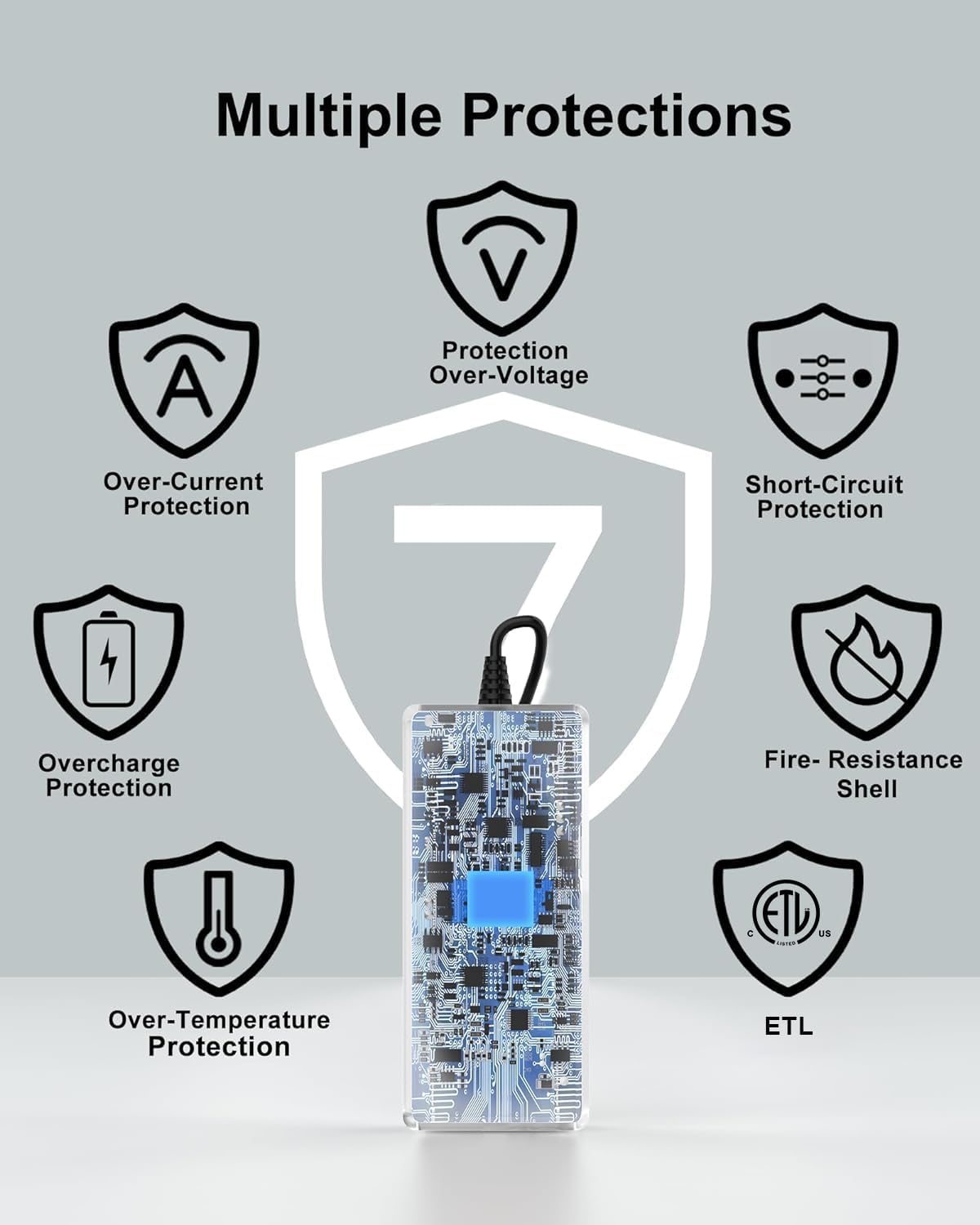
Figure 5: Multiple Safety Protections.
8. Warranty and Support
FGIEU is committed to providing high-quality products and customer satisfaction.
- 30-Day Refund: Enjoy a 30-day refund period from the date of purchase.
- 18-Month Exchange: Benefit from an 18-month worry-free exchange for any product defects.
- Customer Support: For any questions or assistance, please contact FGIEU customer service.
Figure 6: Warranty and Support Information.