1. Introduction
Welcome to the user manual for your Generic Ultrapods Pro Wireless Earbuds. These earbuds are designed to provide a premium audio experience with enhanced noise cancellation, smart touch controls, and a comfortable fit. Please read this manual carefully to ensure proper use and optimal performance of your device.
2. What's in the Box
Verify that all items are present in your package:
- Ultrapods Pro Earbuds
- Wireless Charging Case
- Charging Cable (Type-C)
- User Manual
- Multiple sizes of ear tips (usually S, M, L)

Image: The Ultrapods Pro earbuds are shown inside their transparent charging case, along with a charging cable and user manual, illustrating the contents of the package.
3. Product Overview and Features
The Ultrapods Pro earbuds offer a range of features for an immersive audio experience:
- Enhanced Noise Cancellation (ENC): For crystal-clear calls and immersive sound.
- HiFi Stereo Sound: Rich bass and wide soundstage.
- LED Digital Display: Shows battery status of earbuds and charging case.
- Smart Touch Controls: Manage calls, playback, and volume.
- Customizable Fit: Includes multiple ear tip sizes for comfort.
- Advanced Bluetooth 5.3: Stable wireless connectivity and seamless pairing.
- Quick Charging & Long Battery Life: Up to 4 hours playtime, 30 hours with charging case.
- Splash-Resistant Design: Suitable for workouts and outdoor activities (IPX4/IPX5).
- Dedicated Gaming Mode: With 40ms ultra-low latency.
- Voice Assistant Support: Compatible with Siri and Google Assistant.

Image: A grid showcasing various features of the Ultrapods Pro, including Smart ENC, 13mm High Fidelity Drivers, Type-C charging, Touch Sensor controls, Dedicated Gaming Mode, IPX5 water resistance, and Voice Assistant support.
4. Setup
4.1. Charging the Earbuds and Case
- Place the earbuds into the charging case. Ensure they are correctly seated.
- Connect the provided USB Type-C cable to the charging port on the case and to a power source.
- The LED digital display on the case will show the charging status. A full charge provides up to 30 hours of extended listening with the case.
- A 10-minute charge can provide up to 3.5 hours of playtime for the earbuds.

Image: The Ultrapods Pro charging case with its transparent design and illuminated LED display showing battery percentage, indicating the charging status.
4.2. Bluetooth Pairing
- Initial Pairing: Open the charging case. The earbuds will automatically enter pairing mode.
- On your device (smartphone, tablet, etc.), enable Bluetooth and search for available devices.
- Select "Ultrapods Pro" from the list of found devices to connect.
- Once paired, the earbuds will automatically connect to your device when removed from the case.
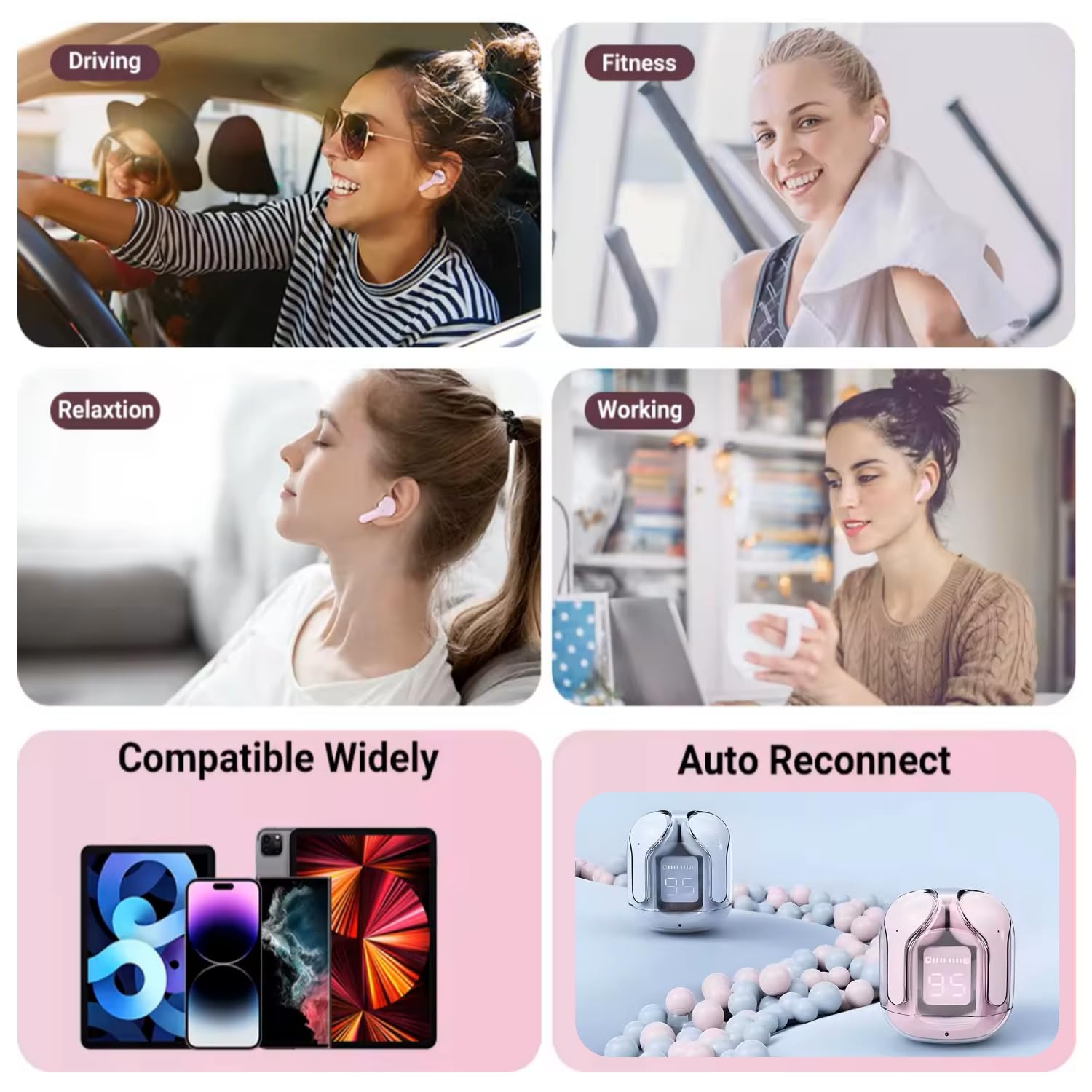
Image: This image illustrates the auto-reconnect feature of the Ultrapods Pro earbuds and their wide compatibility with various Bluetooth-enabled devices like smartphones and tablets.
4.3. Customizable Fit
For optimal sound quality and comfort, choose the ear tips that best fit your ears. The package includes multiple sizes (Small, Medium, Large). Gently insert the earbuds into your ear canal and twist slightly to secure them.
5. Operating Instructions
5.1. Smart Touch Controls
The Ultrapods Pro earbuds feature intuitive touch controls on each earbud:
- Play/Pause: Single tap on either earbud.
- Next Track: Double tap on the right earbud.
- Previous Track: Double tap on the left earbud.
- Answer/End Call: Single tap on either earbud.
- Reject Call: Press and hold either earbud for 2 seconds.
- Volume Up: Triple tap on the right earbud.
- Volume Down: Triple tap on the left earbud.
- Activate Voice Assistant (Siri/Google Assistant): Press and hold either earbud for 2 seconds (when not on a call).

Image: A visual guide demonstrating the smart touch controls for the Ultrapods Pro earbuds, including actions for calls, music playback, volume adjustment, and voice assistant activation.
5.2. Enhanced Noise Cancellation (ENC)
The earbuds utilize Enhanced Noise Cancellation technology to reduce ambient noise during calls, ensuring clearer communication. This feature is automatically active during calls.
5.3. Dedicated Gaming Mode
To activate the dedicated gaming mode for ultra-low latency (40ms), refer to the specific touch control gesture in the product's quick start guide or experiment with a long press or specific tap sequence not covered in general controls. This mode is designed to synchronize sound and picture for an improved gaming experience.
5.4. Water Resistance
The Ultrapods Pro earbuds are designed with IPX4/IPX5 splash resistance, making them suitable for light rain, sweat, and accidental splashes. They are not intended for submersion in water.

Image: A person wearing an Ultrapods Pro earbud, highlighting its comfortable fit and suitability for active use, supported by its IPX4 sweat and water resistance.
6. Maintenance
6.1. Cleaning
- Regularly clean the earbuds and charging case with a soft, dry, lint-free cloth.
- Remove ear tips and clean them with mild soap and water, then dry thoroughly before reattaching.
- Avoid using abrasive materials, solvents, or aerosol sprays.
6.2. Storage
When not in use, store the earbuds in their charging case to protect them from dust and damage, and to keep them charged.
7. Troubleshooting
| Problem | Possible Cause | Solution |
|---|---|---|
| Earbuds not turning on/connecting. | Low battery; not in pairing mode; already connected to another device. | Charge the earbuds and case fully. Ensure Bluetooth is enabled on your device. Disconnect from other devices. Place earbuds back in case and remove to re-enter pairing mode. |
| No sound or poor sound quality. | Earbuds not properly seated; low volume; dirty ear tips; out of Bluetooth range. | Adjust earbud position. Increase volume on device and earbuds. Clean ear tips. Ensure device is within 10-15 meters of earbuds. |
| Earbuds not charging. | Charging cable or adapter faulty; earbuds not properly seated in case; dirty charging contacts. | Try a different charging cable and adapter. Ensure earbuds are correctly placed in the case. Clean charging contacts on earbuds and case with a dry cotton swab. |
| Touch controls not responding. | Earbuds are wet; temporary software glitch. | Ensure earbuds are dry. Restart earbuds by placing them in the case and taking them out again. |
8. Specifications
| Model Name | Ultrapods Pro |
| Connectivity Technology | Wireless (Bluetooth 5.3) |
| Ear Placement | In Ear |
| Noise Control | Active Noise Cancellation (ENC) |
| Battery Life (Earbuds) | Up to 4 Hours |
| Total Playtime with Case | Up to 30 Hours |
| Charging Time (Quick Charge) | 10 minutes for 3.5 hours playtime |
| Control Method | Touch |
| Water Resistance Level | IPX4/IPX5 (Sweatproof, Splash-resistant) |
| Material | Plastic |
| Item Weight | 10 Grams |
| Dimensions (Product) | 9.5 x 3.5 x 12.5 cm |
| Included Components | Earbuds, Charging Case, Cable, User Manual |
9. Warranty and Support
This product comes with a standard manufacturer's warranty. Please refer to the warranty card included in your package for specific terms and conditions. For technical support, customer service, or warranty claims, please contact the retailer or manufacturer directly using the contact information provided with your purchase.
For additional support, you may visit the manufacturer's website or contact their customer service department.


