
1. Introduction
Thank you for choosing the FGIEU CT-1250 charger. This manual provides essential information for the safe and efficient use of your new charger. Please read these instructions carefully before use and retain them for future reference.
Package Contents:
- 1 x FGIEU CT-1250 Charger
- 1 x User Manual (this document)
Compatible Vacuum Cleaner Models:
This charger is designed for use with the following 29.6V Li-ion cordless stick vacuum cleaner models:
- SMOTURE VAC01
- SMOTURE BP20
- SMOTURE X9
- Whall EV-691
- Whall EV-691H
- SunSare X7A
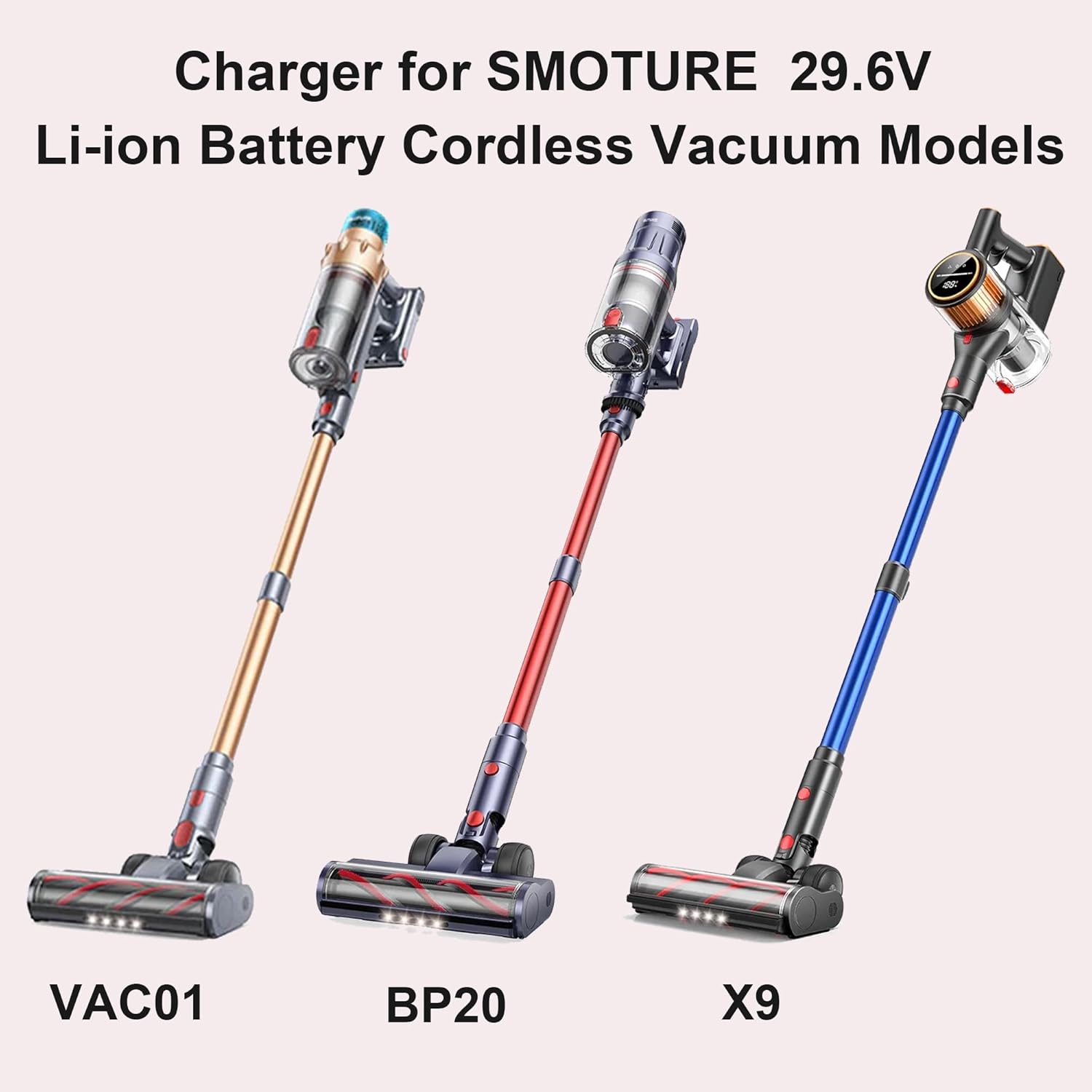
Image: Charger compatibility with SMOTURE VAC01, BP20, and X9 vacuum models.

Image: Charger compatibility with Whall EV-691 and EV-691H vacuum models.
2. Setup
Follow these steps to set up your charger for first use:
- Unpack the Charger: Carefully remove the charger and any included accessories from the packaging. Inspect for any visible damage.
- Connect to Power: Plug the charger's AC input plug into a standard wall outlet (110V-240V AC). Ensure the outlet is easily accessible.
- Connect to Vacuum: Locate the charging port on your compatible cordless vacuum cleaner. Insert the barrel plug connector of the charger firmly into the vacuum's charging port.

Image: The charger connected to a vacuum cleaner and a wall outlet.
3. Operating Instructions
The FGIEU CT-1250 charger is designed for straightforward operation:
- Charging Process: Once connected, the charger will automatically begin charging your vacuum cleaner's battery. Refer to your vacuum cleaner's manual for specific charging indicators (e.g., LED lights) that show charging status.
- Charging Time: Charging time will vary depending on the vacuum cleaner model and the battery's current charge level.
- Disconnecting: Once charging is complete, or if you need to stop charging, first disconnect the barrel plug from the vacuum cleaner, then unplug the charger from the wall outlet.
4. Safety Information
Your safety is important. Please observe the following precautions:
- Use this charger only with the specified compatible vacuum cleaner models. Using it with incompatible devices may cause damage or injury.
- Do not expose the charger to water, moisture, or extreme temperatures.
- Do not attempt to disassemble, modify, or repair the charger. Contact qualified service personnel if repair is needed.
- Keep the charger away from children and pets.
- Unplug the charger from the wall outlet when not in use or during electrical storms.
- Ensure proper ventilation around the charger during operation. Do not cover it.
Built-in Protection Features:
The FGIEU CT-1250 charger is engineered with multiple safety features to protect your devices:
- Short Circuit Protection: Prevents damage from electrical shorts.
- Overcurrent Protection: Safeguards against excessive current flow.
- Overvoltage Protection: Protects against voltage spikes.
- Overcharge Protection: Helps prevent battery overcharging.
- Over Temperature Protection: Monitors and prevents overheating.
- Overload Protection: Protects against excessive power draw.

Image: Visual representation of the charger's multi-protection features.
5. Maintenance
Proper care ensures the longevity of your charger:
- Cleaning: Disconnect the charger from power before cleaning. Use a soft, dry cloth to wipe the exterior. Do not use liquid cleaners or solvents.
- Storage: Store the charger in a cool, dry place away from direct sunlight and extreme temperatures. Avoid wrapping the cable too tightly around the charger.
- Cable Care: Avoid bending or crimping the cable excessively. Do not place heavy objects on the cable. The charger features a high-quality copper wire for efficient and stable current transmission.

Image: Illustration of the high-quality copper wire within the charger cable.
6. Troubleshooting
If you encounter issues with your charger, consider the following:
- No Power/Charging:
- Ensure the charger is securely plugged into a working wall outlet.
- Verify the barrel plug is fully inserted into the vacuum cleaner's charging port.
- Check if the wall outlet is functional by plugging in another device.
- Overheating:
- Unplug the charger immediately.
- Ensure the charger is in a well-ventilated area and not covered.
- If overheating persists, discontinue use and contact support.
- Physical Damage: If the charger or cable appears damaged, do not use it. Contact customer support for assistance.
7. Specifications
| Model Number | CT-1250 |
| Brand | FGIEU |
| Input Voltage | 110-240V AC |
| Wattage | 270 watts |
| Connector Type | Barrel Plug |
| Cable Length | 5.9 feet (approximately 1.8 meters) |
| Special Feature | Short Circuit Protection, Overcurrent Protection, Overvoltage Protection, Overcharge Protection, Over Temperature Protection, Overload Protection |
| Color | Black |
| Item Weight | 6.7 ounces |
| Package Dimensions | 3.82 x 2.72 x 1.85 inches |

Image: Charger cable length and compact dimensions.

Image: The charger's small, compact, and portable design.
8. Warranty and Support
For warranty information or technical support, please refer to the retailer's return policy or contact the manufacturer directly. Keep your purchase receipt for warranty claims.