
Introduction
This manual provides comprehensive instructions for the assembly, operation, maintenance, and troubleshooting of your Wohh Vanity Desk with Mirror and Lights. Please read this manual thoroughly before assembly and use to ensure safe and optimal performance of your product. Keep this manual for future reference.
Important Safety Information
- Refer to the assembly manual for safety instructions regarding electrical components and sharp edges.
- Ensure all connections are secure before use.
- Do not overload drawers or shelves.
- Keep electrical components away from water.
- Always unplug the vanity desk from the power source before cleaning or performing maintenance.
Package Contents
Please verify that all components are present before beginning assembly. If any parts are missing or damaged, contact customer support.
- Vanity Desk Components
- LED Lighted Mirror
- Dressing Stool
- Hardware Pack (screws, connectors, tools)
- Instruction Manual
Setup and Assembly
Assembly of the Wohh Vanity Desk requires careful attention to detail. It is recommended to follow the steps in the accompanying instructions, laying out each board by number before assembly. An installation video is also provided to assist with the process.
- Unpack Components: Carefully remove all parts from the packaging and verify against the parts list in the separate assembly guide.
- Organize Parts: Lay out all numbered boards and hardware in an organized manner to streamline the assembly process.
- Follow Instructions: Refer to the detailed assembly instructions provided in the box. Each step is illustrated to guide you.
- Secure Connections: Ensure all screws and connectors are tightened securely, but do not overtighten to avoid damaging the material.
- Mirror Installation: Attach the LED mirror according to the instructions, ensuring electrical connections are properly made.
- Stool Assembly: Assemble the dressing stool as per its dedicated instructions.
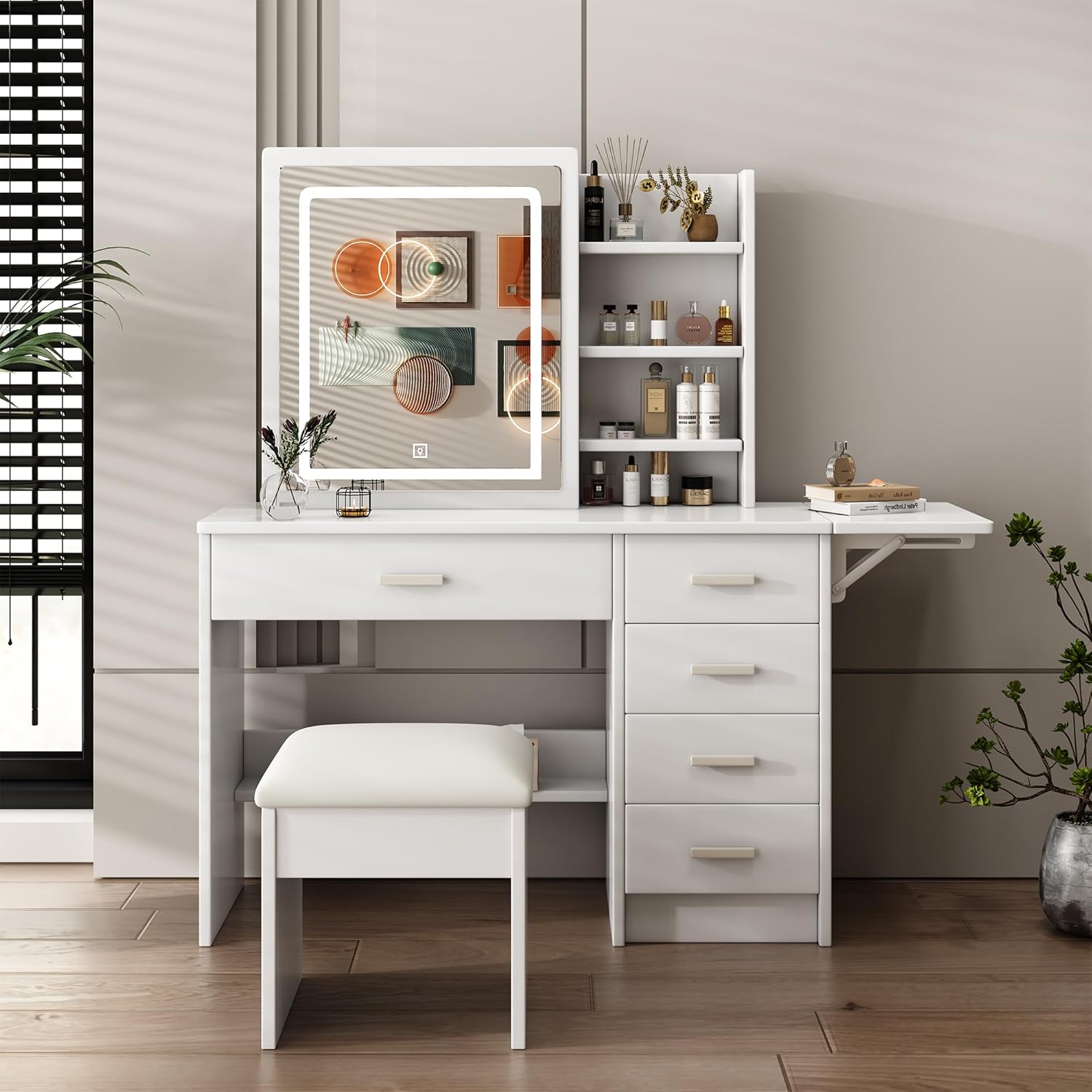
Figure 1: Fully assembled Wohh Vanity Desk with Mirror and Lights, Style 5.
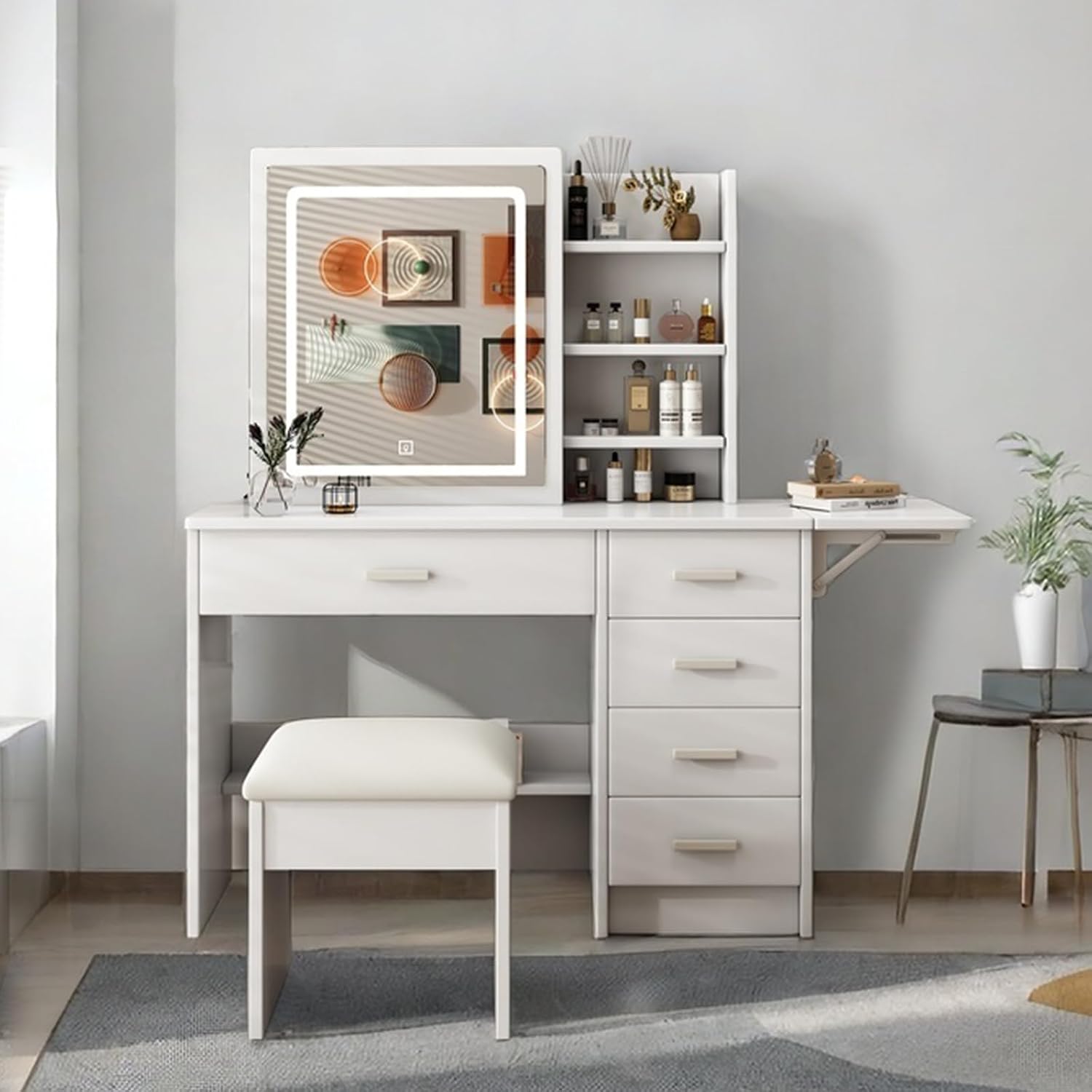
Figure 2: Dimensions of the Wohh Vanity Desk and Stool.
Operating Instructions
LED Mirror Lighting
The integrated LED mirror features three color lighting modes and adjustable brightness to suit various environments and makeup needs.
- Power On/Off: Locate the touch sensor on the mirror surface to turn the lights on or off.
- Change Color Mode: Tap the touch sensor to cycle through the three color modes: Warm Yellow, Warm White, and Cool White.
- Adjust Brightness: Press and hold the touch sensor to increase or decrease the brightness level for the selected color mode. Release when the desired brightness is achieved.

Figure 3: Illustration of the three adjustable lighting effects: Cold White, Warm White, and White Yellow.
Storage Features
The vanity desk offers multiple storage solutions to keep your cosmetics and accessories organized.
- Drawers: Utilize the five spacious drawers for storing various items. The large space drawer is suitable for larger items, while the smaller drawers are ideal for organizing smaller cosmetics.
- Open Shelves: The open shelves provide easy access storage for frequently used items or decorative pieces.
- Sliding Mirror Glass Door: The mirror slides to reveal additional hidden storage space behind it, protecting items from dust and providing a neat appearance.
- Foldable Extension Table: An additional foldable extension table provides extra workspace when needed.

Figure 4: Overview of the vanity desk's multilayer storage capabilities.

Figure 5: Detailed view of the large capacity storage drawers, suitable for various cosmetic items.

Figure 6: Demonstration of the push and pull mirror feature, revealing additional storage.

Figure 7: Features of the matching dressing stool, including PU leather and high resilience sponge.
Maintenance
Proper care will extend the life and appearance of your vanity desk.
- Cleaning: Wipe the surfaces with a dry cloth. Avoid abrasive cleaners or harsh chemicals that may damage the finish.
- Mirror Care: Use a soft, lint-free cloth and a glass cleaner specifically designed for mirrors. Do not spray cleaner directly onto the mirror; apply it to the cloth first.
- Electrical Components: Ensure the vanity is unplugged before cleaning any electrical parts.
- Regular Checks: Periodically check all screws and connections to ensure they remain tight.
Troubleshooting
| Problem | Possible Cause | Solution |
|---|---|---|
| Lights not turning on | Power cable not connected; power outlet issue; touch sensor malfunction. | Ensure power cable is securely plugged in. Test the outlet with another device. Contact customer support if the issue persists. |
| Lights flickering or dim | Loose connection; power supply issue. | Check all electrical connections. Ensure the power source is stable. |
| Drawers not sliding smoothly | Obstruction in the drawer slide; loose screws. | Remove the drawer and check for any obstructions. Ensure drawer slides are properly aligned and screws are tight. |
| Vanity feels unstable | Loose assembly screws; uneven floor. | Re-tighten all assembly screws. Place the vanity on a level surface or use shims if necessary. |
Specifications
| Feature | Detail |
|---|---|
| Brand | Wohh |
| Model Number | W509P238990 |
| Product Dimensions | 45.28"D x 15.35"W x 53.15"H |
| Item Weight | 68.3 pounds |
| Frame Material | Engineered Wood |
| Furniture Finish | MDF |
| Color | White |
| Lighting | LED Mirror with 3 Color Lighting (Warm Yellow, Warm White, Cool White), Adjustable Brightness |
| Storage | 5 Drawers, Open Shelves, Sliding Mirror Glass Door, Foldable Extension Table |
| Product Care | Wipe with Dry Cloth |
Warranty and Customer Support
For warranty information or assistance with your Wohh Vanity Desk, please refer to the documentation included with your purchase or contact Wohh customer support directly. Ensure you have your model number (W509P238990) and purchase date available when contacting support.
For further inquiries, visit the official Wohh store: Wohh Store on Amazon.