
YUERLT YRYX150WLBM
YUERLT Mini LED Moving Headlight User Manual
Model: YRYX150WLBM | Brand: YUERLT
1. Introduction
Welcome to the user manual for your new YUERLT Mini LED Moving Headlight. This manual provides essential information for the safe and efficient operation, setup, and maintenance of your device. Please read it thoroughly before use and retain it for future reference.
2. Safety Information
Always observe the following safety precautions to prevent injury or damage to the product:
- Ensure the power supply matches the device's requirements (AC90-240V, 50/60Hz).
- Do not expose the device to rain or moisture.
- Do not open the casing; refer all servicing to qualified personnel.
- Maintain adequate ventilation around the unit to prevent overheating.
- Avoid direct eye exposure to the light source.
- Mount the device securely to prevent accidental falls.
3. Package Contents
Verify that all items are present in the package:
- 1x Moving Head Light
- 1x Power Cable
- 1x User Manual (CE/FCC certified)
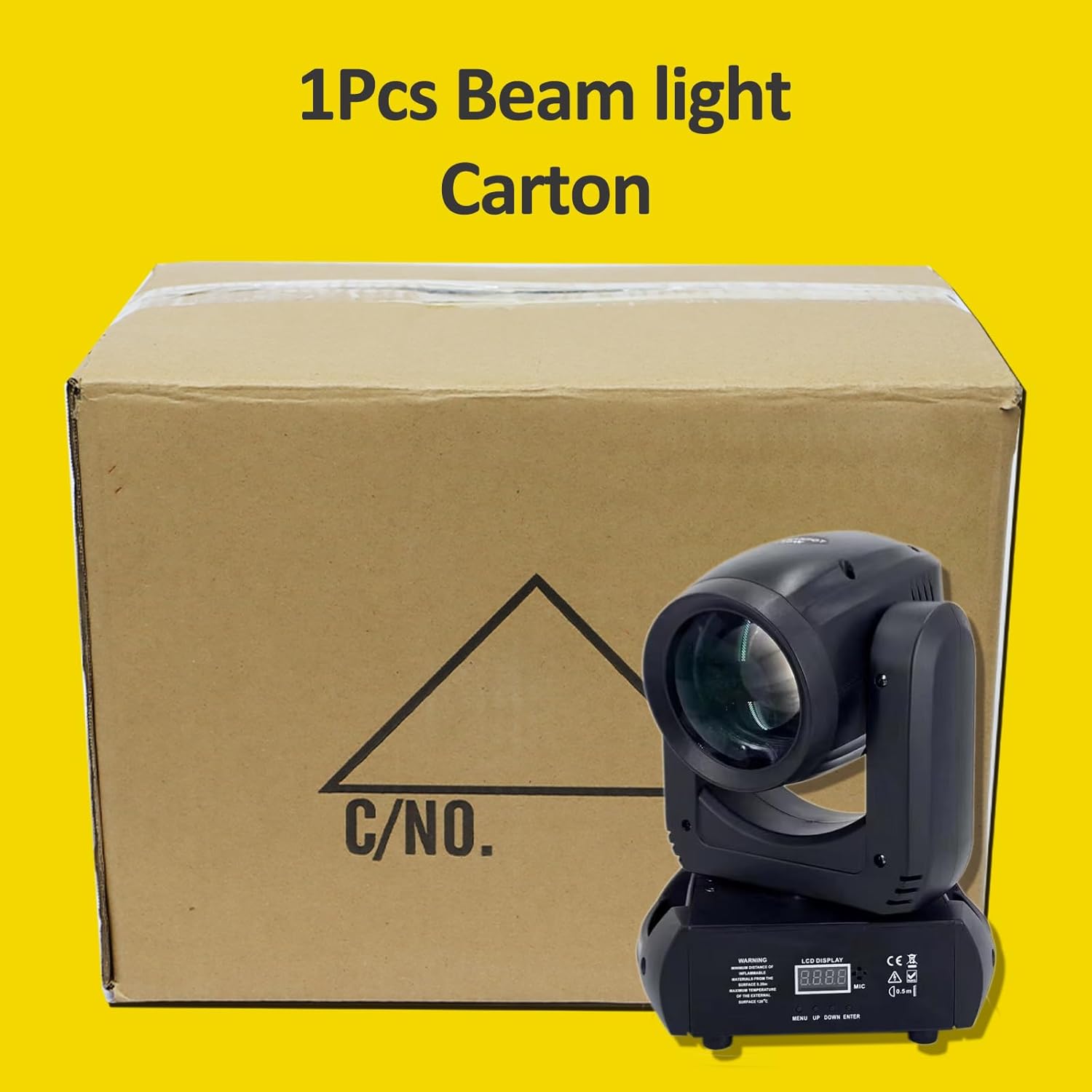
Figure 3.1: Package Contents. The image displays the moving head light, power cable, and user manual, indicating what is included in the box.
4. Product Features
The YUERLT Mini LED Moving Headlight offers advanced features for professional stage lighting:
- Professional-Grade 150W LED: Ultra-bright 150W COB LED chip with 50,000+ hours lifespan, ideal for spotlighting and long-throw beam effects.
- Dynamic 18-Prism System: Features 6+12 rotating prism layers for 3D diamond/texture effects. Combines with 8 gobos (7 preset + 1 custom) and 8 colors (7+1 RGBW) for diverse projections.
- Silent Operation: Dual noise control with stepper motors achieving less than 28dB operation and an auto-adjusting fan keeping temperature under 104°F (40°C). Suitable for quiet environments like weddings.
- Smooth 540° Panoramic Scan: 540° horizontal and 270° vertical rotation with 16-bit movement precision. Includes jitter/shake modes and half-color fade for dynamic transitions.
- Global Ready & DMX Control: Compatible with 90-240V outlets worldwide. Supports 12-channel DMX512 control via console or software.

Figure 4.1: YUERLT Mini LED Moving Headlight in operation, showcasing its beam and spotlight capabilities.
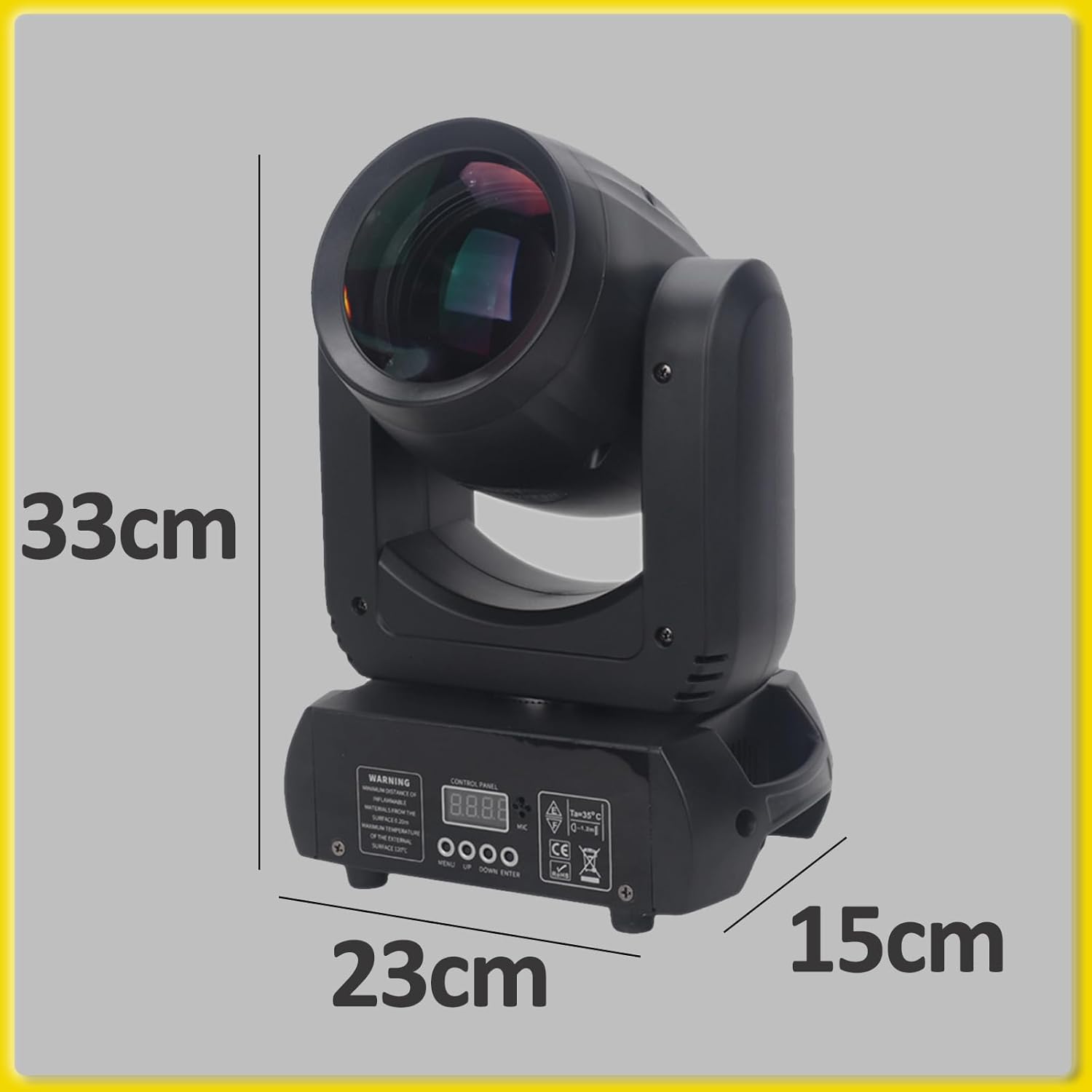
Figure 4.2: Multiple views of the moving head light, highlighting its compact design and connection ports.
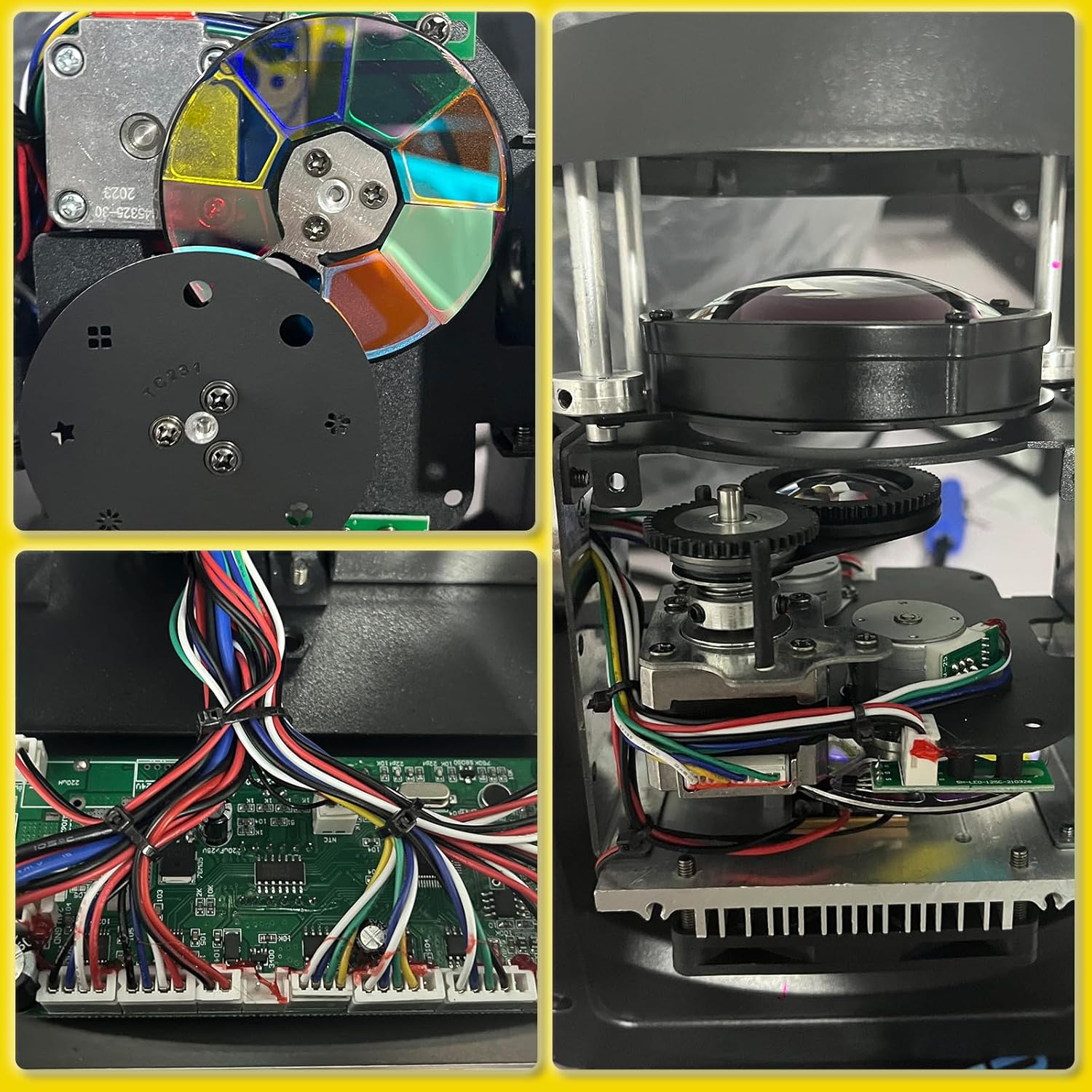
Figure 4.3: Internal mechanisms of the light, including the gobo and color wheels, and the optical system.
5. Setup
5.1 Unpacking
Carefully remove the moving head light and all accessories from the packaging. Inspect for any signs of damage during transit. If any damage is found, contact your supplier immediately.
5.2 Placement
Place the moving head light on a stable, flat surface or mount it securely using appropriate clamps and safety cables. Ensure there is sufficient space around the unit for ventilation (at least 6 inches / 15 cm on all sides).

Figure 5.1: Product Dimensions. The image illustrates the physical dimensions of the light, which are approximately 33cm (height), 23cm (width), and 15cm (depth).
5.3 Power Connection
Connect the provided power cable to the power input on the rear of the unit and then to a suitable AC90-240V, 50/60Hz power outlet. Ensure the power switch is in the OFF position before connecting.
5.4 DMX Connection (Optional)
For DMX control, connect a DMX cable from your DMX controller's output to the DMX IN port on the light. If connecting multiple lights, daisy-chain them by connecting the DMX OUT of the first light to the DMX IN of the next, and so on. Terminate the last light in the chain with a DMX terminator.
6. Operating Instructions
6.1 Control Panel Overview
The control panel on the front of the unit features an LCD display and several buttons for navigation:
- MENU: Enters the main menu or goes back to the previous menu.
- UP/DOWN: Navigates through menu options or adjusts parameter values.
- ENTER: Confirms a selection or enters a submenu.
6.2 Operating Modes
The light supports several operating modes:
- DMX Mode: Allows full control over all functions via a DMX512 controller. Refer to the DMX Channel Chart in Section 6.3 for details.
- Auto Mode: The light runs through pre-programmed sequences automatically. Select from various built-in programs using the control panel.
- Sound-Activated Mode: The light reacts to sound detected by its built-in microphone, synchronizing effects with music. Adjust sensitivity via the control panel.
- Master/Slave Mode: Connect multiple units where one acts as the master (controlling unit) and others as slaves, mirroring the master's effects.

Figure 6.1: Examples of light effects, showcasing different colors and gobo patterns.

Figure 6.2: Dynamic lighting scenarios created by the moving head light, including multi-color beams and textured projections.
6.3 DMX Channel Chart (12-Channel Mode)
This table outlines the DMX channels and their corresponding functions:
| Channel | Function | Value Range | Description |
|---|---|---|---|
| 1 | Pan (X-axis) | 0-255 | 540° horizontal movement |
| 2 | Pan Fine | 0-255 | Fine adjustment for Pan |
| 3 | Tilt (Y-axis) | 0-255 | 270° vertical movement |
| 4 | Tilt Fine | 0-255 | Fine adjustment for Tilt |
| 5 | Speed (Pan/Tilt) | 0-255 | Adjusts speed of Pan/Tilt movement |
| 6 | Dimmer | 0-255 | 0 = Off, 255 = Full Brightness |
| 7 | Strobe | 0-255 | 0 = Off, 1-255 = Slow to Fast Strobe |
| 8 | Color Wheel | 0-255 | Selects 7+1 colors, half-color, rainbow effect |
| 9 | Gobo Wheel | 0-255 | Selects 7+1 gobos, gobo shake |
| 10 | Prism | 0-255 | Activates/rotates 18-facet prism |
| 11 | Focus | 0-255 | Adjusts beam focus |
| 12 | Function/Reset | 0-255 | Various functions, including reset (specific value) |
7. Maintenance
7.1 Cleaning
Regular cleaning helps maintain optimal performance and extends the lifespan of your light. Use a soft, lint-free cloth to wipe down the exterior. For lenses and optical components, use a specialized lens cleaning solution and cloth to avoid scratches.
- Always disconnect power before cleaning.
- Do not use abrasive cleaners or solvents.
7.2 Fan and Ventilation
Ensure the cooling fan and ventilation openings are free from dust and debris. Blocked vents can lead to overheating and reduced performance. Periodically use compressed air to clear dust from the fan and vents.
8. Troubleshooting
If you encounter issues with your YUERLT Mini LED Moving Headlight, refer to the following common problems and solutions:
| Problem | Possible Cause | Solution |
|---|---|---|
| Light does not power on. | No power supply; faulty cable; blown fuse. | Check power connection; test cable; replace fuse (if applicable and accessible). |
| No DMX control. | Incorrect DMX address; faulty DMX cable; no terminator; DMX controller issue. | Verify DMX address setting; check DMX cable connections; ensure terminator is used; test with another DMX controller. |
| Light movement is erratic or stuck. | Mechanical obstruction; DMX signal interference; internal error. | Check for obstructions; reset the unit; ensure DMX signal is clean. |
| Overheating. | Blocked ventilation; insufficient airflow. | Ensure vents are clear; provide adequate space around the unit. |
If the problem persists after trying these solutions, please contact YUERLT customer support for assistance.
9. Specifications
| Attribute | Detail |
|---|---|
| Model Number | YRYX150WLBM |
| Light Source | 1x 120W LED |
| Power Consumption | 150W |
| Voltage | AC90-240V, 50/60Hz |
| Beam Angle | 2° |
| Pan Movement | 540° |
| Tilt Movement | 270° |
| Color Wheel | 7 colors + white, half-color effect |
| Gobo Wheel | 7 fixed gobos + open, gobo shake |
| Prism | 18-facet rotating prism |
| DMX Channels | 12CH |
| Control Modes | DMX512, Auto, Sound-Activated, Master/Slave |
| Cooling System | Temperature-controlled silent cooling |
| Dimensions (L x W x H) | 10" x 10" x 13" (25.4cm x 25.4cm x 33cm) |
| Weight | 10.88 lbs (4.93 kg) |
| Material | Plastic |
| Color | Black |
10. Warranty and Support
This product comes with a standard manufacturer's warranty. For specific warranty terms and conditions, please refer to the documentation included with your purchase or contact YUERLT customer service.
For technical support, troubleshooting assistance, or warranty claims, please contact YUERLT directly through their official website or the retailer where the product was purchased. Keep your purchase receipt as proof of purchase.
Visit the official YUERLT store for more information: YUERLT Store on Amazon