
1. Important Safety Instructions
Please read all instructions carefully before using this appliance and retain for future reference. Failure to follow these instructions may result in electric shock, fire, or serious personal injury.
- Always ensure the fan is placed on a stable, flat surface to prevent tipping.
- Do not operate the fan with a damaged cord or plug. If the cord or plug is damaged, contact customer support.
- Unplug the fan from the power outlet before cleaning, performing maintenance, or when not in use.
- Do not insert fingers or foreign objects into any openings of the fan.
- This appliance is not intended for use by persons (including children) with reduced physical, sensory, or mental capabilities, or lack of experience and knowledge, unless they have been given supervision or instruction concerning use of the appliance by a person responsible for their safety.
- Keep children and pets away from the fan during operation. The bladeless design enhances safety, but supervision is always recommended.
- Do not use the fan near water or in damp environments.
- Do not block air inlets or outlets.

Figure 1: Protective bladeless design for enhanced safety around children and pets.
2. Product Overview
The advwin Bladeless Tower Fan provides quiet and efficient cooling with a modern design. It features multiple speed settings, oscillation, a timer, and convenient control options.
Package Contents:
- 1 x advwin Bladeless Tower Fan
- 1 x Remote Control (AAA batteries not included)
- 1 x User Manual
Key Features:
- Bladeless Design: Safe for households with children and pets, and easy to clean.
- 24 Speed Settings: Offers a wide range of airflow intensity from a gentle breeze to powerful cooling.
- 120° Oscillation: Provides wide coverage for effective air circulation throughout the room.
- 12-Hour Timer: Allows for automatic shut-off, conserving energy and providing convenience.
- Touchscreen & Remote Control: Offers flexible control options for ease of use.
- Air Purification Function: Helps improve air quality.
- Quiet Operation: Operates at less than 55 dB, suitable for bedrooms and offices.
3. Setup
The advwin Bladeless Tower Fan requires no assembly, making setup quick and easy.
3.1 Placement
- Place the fan on a firm, level surface. Ensure there is adequate space around the fan for optimal airflow and oscillation.
- Avoid placing the fan directly against walls or furniture that could obstruct air intake or output.

Figure 2: Stable base and touch control panel.
3.2 Power Connection
- Plug the power cord into a standard 110V AC electrical outlet.
- Ensure the power cord is not pinched or routed under the fan.
3.3 Remote Control Battery Installation
- The remote control requires AAA batteries (not included).
- Open the battery compartment on the back of the remote control.
- Insert two AAA batteries, ensuring correct polarity (+/-).
- Close the battery compartment securely.
4. Operating Instructions
The fan can be operated using the touch control panel on the unit or the included remote control.
4.1 Power On/Off
- Press the ON/OFF button on the control panel or remote to turn the fan on or off.
- The LED display will show the current settings when the fan is on.
4.2 Adjusting Fan Speed
- Press the SPEED button on the control panel or remote to cycle through the 24 available speed settings.
- The LED display will indicate the current speed level.

Figure 3: Fan speed settings.
4.3 Oscillation Function
- Press the SWING button on the control panel or remote to activate or deactivate the 120° oscillation function.
- When activated, the fan head will rotate horizontally to distribute air across a wider area.
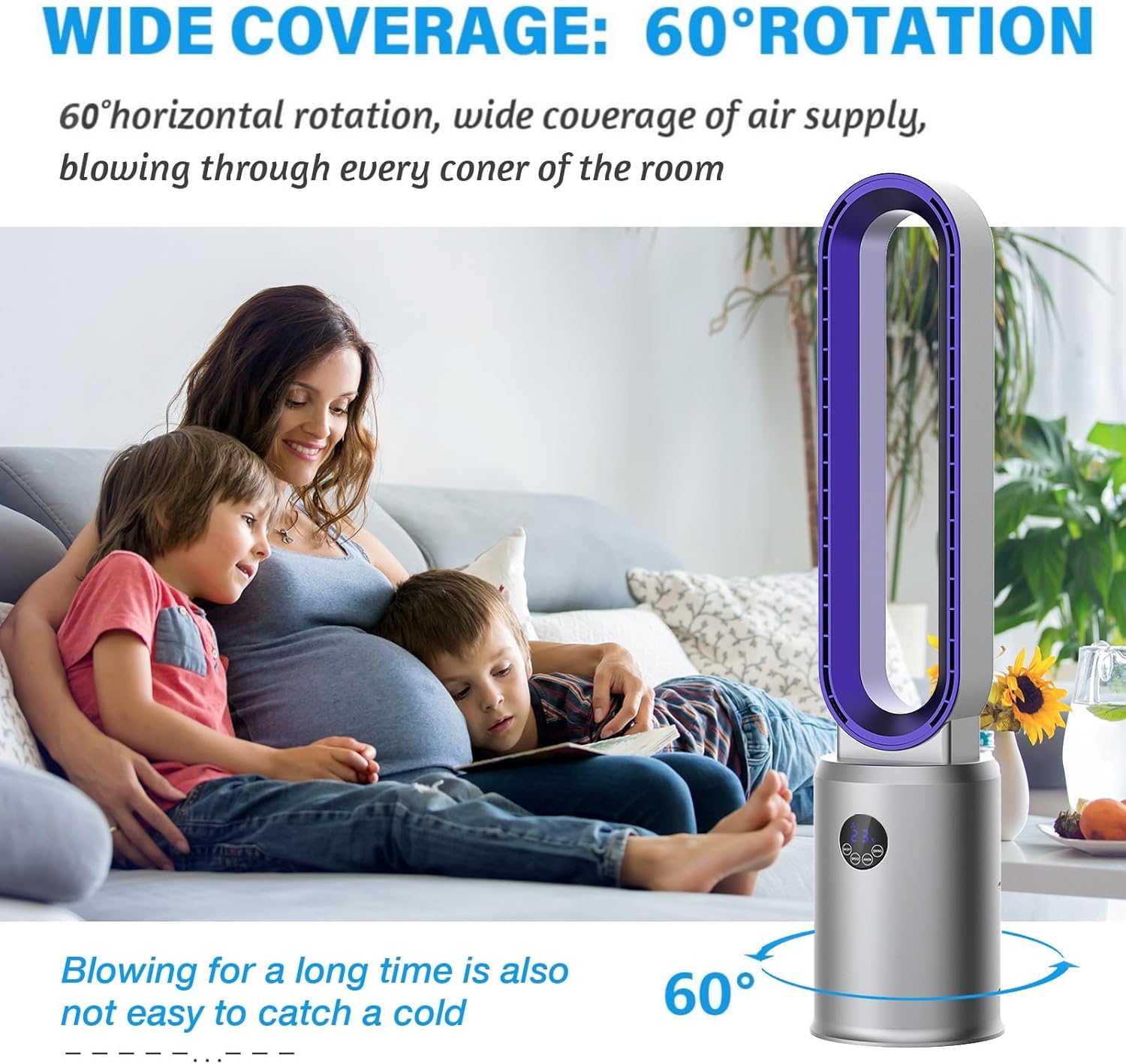
Figure 4: Wide oscillation for broad air distribution.
4.4 Timer Setting
- Press the TIMER button on the remote control to set the fan to automatically turn off after a specified period (up to 12 hours).
- Each press will increase the timer by one hour. The LED display will show the set time.
4.5 Air Purification Function
- Press the ANION button on the remote control to activate or deactivate the air purification function.
- This function utilizes an air purifier system to help improve indoor air quality.

Figure 5: Air purification system with filter.
4.6 Sleep Mode
- Press the SLEEP button on the remote control to activate sleep mode.
- In sleep mode, the fan operates at a lower speed and reduced noise level for a more peaceful environment.
5. Maintenance
Regular cleaning and maintenance will ensure optimal performance and longevity of your fan.
5.1 Cleaning the Fan
- Always unplug the fan from the power outlet before cleaning.
- Due to its bladeless design, cleaning is simplified. Use a soft, damp cloth to wipe the exterior surfaces of the fan.
- Do not use abrasive cleaners, solvents, or harsh chemicals, as these may damage the fan's finish.
- For internal cleaning, gently wipe the air intake and outlet areas with a dry cloth or a soft brush to remove dust.
Figure 6: Easy cleaning of the bladeless fan.
5.2 Air Filter Maintenance
The fan includes an air purification system with a filter. Periodically check and clean the filter to maintain air quality and fan efficiency.
- Refer to the specific instructions in the included manual for details on accessing and cleaning or replacing the air filter.
- Ensure the fan is unplugged before attempting any filter maintenance.
6. Troubleshooting
If you encounter any issues with your advwin Bladeless Tower Fan, please refer to the following common problems and solutions:
| Problem | Possible Cause | Solution |
|---|---|---|
| Fan does not turn on. | No power supply. | Ensure the power cord is securely plugged into a working outlet. Check the circuit breaker. |
| Remote control not working. | Dead batteries or obstruction. | Replace AAA batteries in the remote. Ensure there is no obstruction between the remote and the fan's sensor. |
| Weak or inconsistent airflow. | Blocked air inlets/outlets or dirty filter. | Ensure air inlets and outlets are clear of obstructions. Clean the air filter as per maintenance instructions. |
| Fan makes unusual noise. | Foreign object or unstable placement. | Unplug the fan and check for any foreign objects. Ensure the fan is on a stable, flat surface. |
If the problem persists after attempting these solutions, please contact advwin customer support for assistance.
7. Specifications
Detailed technical specifications for the advwin Bladeless Tower Fan (Model RUXI-Z30).
- Model: RUXI-Z30
- Brand: advwin
- Power Source: Electric
- Voltage: 110-120 Volts (AC)
- Wattage: 35 Watts
- Product Dimensions (D x W x H): 8.66" x 8.66" x 38.2"
- Net Weight: 6.17 lbs (2.8 kg)
- Noise Level: < 55 Decibels
- Oscillation Angle: 120°
- Speed Settings: 24
- Timer: 1-12 Hours
- Control Method: Remote, Touch
- Material: ABS Engineering Plastic
- Special Features: Bladeless, Portable, Remote Controlled, Air Purifier System, LED Display

Figure 7: Product dimensions.
8. Warranty and Support
For warranty information and customer support, please refer to the documentation included with your product or contact the manufacturer directly.
- Manufacturer: ADVWIN
- Contact: Please visit the official advwin website or refer to your purchase receipt for customer service contact details.