
Introduction
Thank you for choosing the Honeywell CS077XEUI Air Cooler. This evaporative air cooler is designed to naturally cool the air in your space by pulling air through a water-soaked honeycomb panel. It also functions as a fan and humidifier, offering a 3-in-1 solution for your comfort. This manual provides important information on the safe use, operation, and maintenance of your air cooler.
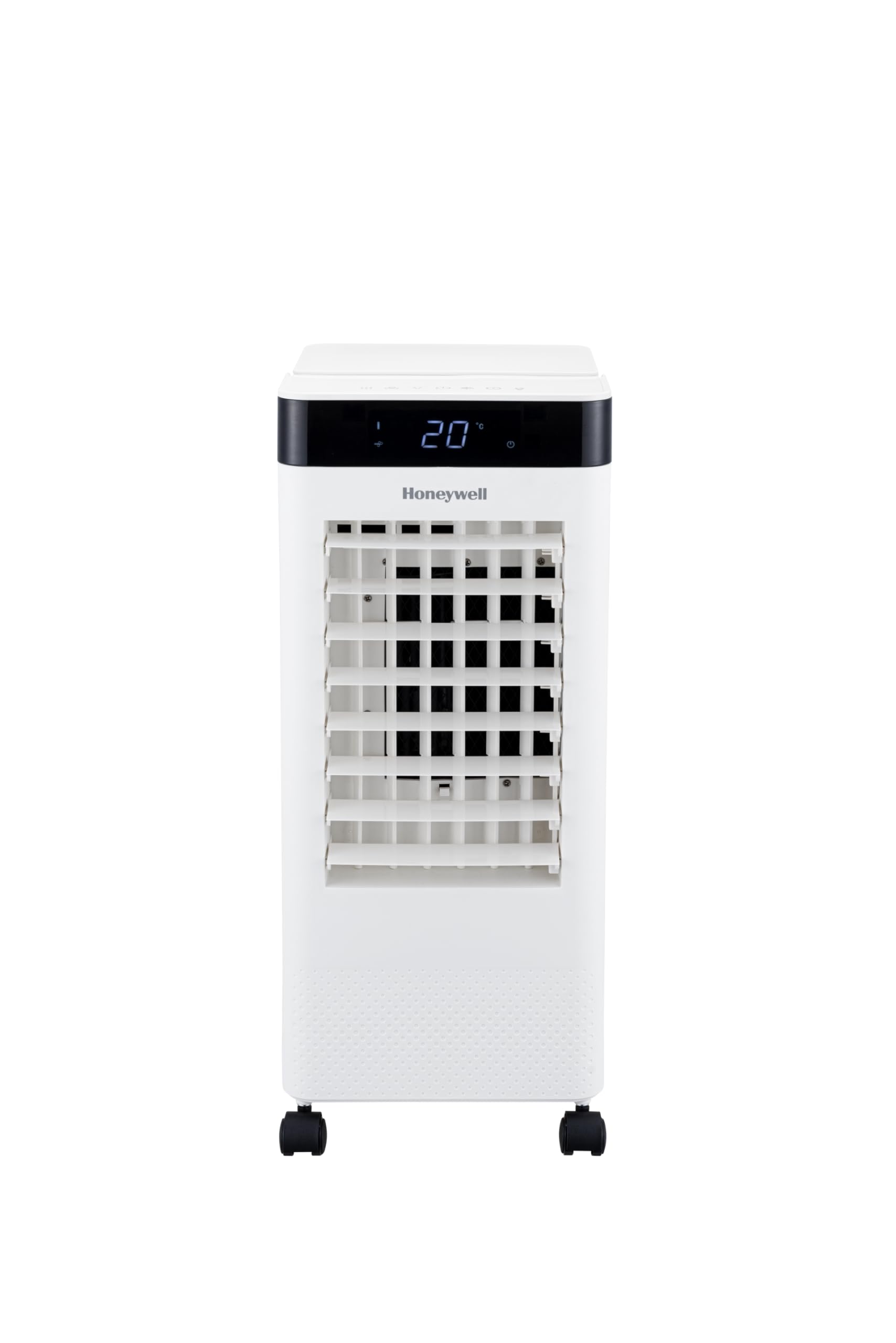
Image: Front view of the Honeywell CS077XEUI Air Cooler.
Important Safety Instructions
Please read these instructions carefully before using the appliance and keep them for future reference. Failure to follow these instructions may result in electric shock, fire, or serious injury.
- Always operate the product on a flat, stable surface.
- Do not immerse the unit, plug, or cord in water or other liquids.
- Unplug the appliance from the power outlet before cleaning, servicing, or moving.
- Keep the appliance out of reach of children and pets.
- Do not use the appliance if the power cord or plug is damaged.
- Ensure the voltage indicated on the appliance matches your local power supply.
- Do not block air inlets or outlets.
- Use only clean water in the water tank.
Product Overview
Components
- Honeywell CS077XEUI Air Cooler Unit
- Remote Control
Key Features
- Digital Control Panel: Easy operation with a full-function remote control.
- 7.5 Liter Smart Tank: Features a low-level alarm to indicate when water needs refilling.
- Superior Ice Compartment: Enhances cooling for a greater feeling of freshness.
- Ionizer Function: Helps to make airborne particles heavier, causing them to fall, resulting in cleaner air output.
- 3 Power Levels: Allows adjustment of cooling intensity to suit your preference.
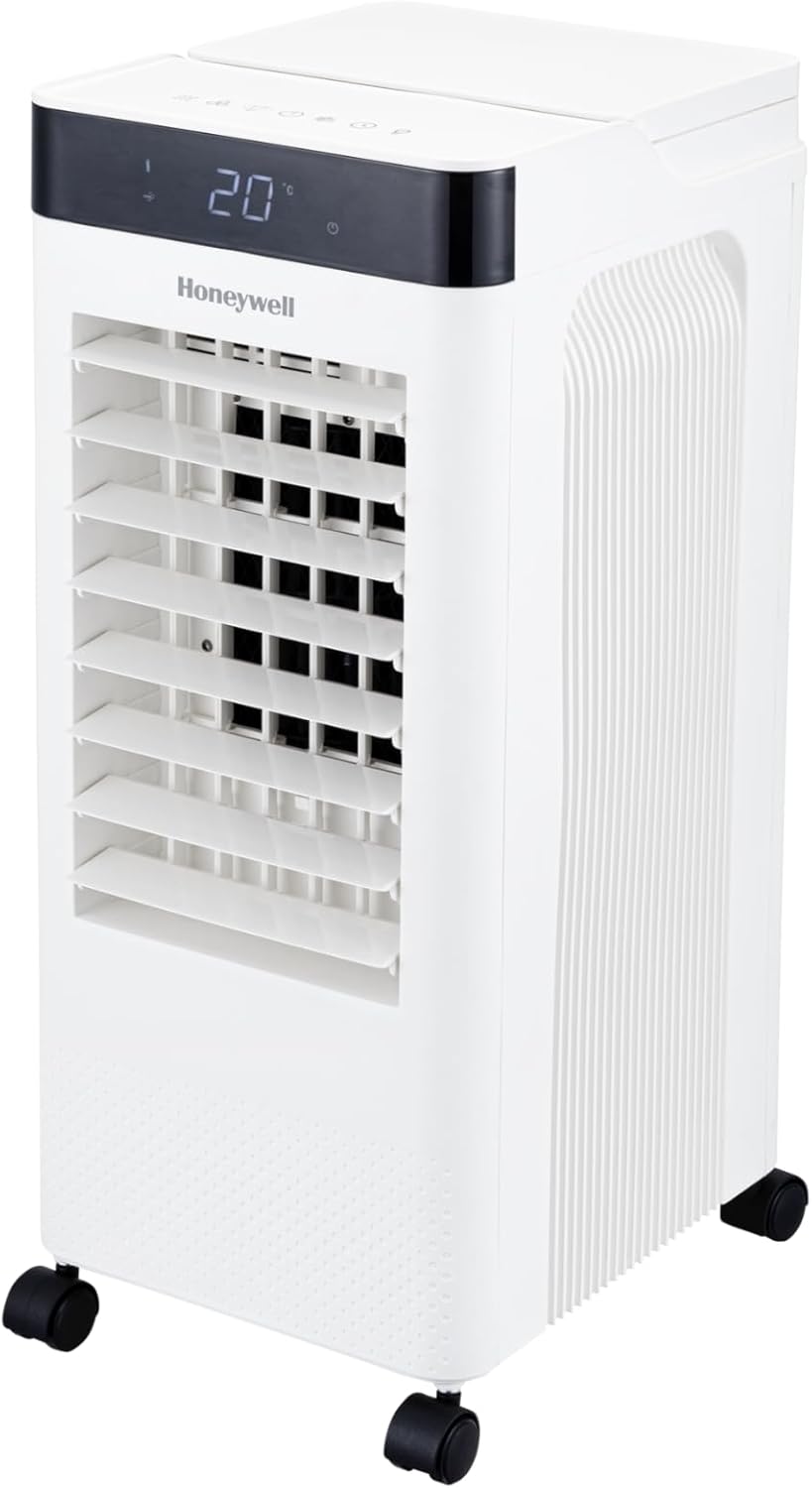
Image: Top view of the air cooler showing the digital control panel.
Setup
Unpacking
- Carefully remove the air cooler from its packaging.
- Remove all packing materials and ensure all components are present.
Placement
Place the air cooler on a firm, level surface. For optimal cooling performance, position the unit near an open window or door to allow fresh air intake and proper ventilation.
Filling the Water Tank
- Ensure the unit is unplugged from the power outlet.
- Pull out the water tank from the bottom rear of the unit.
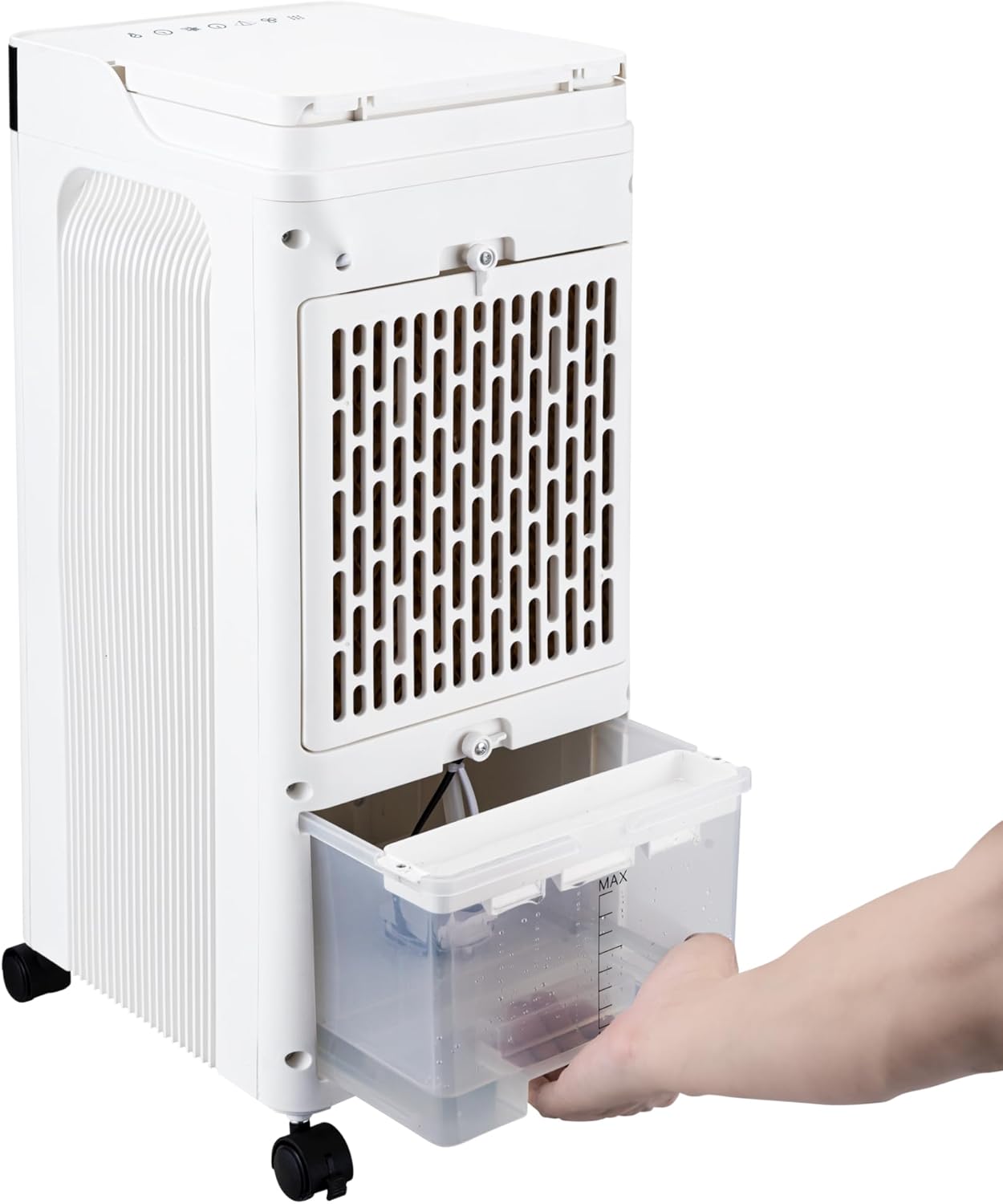
Image: A hand demonstrating how to pull out the water tank.
- Fill the water tank with clean, cool water up to the 'MAX' level indicator. Do not overfill.
- Carefully slide the water tank back into the unit until it clicks into place.
Adding Ice or Ice Packs
For enhanced cooling, you can add ice cubes or ice packs to the dedicated ice compartment.
- Open the lid of the ice compartment located on the top of the unit.
- Place ice cubes or pre-frozen ice packs into the compartment.

Image: A hand placing ice packs into the top ice compartment.

Image: The ice compartment filled with ice cubes.
- Close the lid securely.
Operation
Control Panel and Remote Control
The unit can be operated using the digital control panel on top of the unit or the included full-function remote control. Refer to the icons on the control panel for specific functions.
Power On/Off
- Plug the power cord into a suitable electrical outlet.
- Press the Power button on the control panel or remote control to turn the unit on or off.
Fan Speed Adjustment
- Press the Speed button to cycle through the 3 available power levels (Low, Medium, High).
Cooling Function (Evaporative Cooling)
- Ensure the water tank is filled.
- Press the Cool button to activate the evaporative cooling function. The unit will begin to draw water from the tank to moisten the honeycomb panel.
Ionizer Function
- Press the Ionizer button to activate this function. The ionizer helps to purify the air by causing airborne particles to settle.
Timer Function
- Press the Timer button to set the desired operating time. The unit will automatically turn off after the set period.
Maintenance
Regular maintenance ensures optimal performance and extends the lifespan of your air cooler. Always unplug the unit before performing any maintenance.
General Cleaning
- Wipe the exterior surfaces of the unit with a soft, damp cloth. Do not use abrasive cleaners or solvents.
- Keep the air inlets and outlets free from dust and obstructions.
Cleaning the Water Tank
- Remove the water tank as described in the Setup section.
- Rinse the tank with clean water. For thorough cleaning, use a mild detergent and a soft brush, then rinse thoroughly.
- Allow the tank to air dry completely before reinserting it into the unit.
Cleaning the Honeycomb Cooling Pad
The honeycomb cooling pad should be cleaned regularly, especially if you notice reduced airflow or odors.
- Unplug the air cooler.
- Locate the rear filter panel. Gently press the tabs or clips to release and remove the panel.

Image: A hand removing the rear filter panel to access the honeycomb pad.
- Carefully slide out the honeycomb cooling pad.
- Rinse the pad under running water to remove dust and mineral deposits. For stubborn dirt, soak the pad in a mild detergent solution for 30 minutes, then rinse thoroughly.
- Allow the honeycomb pad to air dry completely before reinserting it.
- Reattach the rear filter panel.
Troubleshooting
If you experience issues with your air cooler, please refer to the following table for common problems and solutions.
| Problem | Possible Cause | Solution |
|---|---|---|
| Unit does not turn on | No power supply; Power button not pressed. | Check if the power cord is securely plugged in. Press the Power button. |
| No cool air | Water tank is empty; Cooling function not activated; Honeycomb pad is dry or clogged. | Fill the water tank. Press the Cool button. Clean or replace the honeycomb pad. |
| Weak airflow | Air inlets/outlets blocked; Fan speed set too low; Honeycomb pad clogged. | Clear any obstructions. Increase fan speed. Clean the honeycomb pad. |
| Water leakage | Water tank not properly inserted; Unit is tilted. | Ensure the water tank is fully and correctly inserted. Place the unit on a level surface. |
| Unpleasant odor | Stagnant water in the tank; Dirty honeycomb pad. | Drain and clean the water tank. Clean the honeycomb pad. Use fresh water. |
Specifications
Technical specifications for the Honeywell CS077XEUI Air Cooler.
| Specification | Detail |
|---|---|
| Manufacturer | Honeywell |
| Model Number | CS077XEUI |
| Item Weight | 10 Kilograms |
| Product Dimensions (D x W x H) | 32 x 26 x 62 cm |
| Color | White |
| Voltage | 127 Volts |
| Wattage | 65 Watts |
| Installation Method | Portable |
| Number of Sub-Units | 1 |
| Noise Level | 50 Decibels |
| Included Components | Air Cooler, Remote Control |
| Batteries Required | No |
| ASIN | B0D488GXC4 |
| First Available Date | June 17, 2024 |
| Form Factor | Tower |
| Footprint Area | 29 square centimeters |
Warranty and Customer Support
For warranty information or if you require assistance with your Honeywell CS077XEUI Air Cooler, please refer to the warranty card included with your purchase or contact Honeywell customer support directly. Contact details can typically be found on the manufacturer's official website or on the product packaging.