
1. Introduction
This manual provides essential information for the safe and effective use of your TAURUSKING 4.0Ah 36V Lithium-Ion Battery. Please read these instructions carefully before initial use and retain for future reference.

Image 1: TAURUSKING 4.0Ah 36V Lithium-Ion Battery
General Safety Warnings
- Always use the battery with compatible tools and chargers as specified in this manual.
- Do not expose the battery to water, moisture, or extreme temperatures.
- Avoid short-circuiting the battery terminals.
- Do not attempt to disassemble, crush, or incinerate the battery.
- Keep the battery away from children and pets.
- In case of damage or malfunction, discontinue use immediately and contact support.
2. Compatibility
This TAURUSKING 4.0Ah 36V Lithium-Ion Battery is designed as a replacement for Bosch 36V batteries and is compatible with a wide range of Bosch power tools and chargers.
Compatible Bosch Battery Models:
- BAT810
- BAT836
- BAT840
- D-70771
- 2607336003
- 2607336004
- 2607336107
- 2607336108
- 2607336173
Compatible Bosch Chargers:
- AL3640CV
- AL3620CV
Compatible Bosch Power Tools (36V):
This battery is suitable for most Bosch 36V power tools that use the listed compatible battery models. Examples include:

Image 2: The TAURUSKING 36V battery shown with a range of compatible Bosch power tools, including drills, saws, and garden equipment.
Important Note on Incompatibility:
This battery is not compatible with Bosch Rotak lawnmowers including models Rotak 32 LI, Rotak 34 LI, Rotak 36-660, Rotak 37 LI, and Rotak 43 LI.
Video 1: This video demonstrates the TAURUSKING 36V battery being installed and used with various compatible Bosch 36V power tools, including a string trimmer, leaf blower, and hammer drill. It also shows the battery being charged in a compatible charger.
3. Specifications
The TAURUSKING 4.0Ah 36V Lithium-Ion Battery is engineered for reliable performance and durability.

Image 3: Detailed view of the TAURUSKING 36V battery, highlighting its dimensions (approximately 156.99mm length, 97.92mm width, 72.77mm height).
| Feature | Detail |
|---|---|
| Model Number | US-bos36-36V-4.0Ah |
| Brand | TAURUSKING |
| Voltage | 36V |
| Capacity | 4.0Ah (4000mAh) |
| Battery Cell Composition | Lithium-Ion (Li-ion) |
| Number of Cells | 20 cells (10 in series, 2 in parallel) |
| Item Weight | 3.2 pounds (approximately 1270g) |
| Product Dimensions | 3.86 x 2.86 x 6.18 inches |
| Power | 144 watts per hour |
| Certifications | CE, FCC, RoHS |

Image 4: An internal view of the battery pack, showing the arrangement of 20 high-quality 3.6V 2.0Ah cells.
4. Setup
Initial Charging
- Upon receiving your new battery, it is recommended to fully charge it before first use.
- Connect a compatible Bosch 36V charger (e.g., AL3640CV, AL3620CV) to a power outlet.
- Slide the TAURUSKING battery onto the charger until it clicks into place.
- Monitor the charger's indicator lights for charging status. A full charge is indicated when the light turns solid green (or as per your charger's manual).
- Once fully charged, remove the battery from the charger.

Image 5: The battery displaying its charge indicator lights, along with text indicating a charging cycle of over 600 times and environmental friendliness.
Battery Installation into Power Tool
- Ensure the power tool is turned off and disconnected from any power source.
- Align the battery with the battery slot on your compatible Bosch 36V power tool.
- Slide the battery firmly into the tool until it locks securely into place. You should hear a click.
- To remove the battery, press the release button(s) on the battery or tool and slide the battery out.
5. Operating the Battery
Battery Charge Indicator
The battery features an integrated charge indicator to show the remaining power level. Press the 'On' button next to the indicator lights to view the current charge status.
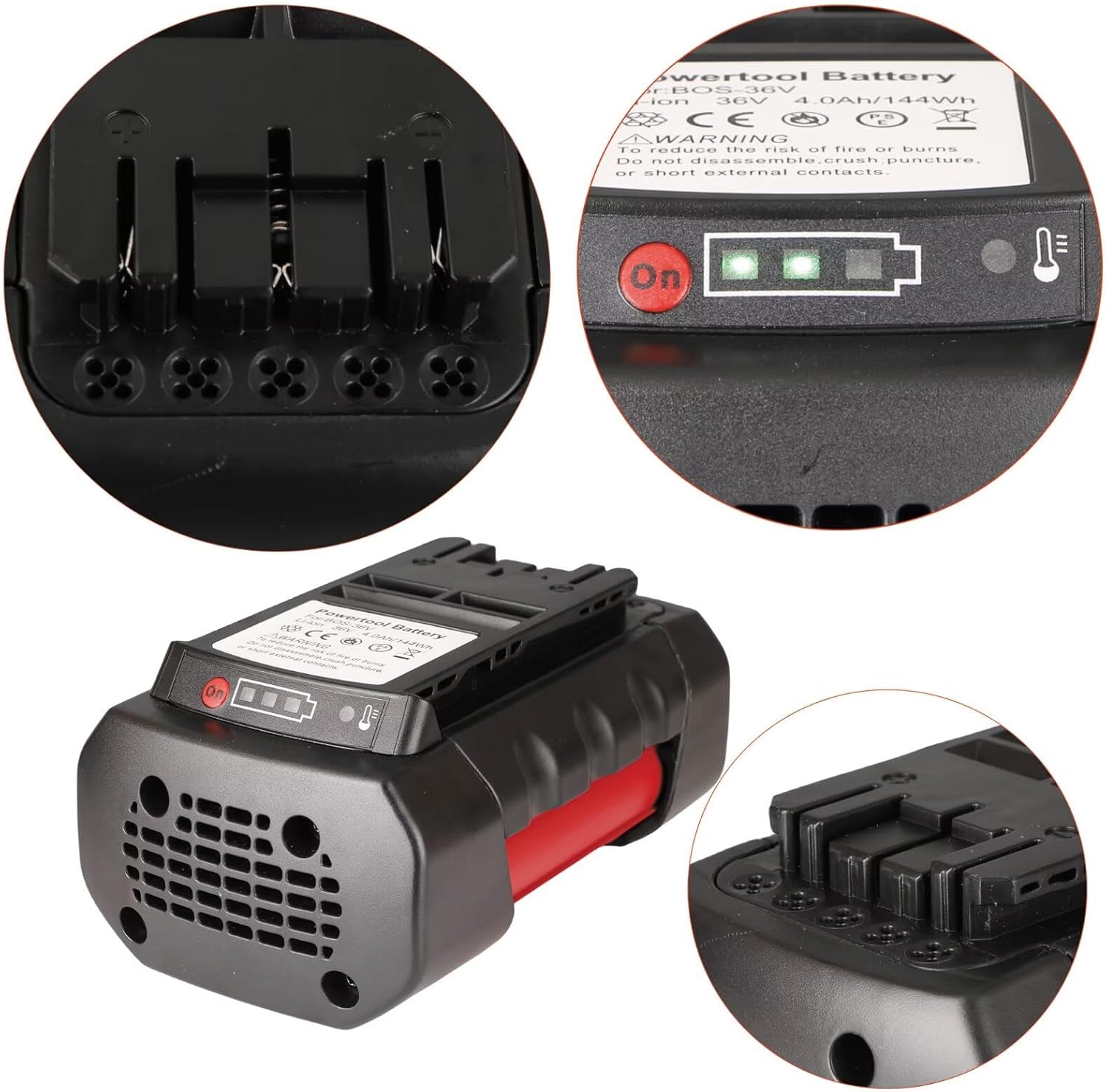
Image 6: A close-up view of the battery's top surface, showing the 'On' button and LED charge indicator lights, as well as the tool interface contacts.
Usage Tips
- For optimal performance, avoid completely draining the battery before recharging.
- If the tool's performance decreases, it may be an indication that the battery needs recharging.
- The battery is designed with no memory effect, allowing for charging at any time without reducing overall battery life.
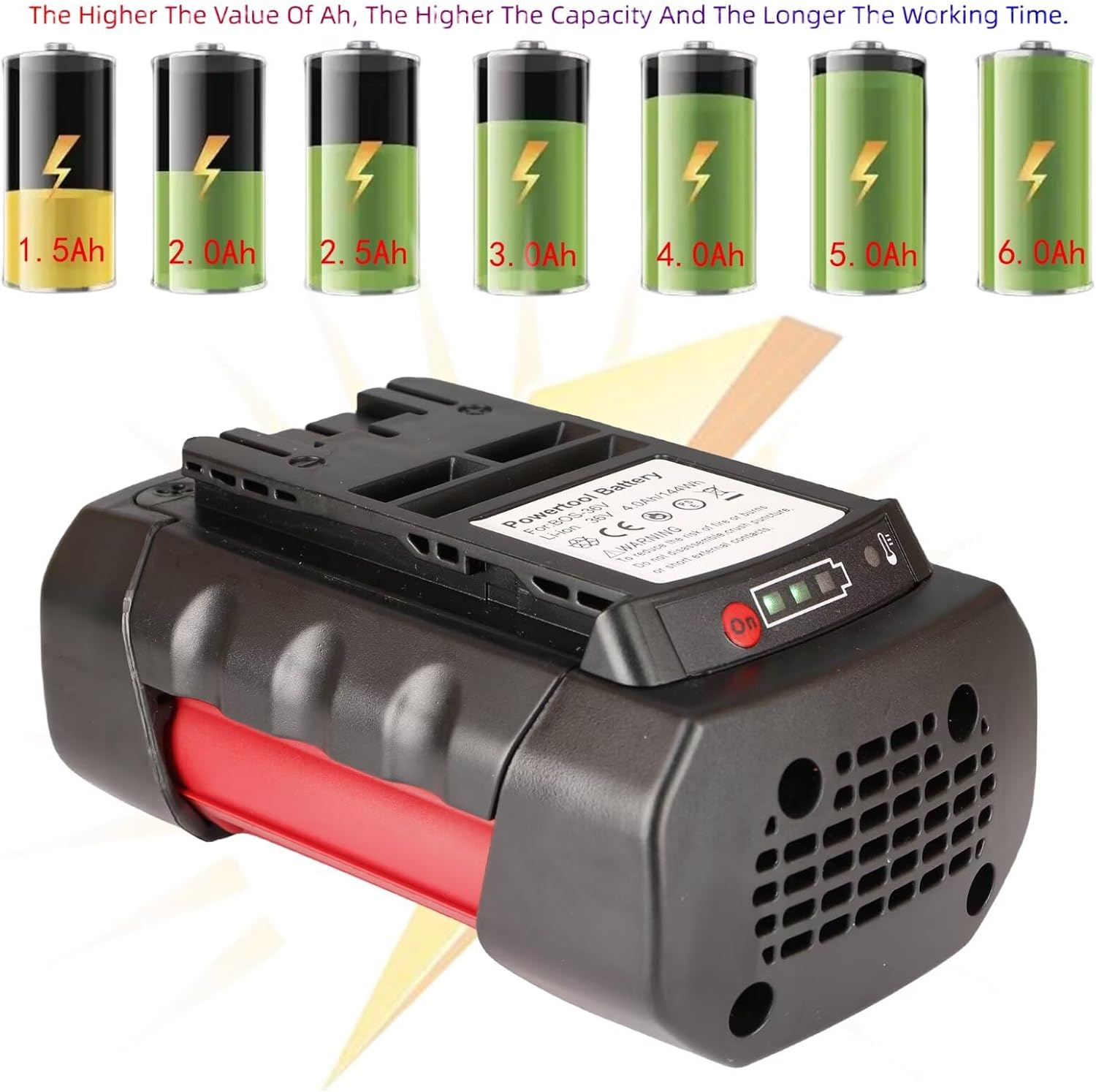
Image 7: A visual representation comparing different battery capacities (Ah) and their correlation with working time, emphasizing that higher Ah means longer operation.
6. Maintenance and Storage
Cleaning
Regularly clean the battery's exterior and contacts with a dry, soft cloth to prevent dust and debris buildup, which can affect performance and charging.
Storage
- Store the battery in a cool, dry place, away from direct sunlight and extreme temperatures.
- For long-term storage, it is recommended to store the battery at approximately 50% charge.
- Avoid storing the battery in a completely discharged state, as this can lead to irreversible damage.
Safety Features
The TAURUSKING battery is equipped with an integrated motherboard providing multiple protective measures:

Image 8: The battery is shown alongside icons representing its ten protective measures, including protection against over-temperature, short circuit, over-current, impact, reverse charge, no memory effect, over-discharge, over-power, overcharging, and chip protection.
- Over-temperature Protection: Prevents overheating during use or charging.
- Short Circuit Protection: Safeguards against electrical shorts.
- Over-current Protection: Regulates current flow to prevent damage.
- Impact Resistance: Durable PC/ABS material for drop protection.
- Reverse Charge Protection: Prevents damage from incorrect charging.
- No Memory Effect: Allows charging at any state without capacity loss.
- Over-discharge Protection: Prevents battery from being fully depleted.
- Over Power Protection: Manages power output to safe levels.
- Overcharging Protection: Stops charging once full to prevent damage.
- Chip Protection: Integrated smart chip for overall battery management.
7. Troubleshooting
If you encounter issues with your TAURUSKING battery, please refer to the following common problems and solutions:
- Battery not charging:
- Ensure the charger is properly plugged into a working outlet.
- Verify that the battery is securely seated on the charger.
- Check if the charger is compatible with 36V Lithium-Ion batteries.
- Inspect battery and charger contacts for dirt or damage.
- Battery not powering tool:
- Ensure the battery is fully charged.
- Verify the battery is correctly installed and locked into the tool.
- Confirm the tool is compatible with 36V batteries.
- Check the tool's power switch and other functions.
- Reduced run time:
- Ensure the battery is fully charged before use.
- Operating in extreme temperatures can affect battery performance.
- Over time, all batteries experience a natural decrease in capacity.
- Battery feels hot during use/charging:
- Some heat generation is normal. If it's excessively hot, discontinue use/charging.
- Ensure proper ventilation around the battery and charger.
- The battery has over-temperature protection, but extreme conditions should be avoided.
If these steps do not resolve the issue, please contact TAURUSKING customer support for further assistance.
8. Warranty and Support
Warranty Information
TAURUSKING products are manufactured to high-quality standards. This battery comes with a manufacturer's warranty against defects in materials and workmanship under normal use. Please refer to the product packaging or contact TAURUSKING customer service for specific warranty terms and duration.
Customer Support
For any questions, technical assistance, or warranty claims, please contact TAURUSKING customer support. Contact details can typically be found on the product packaging or the official TAURUSKING website.