
1. Introduction
This manual provides essential information for the proper use, installation, and maintenance of your new ORCOW replacement filters. These filters are designed to maintain the optimal performance of your compatible CLEANmaxx Cyclone Handheld Vacuum Cleaner.
2. Product Overview
The ORCOW replacement filters are high-quality components designed to capture fine dust, dirt, sawdust, cold ashes, wood chips, fine powders, and job site debris, ensuring clean air output and efficient vacuum operation. Each package contains two filters.
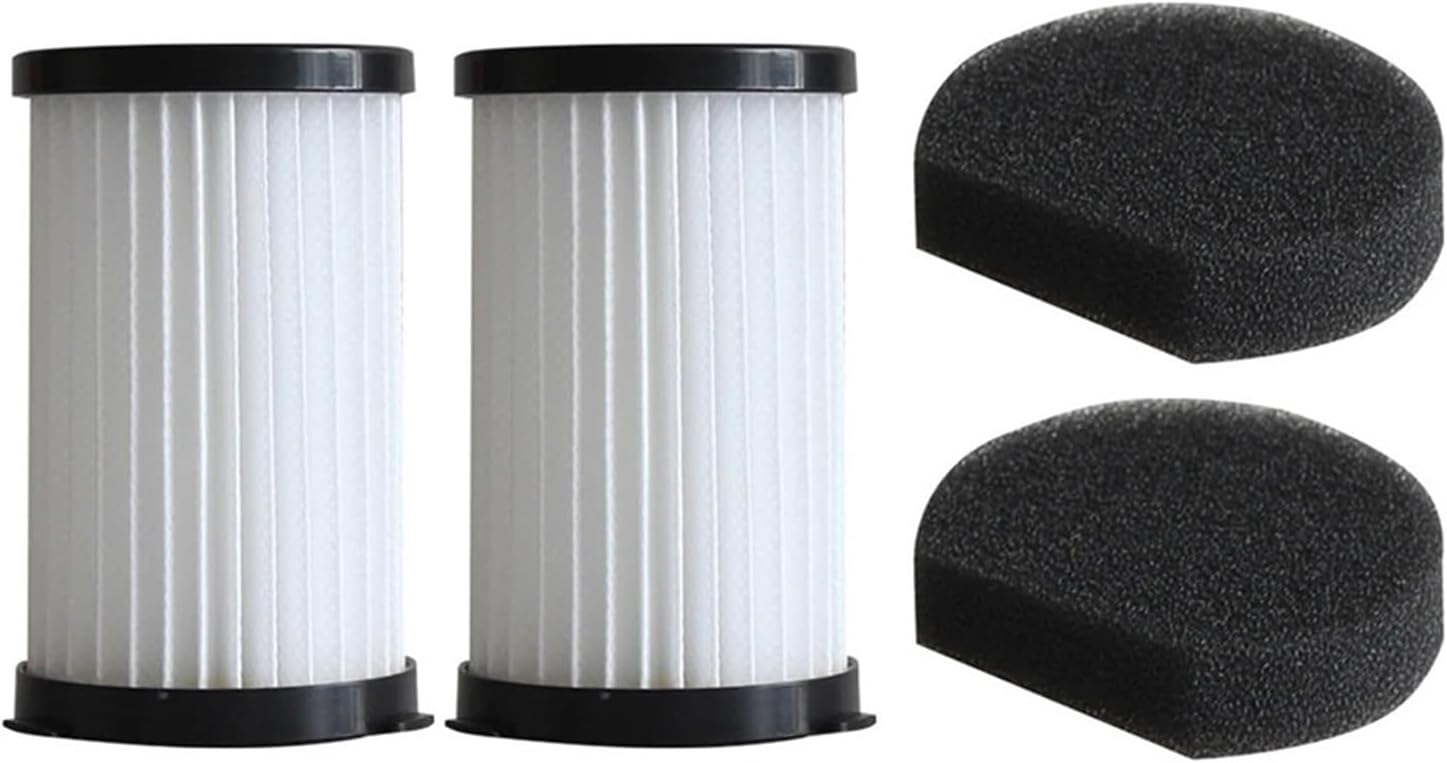
Figure 2.1: Two replacement filters and two foam pieces included in the package.

Figure 2.2: A single filter and its corresponding foam component.
3. Compatibility
These filters are specifically designed to be compatible with the following CLEANmaxx Cyclone Handheld Vacuum Cleaner models:
- CLEANmaxx Cyclone Handheld Vacuum Cleaner PC-P008E
- CLEANmaxx Cyclone Handheld Vacuum Cleaner PC-P009E
Please ensure your vacuum cleaner model matches one of the listed compatible models before installation.
4. Features
- High Quality Material: Made from premium materials for durable and practical use.
- Effective Filtration: Designed to eliminate fine dust, dirt, sawdust, cold ashes, wood chips, fine powders, and job site debris.
- High Density: Catches small particles and bacteria effectively.
- Easy Replacement: Engineered for straightforward installation and removal.
5. Setup and Installation
Follow these steps to properly install the replacement filter in your CLEANmaxx Cyclone Handheld Vacuum Cleaner:
- Power Off: Ensure the vacuum cleaner is turned off and unplugged from any power source before beginning.
- Access Dust Cup: Locate the dust cup on your vacuum cleaner.
- Open Dust Cup: Press the designated button or latch to open the bottom cover of the dust cup.
- Remove Old Filter: Carefully rotate and pull out the old, dirty filter. Dispose of the old filter responsibly.
- Insert New Filter: Place the new ORCOW replacement filter into the dust cup, ensuring it is seated correctly. Gently rotate if necessary to secure it.
- Close Dust Cup: Close the bottom cover of the dust cup until it clicks securely into place.
Note: Refer to your vacuum cleaner's original manual for specific instructions on accessing and removing its dust cup and filter assembly if you encounter difficulties.
6. Operating Considerations
While these are replacement parts, proper operation of your vacuum cleaner relies on a clean filter. A clean filter ensures optimal suction power and prevents dust from being released back into the air. Regularly check the filter for visible dirt and debris.
7. Maintenance and Replacement
For optimal performance and longevity of your vacuum cleaner, regular maintenance of the filter is crucial. While these filters are designed for replacement, light cleaning can extend their life between replacements.
7.1. Cleaning the Filter (Temporary)
For light dust, you may gently tap the filter over a trash can to dislodge accumulated debris. For more thorough cleaning, some users gently brush the pleats with a soft brush. Do not wash these filters with water unless explicitly stated by the vacuum cleaner manufacturer for your specific filter type, as it can damage the filter material.
7.2. When to Replace
It is recommended to replace your filters every 3-6 months, or more frequently if you use your vacuum cleaner heavily or notice a decrease in suction power, increased motor noise, or visible damage to the filter. A clogged filter can strain the vacuum's motor and reduce its effectiveness.
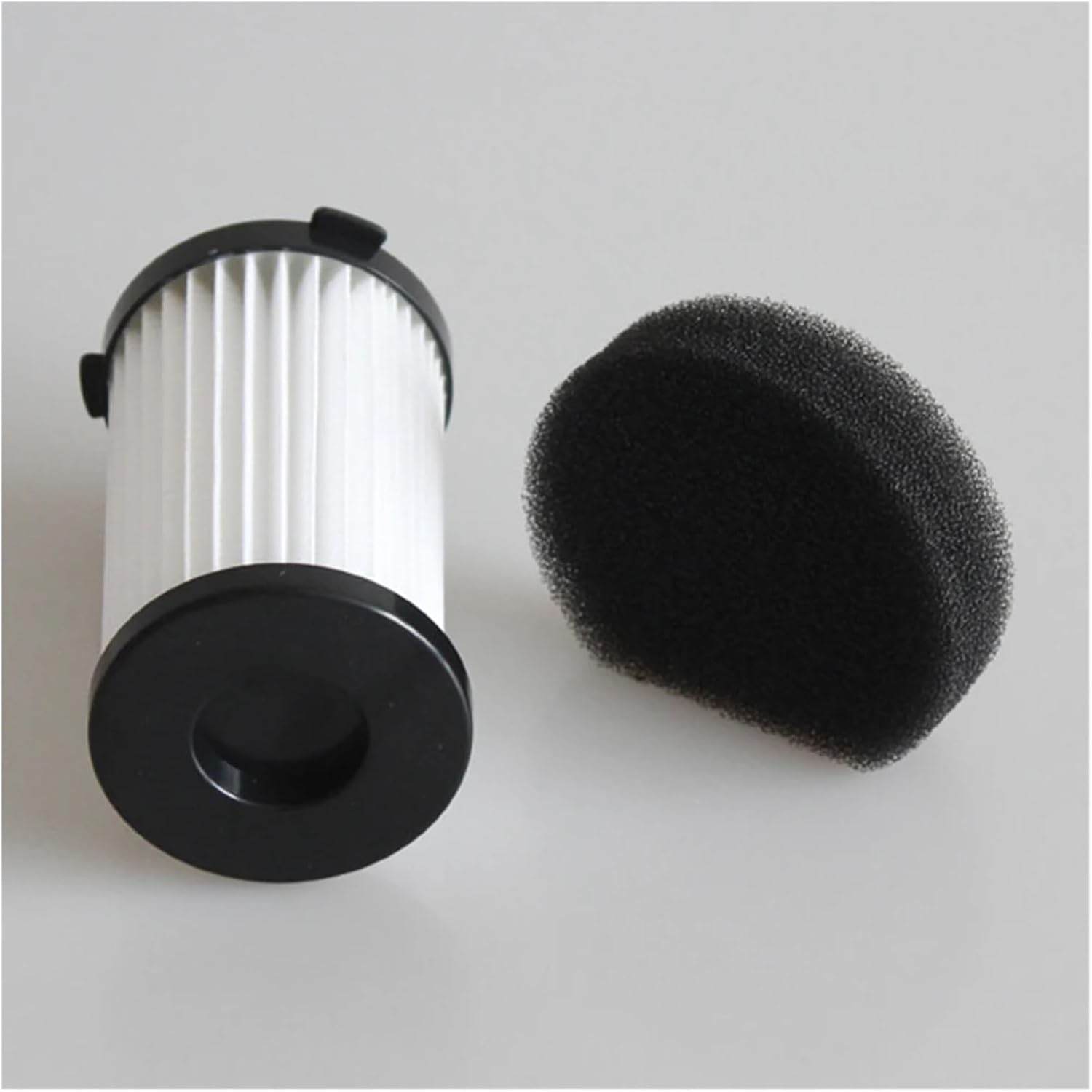
Figure 7.1: View of the filter's base and foam component, important for proper seating during installation.
8. Troubleshooting
If you experience issues after installing the new filters, consider the following:
- Reduced Suction:
- Ensure the filter is correctly seated and the dust cup is fully closed.
- Check for blockages in the vacuum's hose or nozzle.
- The filter might be clogged if it has been in use for a while; consider replacing it.
- Dust Escaping:
- Verify the filter is installed correctly and there are no gaps.
- Ensure the dust cup is properly sealed.
- The filter might be damaged or worn out and needs replacement.
- Filter Does Not Fit:
- Double-check the compatibility section (Section 3) to ensure your vacuum model is listed.
- Compare the dimensions of the new filter with your old one or the specifications provided.
9. Specifications
| Attribute | Value |
|---|---|
| Brand | ORCOW |
| Compatible Models | CLEANmaxx Cyclone Handheld Vacuum Cleaner PC-P008E, PC-P009E |
| Color | White (filter), Black (foam) |
| Filter Height | 9.2 cm (approx. 3.62 inches) |
| Filter Diameter (Top) | 6.8 cm (approx. 2.68 inches) |
| Filter Diameter (Bottom) | 5.9 cm (approx. 2.32 inches) |
| Item Weight (per filter) | Approx. 0.88 ounces (1.76 ounces for 2 filters) |
| Package Contents | 2 x Filters |

Figure 9.1: Detailed dimensions of the filter and foam component.
10. Warranty and Support
Information regarding specific warranty terms for ORCOW replacement filters is not provided in this manual. For any product support, warranty claims, or further inquiries, please contact the seller or manufacturer directly through your purchase platform.
Manufacturer: FJSKMA