
Introduction
This manual provides detailed instructions for assembling, operating, and maintaining your COBFDHA Solar Robot Science Kit. This kit allows for the construction of six distinct working models, including a Space Station, Explorer, Mars Astronaut, Shuttle, and Dog. Designed to inspire curiosity in science and engineering, the robots can be powered by solar energy or batteries.
The kit contains 120 pieces made from durable ABS plastic, suitable for users aged 8 and up. Please read all instructions carefully before beginning assembly.
Setup and Assembly
The COBFDHA Solar Robot Science Kit requires assembly. Follow the included instruction manual step-by-step to construct each robot model. Parental supervision is recommended for younger users.
Assembly Steps Overview:
- Unpack Components: Carefully remove all 120 pieces from the packaging. Verify all parts are present against the parts list in the included manual.
- Follow Illustrated Guide: Refer to the detailed, step-by-step illustrations in the provided instruction manual for each specific robot model.
- Module Assembly: Begin by assembling smaller modules such as the battery module and gear box assembly.
- Robot Construction: Connect the assembled modules and remaining pieces to form the desired robot model.
- Testing: After assembly, perform a functional test to ensure all moving parts operate correctly.
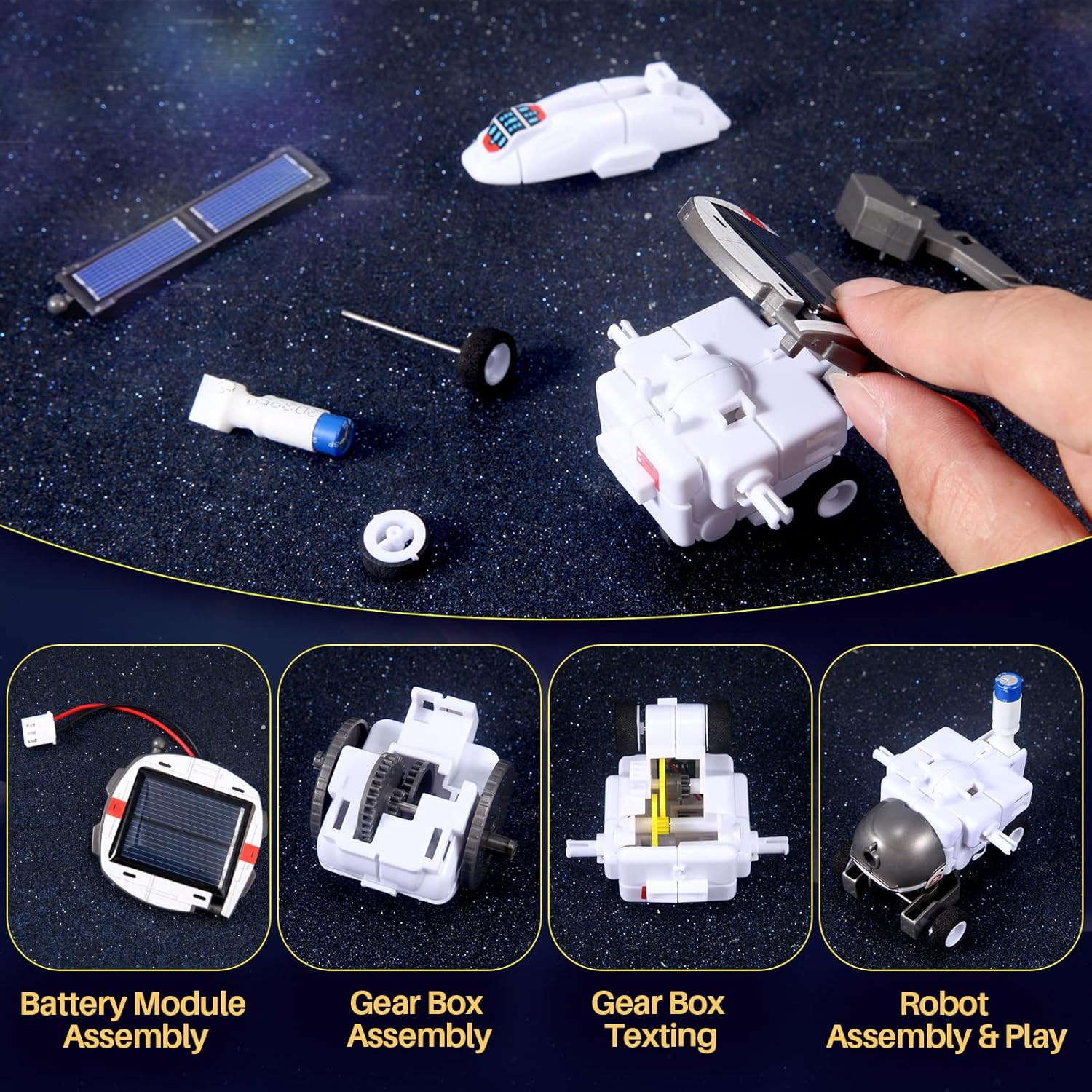
Image: Close-up of key assembly modules: battery, gear box, and robot assembly. This image illustrates the detailed steps for constructing the robot's core components.
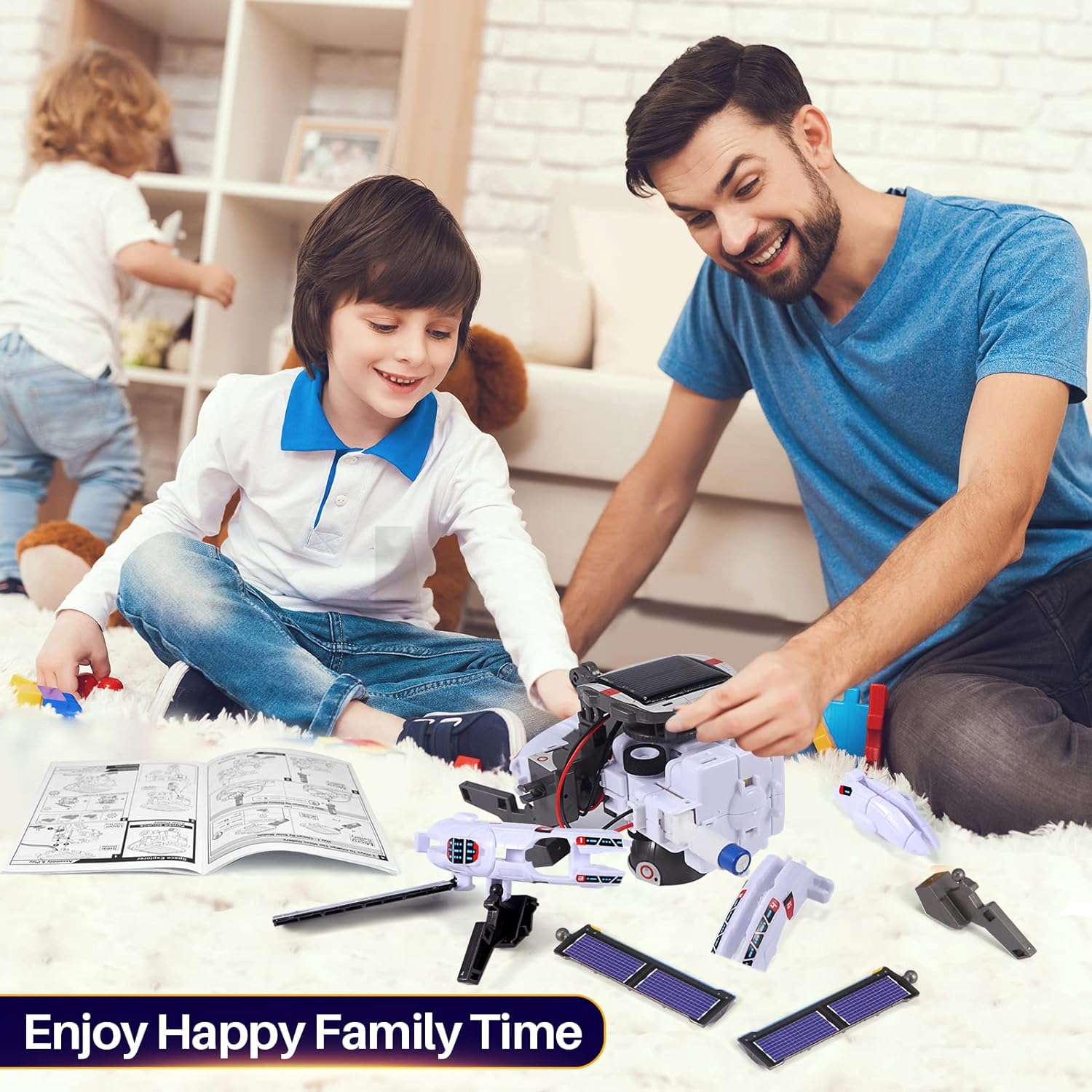
Image: A child assembling the solar robot kit, referencing the included instruction manual. This demonstrates the hands-on building process.
Operating Instructions
Your COBFDHA Solar Robot can be powered by two methods: solar energy or battery power.
Solar Power Mode:
- Ensure the solar panel is clean and free from obstructions.
- Place the robot in direct sunlight. The solar panel will convert solar heat energy into electrical energy to power the motor.
- Performance may vary based on sunlight intensity. This mode is ideal for outdoor use on sunny days.
Battery Power Mode:
- Insert the required batteries (not included) into the designated battery compartment, ensuring correct polarity.
- This mode allows for operation indoors or outdoors, regardless of weather conditions.
- Always use fresh batteries for optimal performance.
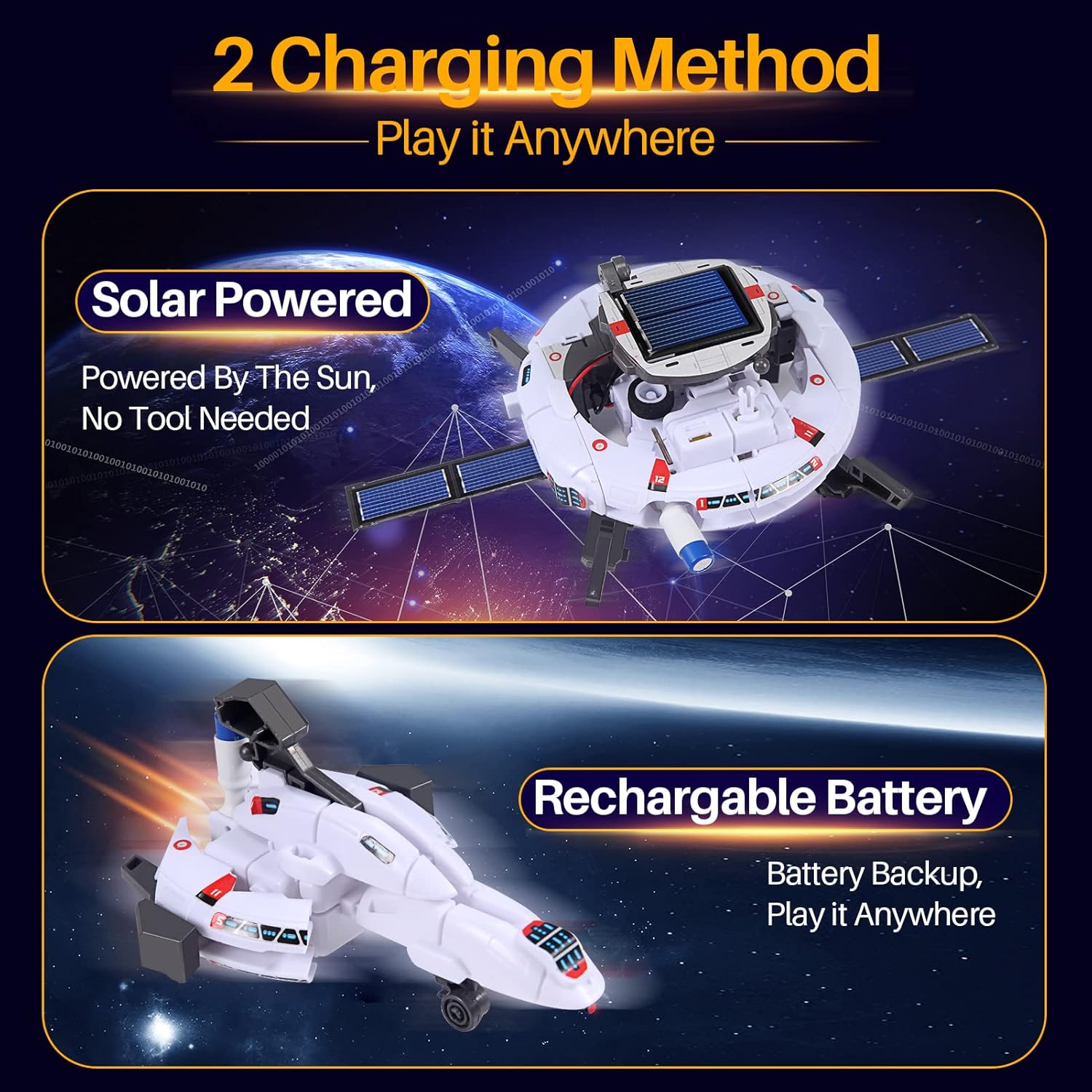
Image: Diagram illustrating the two power options: solar-powered and battery-powered. This visual guide helps users understand how to energize their robot.
Maintenance
Proper maintenance ensures the longevity and optimal performance of your solar robot kit.
- Cleaning: Wipe the robot and its components with a soft, dry cloth. Avoid using harsh chemicals or abrasive materials.
- Solar Panel Care: Keep the solar panel clean to ensure efficient energy absorption. Dust or dirt can reduce its effectiveness.
- Storage: Store the kit in a cool, dry place away from direct sunlight and extreme temperatures when not in use.
- Battery Replacement: If using battery power, replace batteries when performance diminishes. Remove batteries if the robot will not be used for an extended period to prevent leakage.
- Component Inspection: Periodically check for any loose or damaged parts. Replace any broken components to maintain functionality and safety.
Troubleshooting
If you encounter issues with your COBFDHA Solar Robot, refer to the following common troubleshooting steps:
- Robot Not Moving (Solar Mode):
- Ensure the solar panel is exposed to direct, strong sunlight.
- Check if the solar panel is clean and free of dust or obstructions.
- Verify all connections from the solar panel to the motor are secure.
- Robot Not Moving (Battery Mode):
- Check if batteries are inserted correctly with the correct polarity.
- Replace old batteries with new ones.
- Ensure all electrical connections from the battery compartment to the motor are secure.
- Parts Not Fitting/Breaking:
- Refer to the instruction manual to ensure you are using the correct parts for each step.
- Apply gentle force during assembly. Avoid excessive pressure that could damage components.
- If a part is genuinely defective, contact customer support for assistance.
- General Malfunction:
- Re-check all assembly steps to ensure no errors were made.
- Ensure no wires are pinched or disconnected.
Specifications
| Feature | Detail |
|---|---|
| Brand | COBFDHA |
| Model Number (ASIN) | B09WW3S4T3 |
| Number of Pieces | 120 |
| Assembly Required | Yes |
| Batteries Required? | No (for solar mode), Yes (for battery mode) |
| Batteries Included? | No |
| Battery Description | Battery (for optional power) |
| Material Type(s) | ABS Plastic |
| Colour | White |
| Manufacturer Recommended Age | 8 years and up |
| Product Dimensions | 23.88 x 17.78 x 7.62 cm |
| Item Weight | 5 Grams |
| Educational Objective | Dexterity, Problem Solving, Logical Thinking |
| Theme | Space |
Warranty and Support
For warranty information or technical support regarding your COBFDHA Solar Robot Science Kit, please refer to the contact details provided in the product packaging or on the manufacturer's official website.
Please retain your proof of purchase for any warranty claims.