
1. Product Overview
The ESR Paper-Feel Magnetic Screen Protector is designed to enhance your iPad experience by providing a matte, paper-like surface for writing and drawing, while offering easy attachment and removal. It is engineered to be bubble-free and compatible with existing tempered glass screen protectors (under 0.33 mm thick).

Image 1.1: ESR Paper-Feel Magnetic Screen Protector applied to an iPad.
2. Compatibility
This screen protector is specifically designed for the following iPad Air 11-inch models:
- iPad Air 11" (M4) 2026 (Models: A3459, A3460, A3463)
- iPad Air 11" (M3) 2025 (Models: A3266, A3267, A3270)
- iPad Air 11" (M2) 2024 (Models: A2902, A2903, A2904)
It is not compatible with any other iPad models.

Image 2.1: Visual guide for identifying compatible iPad Air 11-inch models.
How to Find Your iPad Model Number:
- Go to Settings > General > About.
- To the right of "Model Number," you will find the part number (e.g., MXXXXX). Tap the part number to reveal the model number (e.g., AXXXX).
3. Features
- Convenient Magnetic Attachment: Magnetic edges allow for easy attachment to your iPad screen when needed and quick removal for a clear view of your original display.
- Paper-Feel Surface: The specially designed matte finish surface provides a professional-level drawing and writing experience, transforming your tablet into a digital canvas or notebook.
- Bubble-Free Application: The magnetic attachment method ensures a smooth, bubble-free application every time, without interfering with your screen view.
- Compatibility with Tempered Glass: This screen protector is compatible with tempered-glass screen protectors that are less than 0.33 mm thick, offering double protection without scratching the screen.
- Non-Slip Stability: Designed to stay securely in place, providing a stable surface for precise drawing and writing.
- Ultra-thin and Responsive: Maintains high touch sensitivity for smooth, complete lines and perfect precision.
- Prolonged Nib Life: The texture is optimized to prevent excessive wear on your stylus nib.

Image 3.1: The screen protector transforms your iPad into a digital canvas.
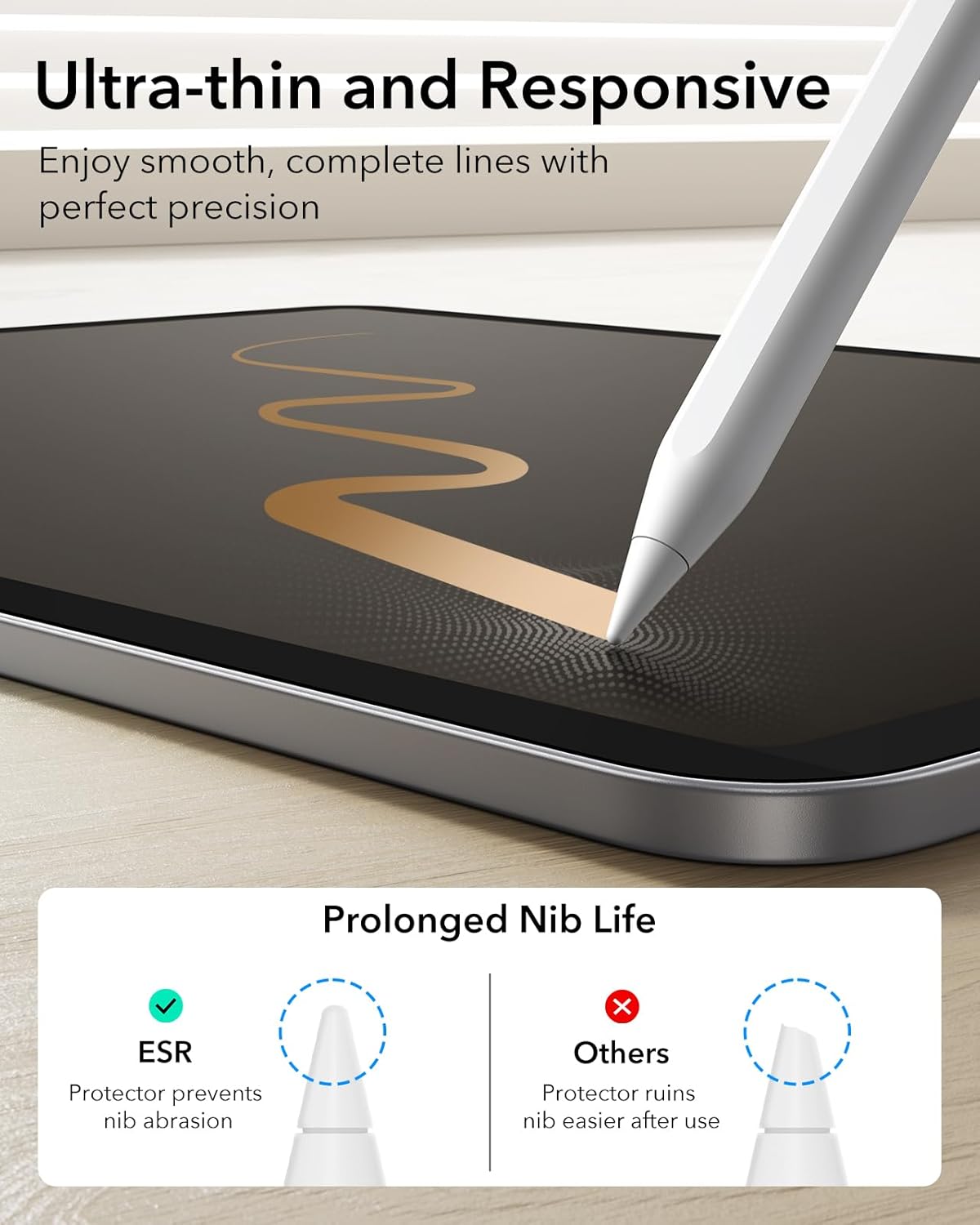
Image 3.2: The protector is designed for ultra-thin responsiveness and prolonged stylus nib life.
4. Installation Guide
Follow these steps for a quick and easy installation of your magnetic screen protector:
- Clean Your Screen: Use the provided cleaning kit (wet wipe, dry wipe, dust absorber) to thoroughly clean your iPad screen. Ensure there are no dust particles, smudges, or fingerprints.
- Align the Protector: Position the screen protector over your iPad screen. The magnetic strips on the top and bottom edges will help guide it into place. Ensure the "UP" label is facing upward.
- Secure Attachment: Gently swipe down on the black magnetic strips to ensure a firm and secure attachment to the screen. The protector will snap into place without bubbles.

Image 4.1: Steps for easy magnetic attachment, removal, and cleaning.
Installation Video:
Video 4.1: Detailed installation guide for the ESR Paper-Feel Magnetic Screen Protector.
5. Usage Instructions
Once installed, the screen protector provides a textured surface ideal for digital art and note-taking. Use your Apple Pencil or other compatible stylus for a tactile experience similar to writing on paper.
- Drawing and Writing: The matte finish increases friction, offering better control and precision for your stylus.
- General Use: For media consumption or tasks where a clear, glossy display is preferred, simply detach the screen protector.

Image 5.1: Experience a paper-feel surface for creative tasks.
6. Care and Maintenance
Proper care ensures the longevity and performance of your screen protector:
- Cleaning: Clean the magnetic strip with a wet wipe before each use to maintain optimal adhesion and prevent dust accumulation. The protector itself is washable.
- Storage: When not in use, store the screen protector in its protective envelope to keep it flat, safe from scratches, and free from dust.
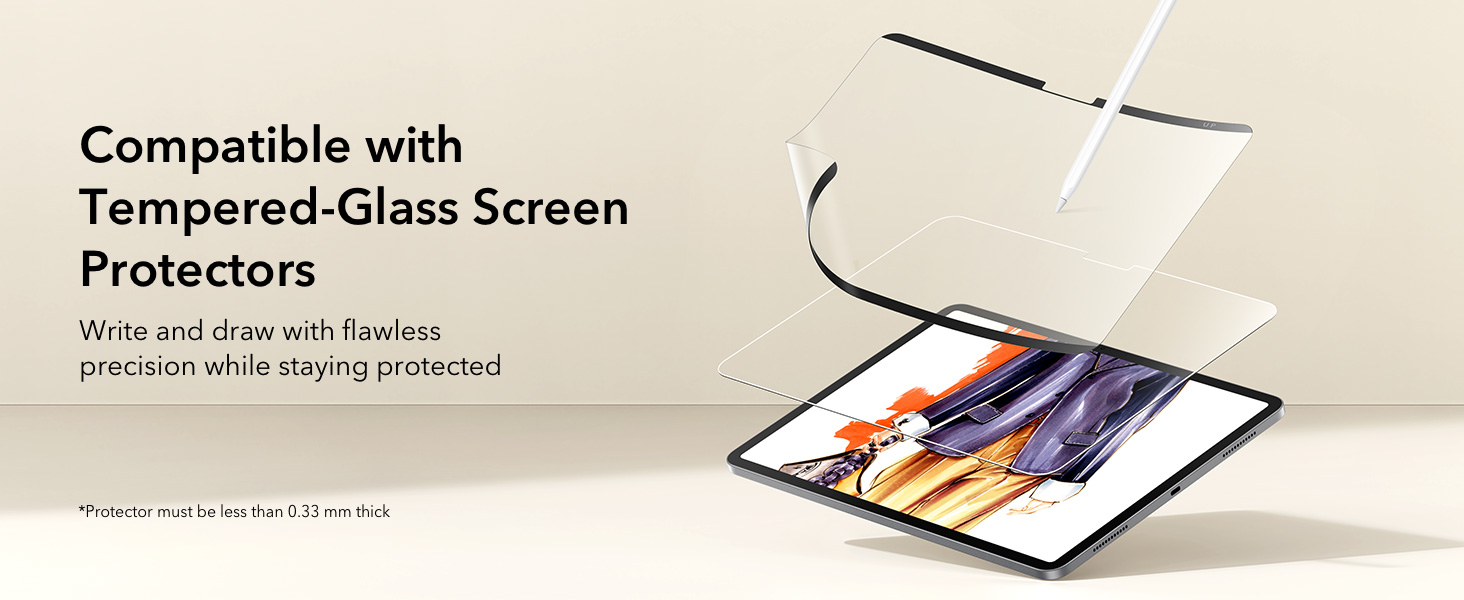
Image 6.1: Store the screen protector in its protective envelope when not in use.
7. Troubleshooting
If you encounter any issues, consider the following:
- Reduced Touch Sensitivity at Edges: Due to the magnetic design, the protector may stand slightly away from the screen at the very edges. Ensure the protector is perfectly centered. If issues persist, slight repositioning might help, though this could affect the opposite edge.
- Dust Under Protector: While the magnetic attachment minimizes bubbles, tiny particles can still get underneath. Remove the protector, clean both the iPad screen and the protector's surface thoroughly, and reapply.
- Screen Clarity/Color Changes: Matte screen protectors inherently reduce some screen clarity and alter color vibrancy compared to a bare glossy screen. This is a characteristic of the paper-feel texture.
8. Product Specifications
| Brand | ESR |
| Compatible Devices | iPad Air 11-inch M4/M3/M2 (2026/2025/2024) |
| Material | Matte film |
| Product Dimensions | 10.83"L x 8.07"W |
| Special Feature | Screen Protector |
| Finish Type | Matte |
| Water Resistance Level | Not Water Resistant |
| Unit Count | 1.0 Count |
| Screen Size | 11 Inches |
| Item Weight | 21.85 Grams |
9. Warranty and Support
ESR provides comprehensive customer support for this product, including:
- Detailed setup videos
- Frequently Asked Questions (FAQs)
- A comprehensive 12-month protection plan
- Lifetime support
- Personalized help
For further assistance, please refer to the official ESR website or contact their customer service directly.