Introduction
Thank you for choosing the Generic Q76 Digital Voice Recorder. This compact and portable device is designed for high-quality audio recording and MP3 playback. It features a long-lasting battery, magnetic adsorption for discreet placement, and voice-activated recording. This manual provides detailed instructions to help you get the most out of your device.
Safety Information
- Do not expose the device to water or moisture.
- Avoid extreme temperatures, direct sunlight, or dusty environments.
- Do not attempt to disassemble or modify the device.
- Keep out of reach of children.
- Use only the provided charging cable to prevent damage.
Package Contents
Please check the package for the following items:
- 1 x Q76 Digital Voice Recorder (MP3 Player)
- 1 x Wired Earphone
- 1 x Charging Cable
- 1 x User Manual
Product Overview
The Generic Q76 is a sleek, cylindrical digital voice recorder. It features a USB-C port for charging and data transfer, and intuitive control buttons for easy operation.
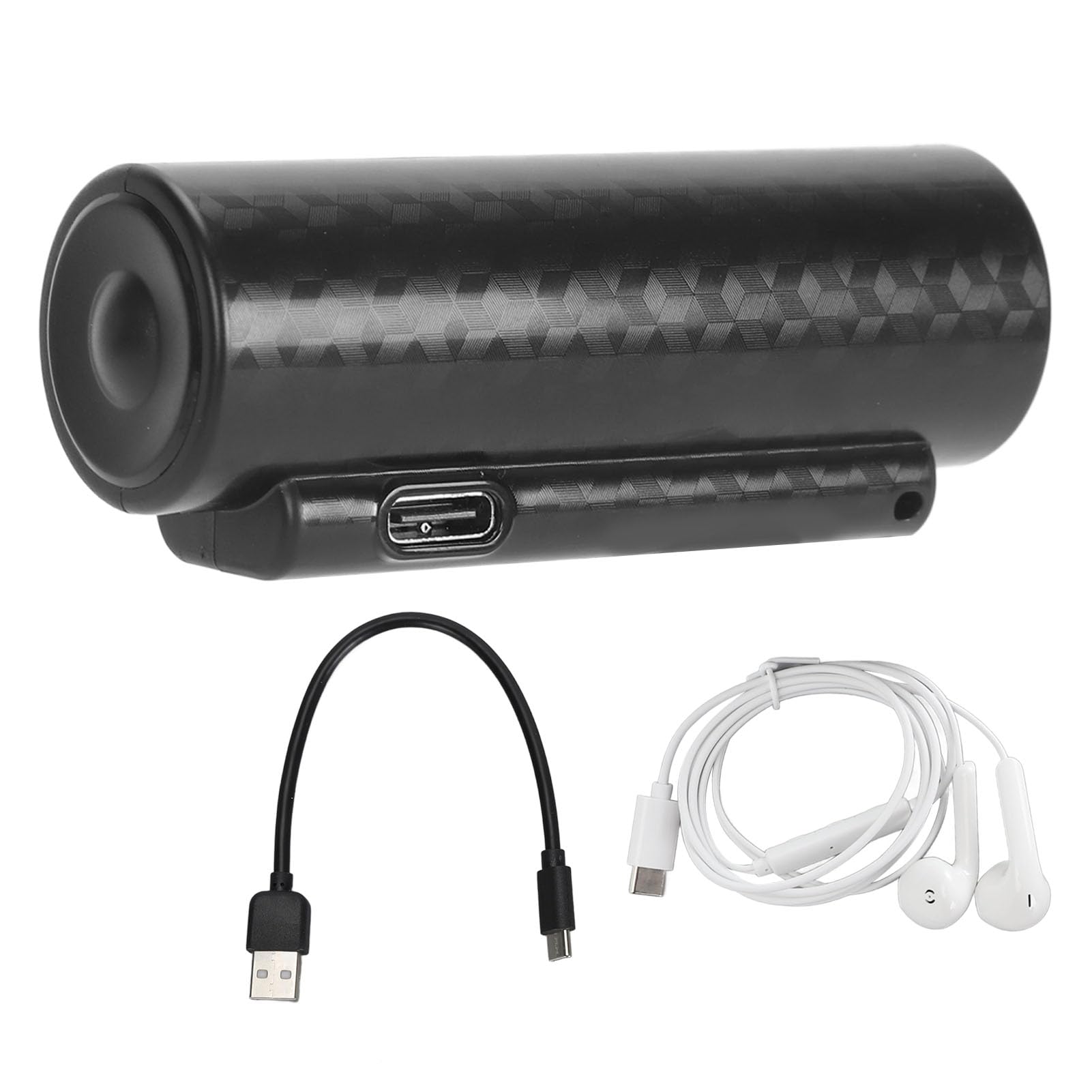
Image: The Generic Q76 Digital Voice Recorder, showcasing its compact cylindrical design.

Image: Side view of the Q76 recorder, highlighting the control buttons for operation.
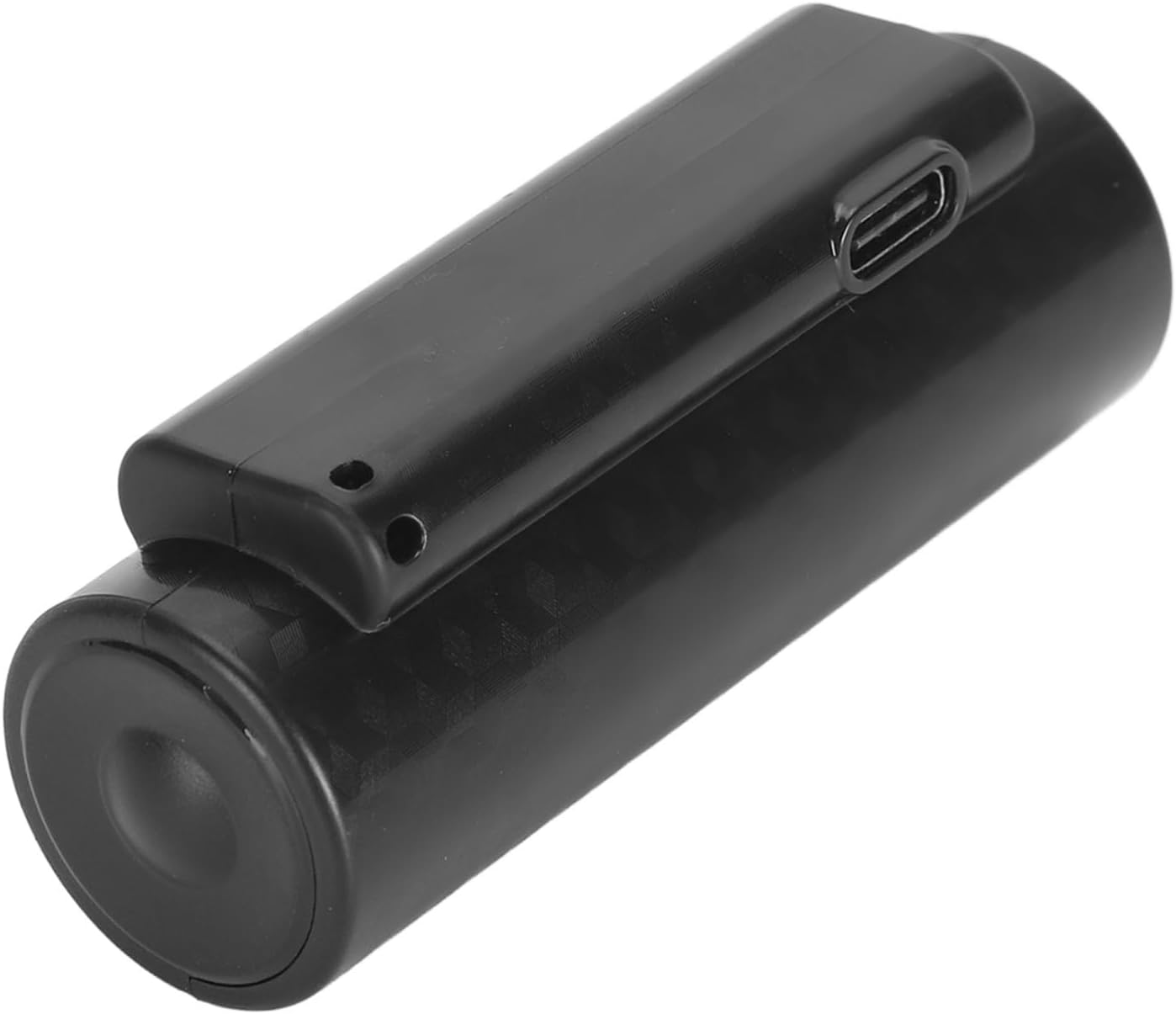
Image: Close-up of the Q76 recorder, showing the USB-C port for charging and data transfer.
Setup
Charging the Device
Before first use, fully charge the device. Connect the provided USB-C charging cable to the recorder's USB-C port and plug the other end into a USB power adapter (not included) or a computer's USB port. The indicator light will show charging status and turn off when fully charged. A full charge provides up to 500 hours of continuous recording.
Initial Power On
Refer to the device's controls for the power button. Typically, a long press will power on or off the device. The device is designed for immediate use upon power-on.
Operating Instructions
Recording
One-Key Recording
To start recording, slide the designated switch or press the recording button. The device will begin recording immediately. To stop and save the recording, slide the switch back or press the button again. Recordings are saved automatically.
Voice Activated Recording (VOR)
The Q76 features voice activation. When enabled, the recorder will automatically start recording when it detects sound and pause when silence is detected, conserving storage space. Refer to the device's specific controls for enabling/disabling VOR mode.
Playback
Connect the wired earphones to the device. Use the control buttons to navigate through your recorded files or MP3 music. The device supports fast forward and fast rewind functions during playback. Press the play/pause button to control audio playback.
Connecting to a Computer
To transfer files, connect the recorder to your computer using the provided USB-C cable. The device will appear as a removable disk. You can then drag and drop recorded files to your computer or transfer MP3 files to the recorder for playback.

Image: The Q76 recorder connected to a mobile device, illustrating file access and management.
Setting the Time
The device supports time setting, which can timestamp your recordings. This feature is typically managed by connecting the device to a computer and running a specific utility or by following on-screen prompts if the device has a display. Consult the device's internal files or manufacturer's website for detailed instructions on time synchronization.
Specifications
| Feature | Detail |
|---|---|
| Brand | Generic |
| Model | Q76 |
| Battery Type | Built-in 3000 mAh Lithium Battery |
| Battery Life (Recording) | Up to 500 hours continuous |
| Storage Capacity | 64GB (stores up to 360 hours of files) |
| Recording Bit Rate | Up to 192 KBPS |
| Material | ABS and Electronic Components |
| Dimensions | Approximately 15 x 9 x 4 cm |
| Weight | Approximately 167 grams |
Maintenance
- Cleaning: Wipe the device with a soft, dry cloth. Do not use liquid cleaners or solvents.
- Storage: Store the device in a cool, dry place away from direct sunlight and extreme temperatures.
- Battery Care: To prolong battery life, avoid fully discharging the battery frequently. Charge the device regularly, even if not in use for extended periods.
Troubleshooting
- Device not turning on: Ensure the battery is charged. Connect to a power source and try again.
- Cannot record: Check if there is sufficient storage space. Ensure the recording function is activated correctly.
- Poor audio quality: Ensure the microphone is not obstructed. Record in a quiet environment. The device features noise reduction, but extreme noise can still affect quality.
- Device not recognized by computer: Try a different USB port or cable. Ensure the device is powered on when connected.
- Playback issues: Ensure earphones are properly connected. Check file format compatibility if playing non-recorded files.
Warranty and Support
For warranty information or technical support, please refer to the retailer's policy or contact the manufacturer directly. Keep your purchase receipt as proof of purchase.


