
RIVERSONG Motive 7C
RIVERSONG Smart Watch Motive 7C User Manual
Model: Motive 7C | Brand: RIVERSONG
1. Introduction and Overview
This manual provides comprehensive instructions for the RIVERSONG Motive 7C Smart Watch. This device is designed to enhance your daily life with smart communication, health monitoring, and fitness tracking features. Please read this manual thoroughly to ensure proper use and maintenance of your smartwatch.
2. What's in the Box
- RIVERSONG Motive 7C Smart Watch
- Watch Strap
- Charging Cable
- User Manual (this document)
3. Key Features
- Bluetooth Call Functionality: Answer or dial calls directly from your smartwatch.
- Smart Notifications: Receive SMS, Facebook, WhatsApp, Instagram, and Twitter messages.
- 1.52-inch HD Full Touch Screen: Offers a clear display and responsive touch experience.
- Customizable Dials: Choose from over 150 watch styles or use your own photos.
- 100+ Sport Modes: Track various activities including walking, running, cycling, and more.
- All-Day Health Monitoring: Includes heart rate, blood oxygen, and sleep tracking.
- Compatibility: Works with smartphones running iOS 12.0/Android OS 5.1 or higher.
- Daily Tools: Features like music control, camera control, find phone, sedentary reminders, alarm clock, stopwatch, weather forecast, and torch.
4. Setup
4.1 Initial Charging
Before first use, fully charge your RIVERSONG Motive 7C Smart Watch using the provided charging cable. Connect the magnetic end of the cable to the charging points on the back of the watch and the USB end to a power adapter (not included) or a computer USB port.
4.2 App Installation and Device Pairing
To unlock the full potential of your smartwatch, you need to install the companion app on your smartphone and pair the devices.
- Ensure your smartphone's Bluetooth is turned on.
- Download and install the "RiversongFit-Epoch" app from your smartphone's app store (Google Play Store for Android, Apple App Store for iOS).
- Open the "RiversongFit-Epoch" app and navigate to the "Device" section.
- Tap "Add device" or "Pair device" and select "Motive 7C" from the list of found devices.
- Confirm the pairing request on both your smartphone and the smartwatch.
- Follow any on-screen prompts within the app to grant necessary permissions (e.g., location, notifications).
Video: How to pair your RIVERSONG Motive 7C Smart Watch with your smartphone. This video demonstrates the step-by-step process of connecting your watch to the companion app, including turning on Bluetooth, opening the app, selecting the device, and confirming the pairing.
5. Operating Instructions
5.1 Basic Navigation
The Motive 7C features a full touch screen for easy navigation. Swipe left, right, up, or down to access different functions and menus. Press the side button to return to the home screen or wake the device.
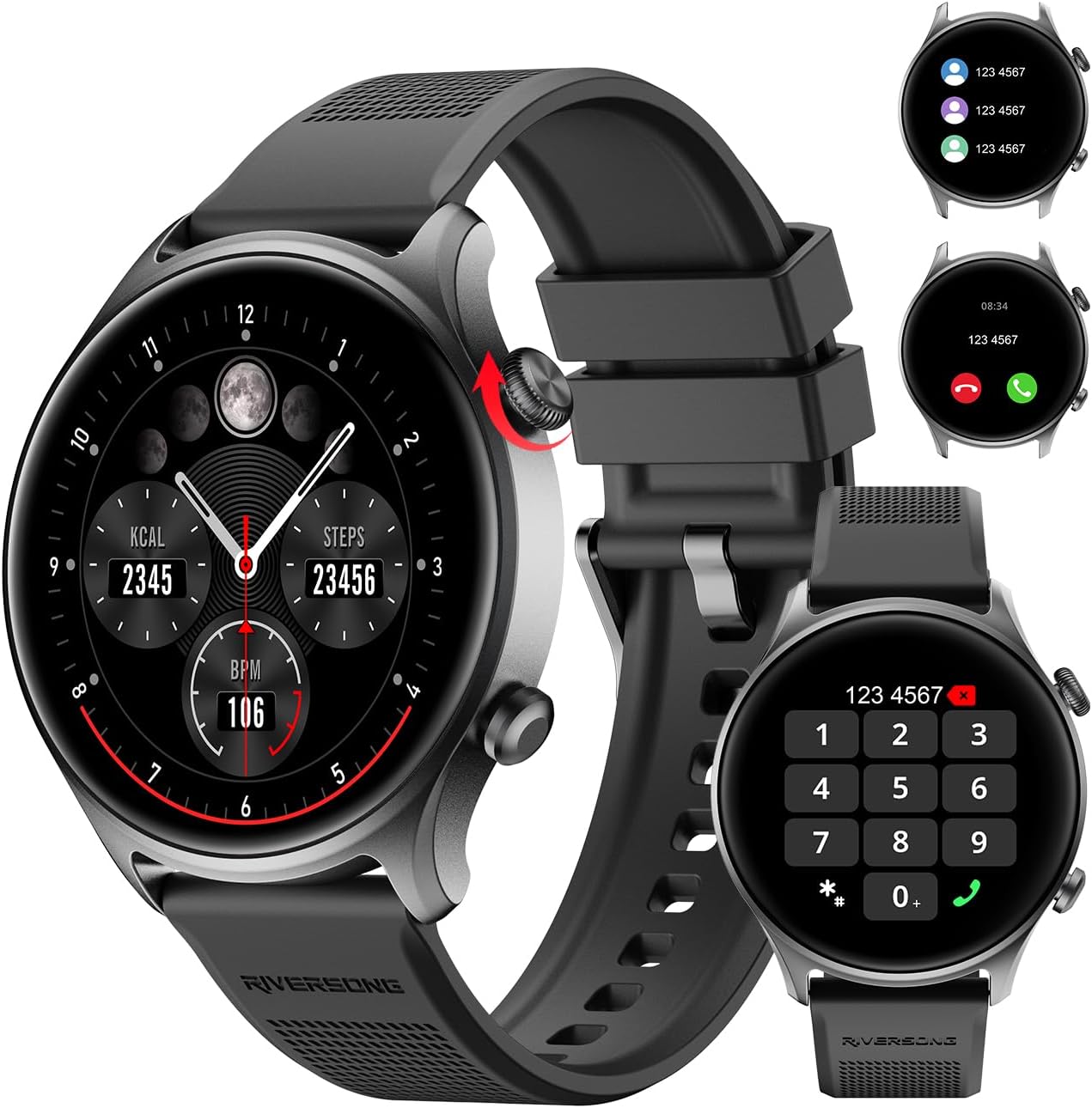
Image: The RIVERSONG Motive 7C Smart Watch displaying various functions including health metrics, an incoming call screen, and a dial pad for making calls. This illustrates the watch's versatile interface.
5.2 Bluetooth Calls and Notifications
Once paired, your smartwatch can handle calls and display notifications from your phone.
- Making Calls: Access the dial pad on your watch to make calls directly.
- Answering Calls: When a call comes in, you can answer or reject it from the watch screen.
- Notifications: SMS, social media alerts (Facebook, WhatsApp, Instagram, Twitter), and other app notifications will appear on your watch. Ensure notification permissions are enabled in the app.

Image: A user wearing the RIVERSONG Motive 7C Smart Watch, which shows a call dial pad and an incoming call screen. Surrounding the watch are icons representing various social media and messaging applications, indicating the watch's notification capabilities.
5.3 All-Day Health Monitoring
The Motive 7C continuously monitors key health metrics.
- Heart Rate: Real-time heart rate monitoring.
- Blood Oxygen (SpO2): Measures blood oxygen saturation levels.
- Sleep Tracking: Analyzes sleep patterns (deep sleep, light sleep, wake time).
- Stress Monitoring: Provides insights into stress levels.
- Menstrual Period Tracking: For female users, track menstrual and ovulation periods.
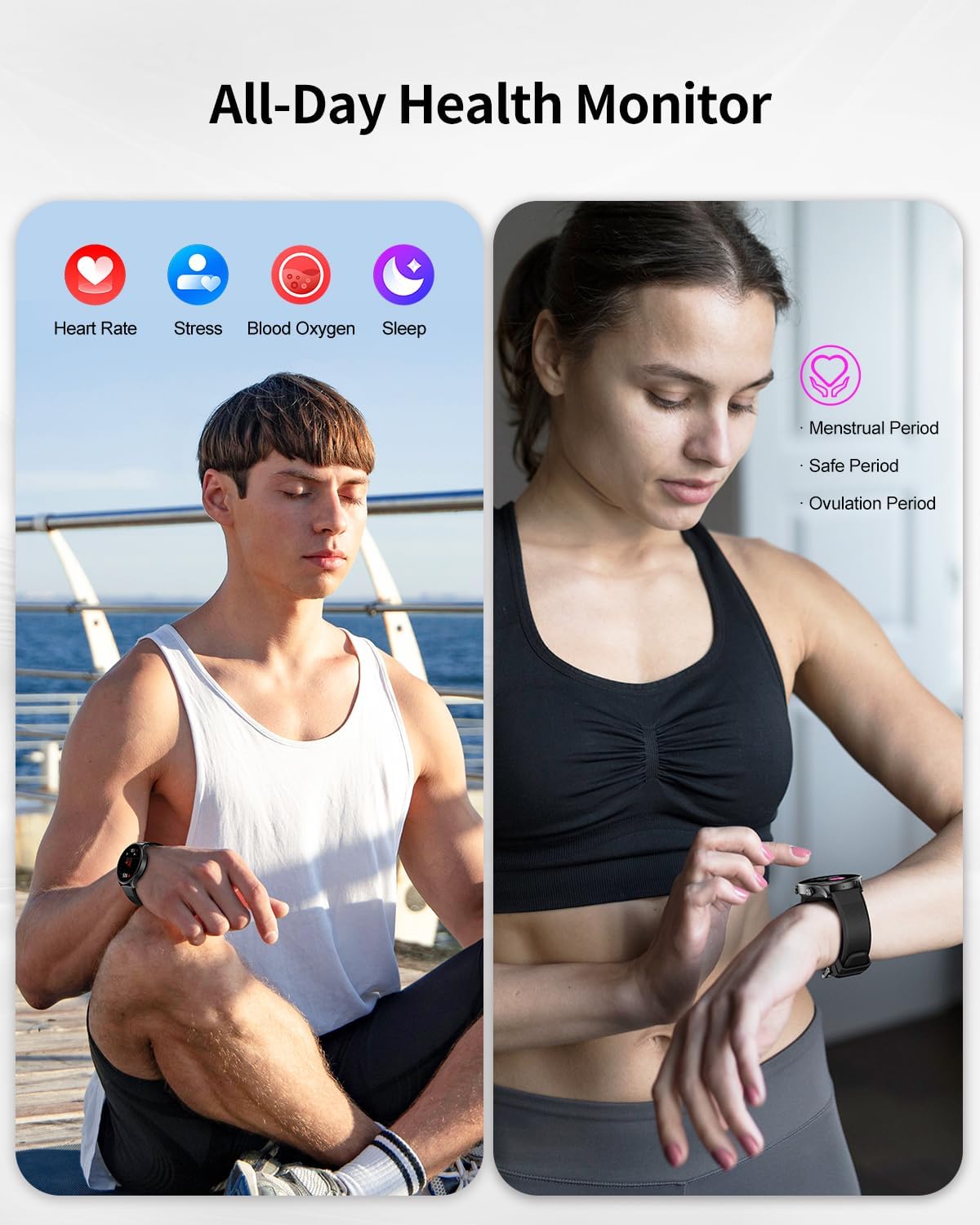
Image: Two individuals demonstrating the health monitoring features of the RIVERSONG Motive 7C Smart Watch. One person is meditating, while another is checking their watch. Icons for Heart Rate, Stress, Blood Oxygen, Sleep, Menstrual Period, and Ovulation Period are displayed, highlighting the watch's comprehensive health tracking capabilities.
5.4 100+ Sport Modes
Select from a wide range of sport modes to accurately track your workouts.
- Choose the appropriate mode (e.g., walking, running, cycling, badminton, basketball, football, yoga) before starting your activity.
- The watch records steps, distance, calories burned, and heart rate during your exercise.
- Review fitness data analysis in the app to optimize your training.
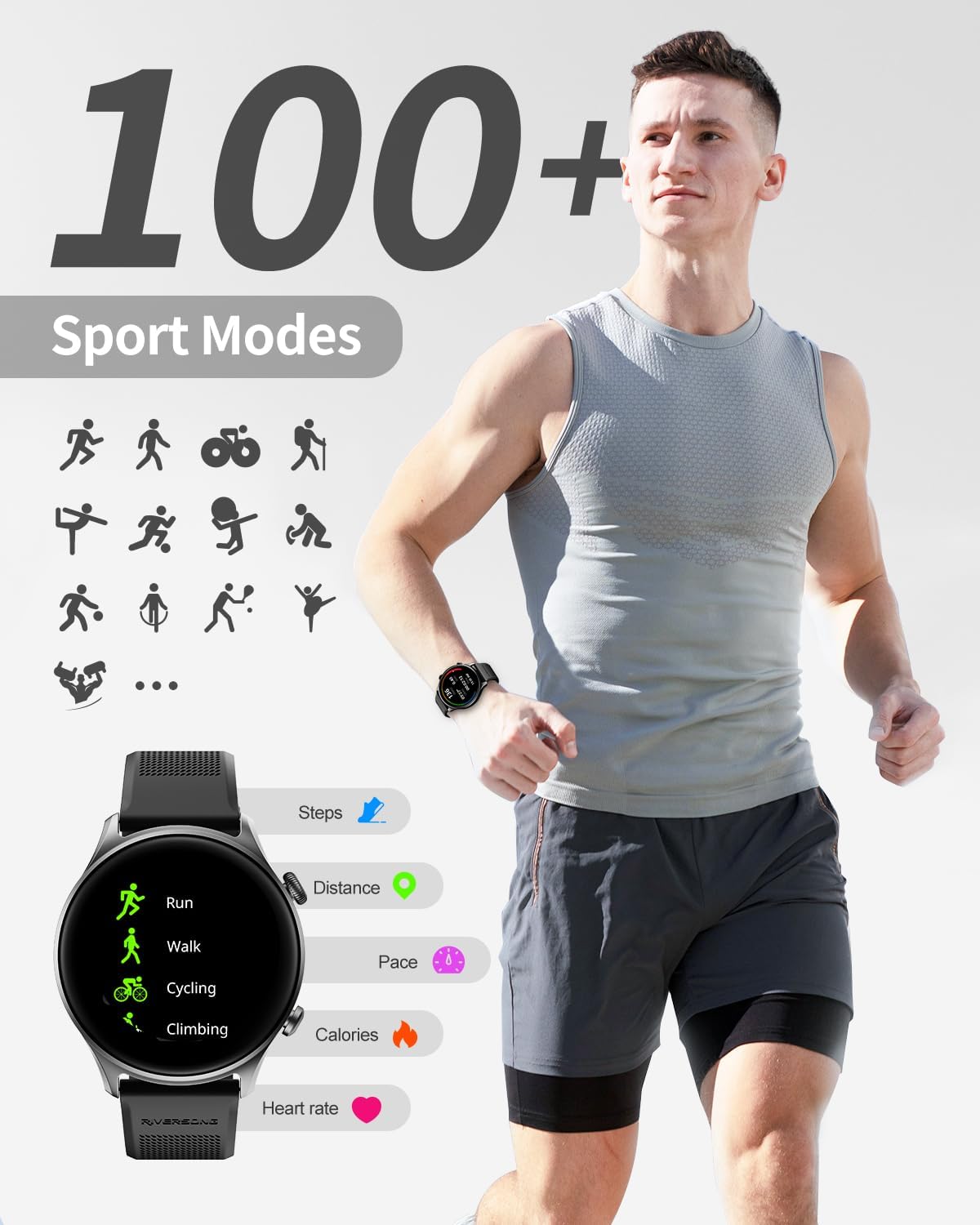
Image: A man running outdoors, showcasing the RIVERSONG Motive 7C Smart Watch's fitness tracking. The image highlights the watch's display of various sport modes like Run, Walk, Cycling, and Climbing, along with metrics such as Steps, Distance, Pace, Calories, and Heart Rate.
5.5 Customizing Your Watch Face
Personalize your smartwatch by changing the watch face.
- The "RiversongFit-Epoch" app offers over 150 different dial styles.
- You can also upload your favorite photos to create custom watch faces.

Image: A smartphone screen displaying the "Custom Face" section of the companion app, showing various watch face options. Next to it, the RIVERSONG Motive 7C Smart Watch is shown with a personalized watch face featuring a woman's photo, demonstrating the customization feature.
5.6 Other Smart Functions
The Motive 7C includes several convenient daily tools:
- AI Voice Assistant: Interact with your watch using voice commands.
- Music Control: Control music playback on your smartphone.
- Camera Control: Use your watch as a remote shutter for your phone's camera.
- Find Phone: Locate your misplaced smartphone by triggering an alert.
- Sedentary Reminders: Get alerts to move after periods of inactivity.
- Alarm Clock: Set alarms directly from the watch or app.
- Stopwatch & Timer: Useful for various activities.
- Weather Forecast: Get real-time weather updates.
- Torch: A simple flashlight function.

Image: The RIVERSONG Motive 7C Smart Watch demonstrating its "Convenient Life Assistant" features. The watch displays an AI voice assistant interface, music playback controls, and a detailed weather forecast, highlighting its utility beyond basic timekeeping.
6. Maintenance
- Cleaning: Wipe the watch and strap regularly with a soft, dry cloth. For stubborn dirt, use a slightly damp cloth and dry thoroughly.
- Water Resistance: The watch is designed for daily use and can withstand splashes or brief immersion. However, it is not suitable for swimming, snorkeling, diving, or high-speed water sports. Avoid prolonged exposure to water or hot steam.
- Charging: Use only the provided charging cable. Ensure the charging contacts on the watch and cable are clean and dry before charging.
- Storage: Store the watch in a cool, dry place when not in use. Avoid extreme temperatures.
7. Troubleshooting
| Problem | Possible Solution |
|---|---|
| Watch not turning on | Ensure the watch is fully charged. Connect to the charger for at least 30 minutes. |
| Unable to pair with phone |
|
| No notifications received |
|
| Inaccurate health data |
|
8. Specifications

Image: A detailed diagram illustrating the dimensions of the RIVERSONG Motive 7C Smart Watch, including the watch face diameter, strap width, and total length, providing precise measurements for users.
| Feature | Detail |
|---|---|
| Model Number | Motive 7C |
| Screen Size | 1.52 Inches |
| Product Dimensions | 11.46 x 3.58 x 0.75 inches |
| Item Weight | 4.2 ounces |
| Battery Type | Lithium Ion (1 included) |
| Battery Capacity | 280 Milliamp Hours |
| Operating System | Android, iOS |
| Connectivity | Bluetooth |
| Special Features | Bluetooth Call, Large Screen |
| GPS | GPS Via Smartphone |
| Shape | Round |
9. Warranty and Support
For warranty information and technical support, please refer to the official RIVERSONG website or contact their customer service directly. Details are typically provided on the product packaging or through the companion app's support section.
You can also visit the RIVERSONG Store on Amazon for more product information and support resources.
Ask a question about this manual
Ask about setup, troubleshooting, compatibility, parts, safety, or missing instructions. Manuals+ will review the question and use this page’s manual context to help answer it.