
1. Introduction
This manual provides essential information for the safe and effective use of your Yustda USB-C Charging Cable. This cable is designed as a replacement power supply charger cord for specific Nismile handheld vacuum cleaner models. Please read these instructions carefully before use.
2. Product Overview
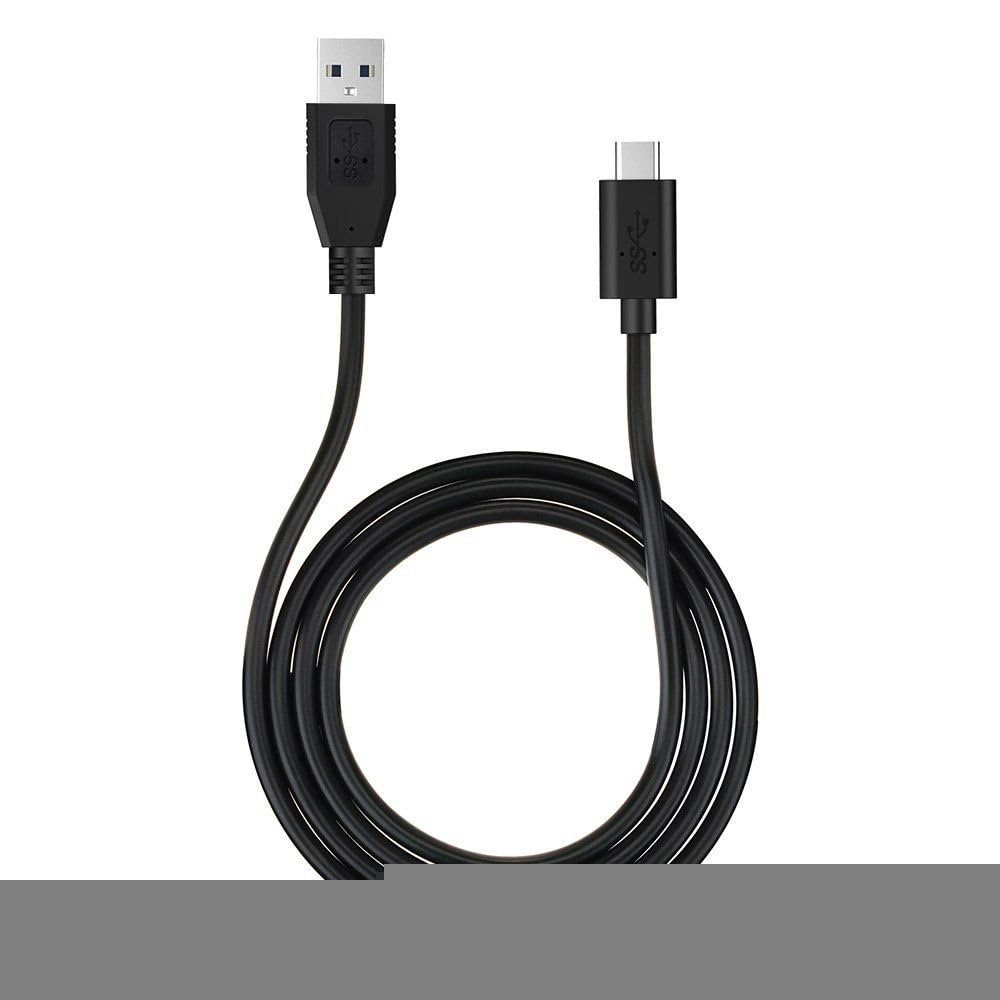
The Yustda USB-C Charging Cable is a high-quality replacement power cord featuring a USB-A connector on one end and a USB-C connector on the other. It is engineered with multiple safety features to protect your device during charging.
2.1 Key Features
- Overload Protection: Safeguards against excessive current.
- Over-charge/discharge Protection: Prevents battery damage from improper charging levels.
- Overheating Protection: Incorporates a smart chip to manage temperature.
- Anti-Interference Feature: Utilizes improved isolation materials for stable power delivery.
- Short-circuit Protection: Automatically cuts power in case of a short circuit.
2.2 Compatibility
This charging cable is compatible with the following Nismile handheld vacuum cleaner models:
- Nismile LN-HV001
- Nismile LN-HV002
- Nismile LT-114
2.3 Product Image
3. Setup
Follow these steps to properly connect your Yustda USB-C Charging Cable:
- Connect to Power Source: Insert the USB-A end of the charging cable into a compatible USB power adapter (not included) or a USB-A port on a computer or power bank. Ensure the power source provides adequate power for charging.
- Connect to Vacuum Cleaner: Insert the USB-C end of the charging cable into the charging port of your Nismile LN-HV001, LN-HV002, or LT-114 handheld vacuum cleaner.
Ensure both connections are firm and secure.
4. Operating Instructions
Once the cable is properly connected, your Nismile handheld vacuum cleaner should begin charging. Refer to your vacuum cleaner's original manual for specific charging indicators (e.g., LED lights) and expected charging times.
4.1 Charging Guidelines
- Always use a compatible USB power adapter that meets the power requirements of your vacuum cleaner.
- Do not force the connectors into ports. If a connection does not feel right, check the orientation and try again gently.
- Avoid charging in extreme temperatures or humid environments.
- Disconnect the cable from both the power source and the vacuum cleaner once charging is complete or if the device will not be used for an extended period.
5. Maintenance
Proper care of your charging cable will ensure its longevity and safe operation.
- Cleaning: Gently wipe the cable and connectors with a dry, soft cloth. Do not use liquid cleaners or abrasive materials.
- Storage: Store the cable in a cool, dry place away from direct sunlight and extreme temperatures. Avoid tightly coiling or bending the cable sharply, which can damage internal wires.
- Inspection: Regularly inspect the cable for any signs of damage, such as frayed wires, bent connectors, or cracked insulation. If any damage is observed, discontinue use immediately and replace the cable.
6. Troubleshooting
If you encounter issues while using the charging cable, consider the following:
| Problem | Possible Cause | Solution |
|---|---|---|
| Vacuum cleaner not charging. | Loose connection, faulty power source, damaged cable, or vacuum cleaner issue. | Ensure connections are secure. Try a different USB power adapter or USB port. Inspect the cable for damage. If the cable is undamaged, consult your vacuum cleaner's manual for troubleshooting. |
| Slow charging. | Low-power USB source, background processes on vacuum, or cable degradation. | Use a higher-wattage USB power adapter. Ensure the vacuum cleaner is off during charging. Replace the cable if it appears damaged or worn. |
| Cable or vacuum cleaner gets hot during charging. | Normal operation (slight warmth), or overheating due to faulty components. | A slight warmth is normal. If it becomes excessively hot, disconnect immediately. Ensure proper ventilation. If the issue persists, discontinue use and seek professional advice. |
7. Specifications
- Brand: YUSTDA
- Model Number: PA-90W
- Cable Type: USB-A to USB-C
- Compatible Devices: Nismile LN-HV001, LN-HV002, LT-114 Handheld Vacuum Cleaners
- Safety Features: Overload Protection, Over-charge/discharge Protection, Overheating Protection, Anti-Interference, Short-circuit Protection
- Certifications: FCC, CE, RoHS
- Manufacturer: Shenzhen Waweis Technology Co., Ltd
8. Warranty and Support
Information regarding the specific warranty period and support contact details for this Yustda USB-C Charging Cable was not provided in the product data. For warranty claims or technical assistance, please refer to the product packaging or contact the seller or manufacturer directly through their official channels.