
1. Introduction
Thank you for choosing the HotHat 17.5-inch Portable DVD Player. This device is designed to provide high-quality entertainment on the go, featuring a large 15.6-inch HD swivel screen, a long-lasting rechargeable battery, and extensive multimedia support. Please read this manual thoroughly to ensure proper use and maintenance of your new portable DVD player.

Figure 1: HotHat 17.5-inch Portable DVD Player
2. Key Features
- Large HD Swivel Screen: 15.6-inch display with 1366*768 HD resolution, supporting 270° rotation and 180° flip for optimal viewing angles.
- Extended Battery Life: Equipped with a 5000 mAh rechargeable battery, providing up to 6 hours of playback.
- Versatile Power Options: Supports AC power adapter, car charger, and battery power.
- Multimedia Compatibility: Plays all region discs (DVD, CD-R(RW), DVD-R(+R), DVD-RW(+RW), CVD(SVCD), VCD(DVCD), CD, etc.) and multimedia files via USB/SD Card (up to 32GB) including VOB, AVI, MPEG, MP3, WMA, JPEG (excluding Blu-ray).
- Last Memory Function: Resumes playback from where you left off.
- Sync to TV: AV input/output allows syncing movies to a larger screen.

Figure 2: High-Definition Swivel Screen
3. What's in the Box
Your HotHat Portable DVD Player package includes the following items:
- 17.5-inch Portable DVD Player
- Power Adapter
- Car Charger
- AV Cable
- Remote Control
- Instruction Manual

Figure 3: Package Contents
4. Setup
4.1 Powering the Device
The player can be powered in three ways:
- Battery Power: The built-in 5000 mAh rechargeable battery provides up to 6 hours of playback. Ensure the device is fully charged before extended use.
- AC Power Adapter: Connect the included AC power adapter to the DC IN port on the player and plug it into a standard wall outlet.
- Car Charger: Use the included car charger to power the device via your car's cigarette lighter socket.
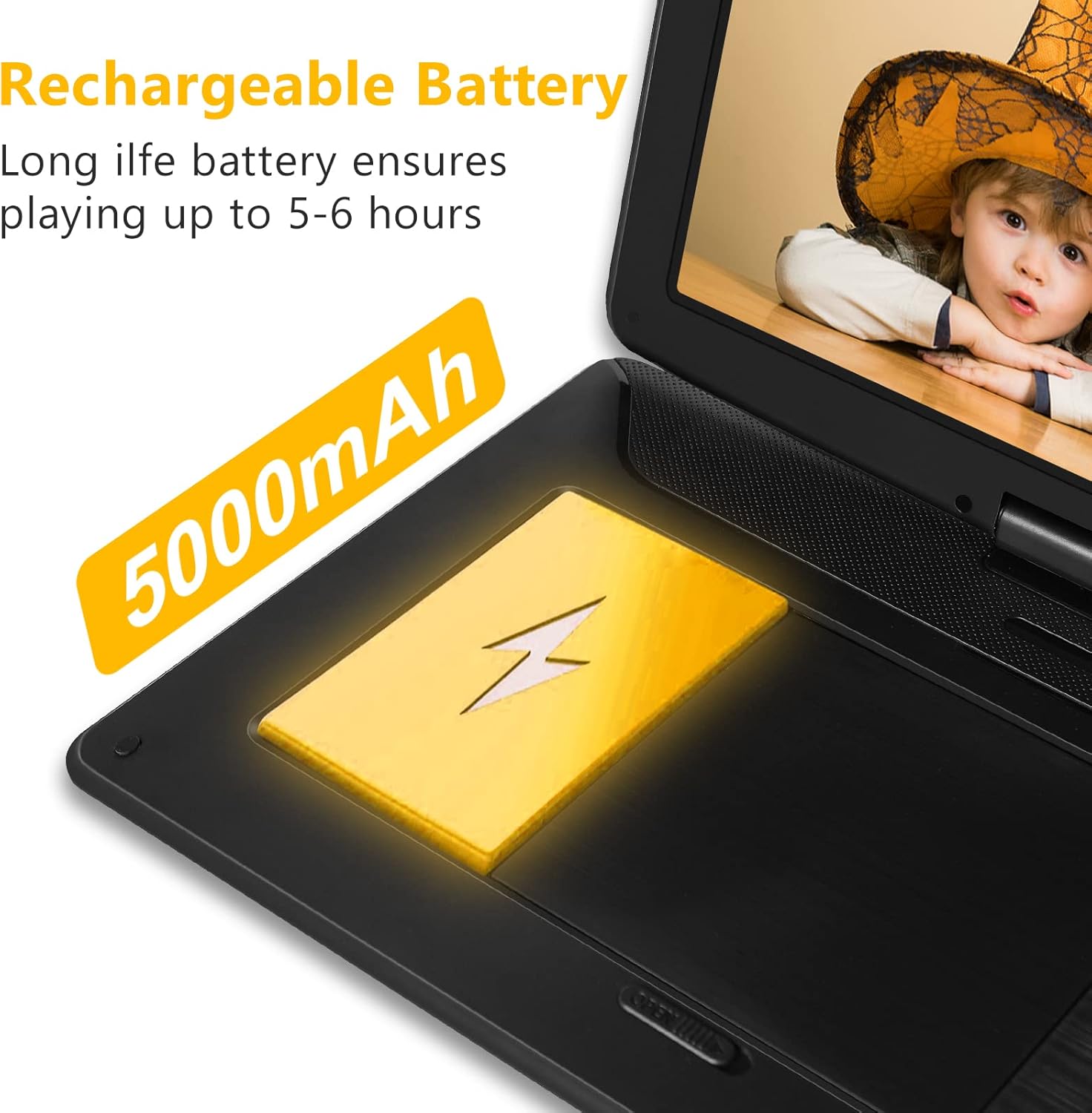
Figure 4: 5000mAh Rechargeable Battery
4.2 Inserting a Disc
- Gently open the screen.
- Locate the disc compartment.
- Place the DVD or CD onto the spindle with the label side facing up. Ensure it clicks securely into place.
- Close the disc compartment cover.
4.3 Connecting to External Devices (TV/USB/SD Card)
- Sync to TV: Use the provided AV cable to connect the player's AV OUT port to your TV's AV IN ports. Select the correct input source on your TV.
- USB/SD Card: Insert a USB flash drive (up to 32GB) into the USB port or an SD card (up to 32GB) into the SD card slot. The player will automatically detect the media.

Figure 5: Connectivity Ports

Figure 6: Syncing to TV
5. Operating Instructions
5.1 Basic Playback
- Power ON/OFF: Use the power switch located on the side of the device.
- Play/Pause: Press the PLAY/PAUSE button to start or pause playback.
- Stop: Press the STOP button to end playback.
- Forward/Rewind: Use the FWD and REV buttons to fast forward or rewind.
- Volume Control: Adjust volume using the VOL+ and VOL- buttons.
- Subtitle: Press the SUBTITLE button to cycle through available subtitles.
- Mode/Source: Use the MODE or SOURCE button to switch between DVD, USB, or SD card input.
5.2 Screen Adjustment
The 15.6-inch screen can be rotated 270° and flipped 180° to achieve the most comfortable viewing angle. This flexibility also allows the screen to be folded flat against the player, converting it into a tablet-like form factor.

Figure 7: 270° Rotation & 180° Swivel Screen
5.3 Last Memory Function
The player features a break-point memory function. If the device is turned off during playback, it will automatically resume from the last stopped point when powered on again.
6. Maintenance
- Keep the device clean by wiping it with a soft, dry cloth. Avoid using liquid cleaners or abrasive materials.
- Store the player in a cool, dry place away from direct sunlight and extreme temperatures.
- Handle discs carefully by the edges to prevent scratches.
- Do not block the ventilation openings on the device.
7. Troubleshooting
- No Power: Ensure the device is charged or connected to a power source. Check the power switch is in the ON position.
- No Disc/Disc Error: Verify the disc is clean, undamaged, and inserted correctly. Ensure it is a supported format (not Blu-ray).
- No Sound: Check the volume level. Ensure headphones or external speakers are properly connected if used.
- No Picture on TV: Confirm the AV cable is securely connected to both the player and the TV, and the TV input source is correctly selected.
8. Specifications
| Feature | Specification |
|---|---|
| Brand | HotHat |
| Model | 17.5inch |
| Screen Size | 15.6 Inches |
| Display Type | LCD |
| Resolution | 1366*768 HD |
| Battery Capacity | 5000 mAh |
| Battery Life | Up to 6 hours |
| Supported Media | DVD, CD-R(RW), DVD-R(+R), DVD-RW(+RW), CVD(SVCD), VCD(DVCD), CD, USB, SD Card (VOB, AVI, MPEG, MP3, WMA, JPEG) |
| Weight | 5.46 pounds |
| Product Dimensions | 15.6 x 15.6 x 23.4 inches |
9. Official Product Video
Video 1: A brief demonstration of the HotHat Portable DVD Player's features and functionality.
10. Warranty & Support
The HotHat Portable DVD Player comes with a 1-year quality repair service. Additionally, lifetime technical support is available 7 days a week, 24 hours a day. If you have any questions or require assistance, please contact our support team.