
Introduction
This manual provides detailed instructions for the setup, operation, maintenance, and troubleshooting of your HotHat 16.9-inch Portable DVD Player. Please read this manual thoroughly before using the device to ensure proper functionality and longevity.
What's in the Box
Verify that all items listed below are included in your package:
- HotHat 16.9-inch Portable DVD Player
- Remote Control
- Car Charger
- RCA Cable
- DC Adapter

Key Features
Large HD Swivel Screen
The device features a 14.1-inch LCD screen with 1280x800P resolution, designed to reduce visual fatigue. The screen offers 270° rotation and 180° flip functionality for optimal viewing angles.

Image: The HotHat Portable DVD Player demonstrating its 270° swivel and 180° flip screen capabilities, allowing for multiple viewing configurations. Extended Battery Life
Equipped with an upgraded 5000mAH rechargeable battery, the player provides 6-7 hours of playback on a single charge. A UL car charger is included for continuous use during travel.

Image: A visual representation of the portable DVD player's upgraded 5000mAH battery, indicating 5-6 hours of playback time, sufficient for 3-4 movies on a full charge. High Volume & TV Sync
Two large 3-inch speakers deliver clear and loud audio. AV inputs and outputs allow for syncing movies to a television. An audio jack is available for headphone use.

Image: The portable DVD player showcasing its dual 3-inch speakers, designed for louder and clearer sound output. 
Image: Demonstrates the player's ability to sync its screen to a TV using RCA cables, and also shows it mounted behind a car's headrest for in-car entertainment. Wide Media Compatibility
The player supports all region discs (DVD, CD-R/RW, DVD-R/+R, DVD-RW/+RW, CVD/SVCD, VCD/DVCD, CD, etc.), USB drives, and SD cards up to 32GB (Blu-ray discs are not supported).

Image: An illustration of the portable DVD player's multi-functionality, indicating support for CD/DVD, CVD/SVCD, VCD/DVCD, CD-R/+RW, DVD-R/+RW, HDCD/DTSCD, along with USB and SD card inputs, DC power, and a game port. Last Memory Function
The device remembers the last playback point of a disc, allowing you to resume watching from where you left off.
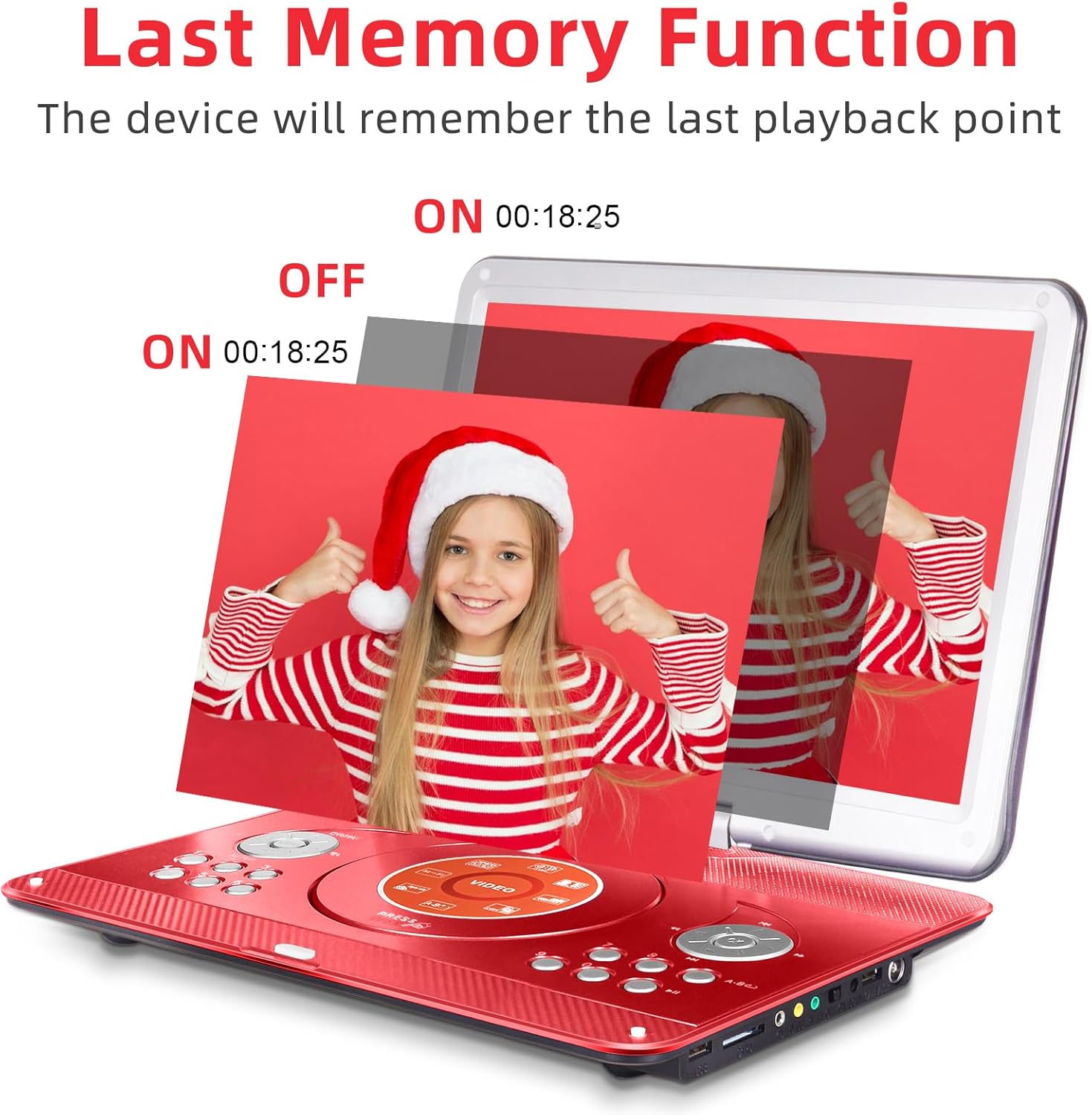
Image: The portable DVD player illustrating its 'Last Memory Function', where the device remembers the last playback point even after being turned off and back on.
Setup
- Charging the Battery: Before first use, fully charge the player using the provided DC adapter or car charger. The battery ensures 6-7 hours of playback.
- Power On/Off: Locate the ON/OFF switch on the side of the player. Slide it to the 'ON' position to power on the device.
- Inserting a Disc: Gently open the disc cover. Place your DVD or CD onto the spindle, ensuring it clicks into place. Close the disc cover securely.
- Using USB/SD Card: Insert a USB drive into the USB port or an SD card into the SD card slot. The player will automatically detect the media or you may need to select the source from the menu.
- Connecting to TV: Use the provided RCA cable to connect the player's AV OUT ports to your TV's AV IN ports. Select the correct input source on your TV.
Operating Instructions
- Basic Playback: Use the 'Play/Pause', 'Stop', 'Fast Forward', and 'Rewind' buttons on the player or remote control to manage media playback.
- Volume Control: Adjust the volume using the 'VOL+' and 'VOL-' buttons on the device or remote.
- Screen Adjustment: The 14.1-inch screen can swivel 270° and flip 180° to provide various viewing angles. Adjust as needed for comfort.
- Menu Navigation: Use the directional buttons and 'OK' button on the player or remote to navigate through menus and settings.
- Last Memory Function: The player automatically saves your last playback position. When you power it on again, it will prompt you to resume from where you left off.
- Headphone Use: Plug standard 3.5mm headphones into the audio jack for private listening.
Maintenance
- Cleaning the Screen: Use a soft, lint-free cloth to gently wipe the screen. Avoid abrasive cleaners or solvents.
- Cleaning the Disc Tray: Periodically clean the disc tray with a soft, dry cloth to prevent dust buildup.
- Battery Care: To prolong battery life, avoid fully discharging the battery frequently. Store the device in a cool, dry place when not in use.
- General Care: Keep the device away from extreme temperatures, direct sunlight, and moisture. Avoid dropping or subjecting it to strong impacts.
Troubleshooting
-
Ask a question about this manual
Ask about setup, troubleshooting, compatibility, parts, safety, or missing instructions. Manuals+ will review the question and use this page’s manual context to help answer it.