
1. Introduction
This manual provides detailed instructions for the installation, operation, and maintenance of your Athena Collection 9,000 BTU Mini Split AC Heating System. Please read this manual thoroughly before using the unit to ensure proper function and safety. Keep this manual for future reference.
The Athena Collection Mini Split AC Heating System is designed to provide efficient cooling and heating for your space, featuring Wi-Fi connectivity for smart control.
2. Safety Information
Always adhere to basic safety precautions when using electrical appliances to reduce the risk of fire, electric shock, or injury.
- Ensure the unit is properly grounded.
- Do not operate the unit with wet hands.
- Do not insert objects into the air outlet.
- Keep children away from the unit.
- Turn off power before cleaning or maintenance.
- Installation should be performed by qualified personnel.
3. Product Overview
The Athena Collection Mini Split AC Heating System offers versatile climate control with multiple operational modes and smart features.
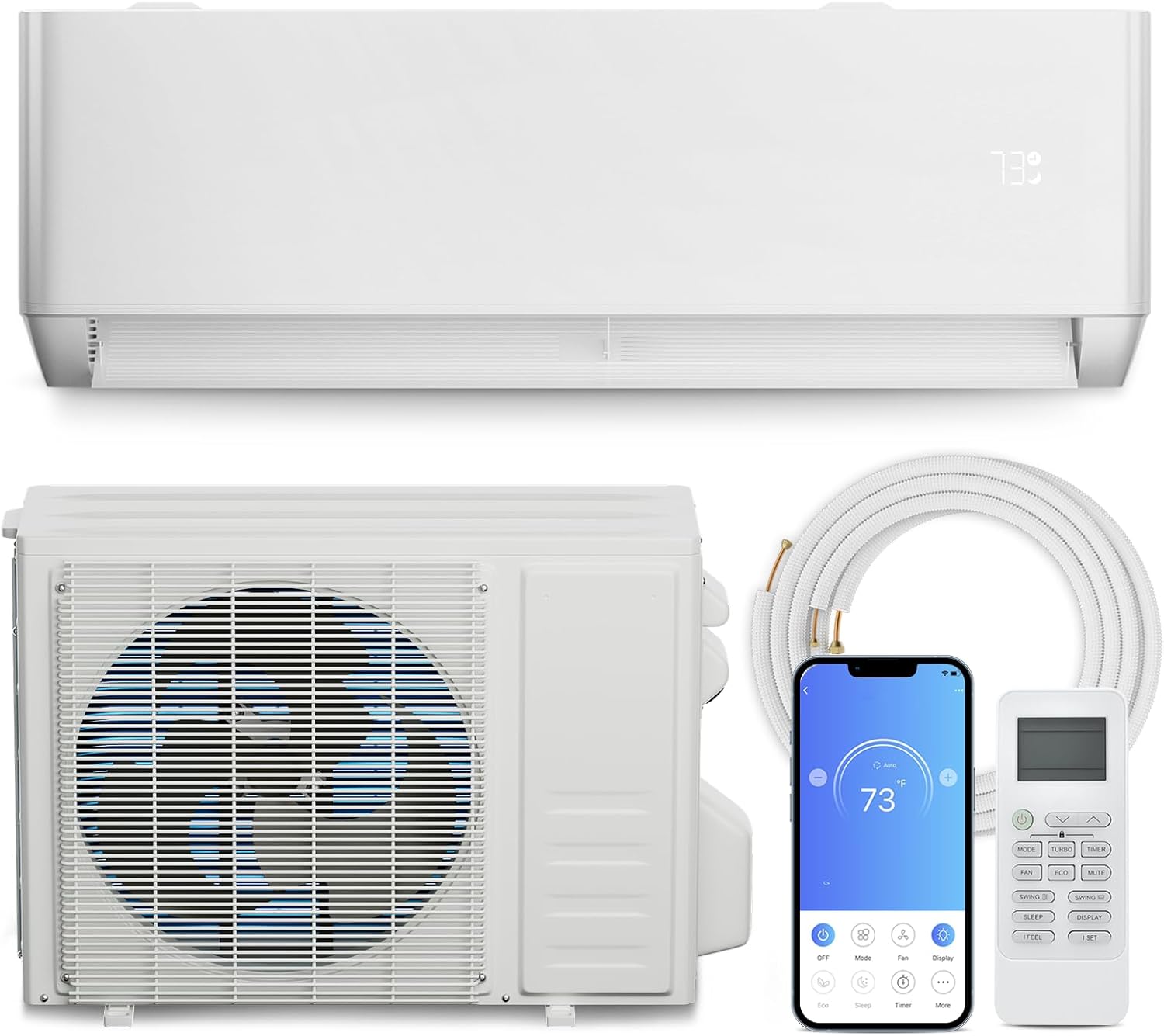
Figure 3.1: Overview of the Athena Collection Mini Split AC Heating System, including the indoor unit, outdoor unit, remote control, and a smartphone displaying the control app.
Key Features:
- Temperature Control Variety: 8 operational modes (Cool, Heat, Dry, Auto, Fan, Eco, Sleep, TURBO) with an operating temperature range of 61℉-88℉.
- Adjustable Fan Speeds: 7 fan speeds for customized airflow.
- Built-in Wi-Fi: Remote control via smartphone app.
- Voice Control Compatibility: Works with Amazon Alexa and Google Assistant.
- Energy Efficient: SEER rating of 20.
- Quiet Operation: Noise level as low as 27 dB.
- Coverage Area: Suitable for areas up to 400 sq. ft. with 9,000 BTU cooling capacity.
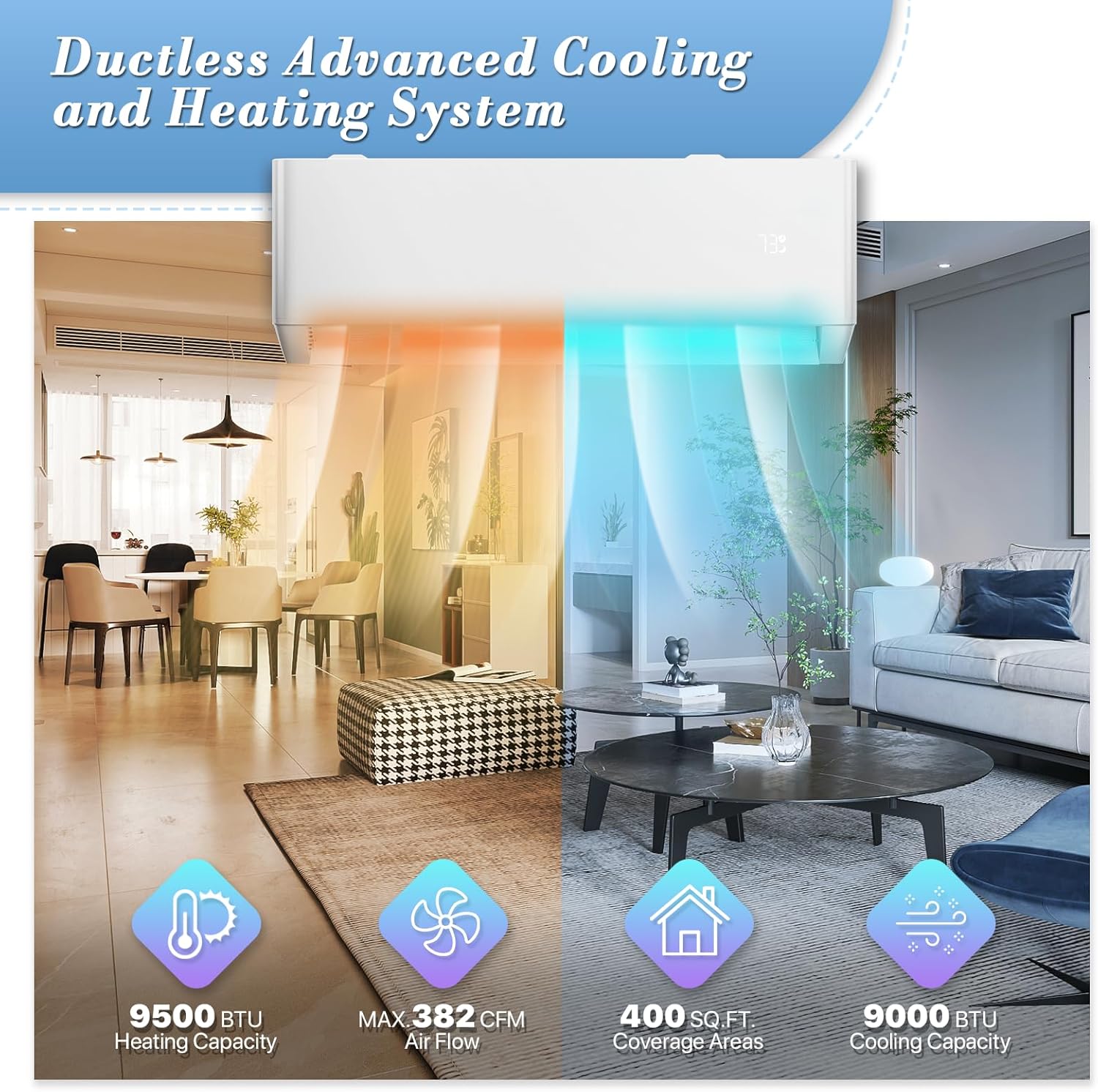
Figure 3.2: Illustration of the system's capabilities, highlighting 9500 BTU heating, 382 CFM airflow, 400 sq ft coverage, and 9000 BTU cooling.
4. Setup and Installation
This unit comes with an installation kit and a 16ft line set. Please note that the signal wire is NOT included. This allows for selection of accessories that comply with local standards and match your specific installation requirements.
Installation Considerations:
- Professional installation is recommended for optimal performance and safety.
- Ensure proper sizing for your space. The 9,000 BTU unit is recommended for areas up to 400 sq. ft.
- Refer to local building codes and electrical regulations.
- The unit requires a 115 Volt power supply.

Figure 4.1: Product dimensions for the indoor unit (32" W x 12" D x 7.5" H) and outdoor unit (28.5" W x 21.5" H x 12" D), along with the included 16 ft copper line set.

Figure 4.2: The outdoor unit installed, illustrating its design for wide ambient range operation.
5. Operating Instructions
Your Athena Collection Mini Split AC Heating System can be controlled via the included remote control, a smartphone app, or voice commands.
5.1. Operational Modes
The system offers 8 distinct operational modes:
- Cool: Provides cooling within a temperature range of 61℉ to 88℉.
- Heat: Provides heating within a temperature range of 68℉ to 82℉.
- Dry: Dehumidifies the air (capacity: 36 pints/day).
- Auto: Automatically selects cooling or heating based on the set temperature.
- Fan: Circulates air without cooling or heating.
- Eco: Energy-saving mode.
- Sleep: Adjusts temperature and fan speed for comfortable sleep, turning off display lights.
- TURBO: Provides maximum cooling or heating for rapid temperature change.

Figure 5.1: Visual representation of the primary operating modes: Cooling, Heating, Fan, and Dry.
5.2. Fan Speed Control
Select from 7 fan speeds to optimize airflow and comfort. Options typically include Low, Medium, High, and Auto Speed.
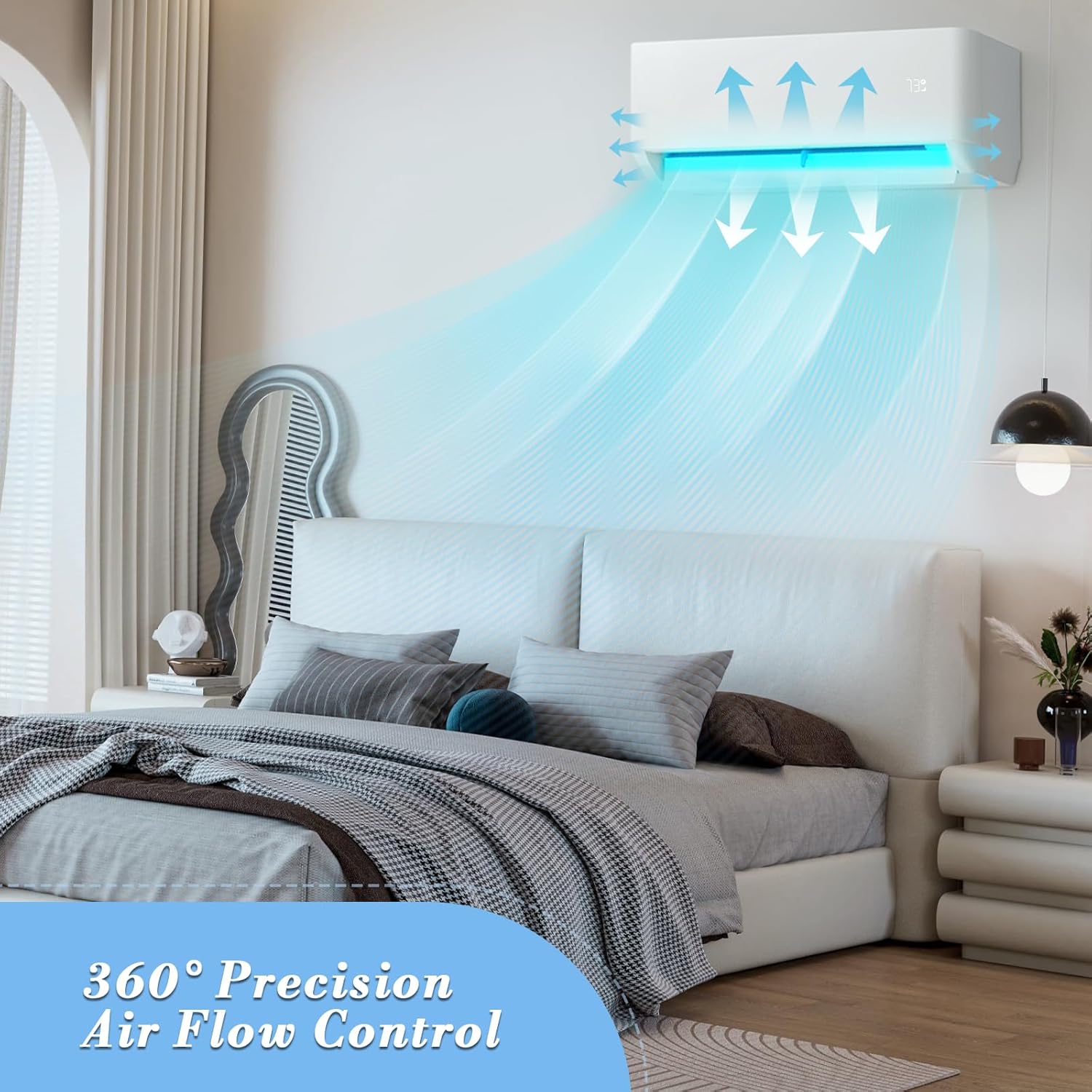
Figure 5.2: Illustration of 360° precision air flow control from the indoor unit.
5.3. Smart Control (Wi-Fi & App)
The unit features built-in Wi-Fi, allowing control through a dedicated smartphone application. This enables you to:
- Adjust settings remotely.
- Pre-cool or pre-heat your room before arrival.
- Monitor electricity consumption.
- Set timers and schedules.

Figure 5.3.1: Built-in Wi-Fi functionality, showing smartphone app control for pre-cooling and remote management.

Figure 5.3.2: Detailed interface of the smart app control, showing various modes, fan settings, and advanced features.

Figure 5.3.3: Electricity consumption monitoring feature available through the smartphone app.
5.4. Voice Control
Integrate your mini split system with Amazon Alexa or Google Assistant for convenient voice-activated control.

Figure 5.5: Voice control integration with smart assistants like Amazon Alexa and Google Assistant.
5.5. Sleep Mode
The Sleep mode is designed for enhanced comfort during the night. It automatically adjusts the temperature and fan speed, and all display lights will turn off to ensure a peaceful sleeping environment. The unit operates at a low noise level of 27 dB in this mode.

Figure 5.6: Sleep mode features, including automatic adjustments and quiet operation (27 dB) with display lights off.
6. Maintenance
Regular maintenance ensures the longevity and efficiency of your mini split system.
6.1. Air Filter Cleaning
The unit is equipped with a Merv Grade Air Filter Screen. Regularly clean or replace the air filter to maintain optimal air quality and system performance. A dirty filter can reduce efficiency and airflow.
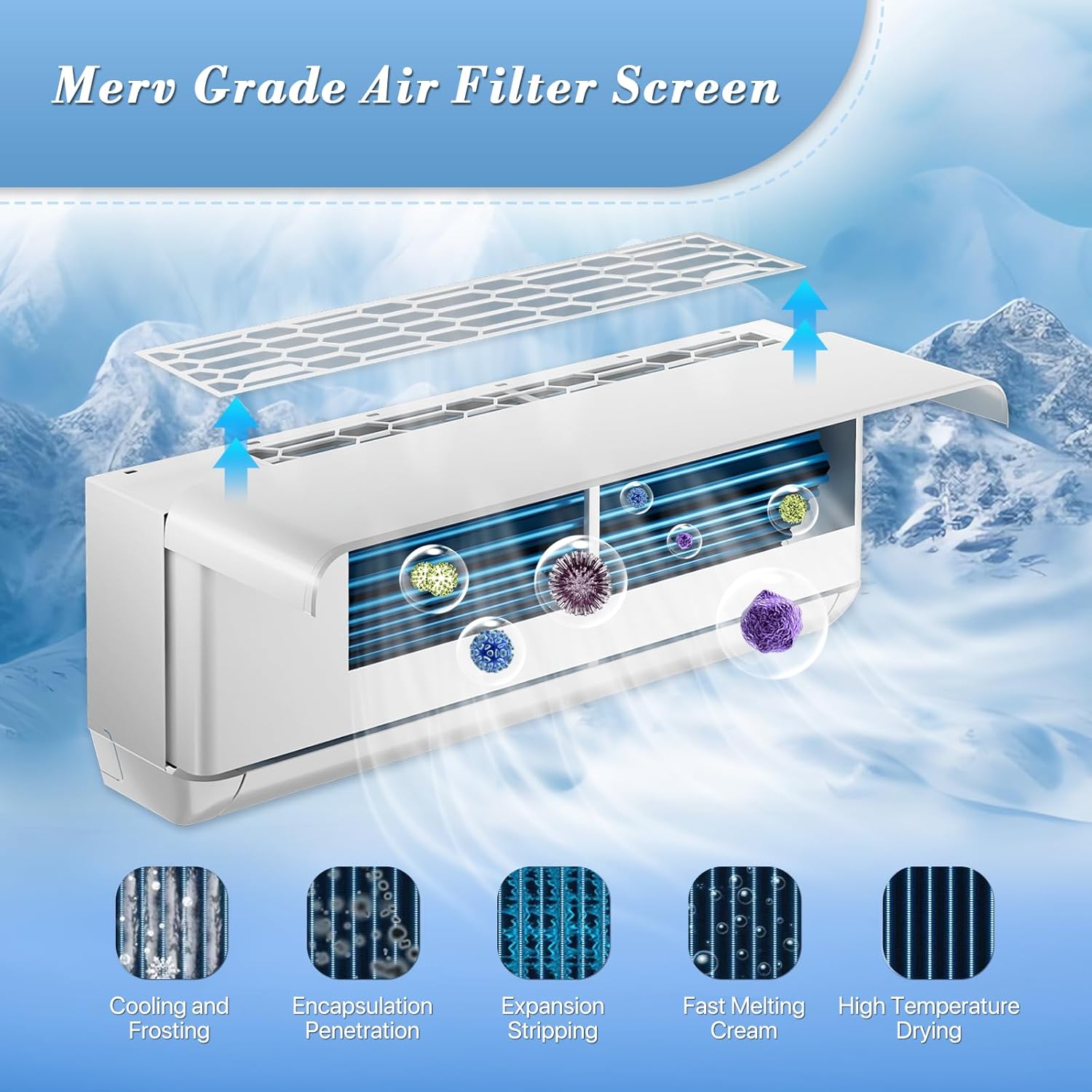
Figure 6.1: Illustration of the Merv Grade Air Filter Screen and its function in air purification.
6.2. General Cleaning
- Wipe the exterior of the indoor and outdoor units with a soft, damp cloth.
- Do not use harsh chemicals or abrasive cleaners.
- Ensure the outdoor unit's coils are free from debris.
7. Troubleshooting
If you encounter issues with your unit, refer to the following common troubleshooting steps. For complex problems, contact qualified service personnel.
Common Issues:
- Unit not turning on: Check power supply, circuit breaker, and ensure the remote control batteries are functional.
- Insufficient cooling/heating: Verify temperature settings, clean air filters, ensure no obstructions to airflow, and check for open windows/doors.
- Unusual noises: Minor operational noises are normal. If loud or unusual, check for loose parts or contact service.
- Wi-Fi connectivity issues: Ensure your router is working, the unit is within range, and the app is updated. Re-pair the device if necessary.
8. Specifications
| Feature | Specification |
|---|---|
| Brand | Athena Collection |
| Model Number | SAC-AT-0019KWIFIA54 |
| Cooling Capacity | 9,000 BTU |
| Heating Capacity | 9,500 BTU |
| Coverage Area | Up to 400 sq. ft. |
| SEER Rating | 20 |
| Voltage | 115 Volts |
| Wattage | 1500 watts |
| Noise Level | 27 dB |
| Refrigerant | R-410A |
| Indoor Unit Dimensions (W x D x H) | 32" x 12" x 7.5" |
| Outdoor Unit Dimensions (W x H x D) | 28.5" x 21.5" x 12" |
| Item Weight | 76 pounds |
| Included Components | Batteries (for remote), 16ft line set |
| Signal Wire | Not included |

Figure 8.1: Recommended BTU capacity based on room size.
9. Warranty and Support
For warranty information and customer support, please refer to the documentation included with your product or contact Athena Collection customer service. Keep your purchase receipt as proof of purchase.
For further assistance, you may visit the Athena Collection Store on Amazon.