
Athena Collection SAC-AT-00112KWIFIA54
Athena Collection Mini Split AC Heating System User Manual
Model: SAC-AT-00112KWIFIA54
1. Introduction
This manual provides detailed instructions for the installation, operation, and maintenance of your Athena Collection Mini Split AC Heating System. Please read this manual thoroughly before installation and use to ensure proper operation and to prevent damage to the unit or injury to yourself.
The Athena Collection Mini Split AC Heating System is a versatile unit offering both cooling and heating functionalities, designed for efficient climate control in residential and commercial spaces. It features Wi-Fi connectivity for smart control and multiple operational modes.
2. Safety Information
Important Safety Instructions: Always follow basic safety precautions when installing, operating, or servicing this appliance to reduce the risk of fire, electric shock, or injury.
- Ensure the unit is properly grounded.
- Do not operate the unit with wet hands.
- Disconnect power before cleaning or servicing.
- Keep children away from the unit.
- Installation must be performed by qualified personnel in accordance with all local and national electrical codes.
- Do not block air inlets or outlets.
3. Product Components
The Athena Collection Mini Split AC Heating System includes the following main components:
- Indoor Unit (Evaporator)
- Outdoor Unit (Condenser)
- Remote Control
- 16ft Copper Line Set (Installation Kit)
- Batteries for Remote Control
Note: Signal wire is NOT included and must be purchased separately to comply with local standards and house structure.

Figure 3.1: Overview of the Athena Collection Mini Split AC Heating System, showing the indoor unit, outdoor unit, remote control, and a smartphone displaying the control app. This image illustrates the complete system as packaged.
4. Specifications
| Feature | Detail |
|---|---|
| Model Number | SAC-AT-00112KWIFIA54 |
| Cooling Capacity | 12,000 BTU |
| Heating Capacity | 12,000 BTU |
| Coverage Area | Up to 550 sq. ft. |
| Operating Temperature Range (Cool) | 61°F - 88°F |
| Operating Temperature Range (Heat) | 68°F - 82°F |
| Noise Level | 27 dB |
| Voltage | 115 Volts |
| Wattage | 1600 watts |
| Refrigerant | R-410A |
| Product Dimensions (Indoor Unit) | 36"W x 12"D x 7.5"H |
| Product Dimensions (Outdoor Unit) | 28.5"W x 12"D x 21.5"H |
| Item Weight | 86 pounds |
| Special Features | Energy Saving, Built-in Wi-Fi, Smart App Control, Voice Control (Alexa, Google Assistant) |

Figure 4.1: Detailed dimensions for both the indoor and outdoor units of the mini split system, along with the length of the included copper line set.
5. Setup and Installation
Installation of the Athena Collection Mini Split AC Heating System requires professional expertise. It is highly recommended to have a certified HVAC technician perform the installation to ensure safety, proper functionality, and compliance with all local building codes.
5.1 Pre-Installation Checklist
- Verify all components are present and undamaged.
- Ensure the installation location meets clearance requirements for both indoor and outdoor units.
- Confirm electrical supply matches unit specifications (115 Volts).
- Acquire necessary signal wire (not included).
5.2 Installation Steps (Overview for Professional)
- Mounting the Indoor Unit: Securely mount the indoor unit on a sturdy wall, ensuring proper drainage.
- Mounting the Outdoor Unit: Place the outdoor unit on a stable, level surface, ensuring adequate airflow.
- Connecting Refrigerant Lines: Connect the 16ft copper line set between the indoor and outdoor units. Ensure proper flaring and tightening to prevent leaks.
- Electrical Wiring: Connect power and signal wires according to the wiring diagram. This step is critical and must be done by a qualified electrician.
- Vacuuming and Charging: Evacuate the refrigerant lines to remove air and moisture, then charge the system with the correct amount of R-410A refrigerant.
- Drainage Connection: Connect the condensate drain line from the indoor unit to an appropriate drainage point.
- Test Run: Perform a test run to verify proper operation in all modes.
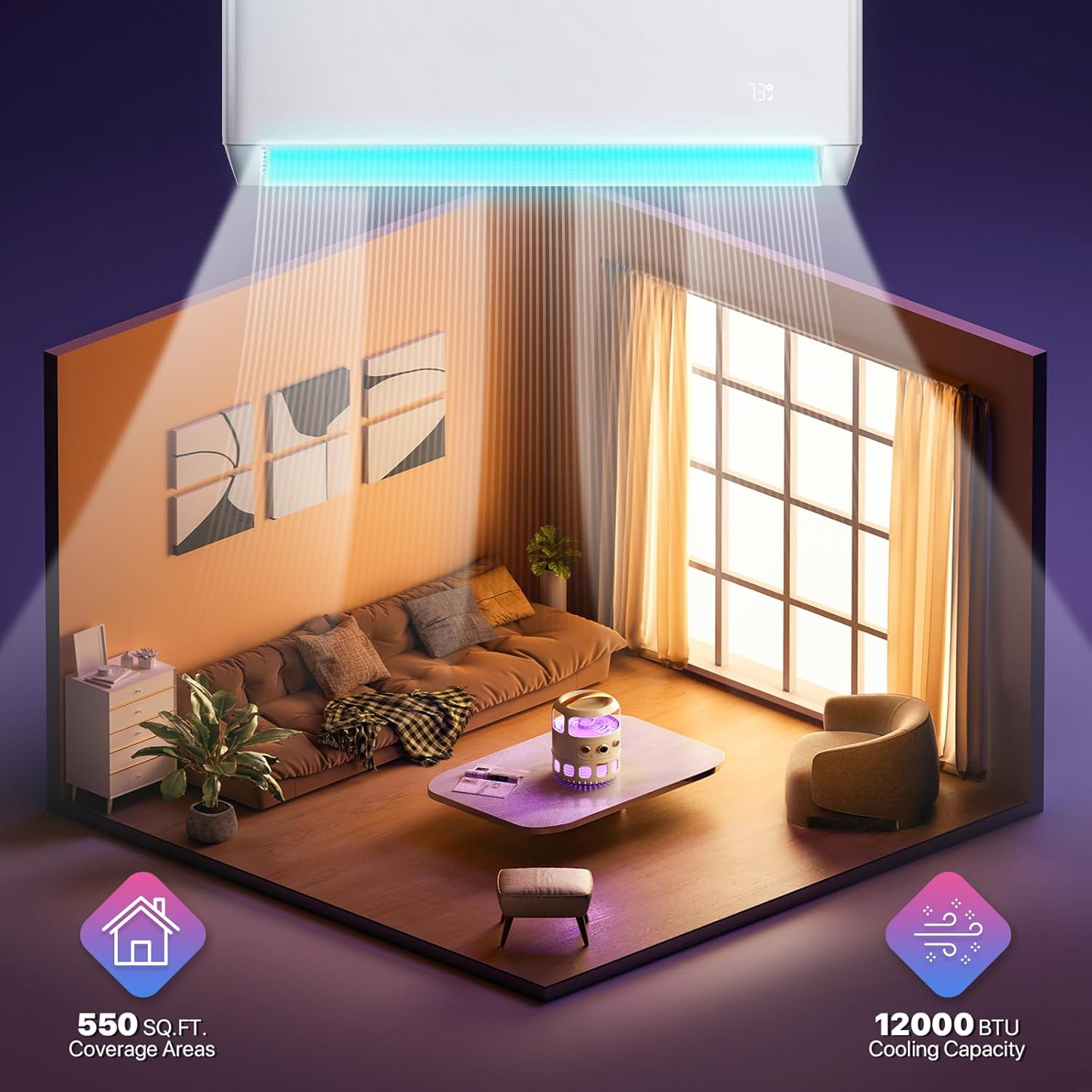
Figure 5.1: An illustration showing the indoor unit installed on a wall, effectively cooling a living room space, demonstrating typical placement and air distribution.

Figure 5.2: The outdoor condenser unit of the mini split system, positioned on a stand outside a building, illustrating a typical outdoor installation setup.
6. Operating Instructions
Your Athena Collection Mini Split AC Heating System can be controlled via the included remote control or through the dedicated smartphone application.
6.1 Remote Control Operation
The remote control allows for direct adjustment of all unit functions.
- Power Button: Turns the unit ON or OFF.
- Mode Button: Cycles through operational modes: Cool, Heat, Dry, Auto, Fan.
- Temperature Buttons (▲/▼): Adjusts the desired temperature within the operating range (61°F-88°F for cooling, 68°F-82°F for heating).
- Fan Speed Button: Selects fan speed (Low, Mid, High, Auto) or chooses from 7 available fan speeds.
- Swing Button: Controls the vertical louver movement for optimal air distribution.
- Timer Button: Sets ON/OFF timers for scheduled operation.
- Sleep Mode: Optimizes temperature and fan speed for comfortable sleep, with display lights turning off.
- ECO Mode: Activates energy-saving operation.
- TURBO Mode: Provides rapid cooling or heating.
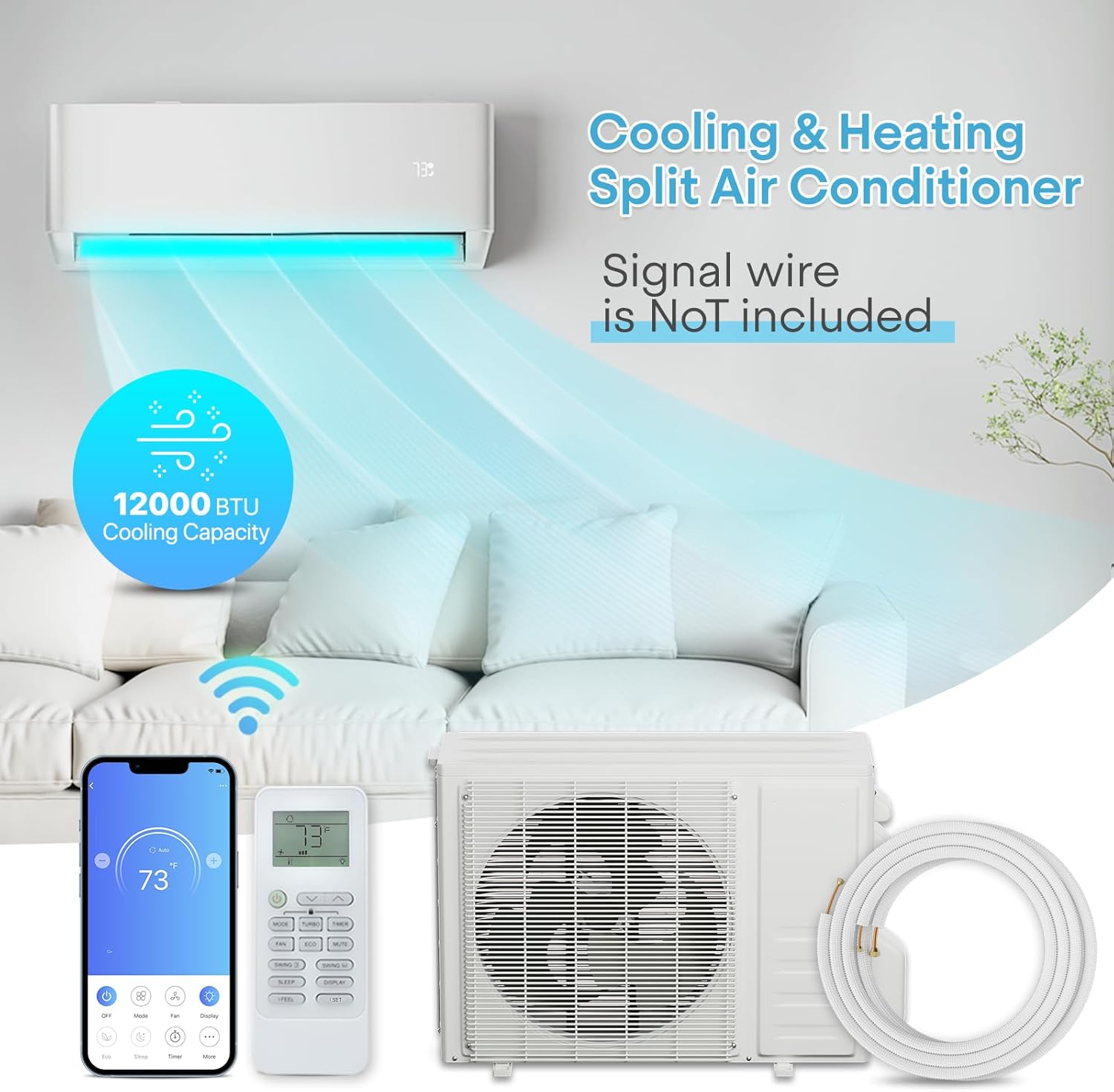
Figure 6.1: The indoor unit, remote control, and a smartphone displaying the control app, highlighting the multiple ways to operate the system.
6.2 Smart App Control (Wi-Fi)
The built-in Wi-Fi allows you to control your AC unit from anywhere using a smartphone application. This feature enables pre-cooling/heating and ensures you never forget to turn off the unit.
- Download App: Download the official Athena Collection app from your smartphone's app store.
- Pairing: Follow the in-app instructions to pair your device with the mini split unit.
- Functions: The app provides access to all remote control functions, including mode selection, temperature adjustment, fan speed, timer settings, and energy consumption monitoring.

Figure 6.2: A smartphone screen displaying the intuitive interface of the smart app, showing various control options like mode, fan speed, and display settings.

Figure 6.3: The smartphone app displaying electricity consumption data, allowing users to monitor and manage energy usage effectively.
6.3 Voice Control Integration
The system supports voice control via Amazon Alexa and Google Assistant, offering a hands-free operation experience.
- Setup: Enable the Athena Collection skill/action in your Alexa or Google Home app.
- Commands: Use commands such as "Alexa, set bedroom AC to 75°F" or "Hey Google, turn on the living room air conditioner."
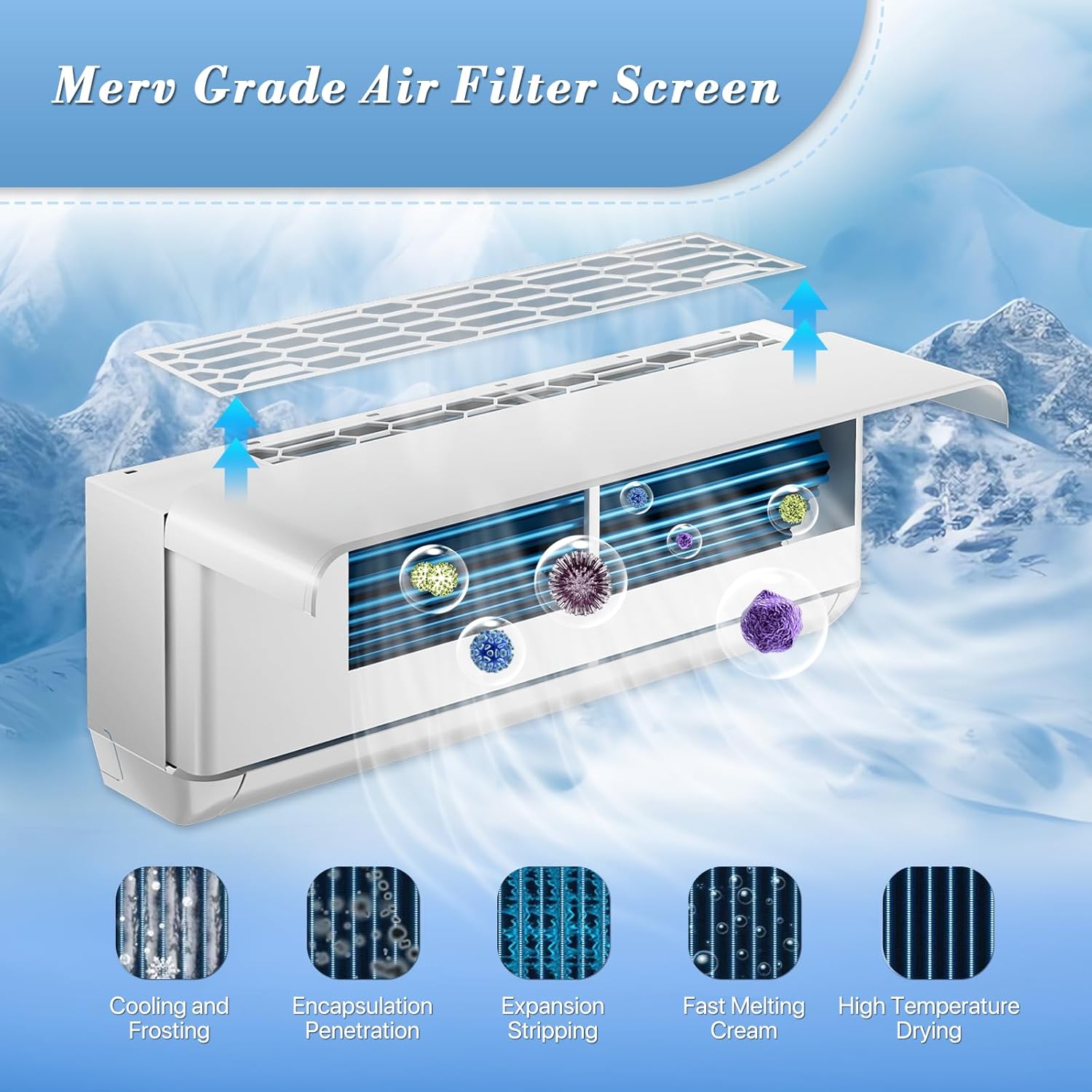
Figure 6.4: An image illustrating the convenience of voice control, showing a user interacting with a smart assistant to control the AC unit, with logos for Amazon Alexa and Google Assistant.
7. Maintenance
Regular maintenance ensures the longevity and efficient operation of your mini split system.
7.1 Air Filter Cleaning
The Merv Grade Air Filter Screen should be cleaned regularly (every 2-4 weeks, depending on usage) to maintain air quality and unit efficiency.
- Turn off the unit and disconnect power.
- Open the front panel of the indoor unit.
- Remove the air filters.
- Clean filters with a vacuum cleaner or wash with lukewarm water and mild detergent.
- Allow filters to dry completely before reinserting.
- Close the front panel.

Figure 7.1: An illustration demonstrating the process of accessing and cleaning the Merv Grade Air Filter Screen within the indoor unit, highlighting its role in air purification.
7.2 Outdoor Unit Maintenance
- Keep the area around the outdoor unit clear of debris, leaves, and obstructions.
- Periodically clean the outdoor coil with a soft brush or water hose (ensure power is off).
- Check for any signs of refrigerant leaks (oily residue).
7.3 Seasonal Maintenance
- Before seasonal use, inspect all electrical connections and refrigerant lines.
- Consider a professional inspection annually to ensure optimal performance and address any potential issues.
8. Troubleshooting
This section provides solutions to common issues you might encounter. For problems not listed here, contact customer support.
| Problem | Possible Cause | Solution |
|---|---|---|
| Unit does not turn on. | No power supply; Remote control batteries dead; Unit in standby mode. | Check circuit breaker; Replace remote batteries; Press power button. |
| Insufficient cooling/heating. | Dirty air filter; Blocked outdoor unit; Low refrigerant; Incorrect mode/temperature setting. | Clean air filter; Clear obstructions; Contact technician for refrigerant check; Adjust settings. |
| Unusual noise. | Loose parts; Fan obstruction; Compressor issue. | Check for loose parts; Clear obstructions; Contact technician. |
| Water leakage from indoor unit. | Clogged drain pipe; Improper installation. | Clear drain pipe; Contact technician for inspection. |
| Wi-Fi connection issues. | Incorrect Wi-Fi password; Router too far; App not updated. | Verify password; Move router closer or use extender; Update app; Re-pair device. |
9. Warranty and Support
For warranty information and customer support, please refer to the documentation provided at the time of purchase or visit the official Athena Collection website. Keep your purchase receipt as proof of purchase for warranty claims.
Customer Support: For technical assistance, troubleshooting beyond this manual, or warranty service, please contact Athena Collection customer support. Details can typically be found on the product packaging or the brand's official website.
Note: Unauthorized repairs or modifications may void your warranty.
Ask a question about this manual
Ask about setup, troubleshooting, compatibility, parts, safety, or missing instructions. Manuals+ will review the question and use this page’s manual context to help answer it.