
Synvy VanTop Moment 4C Compatible
User Manual: Synvy Screen Protector Film for VanTop Moment 4C Action Camera
Model: VanTop Moment 4C Compatible Screen Protector
1. Introduction
Thank you for choosing the Synvy Screen Protector Film. This high-quality TPU soft film is specifically designed to protect the screen of your VanTop Moment 4C Action Camera from scratches, scuffs, and daily wear. It is engineered to maintain the original screen brightness and touch sensitivity, providing an invisible layer of protection without compromising your viewing or operating experience.
Note: This product is a TPU Soft Film, not a Tempered Glass Protector.

Image: The Synvy Screen Protector Film seamlessly applied to the screen of a VanTop Moment 4C Action Camera, demonstrating its clear and precise fit.
2. What's in the Box
Please verify that all the following items are included in your package:
- Screen Protector Film (3 Pack)
- Micro Fiber Cleaning Cloth
- Dry Wipe
3. Product Specifications
| Material | Thermoplastic Polyurethane (TPU) |
| Hardness | 4H |
| Thickness | Approximately 0.14 mm |
| Color | Transparent |
| Finish Type | Glossy, Smooth Surface |
| Special Features | Scratch Resistant, Touch Sensitive, Anti-Shatter, Anti-Fingerprint, Bubble Proof, Self-Healing (scratches weaken in 48 hours) |
| Compatible Device | VanTop Moment 4C Action Camera |

Image: Illustration of the screen protector's 4H hardness, effectively protecting against scratches from objects like keys or knives.

Image: Depiction of the self-healing property of the TPU material, where minor scratches on the screen protector weaken and disappear within 48 hours.
4. Installation Guide
For best results, perform the installation in a dust-free environment. Ensure your hands are clean before starting.
- Clean the Screen: Use the provided micro fiber cloth and dry wipe to thoroughly clean the VanTop Moment 4C camera screen. Ensure there are no dust particles, smudges, or fingerprints. A perfectly clean screen is crucial for a bubble-free application.
- Align the Protector: Carefully peel off the protective layer (usually marked "Step 1" or similar) from the screen protector. Align the protector with the camera screen, paying close attention to the edges and any cutouts for sensors or lenses.
- Apply Gradually: Once aligned, slowly lower the screen protector onto the camera screen. Start from one edge and gently press down, allowing the adhesive to spread.
- Remove Bubbles: Use a soft card (not included, but a credit card wrapped in the micro fiber cloth can work) to gently push out any air bubbles towards the edges of the screen. For stubborn bubbles, lift the nearest edge of the protector slightly and re-apply.
- Final Polish: Once the protector is fully adhered and bubble-free, gently peel off the top protective layer (usually marked "Step 2" or similar). Use the micro fiber cloth to wipe down the newly applied screen protector, removing any remaining smudges.
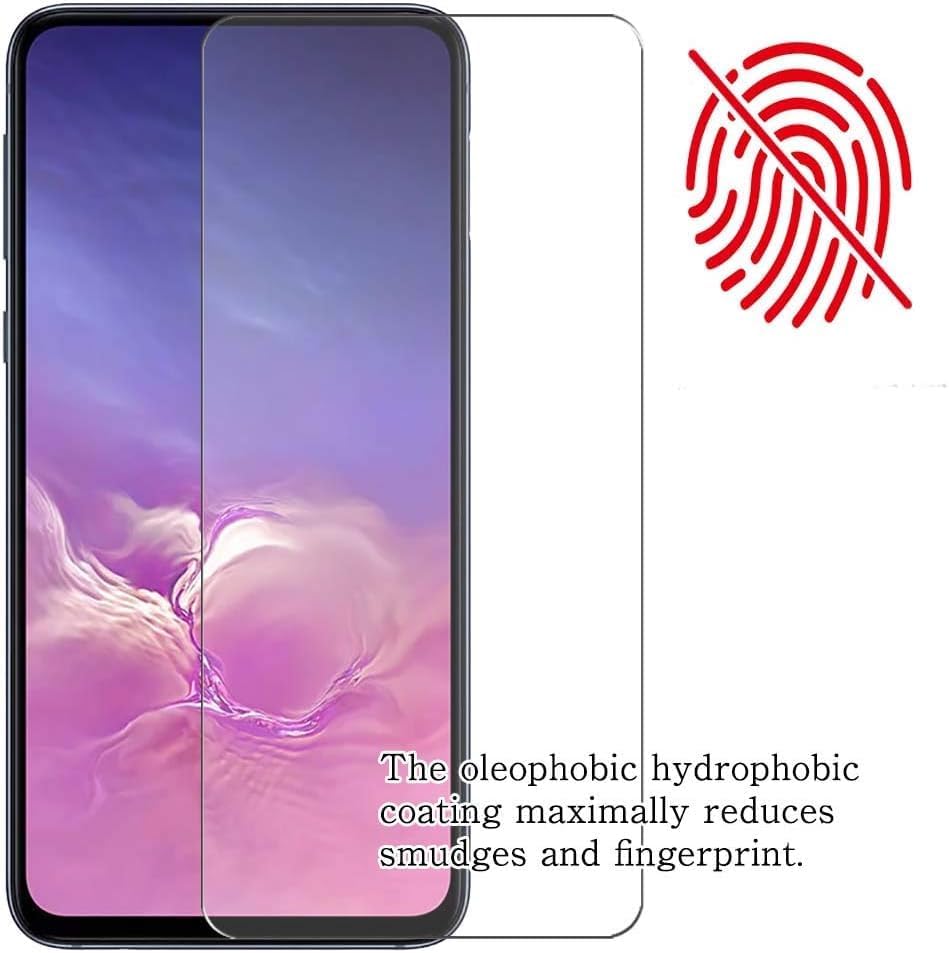
Image: A screen protector being carefully applied to a device screen, illustrating the initial placement and adherence process.

Image: A visual representation of a successful, bubble-free screen protector application, highlighting the ease of installation when care is taken.
5. Operation and Features
The Synvy Screen Protector Film is designed to be virtually invisible and maintain the full functionality of your VanTop Moment 4C Action Camera screen.
- Ultra Clear Transparency: The film offers extreme clarity, preserving the original screen brightness and definition for an unrivaled viewing experience.
- High Touch Sensitivity: Enjoy TrueTouch Sensitivity, ensuring that all screen gestures and taps are registered accurately and instantly, just as if there were no protector.
- Anti-Fingerprint Coating: The oleophobic hydrophobic coating maximally reduces smudges and fingerprints, keeping your screen clean and clear.

Image: An illustration demonstrating the oleophobic coating's effectiveness in reducing fingerprints and smudges on the screen protector.
6. Care and Maintenance
To ensure the longevity and clarity of your Synvy Screen Protector Film, follow these simple maintenance tips:
- Cleaning: Use the provided micro fiber cloth or a similar soft, lint-free cloth to gently wipe the screen protector. For stubborn smudges, slightly dampen the cloth with water or a screen-safe cleaning solution. Avoid harsh chemicals or abrasive materials.
- Avoid Sharp Objects: While the protector is scratch-resistant, extreme force or very sharp objects can still damage it. Avoid placing your camera with keys or other sharp items in the same pocket or bag.
- Self-Healing: Minor scratches on the TPU film will naturally weaken and disappear within 48 hours due to its self-healing properties.
7. Troubleshooting
Here are solutions to common issues you might encounter during or after installation:
- Bubbles After Installation:
Small bubbles often disappear naturally within 24-48 hours as the film adheres completely. For larger bubbles, gently lift the nearest edge of the protector and re-apply, using a soft card to push the air out. Ensure the screen is free of dust before re-application.
- Dust Under the Protector:
If dust particles are trapped, carefully lift the nearest corner of the protector. Use a dust removal sticker (if available) or a piece of tape to gently dab the dust off both the screen and the adhesive side of the protector. Re-apply the protector slowly.
- Edges Not Sticking:
Ensure the screen is perfectly clean and dry, especially around the edges. Press firmly on the edges for a few seconds. If the issue persists, the protector might be slightly misaligned or the screen might have a subtle curve not fully compatible with the film's rigidity. (Though this is a soft film, so less likely).
- Reduced Touch Sensitivity:
This is rare with TPU films. Ensure the protector is fully adhered without air gaps. If the issue persists, verify that the protector is indeed the correct model for your VanTop Moment 4C camera.
8. Warranty and Support
For any questions, concerns, or support regarding your Synvy Screen Protector Film, please contact the manufacturer or seller through your purchase platform. Please refer to your purchase documentation for specific warranty terms and contact information.
We are committed to providing high-quality products and customer satisfaction.
Ask a question about this manual
Ask about setup, troubleshooting, compatibility, parts, safety, or missing instructions. Manuals+ will review the question and use this page’s manual context to help answer it.