
1. Introduction
This manual provides detailed instructions for the ROSESELSA Ceramics X Wireless Earbuds, Model CX01. It covers setup, operation, maintenance, and troubleshooting to ensure optimal performance and user experience. Please read this manual thoroughly before using your earbuds.
2. Package Contents
Verify that all items are present in your package:
- CERAMICS X Earbuds
- Wireless Charging Case
- Eartips (various sizes)
- User Manual
- USB-C Charging Cable
3. Product Overview
The ROSESELSA Ceramics X Wireless Earbuds feature a compact design with a matching charging case. Each earbud is equipped with touch controls and an indicator light. The charging case includes a USB-C port for charging and an LED indicator for battery status.

Image: ROSESELSA Ceramics X Wireless Earbuds in their open charging case.
4. Setup
4.1 Charging
Before first use, fully charge the earbuds and charging case. Connect the provided USB-C cable to the charging case and a power source. The indicator light on the case will show the charging status. A full charge for the case takes approximately 50 minutes. The earbuds charge automatically when placed inside the case.
Fast Charging: A 10-minute charge provides up to 10 hours of music playback.

Image: Battery life and fast charging capabilities of the earbuds.
4.2 Pairing
- Open the charging case. The earbuds will automatically enter pairing mode, indicated by a flashing light.
- On your device (smartphone, tablet, etc.), enable Bluetooth and search for available devices.
- Select 'ROSESELSA Ceramics X' from the list of devices.
- Once connected, the earbud indicator lights will turn off or show a steady light.
4.3 Wearing the Earbuds
Choose the correct size eartips for a secure and comfortable fit. Insert the earbuds into your ears and gently twist them until they are snug. A proper seal is essential for optimal sound quality and noise cancellation.
5. Operation
5.1 Touch Controls
The Ceramics X earbuds feature touch-sensitive controls on each earbud. Specific functions can be customized via the official ROSESELSA app.
| Action | Function |
|---|---|
| Single Tap | Play/Pause, Answer/End Call |
| Double Tap (Left/Right) | Next Track/Previous Track (customizable) |
| Triple Tap (Left/Right) | Activate Voice Assistant (customizable) |
| Long Press | Switch Noise Control Modes, Reject Call |
5.2 Noise Control Modes
The earbuds offer three distinct noise control modes:
- Active Noise Cancellation (ANC): Reduces ambient noise by up to 55dB across a 4000Hz frequency range, ideal for noisy environments.
- Anti-Wind Mode: Specifically designed to minimize wind noise interference during outdoor activities.
- Transparency Mode: Allows you to hear your surroundings while listening to audio, enhancing situational awareness.
Switch between modes by long-pressing the touch control on either earbud.

Image: Explanation of Hybrid Active Noise Cancellation and its effectiveness.
5.3 Game Mode
Activate Game Mode for an ultra-low latency experience of 54ms, optimizing audio synchronization for gaming. This mode is designed to provide a competitive edge in fast-paced games.
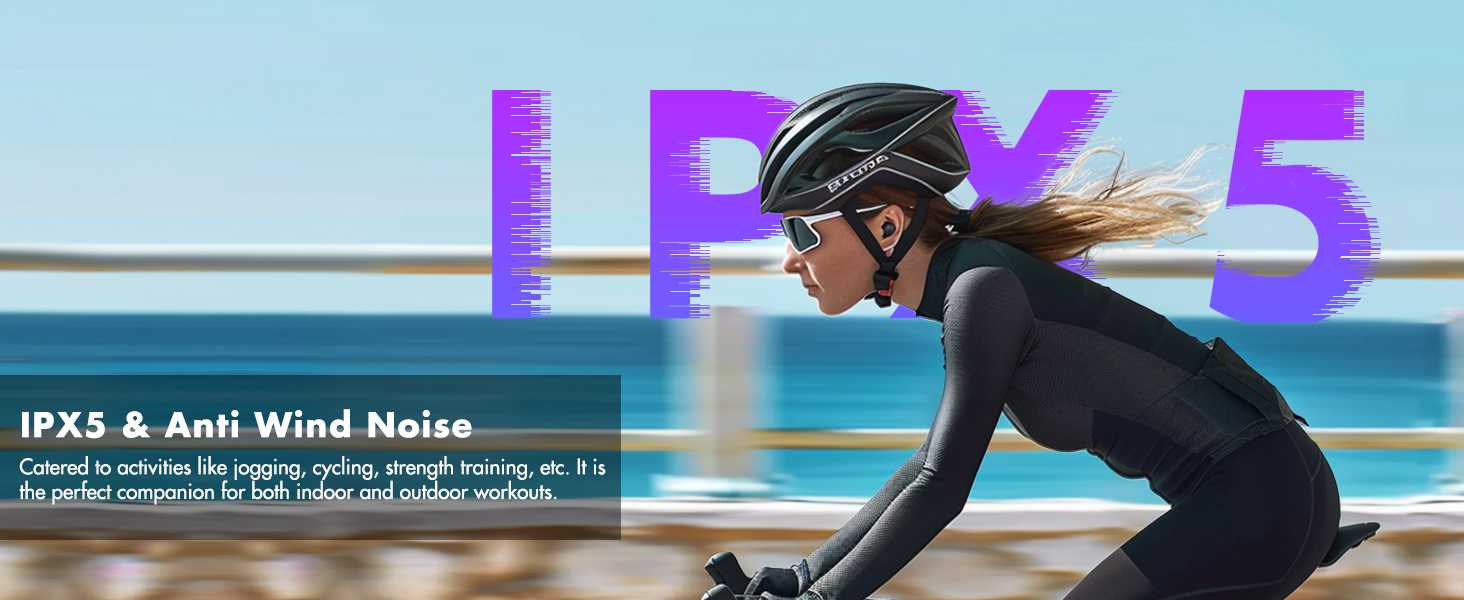
Image: Game Mode with 54ms latency for an optimized gaming experience.
5.4 Dual Connectivity
The Ceramics X supports simultaneous connection to two Bluetooth 5.3 devices, allowing seamless switching between them without re-pairing. This is useful for transitioning between a phone and a computer.

Image: Stable Multipoint Connection feature, allowing seamless switching between devices.
5.5 LDAC Audio
These earbuds support the LDAC codec for Hi-Res audio transmission, providing enhanced sound quality beyond standard CD quality. Ensure your device also supports LDAC and is configured to use it for optimal performance.

Image: LDAC support for 3X more detailed sound.
6. Maintenance
6.1 Cleaning
Regularly clean the earbuds and charging case with a soft, dry cloth. Avoid using abrasive materials or harsh chemicals. Gently clean the eartips and charging contacts to prevent debris buildup, which can affect charging and sound quality.
6.2 Water Resistance
The earbuds are IPX5 water-resistant, meaning they can withstand splashes of water and sweat. They are suitable for workouts and light rain but should not be submerged in water. Ensure the earbuds are dry before placing them back in the charging case.
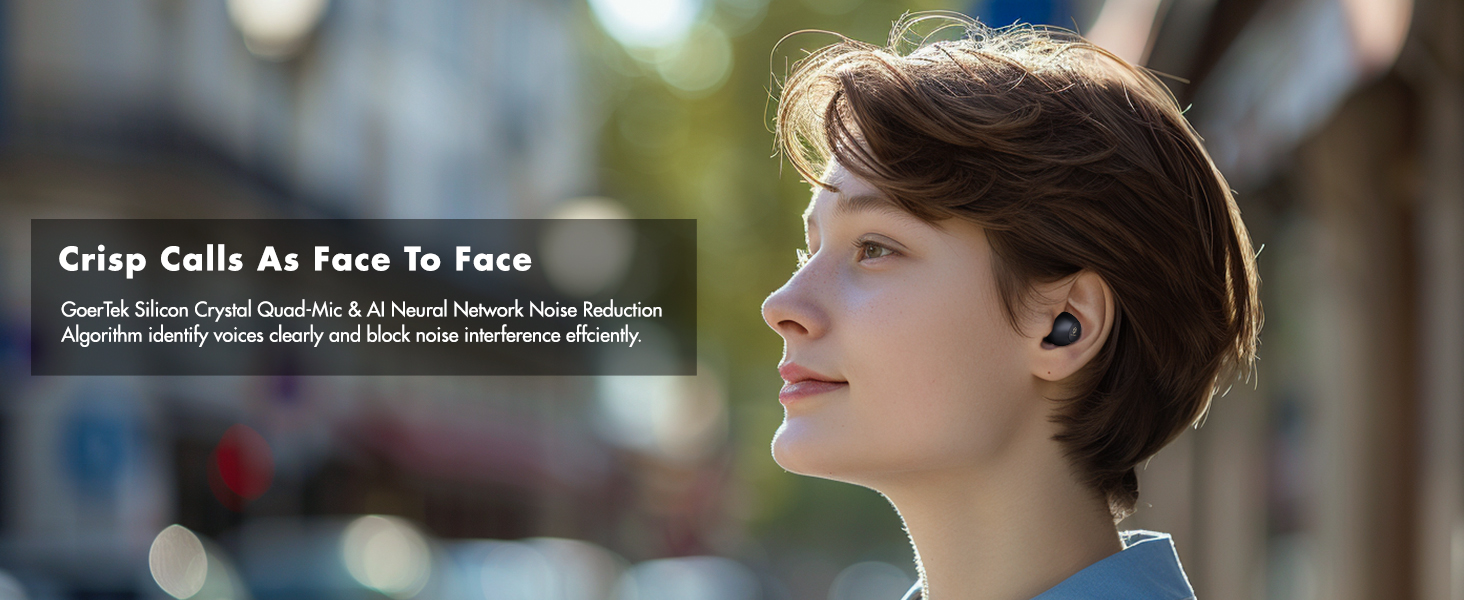
Image: IPX5 water resistance and Anti-Wind Mode for outdoor activities.
6.3 Storage
Store the earbuds in their charging case when not in use to protect them from damage and ensure they remain charged for your next use.
7. Troubleshooting
If you encounter issues with your ROSESELSA Ceramics X earbuds, refer to the following common solutions:
- Earbuds not pairing:
- Ensure both earbuds are in the charging case and fully charged. Open the case to initiate pairing mode.
- Turn off and on your device's Bluetooth.
- Forget 'ROSESELSA Ceramics X' from your device's Bluetooth list and attempt to pair again.
- If issues persist, try resetting the earbuds (refer to the ROSESELSA app or manufacturer's website for specific reset instructions).
- No sound or poor sound quality:
- Check the volume level on both your device and the earbuds.
- Ensure the earbuds are properly seated in your ears and that the eartips provide a good seal.
- Verify that the earbuds are connected to the correct device.
- If using LDAC, ensure your device supports it and that the connection is stable. If experiencing audio drops with LDAC and dual connectivity, try disabling dual connectivity.
- Charging issues:
- Ensure the USB-C cable is securely connected to both the case and the power source.
- Check that the charging contacts on the earbuds and inside the case are clean and free of debris.
- Try a different USB-C cable or power adapter.
- Bluetooth connection drops:
- Ensure your device is within the 10-meter Bluetooth range.
- Avoid physical obstructions between your device and the earbuds.
- Minimize interference from other wireless devices.
App Functionality: For advanced settings, firmware updates, and personalized controls, download the official ROSESELSA app. This app can also assist with troubleshooting and optimizing performance.
8. Specifications
| Feature | Detail |
|---|---|
| Model Name | CERAMICS X |
| Model Number | CX01 |
| Brand | ROSESELSA |
| Noise Control | Active Noise Cancellation (55dB) |
| Connectivity Technology | Wireless (Bluetooth 5.3) |
| Audio Driver Type | Dynamic Driver |
| Audio Driver Size | 10 Millimeters |
| Audio Latency | 54 Milliseconds (Game Mode) |
| Battery Life (Earbuds) | Up to 10 Hours (single charge) |
| Battery Life (with Case) | Up to 50 Hours |
| Charging Time (Case) | Approx. 50 minutes |
| Water Resistance Level | IPX5 |
| Microphones | 4 GoerTek HD Mics |
| Control Type | Touch Control, App |
| Special Features | Fast Charging, Lightweight, Multipoint Pairing, LDAC support |
| Material | Plastic |
| Item Weight | 3.84 ounces (total package) |
9. Warranty and Support
ROSESELSA products typically come with a standard manufacturer's warranty. For specific warranty details, product support, or service inquiries, please refer to the official ROSESELSA website or contact their customer service directly. Protection plans may also be available for extended coverage through authorized retailers.


