
Introduction
This instruction manual provides essential information for the proper installation, operation, and maintenance of your EZSUNSWAY 1206-4301 Golf Cart Motor Controller. Please read this manual thoroughly before installation and use to ensure safe and efficient performance of your golf cart.
The EZSUNSWAY 1206-4301 is a 36V, 350 Amp motor speed controller designed for specific golf cart models. Understanding its features and proper handling will extend the life of the product and ensure optimal functionality.
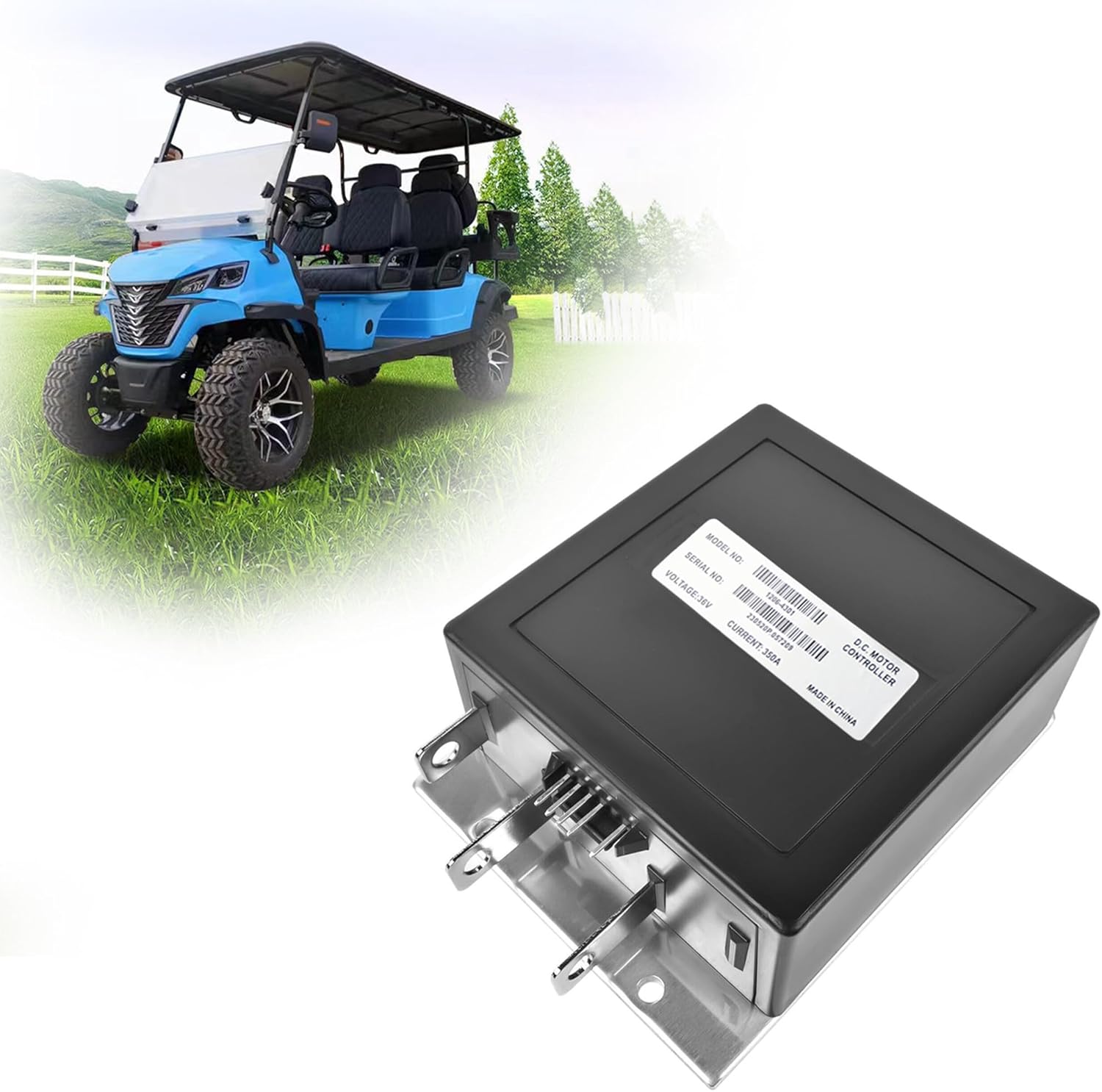
Image: The EZSUNSWAY 1206-4301 Golf Cart Motor Controller, a black rectangular unit with metal terminals, positioned in front of a golf cart on a green field.
Product Overview
The EZSUNSWAY 1206-4301 is a robust D.C. motor controller engineered for reliable performance in golf cart applications. It features a durable construction designed to withstand various environmental conditions.

Image: A top-down view of the EZSUNSWAY 1206-4301 Golf Cart Motor Controller. The black rectangular casing displays a label with "MODEL NO: 1206-4301", "SERIAL NO:", "VOLTAGE: 36V", and "CURRENT: 350A". Metal terminals are visible at the bottom.
Key Features:
- Perfect Fit: Designed for seamless integration with compatible golf cart models.
- OEM Standard: Manufactured to meet or exceed original equipment manufacturer standards.
- Plug and Play: Facilitates straightforward installation.
- High Quality: Constructed with durable materials for longevity.
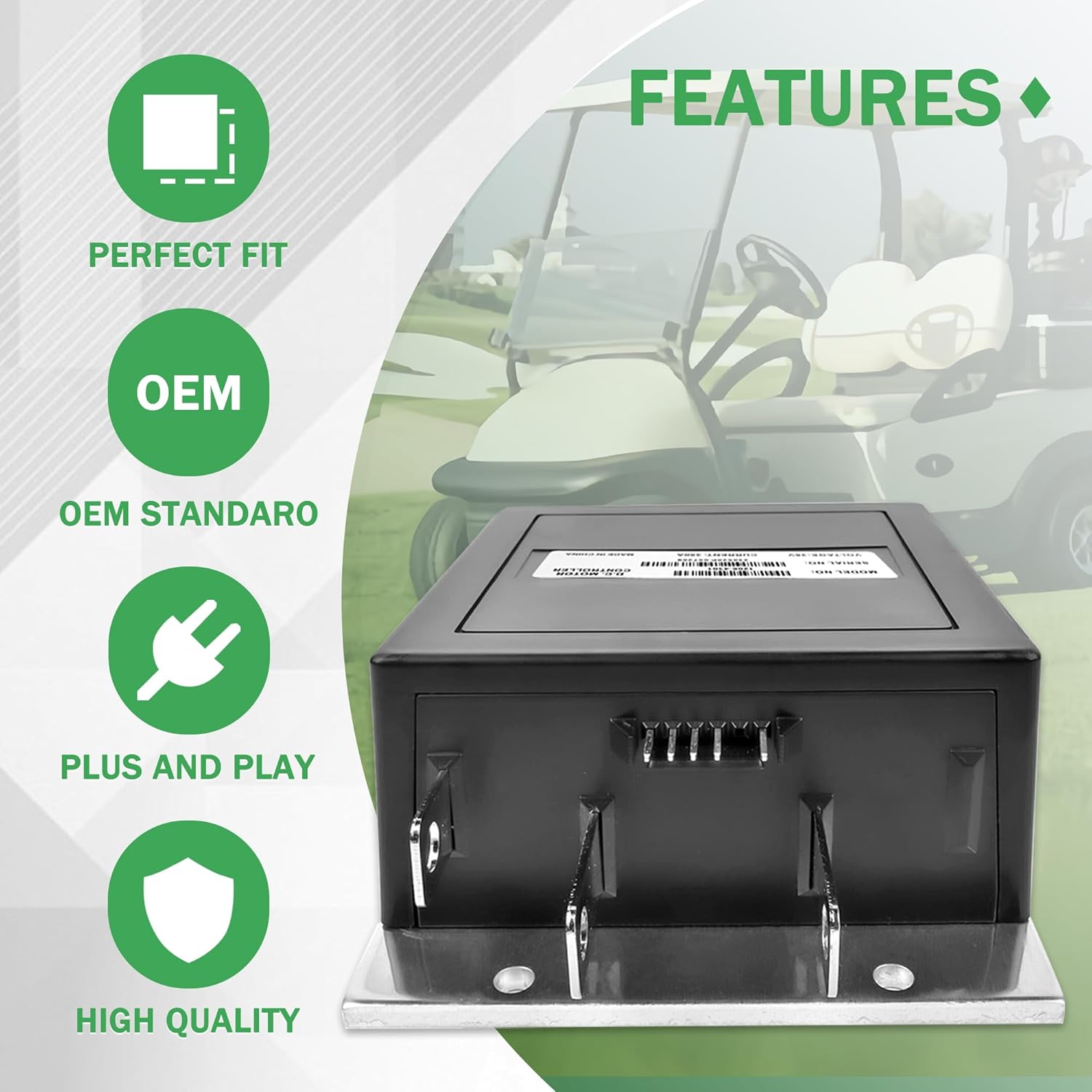
Image: An illustration highlighting the features of the motor controller: Perfect Fit, OEM Standard, Plug and Play, and High Quality, with the controller shown in the foreground.
Durability and Construction:
- Oxidized Surface Design: Provides enhanced protection.
- Corrosion Resistance: Built to resist environmental corrosion.
- Not Easily Deformed: Maintains structural integrity under various conditions.
- Waterproof: Meets IP65 environmental sealing standards.
- Wear-Resistant: Designed for extended use.
- High Hardness: Robust casing for protection.

Image: An illustration depicting the durability features of the motor controller, including icons for waterproof, wear-resistant, and high hardness, with water splashing on the controller.
Specifications
| Specification | Detail |
|---|---|
| Model Number | 1206-4301 |
| Voltage | 36V |
| Current Rating | 350A (Also applicable for 300A) |
| Connector Type | 5-Pin Connector |
| Item Weight | 2.8 pounds |
| Package Dimensions | 8.46 x 7.09 x 4.33 inches |
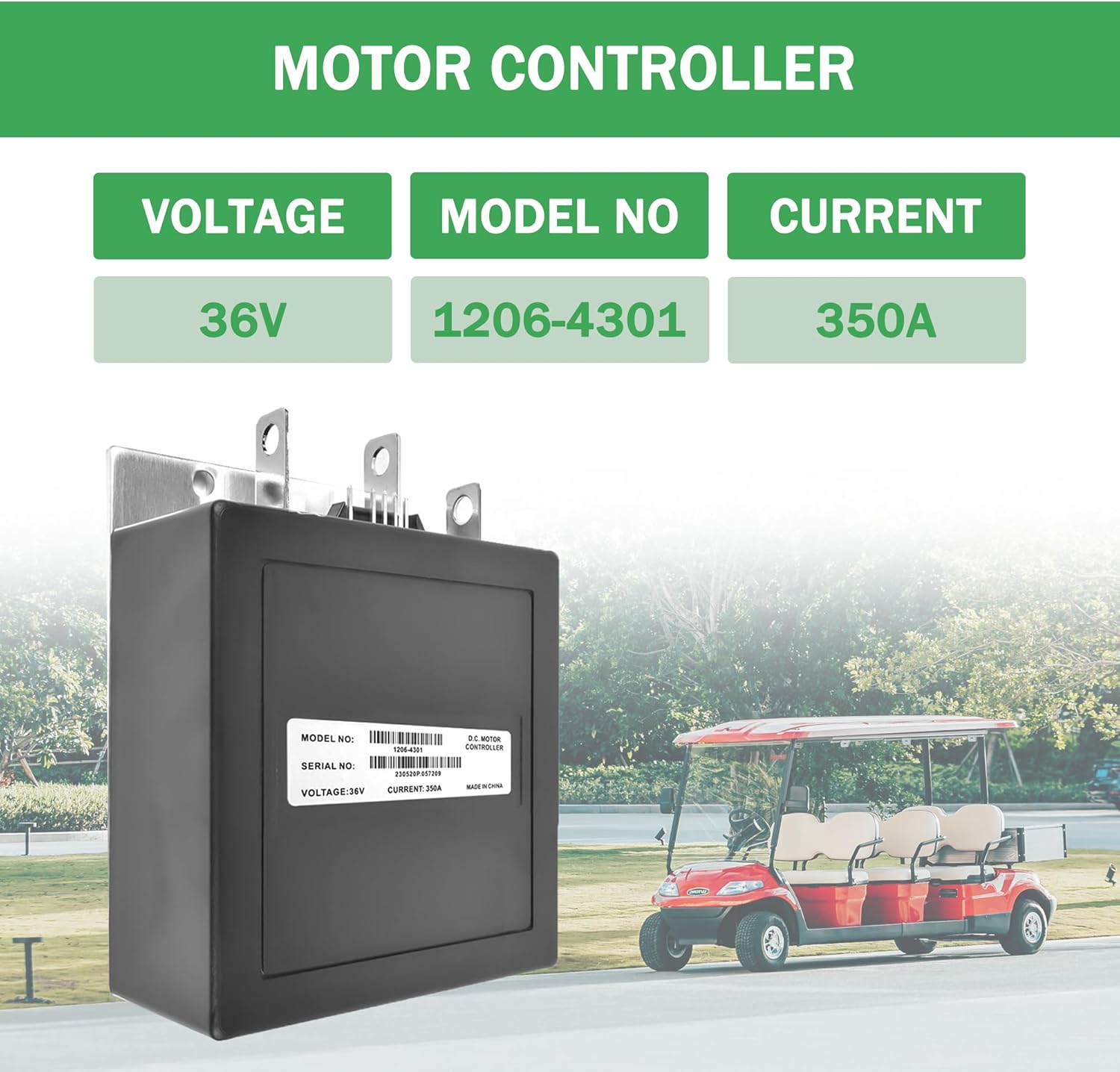
Image: A graphic displaying the key specifications: Voltage 36V, Model No 1206-4301, and Current 350A, alongside an image of the controller.
Compatibility
The EZSUNSWAY 1206-4301 Motor Controller is compatible with the following golf cart models:
- EZGO Medalist (MED) models
- EZGO TXT models (Year 1994-2019)
This controller features an ITS Throttle Input and is designed for Series Motors (with 3 BIG blades and 5 Pins).
Important Note:
- This controller comes with a 5-Pin Connector. It is NOT compatible with 9-Pin connectors.
- It is designed for Medalist & TXT models only. NOT FOR PDS OR DCS systems.
- Before purchasing or installing, please verify that the parameters of your original accessories match these specifications. If unsure, consult a professional or provide images of your original parts for assistance.

Image: A graphic indicating compatibility with EZGO Medalist (MED) & TXT models (Year 1994-2019), featuring ITS Throttle Input and Series Motor (3 BIG blades and 5 Pins), with the controller and a golf cart in the background.
Replaceable Part Numbers:
This controller can replace the following part numbers:
- 1206-4301
- 25864G03
- 25864G04
- 25864G05
- 25864G06
- 25864G07
- 25864G08
- 25864G09
- 25864G10
- 25864GX
- CP28349-G01RB

Image: A graphic listing various part numbers that the 1206-4301 controller can replace, with checkmarks next to each number, and a golf cart in the background.
Safety Information
Always observe the following safety precautions when working with electrical components and golf carts:
- Disconnect the battery pack before performing any installation, maintenance, or repair work on the golf cart.
- Wear appropriate personal protective equipment (PPE), including safety glasses and gloves.
- Ensure the work area is well-ventilated and free from flammable materials.
- Avoid touching electrical terminals with bare hands or metal tools when power is connected.
- If you are unsure about any step, consult a qualified technician.
Setup and Installation
Proper installation is crucial for the correct functioning of the motor controller. It is recommended that installation be performed by individuals with experience in golf cart electrical systems.
- Preparation: Ensure the golf cart is turned off and the main battery disconnect switch is in the "OFF" position. Disconnect the main battery pack to prevent accidental power surges or short circuits.
- Locate Old Controller: Identify the existing motor controller in your golf cart. Note its mounting position and wiring connections.
- Disconnect Wiring: Carefully disconnect all wires from the old controller, noting their positions. It is advisable to take photos or label wires to ensure correct re-connection.
- Remove Old Controller: Unmount and remove the old controller from its position.
- Mount New Controller: Position the EZSUNSWAY 1206-4301 controller in the same location as the old one. Secure it using appropriate fasteners.
- Connect Wiring: Reconnect all wires to the new controller according to your labels or photos. Ensure all connections are secure and tight. Pay close attention to the 5-pin connector for the ITS throttle.
- Final Checks: Double-check all connections for correctness and security. Ensure no wires are pinched or exposed.
- Reconnect Battery: Reconnect the main battery pack and turn the disconnect switch to the "ON" position.
For detailed wiring diagrams specific to your golf cart model, please refer to your golf cart's service manual.

Image: A "Detail Display" graphic showing the EZSUNSWAY 1206-4301 Golf Cart Motor Controller from various angles, highlighting its terminals and casing details, useful for installation reference.
Operating Instructions
Once the EZSUNSWAY 1206-4301 Motor Controller is correctly installed, its operation is integrated with your golf cart's existing control system. The controller manages the power delivery to the motor based on throttle input.
- Power On: Turn the golf cart's key switch to the "ON" position.
- Throttle Control: Depress the accelerator pedal to engage the motor. The controller will regulate motor speed based on the throttle position.
- Direction Selection: Use the forward/reverse switch to select the desired direction of travel.
- Braking: Release the accelerator pedal to allow for regenerative braking (if applicable to your cart) or apply the mechanical brake pedal to stop the cart.
- Power Off: When finished, turn the key switch to the "OFF" position and engage the parking brake. For extended storage or maintenance, disconnect the main battery pack.
The controller is designed for automatic operation and typically requires no direct user interaction after installation. Ensure your golf cart's battery system is adequately charged for optimal performance.
Maintenance
The EZSUNSWAY 1206-4301 Motor Controller is designed for durability and requires minimal direct maintenance. However, regular checks of the surrounding system are recommended:
- Visual Inspection: Periodically inspect the controller and its wiring for any signs of damage, corrosion, loose connections, or overheating.
- Cleanliness: Keep the controller free from excessive dirt, dust, and moisture. While the unit is waterproof (IP65), maintaining cleanliness helps prevent issues.
- Connection Integrity: Ensure all electrical connections to the controller remain tight and free of corrosion. Loose connections can lead to poor performance or damage.
- Battery Health: Ensure your golf cart's batteries are properly maintained and charged. Poor battery health can affect controller performance.
Always disconnect battery power before performing any cleaning or inspection of electrical components.
Troubleshooting
If you experience issues with your golf cart's motor control, consider the following troubleshooting steps:
| Problem | Possible Cause | Solution |
|---|---|---|
| Cart does not move or moves slowly | Low battery charge, loose connections, faulty throttle sensor, controller fault. | Check battery voltage and charge. Inspect all wiring connections for tightness. Test throttle sensor. If issues persist, consult a technician. |
| Intermittent power loss | Loose battery terminals, intermittent wiring fault, overheating controller. | Check battery terminals and main power connections. Inspect wiring for damage. Ensure controller has adequate ventilation. |
| Controller feels hot to the touch | Overload, insufficient cooling, internal fault. | Reduce load on the cart. Ensure controller is not obstructed. If overheating persists, discontinue use and seek professional inspection. |
| Unresponsive throttle | Faulty ITS throttle sensor, wiring issue to throttle, controller fault. | Verify throttle sensor operation and its wiring. Check controller connections. |
If these steps do not resolve the issue, or if you suspect an internal fault with the controller, please contact customer support for further assistance.
Warranty and Support
EZSUNSWAY stands behind the quality of its products. The 1206-4301 Golf Cart Motor Controller comes with a comprehensive after-sales guarantee:
- 5-Year After-Sales Guarantee: We test each product before delivery to ensure 100% quality.
- Free Repair and Replacement: Within 5 years of purchase, damaged products are eligible for free repair or replacement.
- Long-Term Technical Support: Enjoy ongoing technical support throughout the product's use.
For warranty claims, technical assistance, or any questions regarding your EZSUNSWAY product, please contact our customer support team. Provide your model number and purchase details for efficient service.

Image: A graphic detailing the "After-Sales Guarantee" with a "5 Year Warranty" badge, highlighting free repair/replacement, 100% testing, long-term technical support, and overall protection for the shopping experience.