
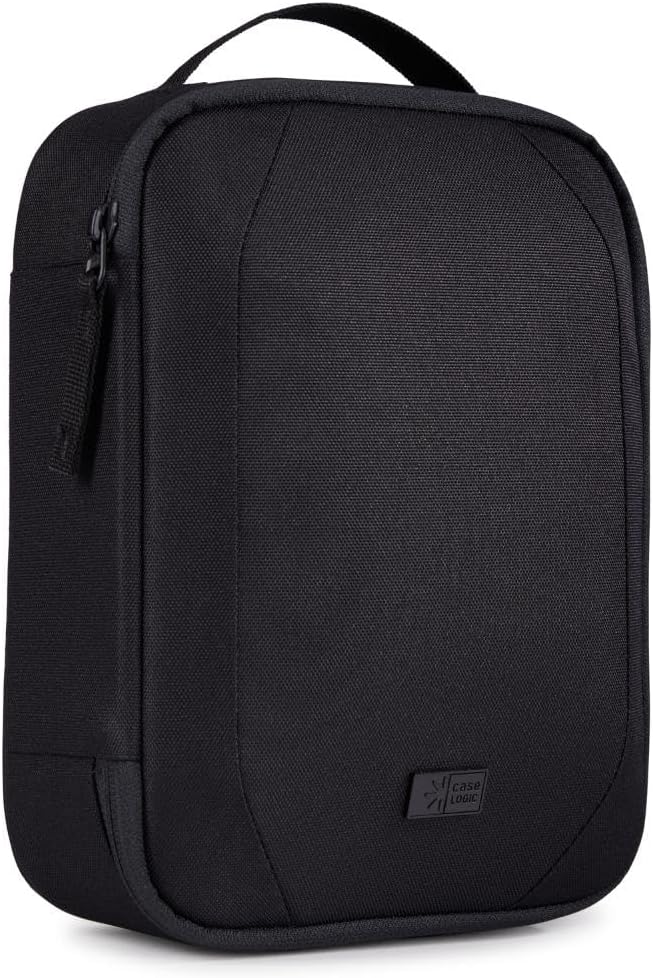
Figure 1: Front view of the Case Logic Invigo 3205109 Electronic Device Carrying Case.
1. Introduction
This manual provides comprehensive instructions for the Case Logic Invigo 3205109 Electronic Device Carrying Case. Designed for organizing and protecting your electronic equipment and accessories, this case offers a practical and eco-conscious solution for daily use and travel. Please read this manual thoroughly to understand the features and proper use of your new carrying case.
2. Key Features
- Eco-Conscious Design: Constructed with 100% recycled 600D polyester exterior, 150D polyester lining, meshes, PP webbing, and 86% recycled YKK zipper tape.
- Water-Repellent Coating: Features a PFC-free water-repellent coating for enhanced protection.
- Organized Storage: Multiple compartments including a pen pocket, zip pocket, and large slip pocket to keep essentials like passports, pens, cables, earbuds, and power adapters secure.
- Headphone Protection: Dedicated storage compartments designed to protect large headphones.
- Durable Construction: Equipped with long-lasting metal logo and YKK zippers.
- Portable Design: Streamlined shape allows for easy transport and fits conveniently inside larger bags or backpacks.
- Grab Handle: Integrated grab handle for easy carrying.
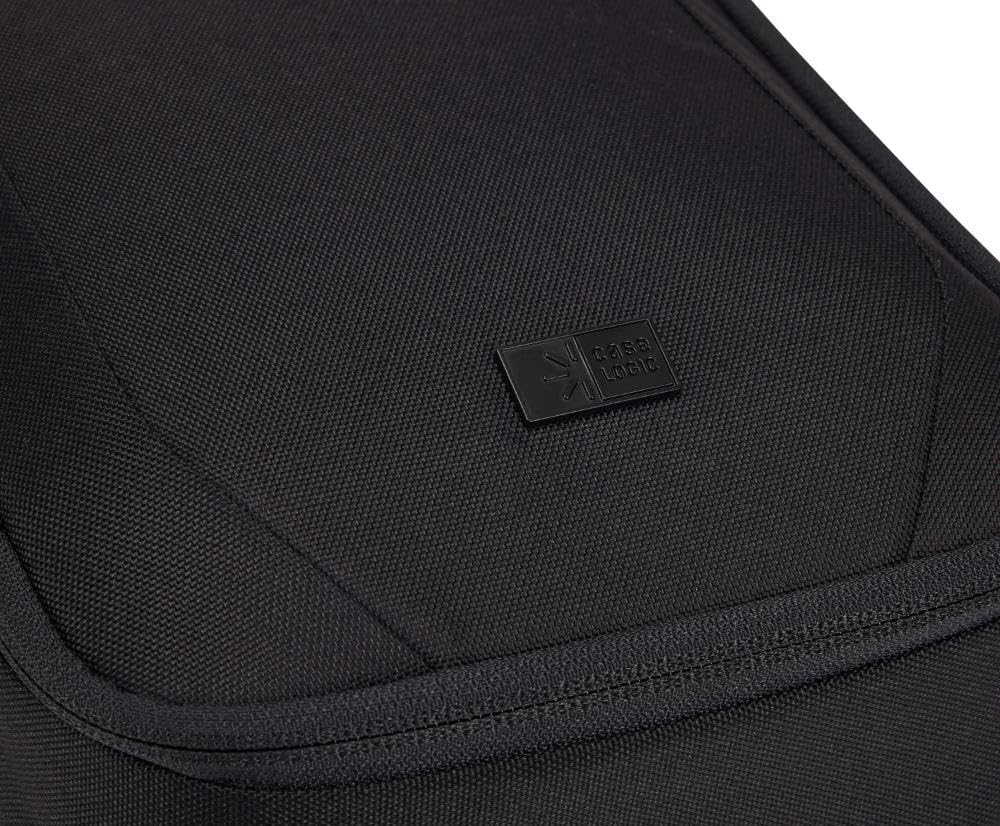
Figure 2: Detail of the durable Case Logic logo on the exterior of the carrying case.
3. Initial Setup and Organization
Upon receiving your Case Logic Invigo carrying case, follow these steps to prepare it for use:
- Unpack: Remove the carrying case from its packaging.
- Inspect: Check the case for any signs of damage. If damaged, contact customer support.
- Open Compartments: Unzip the main compartments to familiarize yourself with the internal layout.
- Organize:
- Utilize the elastic loops and mesh pockets for cables, earbuds, and smaller adapters.
- Place larger items such as headphones in the dedicated main compartment.
- Use the pen pocket for writing instruments and the zip pocket for secure storage of small valuables like memory cards or USB drives.
- The large slip pocket is suitable for passports or other flat documents.

Figure 3: Internal organization of the Case Logic Invigo 3205109 case, displaying various pockets and elastic straps for accessories, alongside a pair of headphones in the main compartment.
4. Usage Instructions
The Case Logic Invigo carrying case is designed for convenient and secure transport of your electronic essentials.
- Loading Items: Carefully place your electronic devices and accessories into their designated compartments. Ensure items are not forced into pockets to prevent damage to both the items and the case.
- Securing Contents: Zip all compartments fully to ensure contents are secure during transport. The YKK zippers are designed for smooth operation.
- Carrying: Use the integrated grab handle for short-distance carrying. For longer journeys, the streamlined design allows the case to be easily inserted into a larger backpack, tote bag, or luggage.

Figure 4: The Case Logic Invigo 3205109 case being inserted into a larger shoulder bag, demonstrating its compact and portable design for integration with other luggage.

Figure 5: The Case Logic Invigo 3205109 case fitting neatly into a backpack, highlighting its suitability for travel and daily commutes.
5. Care and Maintenance
Proper care will extend the life and appearance of your Case Logic Invigo carrying case.
- Cleaning: For light dirt, wipe the exterior with a damp cloth and mild soap. For tougher stains, a soft brush can be used gently. Avoid harsh chemicals or abrasive cleaners.
- Drying: Allow the case to air dry completely before storing or reusing. Do not machine wash or tumble dry.
- Storage: Store the case in a cool, dry place away from direct sunlight when not in use.
- Zipper Care: Periodically check zippers for debris. If a zipper becomes stiff, a small amount of zipper lubricant or wax can be applied.
6. Troubleshooting
This section addresses common issues you might encounter with your carrying case.
- Zipper Stuck: If a zipper is difficult to move, check for fabric caught in the teeth. Gently pull the fabric away and try again. Do not force the zipper. Applying a small amount of graphite from a pencil or zipper lubricant can help.
- Stains on Fabric: Refer to the "Care and Maintenance" section for cleaning instructions. Act quickly on stains for best results.
- Odor: If the case develops an odor, air it out in a well-ventilated area for several hours or days. Placing a sachet of baking soda inside can also help absorb odors.
7. Product Specifications
| Feature | Detail |
|---|---|
| Model Number | 3205109 |
| Product Dimensions | 7.28 x 3.74 x 10.83 inches (L x W x H) |
| Weight | 7.05 ounces |
| Material (Exterior) | 100% Recycled 600D Polyester |
| Material (Lining) | 150D Polyester |
| Zipper Type | YKK (86% recycled tape) |
| Water Repellency | PFC-free coating |
| Manufacturer | Case Logic |
8. Warranty and Support
Case Logic products are manufactured with quality and durability in mind. For specific warranty information regarding your Case Logic Invigo 3205109 carrying case, please refer to the warranty documentation included with your purchase or visit the official Case Logic website.
If you encounter any issues or have questions not covered in this manual, please contact Case Logic customer support through their official website or the contact information provided with your product.
Safety Information: Please read all product packaging literature and product labels before use.
