
1. Introduction
Thank you for choosing the Radioddity GA-5WB Portable Dual Band Amateur Radio. This device is designed for reliable communication across UHF and VHF frequency bands, featuring advanced capabilities such as APP programming, GPS, and APRS. Its robust IP67 waterproof and dustproof design makes it suitable for various outdoor environments. This manual provides essential information for the proper setup, operation, and maintenance of your GA-5WB radio.
2. Product Overview
2.1 Package Contents
Upon unpacking, please ensure all the following items are present:
- 1 x Radioddity GA-5WB Radio Unit
- 1 x Antenna
- 1 x 2600 mAh Lithium-ion Battery
- 1 x Belt Clip
- 1 x Type-C Charging Cable
- 1 x Charging Dock
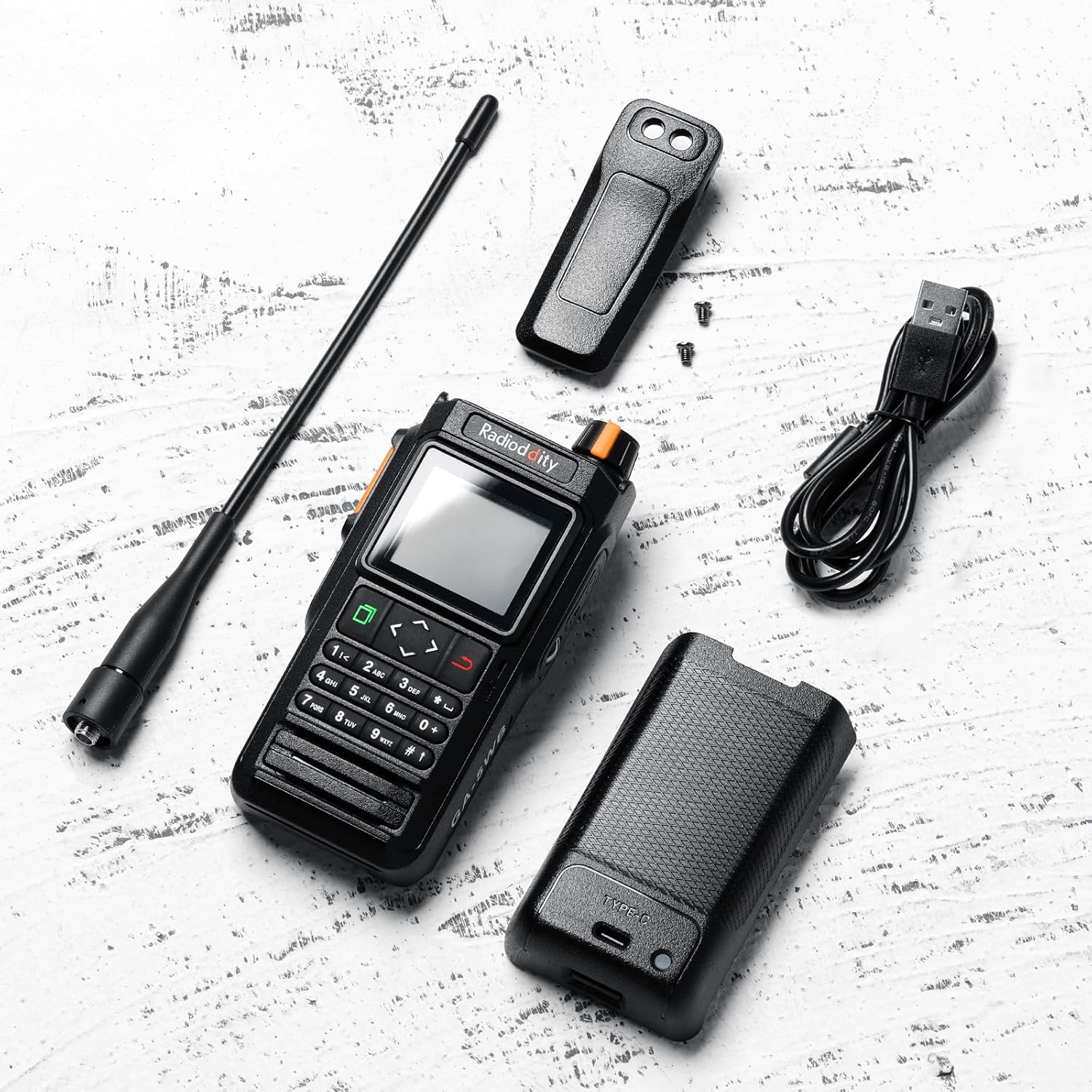
Figure 2.1: Included components of the Radioddity GA-5WB package.
2.2 Key Features
- Dual Band Operation: Supports UHF and VHF frequency bands.
- Airband Reception: Capable of receiving Airband frequencies.
- Wireless APP Programming: Configure settings via a dedicated mobile application (Android/iOS) using Bluetooth.
- IP67 Waterproof and Dustproof: Designed to withstand immersion in water up to 1 meter for 30 minutes and is fully protected against dust ingress.
- Integrated GPS & APRS: Provides precise location tracking and sharing for enhanced safety and coordination.
- 1.77-inch Color Screen: Clear and readable display, even in varying light conditions, with split-screen functionality.
- 2600 mAh Battery: High-capacity battery for extended operation.
- USB-C Charging: Convenient charging via Type-C cable and charging dock.

Figure 2.2: Physical features and dimensions of the Radioddity GA-5WB radio.
3. Setup
3.1 Battery Installation and Charging
- Ensure the radio is powered off.
- Align the 2600 mAh Lithium-ion battery with the battery compartment on the back of the radio.
- Slide the battery into place until it clicks securely.
- To charge, place the radio in the charging dock or connect the Type-C charging cable directly to the radio's USB-C port.
- Connect the charging cable to a compatible USB power source. The charging indicator on the radio or dock will illuminate.
- A full charge typically takes several hours. The indicator will change when charging is complete.
3.2 Antenna Attachment
- Locate the antenna connector on the top of the radio.
- Screw the antenna clockwise onto the connector until it is finger-tight. Do not overtighten.
3.3 Initial Power On
- Rotate the power/volume knob clockwise to turn on the radio.
- Adjust the knob to your desired volume level.
- The color screen will illuminate, displaying the current frequency and other operational information.
4. Operating Instructions
4.1 Basic Operation
- Power On/Off: Rotate the top knob clockwise to power on, counter-clockwise to power off.
- Volume Control: Adjust the top knob to increase or decrease volume.
- Channel/Frequency Selection: Use the up/down arrow keys or the numeric keypad to enter frequencies or select channels.
- PTT Button: Press and hold the Push-To-Talk (PTT) button on the side of the radio to transmit. Release to receive.
4.2 Wireless APP Programming
The Radioddity GA-5WB supports wireless programming via a dedicated mobile application, compatible with Android and iOS devices. This eliminates the need for a PC or programming cable.
- Download the official Radioddity programming application from your device's app store.
- Enable Bluetooth on your mobile device.
- Open the Radioddity app and follow the on-screen instructions to pair with your GA-5WB radio.
- Once connected, you can adjust all parameters and functions, including frequency settings, channel names, and advanced features, directly from the app.
- Save your changes to the radio through the application.

Figure 4.2: Wireless programming of the GA-5WB via the mobile application.
4.3 GPS & APRS Functionality
The integrated GPS and APRS features enable precise location tracking and sharing, enhancing safety and coordination during outdoor activities or emergencies.
- GPS: The radio automatically acquires GPS satellite signals to determine its current location.
- APRS: The Automatic Packet Reporting System allows for real-time exchange of location information, weather data, and short messages over amateur radio frequencies.
- Refer to the radio's on-screen menu or the mobile app for specific GPS and APRS settings and data display.
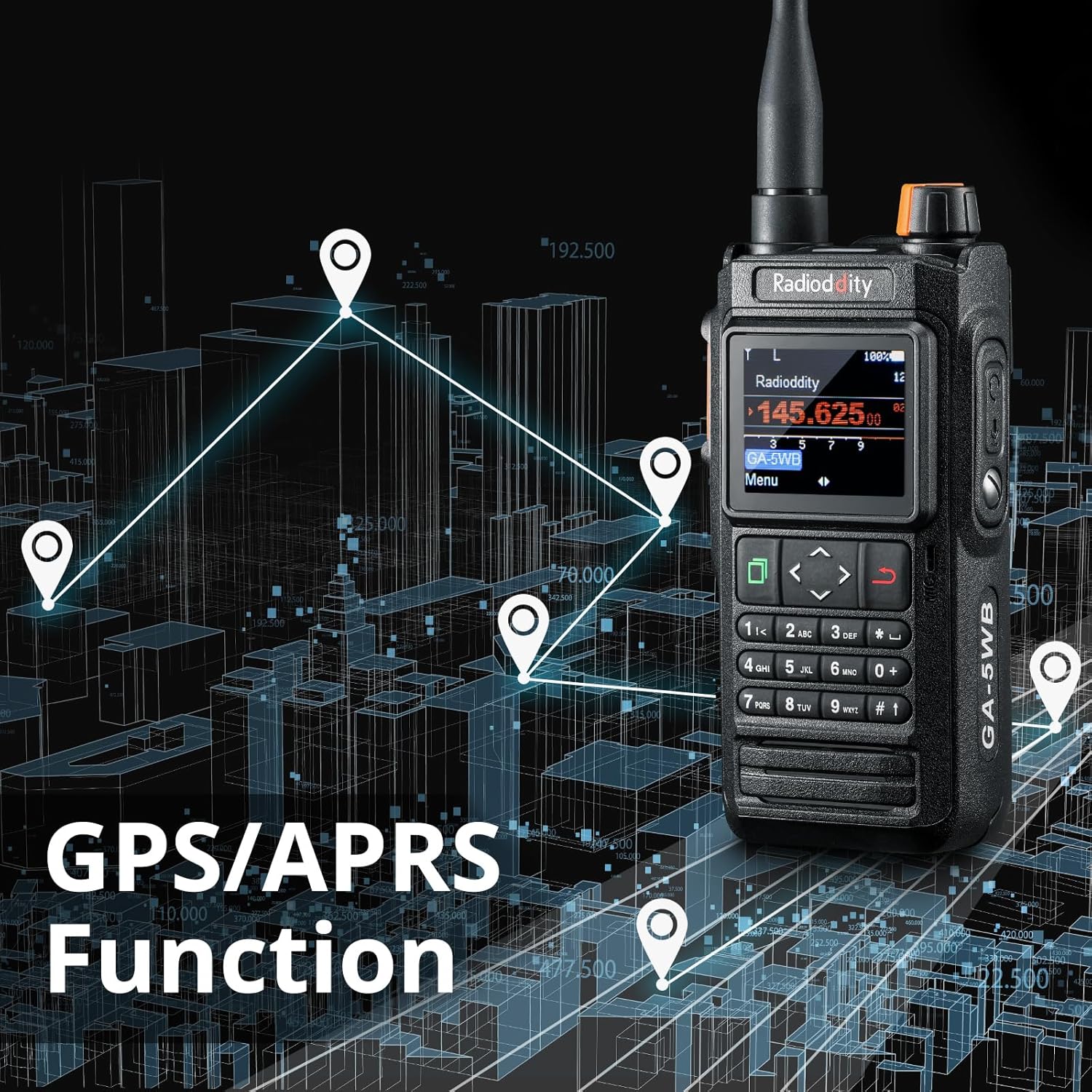
Figure 4.3: Visualization of GPS and APRS functionality.
4.4 Airband Reception
The GA-5WB is capable of receiving Airband frequencies, allowing users to monitor aviation communications. Accessing Airband frequencies is typically done by tuning to the specific frequency range or selecting pre-programmed Airband channels.
4.5 Display Features
The 1.77-inch color screen provides clear visual feedback. It supports a split-screen display, allowing you to view recent contact information, call signs, location data, and direction simultaneously.

Figure 4.5: The 1.77-inch large color screen of the GA-5WB.
5. Maintenance
5.1 Cleaning
- Wipe the radio's exterior with a soft, damp cloth. Do not use harsh chemicals or abrasive cleaners.
- Ensure the USB-C port and battery contacts are clean and free of debris.
5.2 Battery Care
- To prolong battery life, avoid fully discharging the battery frequently.
- Store the radio and battery in a cool, dry place when not in use for extended periods.
- Charge the battery at least once every three months if stored.
5.3 IP67 Water and Dust Resistance
The Radioddity GA-5WB is rated IP67, meaning it is protected against dust ingress and can withstand immersion in 1 meter of water for up to 30 minutes. To maintain this rating:
- Ensure the battery cover is securely closed and the USB-C port cover is firmly sealed before exposing the radio to water or dust.
- Do not intentionally submerge the radio beyond the specified depth or duration.
- If the radio has been exposed to saltwater, rinse it with fresh water and dry thoroughly.
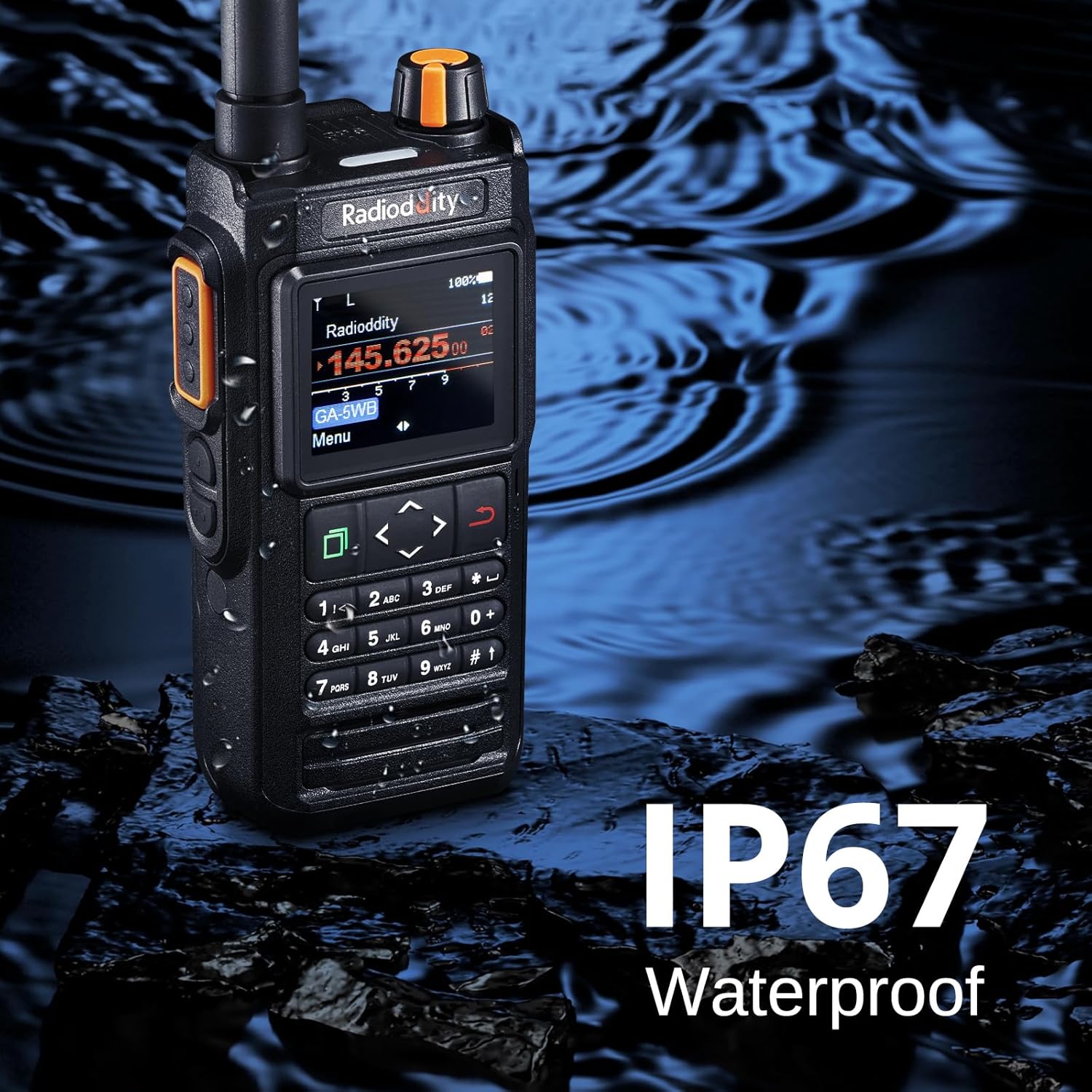
Figure 5.3: The GA-5WB's IP67 waterproof feature.
6. Troubleshooting
This section addresses common issues you might encounter with your Radioddity GA-5WB radio.
| Problem | Possible Cause | Solution |
|---|---|---|
| Radio does not power on. | Low or depleted battery. Battery not installed correctly. | Charge the battery. Ensure the battery is properly seated. |
| Cannot transmit or receive. | Incorrect frequency/channel. Antenna not attached. Low battery. | Verify frequency/channel settings. Attach antenna securely. Charge battery. |
| Poor audio quality. | Weak signal. Volume too low/high. Obstructions. | Move to an area with better signal. Adjust volume. Reduce obstructions. |
| APP programming fails to connect. | Bluetooth off. Radio not in pairing mode. App issues. | Ensure Bluetooth is enabled on both devices. Restart radio and app. |
7. Specifications
| Feature | Specification |
|---|---|
| Brand | Radioddity |
| Model Number | GA-5WB |
| Frequency Range | UHF and VHF bands, Airband reception |
| Number of Channels | 8 |
| Water Resistance Level | IP67 (Waterproof and Dustproof) |
| Battery Type | Lithium-ion |
| Battery Capacity | 2600 mAh |
| Voltage | 3.7 Volts |
| Display | 1.77-inch Color Screen |
| Connectivity | Bluetooth for APP programming, GPS, APRS |
| Charging Port | USB Type-C |
| Weight | 300 Grams |
| Compatible Devices | Smartphone, other UHF/VHF radios, GPS devices |
8. Safety Information
- Do not operate the radio in explosive atmospheres (e.g., flammable gases, dust particles, metallic powders).
- Do not disassemble or modify the radio. Unauthorized modifications can void your warranty and may result in damage or injury.
- Use only Radioddity-approved batteries and accessories.
- Avoid exposing the radio to extreme temperatures or direct sunlight for prolonged periods.
- Keep the radio out of reach of children.
9. Warranty and Support
For warranty information, technical support, or service inquiries, please refer to the official Radioddity website or contact your authorized dealer. Please have your product model number (GA-5WB) and purchase details ready when seeking support.