
Introduction
This manual provides detailed instructions for the safe and effective use of your Diyeeni 4K 64MP Digital Camera, model Diyeeni79hesy8fkb-11. Please read this manual thoroughly before operating the camera and retain it for future reference.
Package Contents
Verify that all items listed below are included in your package:
- 1 x Diyeeni Digital Camera
- 1 x Carrying Rope
- 1 x Instruction Manual (this document)
- 1 x USB Cable

Image Description: The Diyeeni digital camera is shown alongside its included accessories: a white carrying rope and a black USB cable.
Product Overview
The Diyeeni 4K 64MP Digital Camera is a compact point-and-shoot camera designed for ease of use, featuring high-resolution imaging and video capabilities.
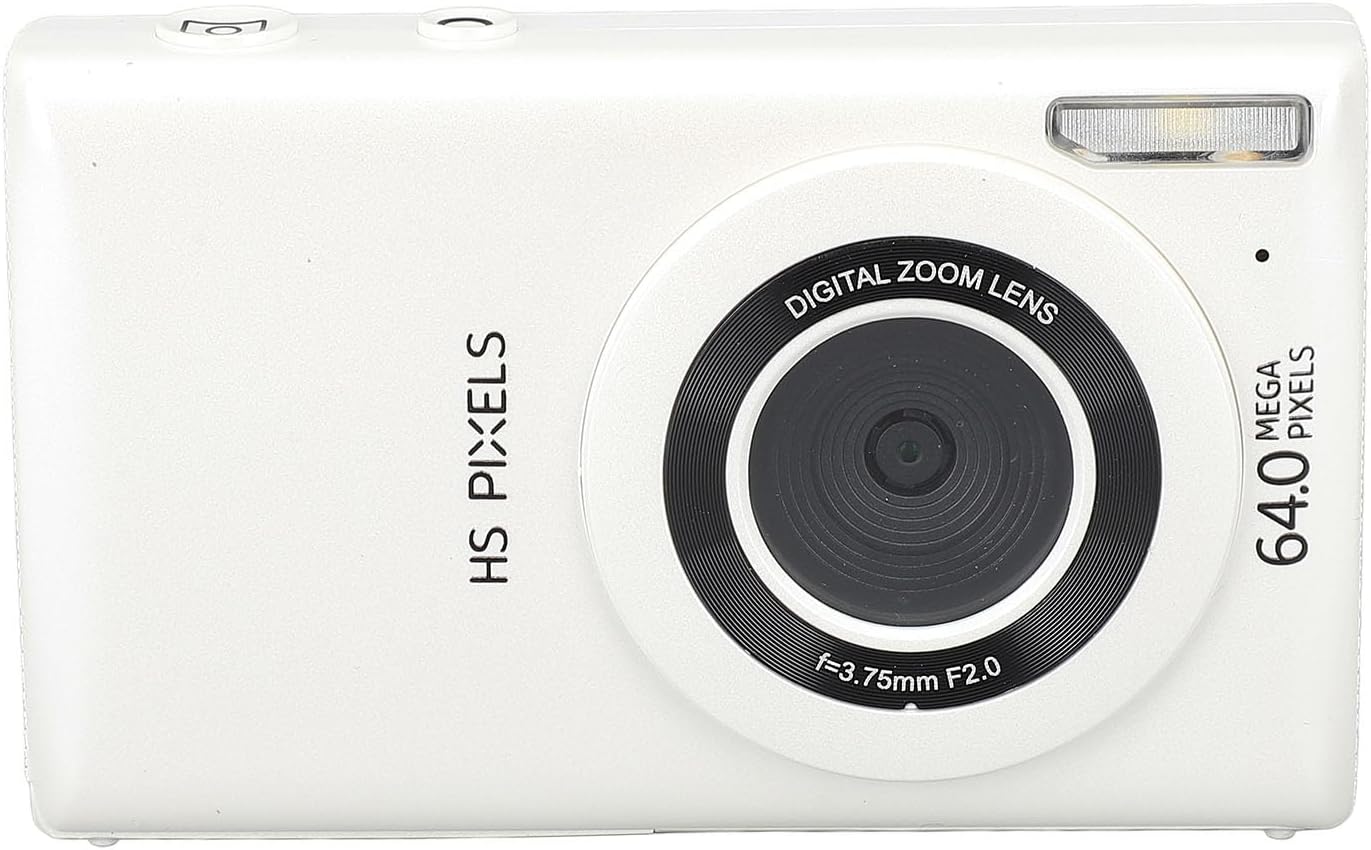
Image Description: A front view of the white Diyeeni digital camera, highlighting the lens, flash, and "HS PIXELS 64.0 MEGA PIXELS" branding.

Image Description: Two views of the Diyeeni digital camera. The top image shows the front, and the bottom image shows the back with the 2.8-inch screen displaying a pink flower, along with control buttons.
Key Features:
- High Definition Imaging: Captures 64MP photos and 4K 30FPS videos.
- Digital Zoom: Features 18x digital zoom for capturing distant subjects.
- Display Screen: Equipped with a 2.8-inch screen for framing and reviewing shots.
- Multi-functional: Includes 10 filters, fill light, time-lapse, timer, slow motion, continuous shooting, and auto photo modes.
- Vlogging Camera: Can be connected to a computer via USB for live streaming and video calls.
- MP3 Player Functionality: Allows for music playback.
Setup
1. Charging the Battery
The camera includes a built-in BL-01 Li-Ion 650mAh battery. To charge the camera:
- Connect the included USB cable to the camera's USB port.
- Connect the other end of the USB cable to a USB power adapter (not included) or a computer's USB port.
- The charging indicator light will illuminate. Once fully charged, the light will change or turn off (refer to camera display for exact status).
2. Inserting a Memory Card
A small memory card (up to 128GB, not included) is required to store photos and videos.
- Locate the memory card slot on the camera.
- Insert the memory card with the metal contacts facing the correct direction (usually towards the front of the camera or as indicated by a diagram near the slot) until it clicks into place.
- To remove, gently push the card in until it springs out.
Operating Instructions
1. Powering On/Off
Press and hold the power button (usually located on the top or side of the camera) to turn the camera on or off.
2. Taking Photos
- Turn on the camera.
- Frame your shot using the 2.8-inch screen.
- Press the shutter button halfway down to activate autofocus. The screen border will turn green when focus is achieved.
- Press the shutter button fully to capture the photo.
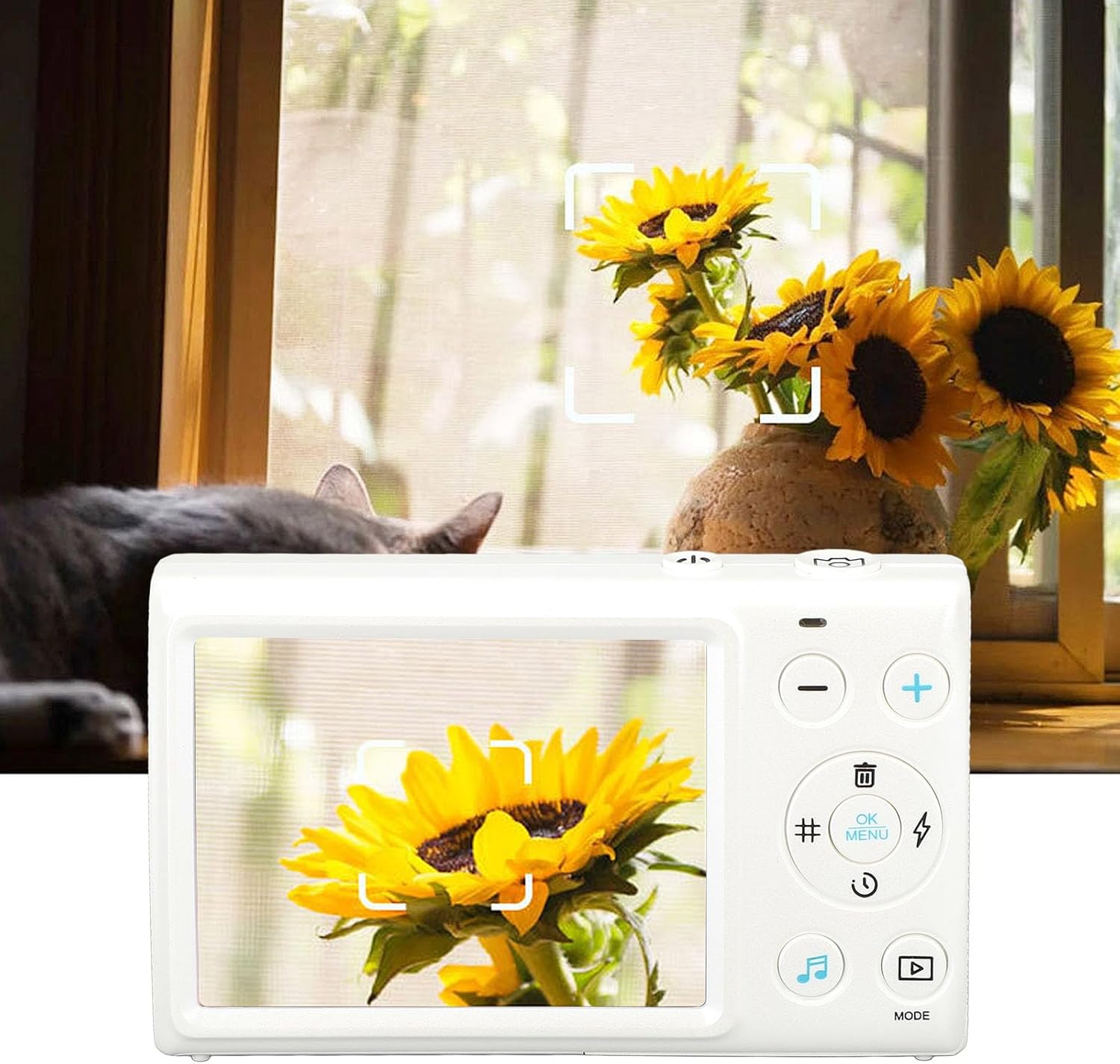
Image Description: The back of the Diyeeni digital camera showing its screen displaying a focused image of a sunflower. The camera's controls are visible on the right side of the screen.
3. Recording Videos
- Switch the camera to video mode (refer to the camera's on-screen menu or dedicated mode button).
- Press the shutter button to start recording.
- Press the shutter button again to stop recording.
- The video pause function allows you to temporarily stop and resume recording within a single video file.
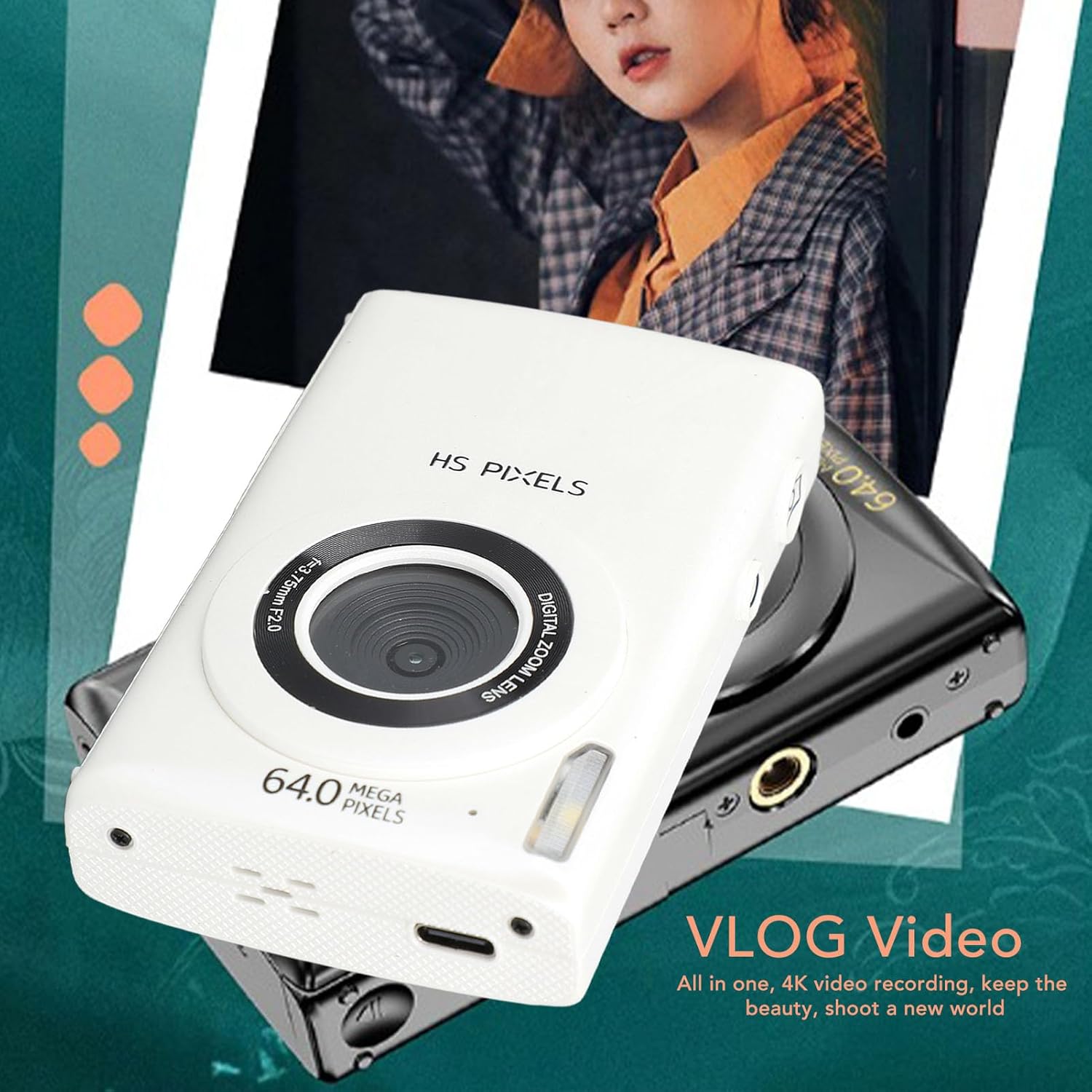
Image Description: A white Diyeeni digital camera is shown on top of a black camera, with text indicating "VLOG Video" and "All in one, 4K video recording, keep the beauty, shoot a new world."
4. Using Digital Zoom
Use the 'W' (Wide) and 'T' (Telephoto) buttons (often labeled with '+' and '-' symbols) to adjust the 18x digital zoom. Press 'T' to zoom in and 'W' to zoom out.

Image Description: A split image demonstrating the 18x digital zoom capability. The larger bottom image shows a person on a beach at 1x zoom, while the smaller top-left inset shows a close-up of the person's face at 18x zoom.
5. Other Functions
- Filters: Access 10 different filters through the camera's menu to enhance your photos.
- Fill Light: Activate the built-in fill light for improved illumination in low-light conditions.
- Time-Lapse Video: Set up the camera to capture a series of images over time and compile them into a video.
- Timer: Use the self-timer function for delayed shots.
- Slow Motion: Record videos in slow motion.
- Continuous Shooting: Capture multiple photos in quick succession.
- Auto Photo: Utilize automatic settings for simplified photography.
- MP3 Player: The camera can function as an MP3 player. Refer to the on-screen menu for music playback options.
Maintenance
Cleaning the Camera
- Use a soft, dry cloth to clean the camera body.
- For the lens and screen, use a specialized lens cleaning cloth and solution to avoid scratches.
- Do not use harsh chemicals or abrasive materials.
Storage
- Store the camera in a cool, dry place away from direct sunlight and extreme temperatures.
- Remove the memory card if storing for extended periods.
Troubleshooting
If you encounter issues with your camera, refer to the following common problems and solutions:
| Problem | Possible Cause / Solution |
|---|---|
| Camera does not power on. | Battery may be depleted. Charge the camera using the USB cable. Ensure the power button is pressed and held sufficiently. |
| Cannot take photos/videos. | Memory card may be full or not inserted correctly. Check card insertion or replace/format the card. Ensure sufficient battery charge. |
| Images are blurry. | Ensure the lens is clean. Press the shutter button halfway to allow the camera to autofocus before fully pressing. Check lighting conditions. |
| Camera freezes or is unresponsive. | Try removing and reinserting the memory card. If possible, perform a soft reset by holding the power button for an extended period (e.g., 10-15 seconds). |
Specifications
| Feature | Detail |
|---|---|
| Item Type | Digital Camera |
| Material | Plastic |
| Weight | Approx. 210g / 7.4oz |
| Maximum Image Resolution | 64MP |
| Maximum Video Resolution | 4K 30FPS |
| Screen Size | 2.8 Inches |
| Digital Zoom | 18x (Note: Product description states 18x, specification states 16x. Using 18x as per feature bullets.) |
| Storage Support | Small Memory Card up to 128GB (Excluded) |
| Camera Battery | BL-01, 1x Li-Ion, 650mAh (Built-In) |
| Item Model Number | Diyeeni79hesy8fkb-11 |
| Manufacturer | Diyeeni |
Warranty and Support
For warranty information and technical support, please refer to the documentation provided with your purchase or contact Diyeeni customer service through their official channels. Keep your proof of purchase for warranty claims.