1. Introduction
This manual provides detailed instructions for the proper use and maintenance of your Ordtop i13 Wireless Earbuds. Please read this manual thoroughly before using the product to ensure optimal performance and longevity.

Image 1.1: Ordtop i13 Wireless Earbuds and Charging Case.
2. Package Contents
Verify that all items listed below are included in your package:
- 2x Ear Buds (Left and Right)
- 1x Lightweight Charging Case
- 1x USB-C Cable
- 3x Ear Caps (S/M/L sizes)
- 1x User Manual

Image 2.1: Package Contents.
3. Product Overview
The Ordtop i13 Wireless Earbuds feature advanced Bluetooth 5.4 technology for stable connections, Hi-Fi stereo sound with 13mm dynamic drivers, and 4 ENC noise-reducing microphones for clear calls. They are designed for comfort and durability with an IP7 waterproof rating.
Key Features:
- Bluetooth 5.4: Provides a faster, more stable connection with a range of up to 15 meters.
- Hi-Fi Stereo Sound: Equipped with 13mm large-size speakers for powerful bass and clear high-mid frequencies.
- 4 ENC Noise Reduction Microphones: Ensures clear voice transmission during calls by reducing background noise.
- Extended Playback: Up to 8 hours of continuous use per charge, with the charging case providing an additional 4 charges for a total of 40 hours.
- LED Power Display: The charging case features a smart LED display to show remaining power levels.
- IP7 Waterproof: Nano-coating protects against water and sweat, suitable for sports and outdoor activities.
- Ergonomic Design: Each earbud weighs only 3.8g for comfortable, secure fit.
- Smart Touch Control: Manage music, calls, and voice assistant directly from the earbuds.
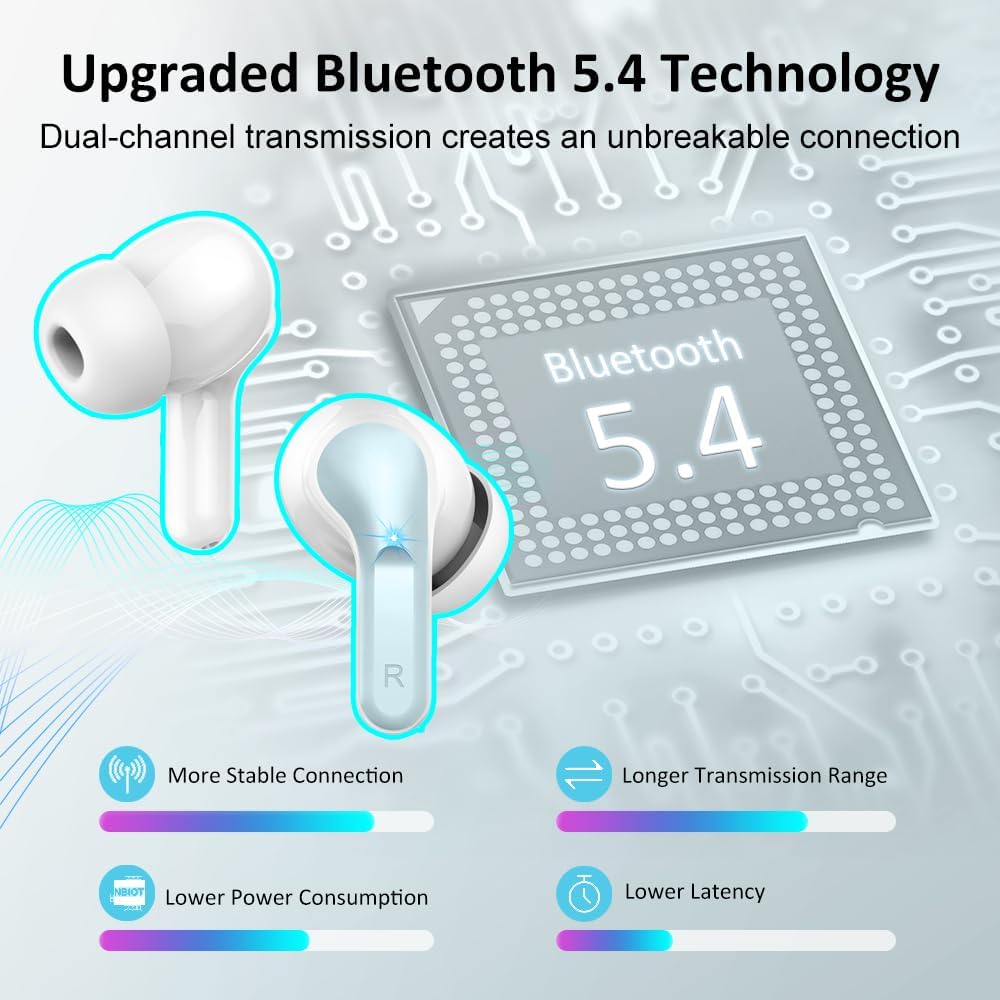
Image 3.1: Bluetooth 5.4 Technology.

Image 3.2: Audio Technology and Call Clarity.
4. Setup
4.1 Initial Charging
Before first use, fully charge the earbuds and the charging case.
- Place both earbuds into the charging case.
- Connect the USB-C cable to the charging case and a power source.
- The LED display on the case will show the charging progress. A full charge for the case takes approximately 1 hour.
- The earbuds will charge automatically when placed in the case.

Image 4.1: Dual LED Power Display and Battery Life.
4.2 Pairing with a Device
The earbuds support one-step pairing after the initial setup.
- Ensure the earbuds are charged.
- Open the charging case. The earbuds will automatically enter pairing mode.
- On your device (smartphone, PC, tablet, etc.), enable Bluetooth.
- Search for available Bluetooth devices and select "i13" from the list.
- Once connected, the earbuds will automatically pair with your device whenever the case is opened.
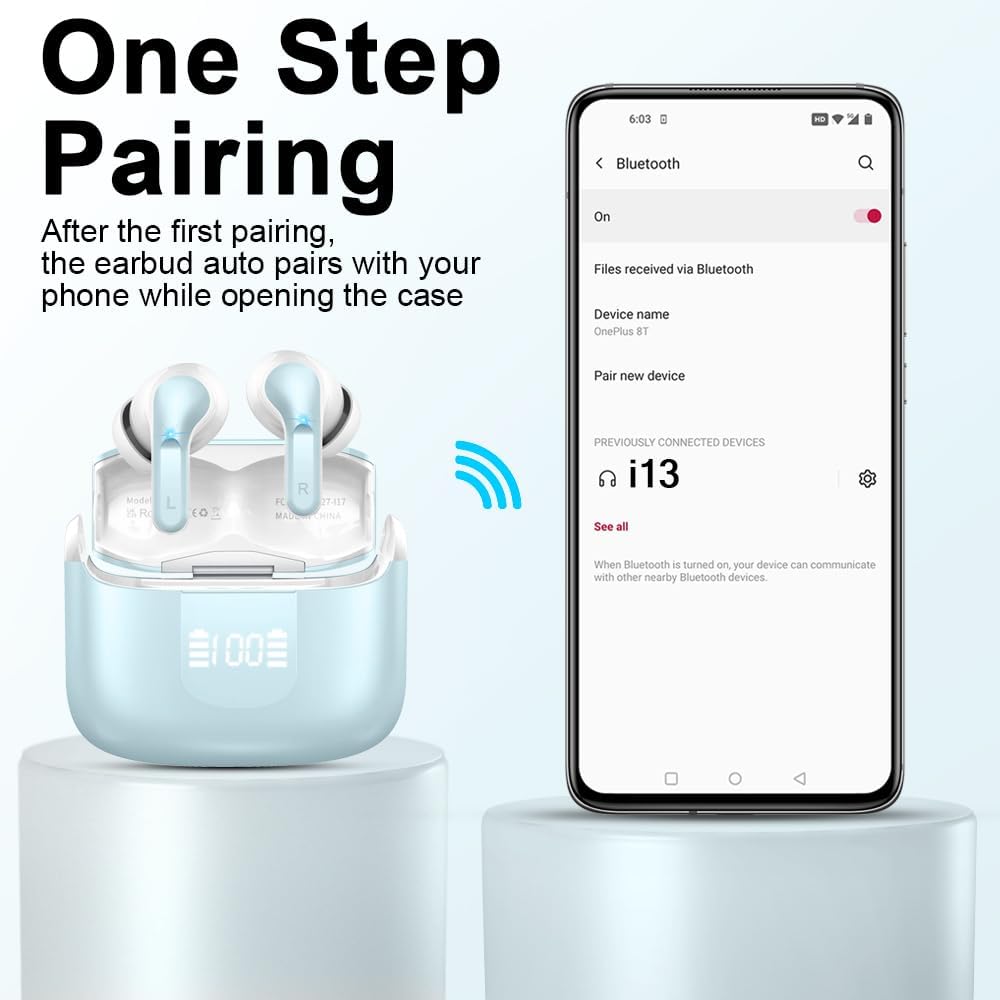
Image 4.2: One-Step Pairing Process.
5. Operating Instructions
5.1 Smart Touch Controls
The Ordtop i13 earbuds feature touch-sensitive areas for various functions:
| Action | Function |
|---|---|
| Long Tap 1s (R) | Next Song |
| Long Tap 1s (L) | Previous Song |
| Short Tap | Answer/End Call |
| Once Click (R/L) | Play/Pause Music |
| Long Tap | Reject Call |
| Triple Tap (R/L) | Activate Voice Assistant (Siri, Google Assistant) |
| Double Tap (L) | Volume Down |
| Double Tap (R) | Volume Up |

Image 5.1: Smart Touch Control Functions.
5.2 Single Earbud Use
Either earbud can be used independently. Simply take one earbud out of the case, and it will connect to your device. This is useful for safe driving or sharing audio.
6. Maintenance
6.1 Cleaning
Regularly clean your earbuds and charging case to maintain optimal performance and hygiene.
- Use a soft, dry, lint-free cloth to wipe the earbuds and charging case.
- Gently remove any earwax or debris from the ear tips and speaker mesh using a small, clean brush or cotton swab.
- Avoid using abrasive materials, solvents, or harsh chemicals.
6.2 Waterproofing (IP7 Rating)
The earbuds are rated IP7 waterproof, meaning they can withstand immersion in water up to 1 meter for 30 minutes. This makes them suitable for sports and protection against sweat and rain.
- Do not intentionally submerge the charging case, as it is not waterproof.
- Ensure earbuds are dry before placing them back into the charging case to prevent damage.
- The waterproof rating may decrease over time with normal wear and tear.

Image 6.1: IP-X7 Waterproof Feature.
6.3 Storage
When not in use, store the earbuds in their charging case to protect them and keep them charged.
7. Troubleshooting
If you encounter issues with your Ordtop i13 Wireless Earbuds, refer to the following common solutions:
| Problem | Possible Solution |
|---|---|
| Earbuds not pairing | Ensure earbuds are charged. Place them back in the case, close, then open again. Turn off and on Bluetooth on your device. Forget "i13" from your device's Bluetooth list and re-pair. |
| Only one earbud working | Ensure both earbuds are charged. Place both earbuds back in the charging case, close the lid, wait a few seconds, then open again. Check if both earbuds are connected in your device's Bluetooth settings. |
| No sound or low volume | Check the volume level on both your device and the earbuds. Ensure earbuds are properly seated in your ears. Clean any debris from the earbud speakers. |
| Charging case not charging | Ensure the USB-C cable is securely connected to both the case and the power source. Try a different USB-C cable or power adapter. |
| Poor call quality | Ensure the microphones are not obstructed. Move closer to your connected device. Avoid environments with excessive background noise. |
| Earbuds falling out | Try different sizes of ear tips (S/M/L) to find the most secure and comfortable fit for your ears. |
8. Specifications
| Feature | Detail |
|---|---|
| Model Name | i13-New |
| Connectivity Technology | Wireless (Bluetooth) |
| Bluetooth Version | 5.4 |
| Bluetooth Range | 15 Meters |
| Ear Placement | In Ear |
| Form Factor | In Ear |
| Audio Driver Type | Dynamic Driver (13mm) |
| Battery Life (Earbuds) | 8 Hours (single charge) |
| Battery Life (with Charging Case) | 40 Hours |
| Charging Time (Case) | Approx. 1 Hour |
| Water Resistance Level | IP7 Waterproof |
| Control Method | Touch |
| Microphones | 4 ENC Noise Reduction Mics |
| Compatible Devices | Smartphones, PCs, Tablets, Laptops, TVs |
| Item Weight (Earbud) | 3.8g |
| Product Dimensions | 0.79 x 0.79 x 1.18 inches |
| Material | Plastic |
9. Safety Information
WARNING!!! Do not disassemble, hit, or burn the device. Doing so may result in damage, fire, or injury.
Always use the product according to the instructions provided. Keep out of reach of children. Avoid prolonged exposure to high volume levels to prevent hearing damage.

Image 9.1: Safety Warning from Packaging.
10. Warranty and Support
For warranty information or technical support, please refer to the contact details provided with your purchase or visit the official Ordtop website. Keep your proof of purchase for warranty claims.
Manufacturer: Ordtop
Producer Name: Shenzhen Shengdaren Technology Co.Ltd
Address: 2nd&3rd Floor, 3D Printing Industrial Park, No.17-1, Guanlan Avenue, Longhua District, Shenzhen, China
Phone: +86-0755-21508085

Image 10.1: Manufacturer Information.


