
Product Overview
This manual provides comprehensive instructions for the installation and care of your smaate Soft TPU Smartwatch Screen Protector. Designed for the JeeJTek OYV TGW008 1.28-inch smartwatch, this protector offers full coverage and advanced features to safeguard your device's screen.
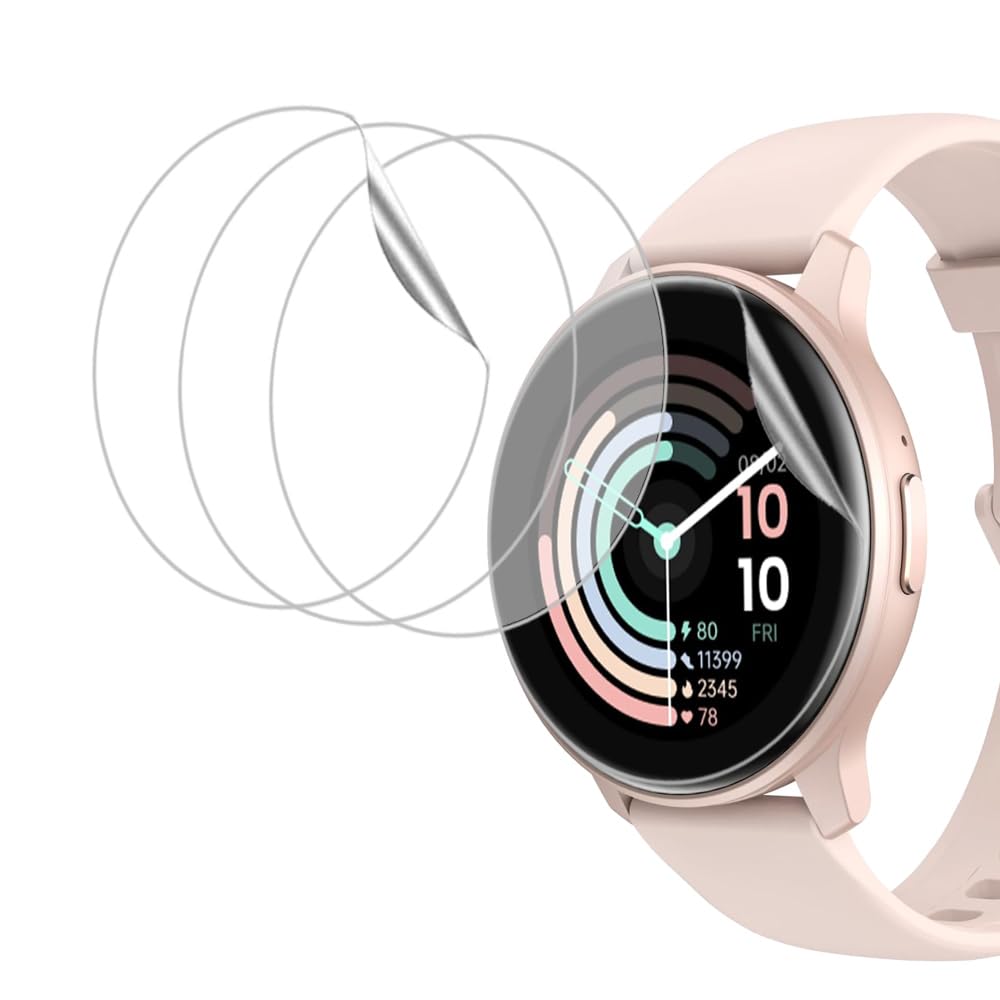
Image: The smaate Soft TPU Smartwatch Screen Protector applied to a smartwatch screen.
What's in the Box
Your package should contain the following items:
- Soft TPU Screen Protectors (6-pack)
- Wet & Dry Wipes (for cleaning)
- Dust Absorber Stickers
- Microfiber Cleaning Cloth
- Squeegee Card
- Ring Foam Sticker (for holding the watch during application)
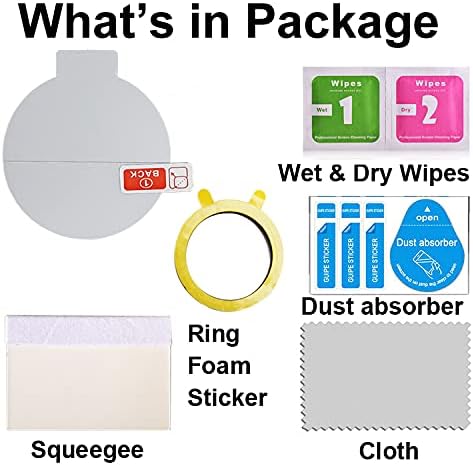
Image: A visual representation of all items included in the screen protector package.
Compatibility
This screen protector is specifically designed for the JeeJTek OYV TGW008 1.28-inch Smart Watch. Please verify your watch model number before installation to ensure proper fit and function.
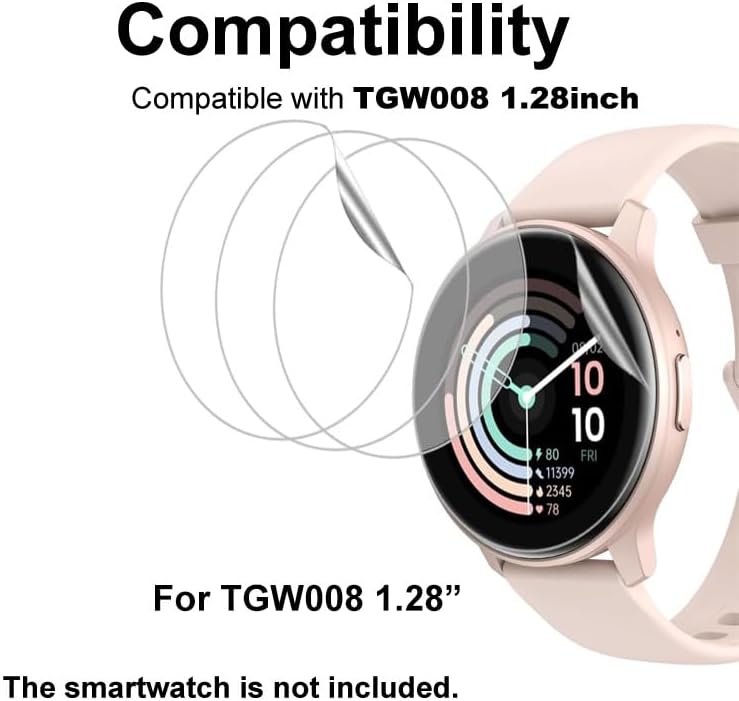
Image: A graphic illustrating the screen protector's compatibility with the TGW008 1.28-inch smartwatch.
Key Features
- Soft TPU Material: Provides full coverage, including the curved edges of the smartwatch screen.
- Bubble Self-healing: Small bubbles that may appear during installation will automatically disappear within 1 to 2 days.
- High Transparency: Ensures clear visibility of your screen display without distortion.
- High Sensitivity: Maintains original touch screen responsiveness.
- Anti-Shatter & Anti-Scratch (4H Hardness): Offers protection against scratches and minor impacts.
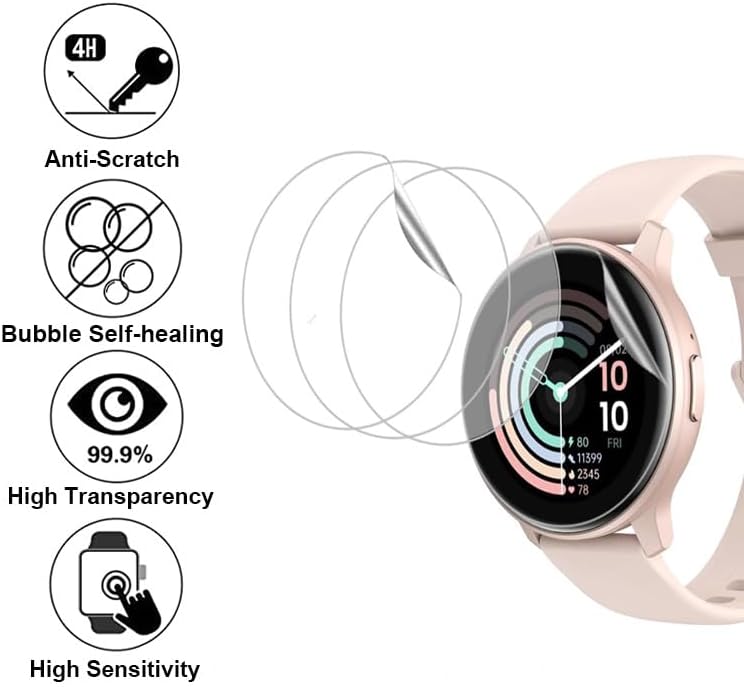
Image: Icons highlighting the key features of the screen protector.

Image: Illustration of the shape memory material protecting the curved edge of the screen.
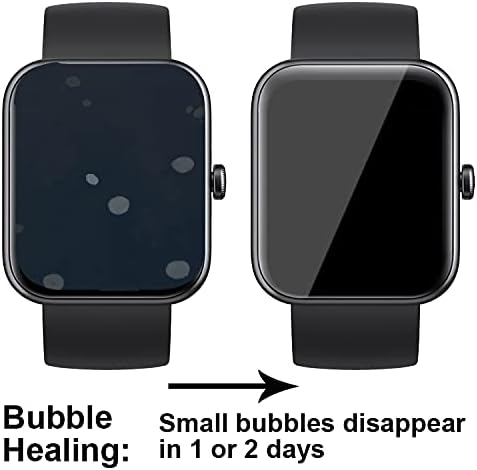
Image: Visual demonstration of the bubble self-healing process over 1-2 days.
Installation Guide
For optimal results, please follow these instructions carefully. Watching the official installation video is highly recommended before you begin.
Video: Official installation guide for the smaate Soft Screen Protector on a smartwatch. This video demonstrates the step-by-step application process.
Step 1: Prepare the Smartwatch Screen
- Place your smartwatch on a stable, clean surface. Use the provided Ring Foam Sticker on the back of the watch to secure it in place.
- Use the 'Wet Wipe 1' to thoroughly clean the smartwatch screen, removing any dirt or smudges.
- Follow with the 'Dry Wipe 2' to dry the screen completely.
- Use the Dust Absorber sticker to gently dab the screen and remove any remaining dust particles. Ensure the screen is perfectly clean and lint-free.
- Finally, use the Microfiber Cleaning Cloth to give the screen a final polish.

Image: Visual guide for cleaning the smartwatch screen using the provided tools.
Step 2: Apply the Screen Protector
The screen protector has three layers: a back film (labeled 'Back 1' and 'Back 2'), the protector itself, and a front film (labeled 'Front').

Image: Illustration of the screen protector's layers and labels for application.
- Carefully peel off the 'Back 1' red label film from the protector.
- Align the exposed 'DOWN' part of the protector precisely onto the smartwatch screen. Ensure it is centered and straight.
- While holding the 'UP' part of the protector slightly tilted, use the squeegee card to slowly push out the 'UP' part onto the screen. Apply even pressure to squeeze out any air bubbles as you go.
- Once the protector is fully applied, gently peel off the 'Front' film. The main screen protector will remain on the watch.
- Press down firmly on all four edges of the screen protector with your finger to ensure a secure adhesion, especially on curved surfaces.

Image: Step-by-step visual instructions for applying the screen protector.
Note: Due to the self-healing properties of the soft TPU film, any small bubbles that remain after installation should disappear automatically within 1 to 2 days.
Care and Maintenance
- To clean the screen protector, use a soft, lint-free cloth. For stubborn smudges, slightly dampen the cloth with water.
- Avoid using harsh chemicals, abrasive materials, or alcohol-based cleaners, as these can damage the protector's surface.
- While the protector is anti-scratch, extreme sharp objects can still cause damage. Handle your smartwatch with care.
Troubleshooting
- Bubbles after installation: Small bubbles are normal and should disappear within 24-48 hours due to the self-healing feature. For larger bubbles, gently try to push them towards the edge with the squeegee card.
- Edges not sticking: Ensure the screen was thoroughly cleaned and free of dust before application. Press firmly on the edges with your finger for a few seconds to help them adhere.
- Reduced touch sensitivity: This is uncommon with TPU protectors. Ensure the protector is correctly aligned and there are no air pockets. If issues persist, re-installation might be necessary.
Product Specifications
| Brand | smaate |
| Compatible Devices | JeeJTek OYV TGW008 1.28” Smart Watch |
| Material | Thermoplastic Polyurethane (TPU) |
| Item Hardness | 4H |
| Special Features | Anti-Shatter, Bubble Self-healing, Full Coverage, High Transparency, High Sensitivity |
| Screen Size | 1.28 Inches |
| Finish Type | Glossy |
| Product Dimensions | 1.6 x 1.6 x 0.5 inches |
| Item Weight | 0.917 ounces |
Warranty and Support
For any questions, concerns, or support regarding your smaate Soft TPU Smartwatch Screen Protector, please contact our customer service. Refer to your purchase documentation for specific warranty details and contact information.
We are committed to providing high-quality products and excellent customer support.