
MULS Lefant M210 M201
14.4V Vacuum Battery Replacement User Manual
For Lefant M210, M201, M210B, M210P, M213, M213S Robot Vacuum Cleaners
Brand: MULS | Model: Lefant M210 M201 Compatible Battery
Introduction
This manual provides essential information for the safe and effective use of your MULS 14.4V 2600mAh replacement battery for Lefant robot vacuum cleaners. Please read this manual thoroughly before installation and use to ensure optimal performance and longevity of your battery.

Image: The MULS 14.4V 2600mAh replacement battery shown alongside a small screwdriver, indicating tools for installation.
Specifications
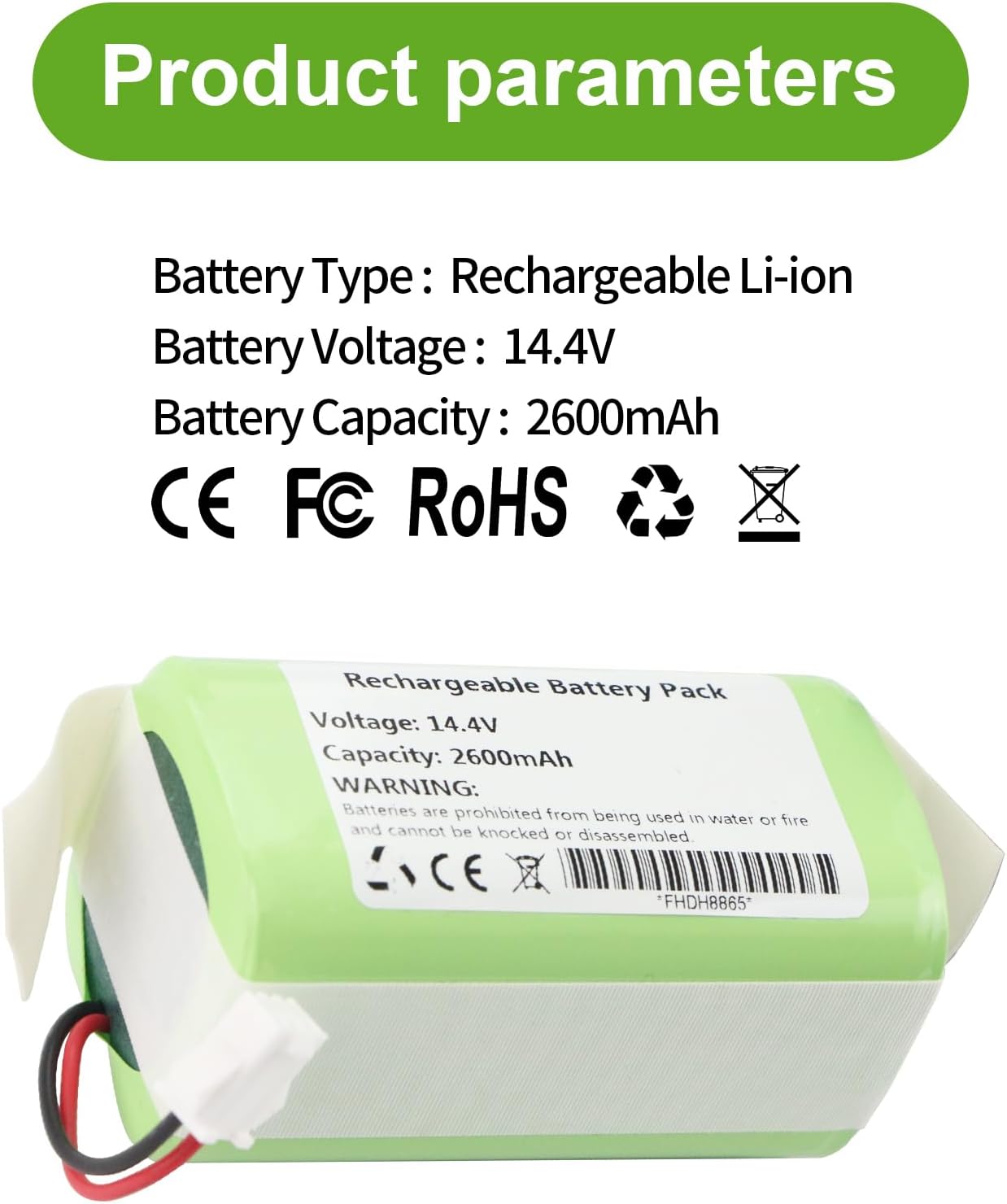
Image: A graphic detailing the product parameters, including battery type, voltage, and capacity, along with certification logos.
- Battery Type: Rechargeable Lithium-Ion
- Voltage: 14.4V
- Capacity: 2600mAh
- Certifications: CE, FCC, RoHS
- Manufacturer: Dongguan jiataiyuan electronics Co., Ltd
- Item Model Number: Lefant M210 M201 (compatible model)
- Dimensions: Approximately 2.75 inches (length) x 1.45 inches (height)

Image: The replacement battery with indicated dimensions of 1.45 inches in height and 2.75 inches in length.
Compatibility
This replacement battery is specifically designed to be compatible with the following Lefant Robot Vacuum Cleaner models:
- Lefant M210
- Lefant M201
- Lefant M210B
- Lefant M210P
- Lefant M213
- Lefant M213S

Image: The replacement battery shown alongside illustrations of compatible Lefant M210, M210P, and M213 robot vacuum cleaner models.
Installation Guide
Replacing your robot vacuum's battery is a straightforward process. Please follow these steps carefully:
- Power Off: Ensure your Lefant robot vacuum cleaner is completely powered off and disconnected from its charging base.
- Access Battery Compartment: Turn the robot vacuum upside down. Locate the battery compartment cover, usually secured by two screws.
- Remove Screws: Use a suitable screwdriver (often a Phillips head) to remove the two screws securing the battery compartment cover.
- Remove Cover: Carefully lift and remove the battery compartment cover.
- Disconnect Old Battery: Gently disconnect the old battery's connector from the vacuum's port. Do not pull on the wires.
- Insert New Battery: Place the new MULS replacement battery into the compartment.
- Connect New Battery: Ensure the connector type of the new battery matches your original battery. Carefully plug the new battery's connector into the vacuum's port.
- Secure Cover: Replace the battery compartment cover and secure it with the two screws.
- Initial Charge: Place the robot vacuum back on its charging base for an initial full charge before first use.

Image: Close-up views of the battery connector, emphasizing the importance of matching the connector type with the original battery.
Operating and Charging Tips
To maximize the lifespan and performance of your new battery, consider the following tips:
- First Charge: The first charge of a new battery may require several iterations. Due to voltage and current instability, the vacuum may stop charging before the battery is fully charged. If this occurs, simply remove the battery and re-insert it to resume charging. This is normal for new batteries.
- Avoid Deep Discharge: It is crucial to recharge the battery when it reaches approximately 3% charge. Allowing the battery to discharge completely to 0% can cause damage and significantly reduce its overall lifespan.
- Regular Use: For optimal battery health, use your robot vacuum regularly.
Safety and Maintenance
Your MULS battery is designed with multiple safety features. Adhering to these guidelines will ensure safe operation and extend battery life:
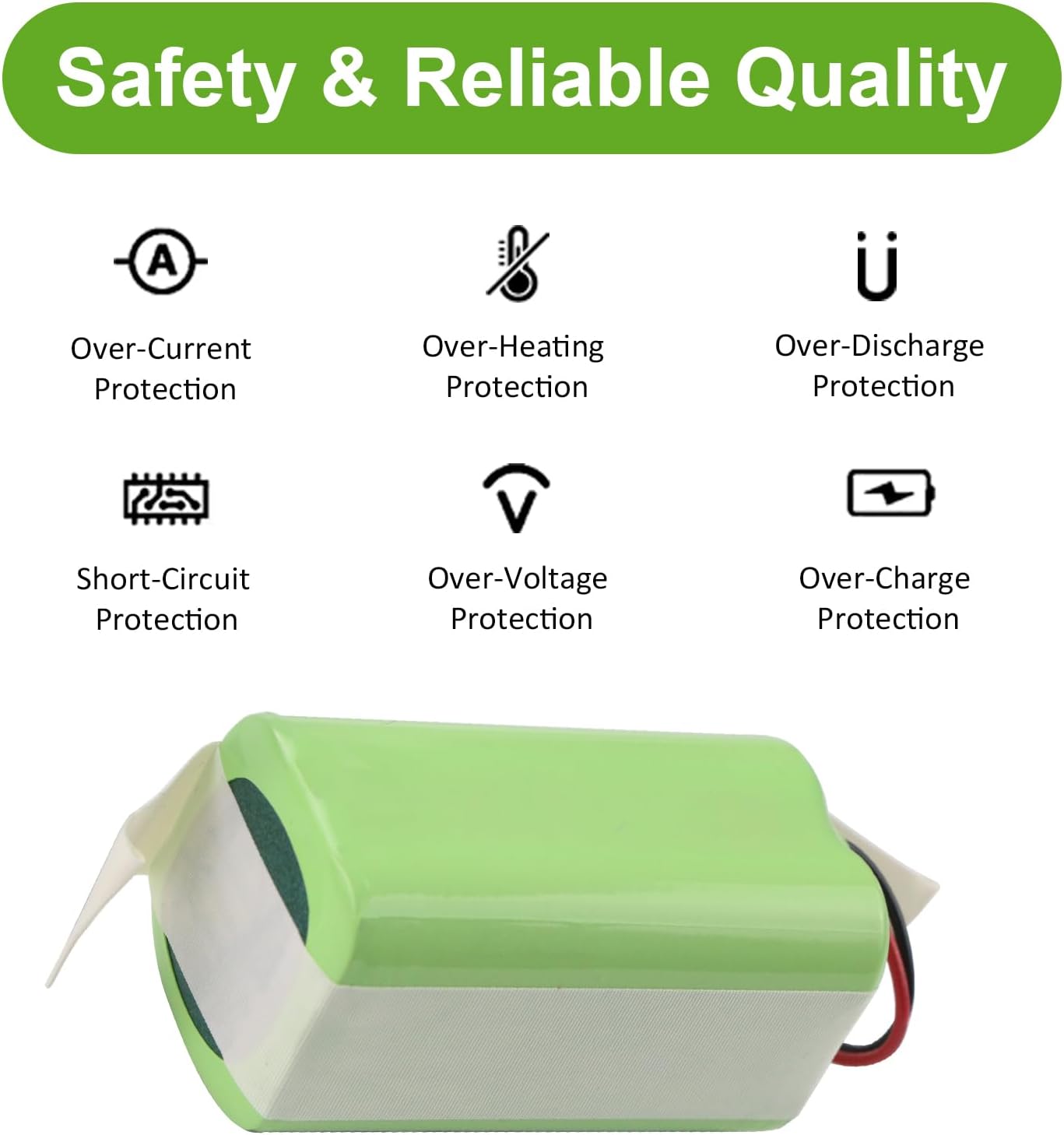
Image: A graphic illustrating the safety features of the battery, including Over-Current, Over-Heating, Over-Discharge, Short-Circuit, Over-Voltage, and Over-Charge Protection.
- Environmental Conditions: Avoid using or storing the battery in environments where the temperature is excessively high or too low.
- Physical Damage: Prevent the battery from falling, being heated, or short-circuiting. Do not knock or disassemble the battery.
- Water and Fire: Batteries are strictly prohibited from being used in water or near fire.
- Disposal: Dispose of old batteries responsibly according to local regulations. Do not dispose of batteries with household waste.
- Certifications: Our batteries are certified by CE, FCC, and RoHS, ensuring compliance with safety standards.
Troubleshooting
If you encounter issues with your new battery, consider the following common scenarios:
- Battery Not Charging Initially: As mentioned in the "Operating and Charging Tips" section, new batteries may require several charge-discharge cycles to stabilize. If charging stops prematurely, remove and re-insert the battery to restart the charging process. This is a normal characteristic for the first few charges.
- Short Run Time: Ensure the battery is fully charged before use. If the run time is significantly shorter than expected, verify that the battery is not being discharged to 0% regularly, as this can damage the battery over time. Also, check for any obstructions in the vacuum cleaner that might cause it to draw excessive power.
- Vacuum Not Powering On: Double-check that the battery is correctly installed and its connector is securely plugged into the vacuum. Ensure the battery has sufficient charge.
If problems persist, please refer to the "Warranty and Support" section for contact information.
Warranty and Support
MULS is committed to providing high-quality products and excellent customer service.
- Warranty: This product comes with a 30-day no-questions-asked full money back guarantee and a 12-month exchange guarantee.
- Customer Service: If you have any questions, concerns, or require assistance, please do not hesitate to contact us. We provide 24/7 email service to support you with any problem.
- Contact: For support, please refer to the contact information provided by your retailer or on the product packaging.