
H'MASTON RS-46
H'MASTON Bone Conduction Wireless Headset RS-46 User Manual
Model: RS-46 | Brand: H'MASTON
Product Overview
The H'MASTON RS-46 Bone Conduction Wireless Headset offers a unique audio experience with its open-ear design and advanced technology. Designed for comfort and awareness, these earphones transmit sound through your bones, leaving your ears open to ambient sounds. Featuring Bluetooth 5.3 for stable connectivity and a digital LED display for battery status, the RS-46 is suitable for various activities, including sports and daily use.
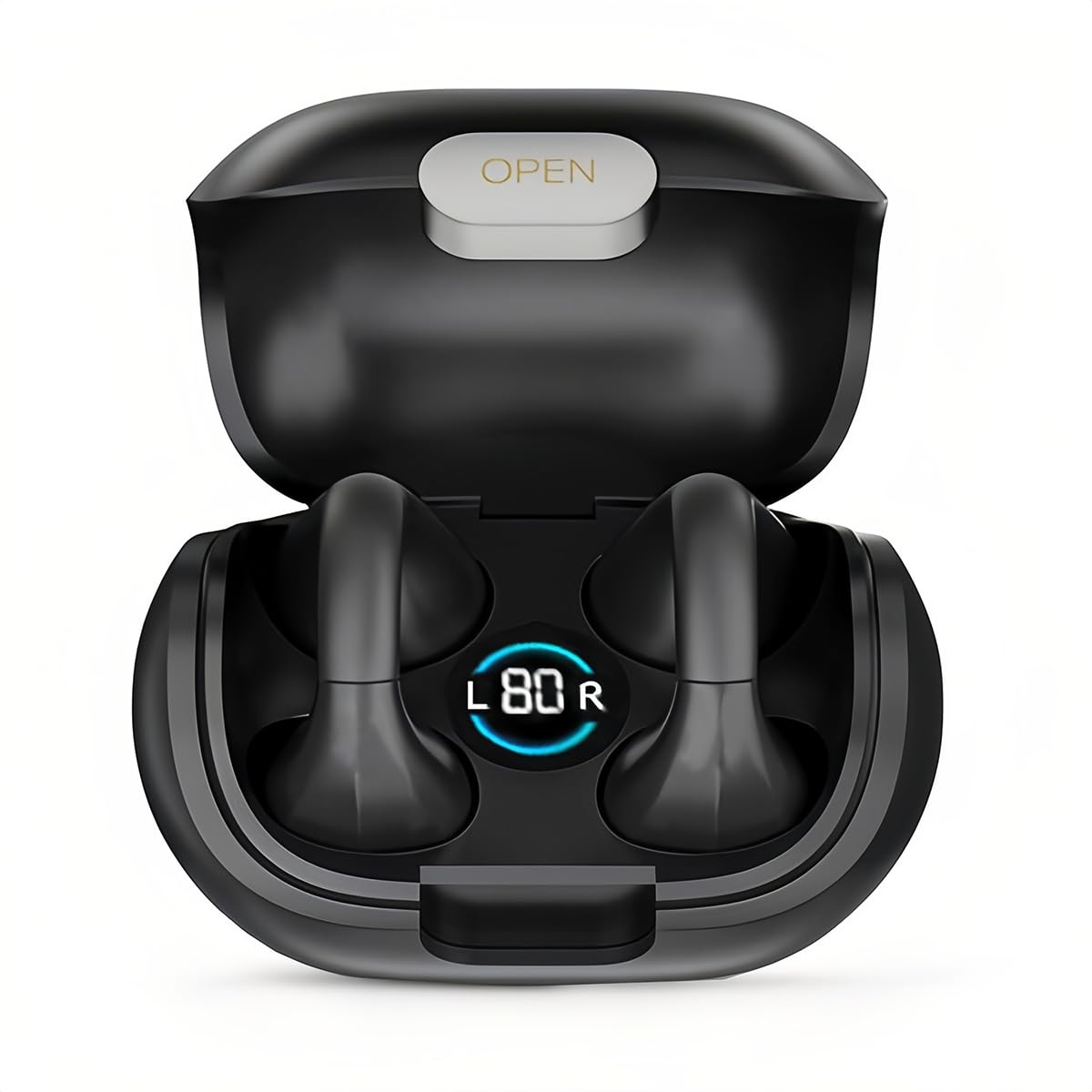
Image: The H'MASTON RS-46 headset, showcasing the earbuds within their charging case. The case features a digital LED display indicating battery levels for both left and right earbuds.
Key Features:
- Bone Conduction Technology: Delivers sound through cheekbones, keeping ears open to surroundings for enhanced safety and comfort.
- Bluetooth 5.3: Ensures a stable, low-latency wireless connection for seamless audio and gaming.
- Water and Sweat Resistant: Durable design suitable for outdoor activities and workouts.
- LED Smart Digital Display: Provides real-time battery status of the headset and charging case.
- Smart Touch Control: Intuitive touch interface for managing music playback and calls.
- Ultra-Wide Compatibility: Connects easily with various Bluetooth-enabled devices.
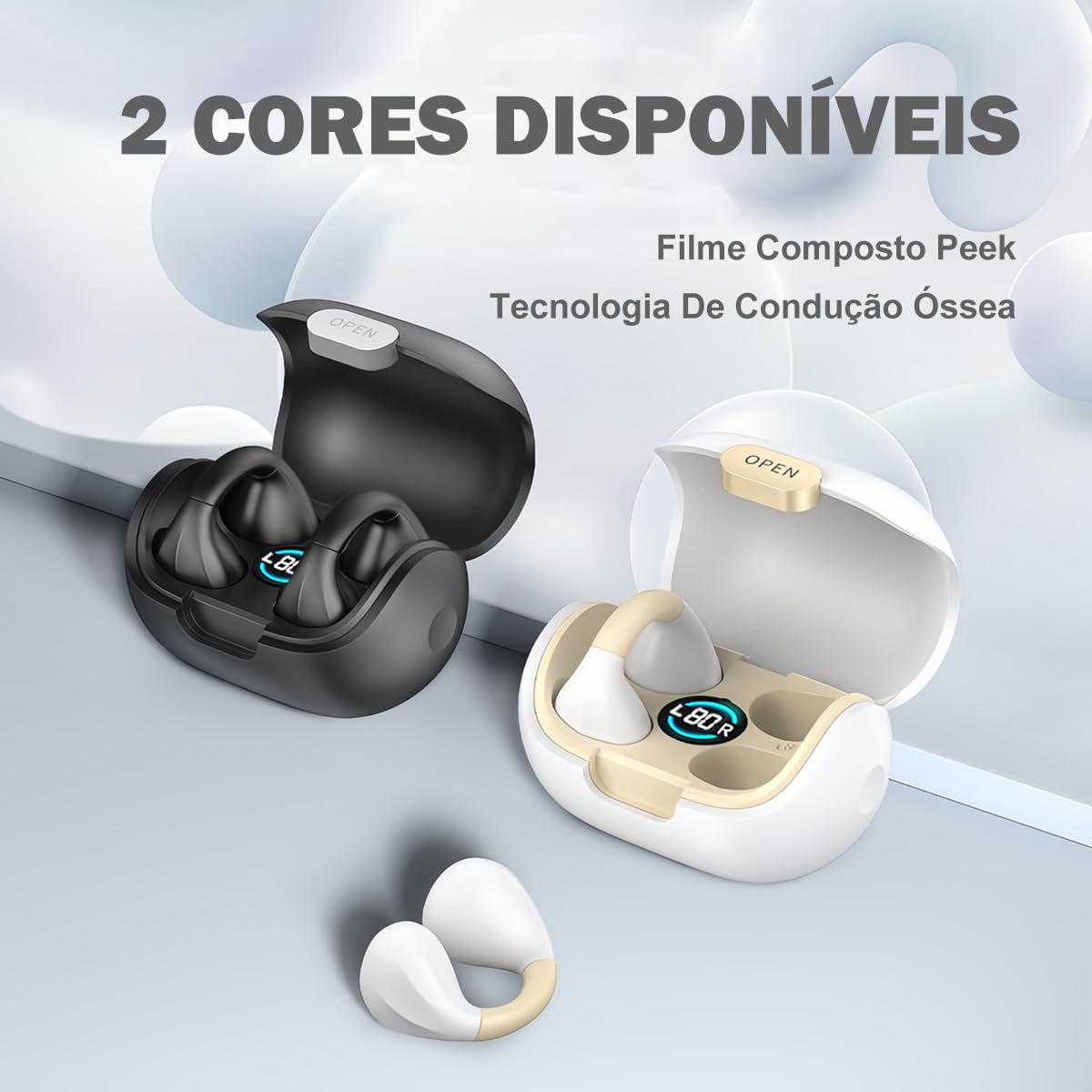
Image: The H'MASTON RS-46 headset is available in two color options: classic black and elegant white, both featuring the open-ear bone conduction design.
What's in the Box
Upon unboxing your H'MASTON RS-46 headset, please verify that all the following components are included:
- H'MASTON Bone Conduction Wireless Headset (1 pair)
- Charging Case (1 unit)
- Type-C Charging Cable (1 unit)
- User Manual (1 unit)
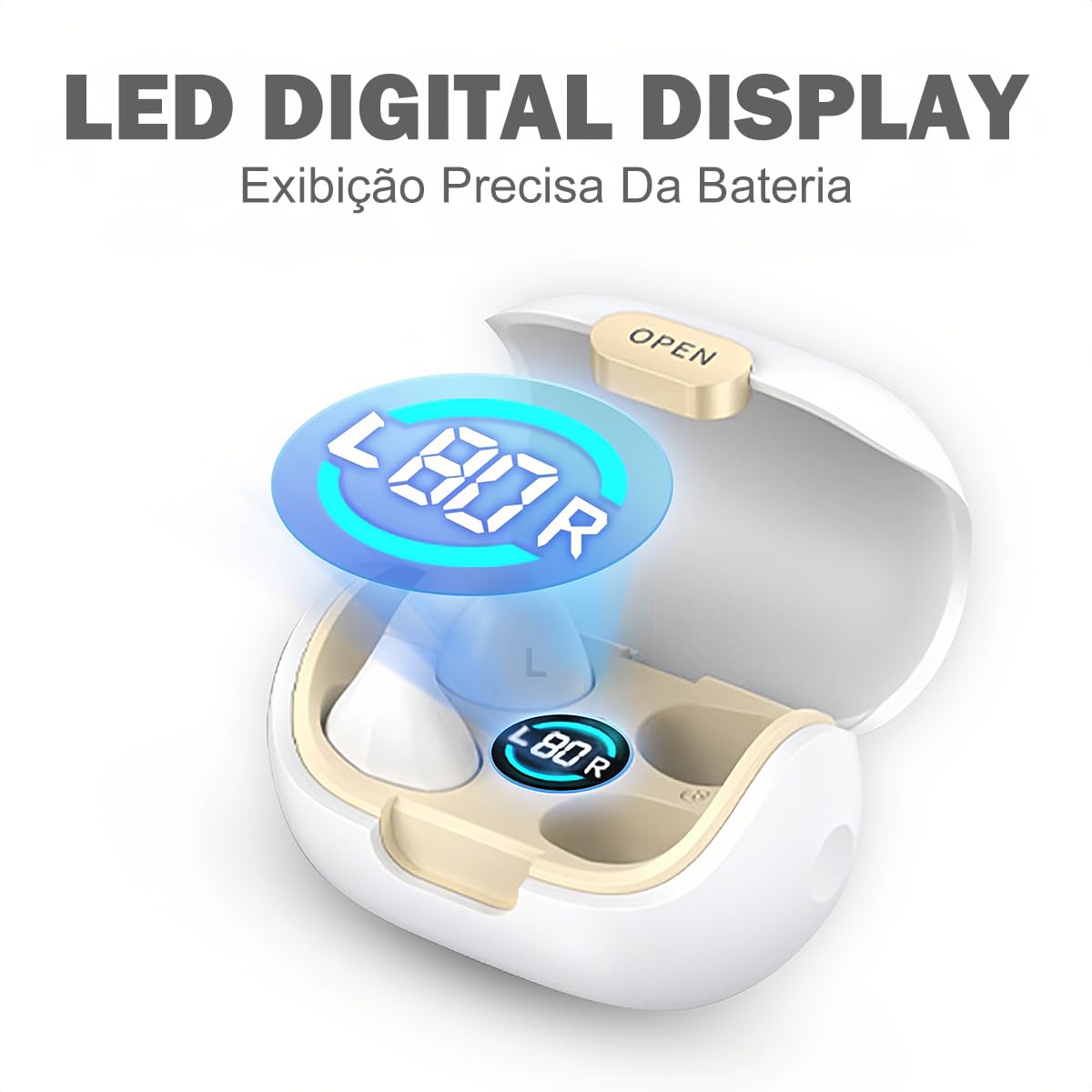
Image: A visual representation of the H'MASTON RS-46 product packaging, detailing the included items: the Bluetooth earphones, charging case, Type-C charging cable, and the user manual.
Setup Guide
1. Charging the Headset and Case
Before first use, fully charge the headset and the charging case. The charging case has a 500mAh capacity.
- Connect the provided Type-C charging cable to the charging port on the case and plug the other end into a USB power source (e.g., wall adapter, computer USB port).
- The LED digital display on the charging case will show the current battery level.
- Place the earbuds into the charging case. They will begin charging automatically.
- A full charge typically takes approximately 1 hour. The headset provides up to 6 hours of music playback on a single charge.

Image: The white H'MASTON RS-46 charging case with earbuds, highlighting the LED display that indicates battery status. Text overlays confirm the 500mAh charging case capacity and 6 hours of music playback time.

Image: A close-up of the H'MASTON RS-46 charging case's LED digital display, which provides precise battery information for both the case and the individual earbuds.
2. Pairing with a Bluetooth Device
The H'MASTON RS-46 uses Bluetooth 5.3 for quick and stable pairing.
- Ensure the earbuds are charged and placed in the charging case. Open the charging case lid.
- On your device (smartphone, tablet, computer), go to the Bluetooth settings.
- Turn on Bluetooth.
- Search for available devices. You should see "RS46" appear in the list.
- Select "RS46" to connect. Once connected, you will hear a confirmation tone, and the device will show "Connected".

Image: This image demonstrates the Bluetooth pairing process, showing the "RS46" device name appearing on a smartphone's Bluetooth settings, indicating successful discovery and connection.
The headset will automatically reconnect to the last paired device when taken out of the case, if Bluetooth is enabled on the device.
Operating Instructions
The H'MASTON RS-46 features intuitive touch controls on each earbud for easy management of audio and calls.

Image: A detailed diagram illustrating the touch control functions for both the left and right earbuds, including actions for music playback, volume adjustment, and activating the voice assistant.
Touch Control Functions:
| Action | Left Earbud (L) | Right Earbud (R) |
|---|---|---|
| Single Click | Play / Pause | Play / Pause |
| Double Click | Next Music | Previous Music |
| Triple Tap | Volume Up | Volume Down |
| Press and Hold (3 seconds) | Activate Voice Assistant (Siri, Google Assistant, etc.) | |
| Incoming Call | Single Click to Answer/End Call | |
| Incoming Call | Press and Hold to Reject Call | |
Wearing the Headset:
The bone conduction design allows the headset to rest comfortably outside your ear canal, ensuring awareness of your surroundings.

Image: This image illustrates the proper way to wear the H'MASTON RS-46 bone conduction headset, showing how it comfortably sits outside the ear, allowing for ambient sound awareness.
Maintenance
To ensure the longevity and optimal performance of your H'MASTON RS-46 headset, follow these maintenance guidelines:
- Cleaning: Regularly wipe the earbuds and charging case with a soft, dry, lint-free cloth. Avoid using abrasive cleaners or solvents.
- Water and Sweat Resistance: The headset is water and sweat resistant, making it suitable for workouts and light rain. However, it is not designed for swimming or submersion in water. Do not expose the charging case to water.
- Storage: When not in use, store the headset in its charging case to protect it from dust and damage. Store in a cool, dry place away from extreme temperatures.
- Charging: Use only the provided Type-C cable for charging. Avoid using damaged cables or chargers.
Troubleshooting
If you encounter any issues with your H'MASTON RS-46 headset, please refer to the following common solutions:
- No Sound:
- Ensure the headset is charged.
- Check if the headset is properly paired with your device.
- Adjust the volume on both the headset and your connected device.
- Try disconnecting and reconnecting the Bluetooth connection.
- Cannot Pair:
- Ensure Bluetooth is enabled on your device.
- Make sure the headset is in pairing mode (open the charging case).
- Turn off Bluetooth on other nearby devices that might be trying to connect.
- Restart your device and try pairing again.
- Charging Issues:
- Verify the Type-C cable is securely connected to both the case and the power source.
- Try a different USB port or power adapter.
- Ensure the charging contacts on the earbuds and inside the case are clean and free of debris.
- Intermittent Connection:
- Ensure your device is within the transmission distance (<15m) of the headset.
- Avoid strong electromagnetic interference.
- Try resetting the Bluetooth connection on your device.
If the problem persists, please contact H'MASTON customer support for further assistance.
Specifications
| General | |
|---|---|
| Brand | H'MASTON |
| Model | RS-46 |
| Color | Black (also available in White) |
| Form Factor | Open-Ear (Bone Conduction) |
| Connectivity | |
| Wireless Communication Technology | Bluetooth |
| Bluetooth Version | 5.3 |
| Transmission Distance | <15m |
| Power & Battery | |
| Charging Box Capacity | 500mAh |
| Music Time | 6 hours |
| Charging Time | Approx. 1 hour |
| Charging Interface | Type-C |
| Battery Type | Lithium Ion (included) |
| Other Features | |
| Operation Mode | Touch Control |
| Special Features | Noise Cancellation, Digital LED Display, Water and Sweat Resistant |
| Item Weight | 120 g |
| Package Dimensions | 12.6 x 10.2 x 4.9 cm |
Warranty and Support
H'MASTON is committed to providing high-quality products. For any questions, technical support, or warranty inquiries regarding your RS-46 headset, please refer to the contact information provided in your product packaging or visit the official H'MASTON website.
Please retain your proof of purchase for any warranty claims.