
ApoloSign DPF156
ApoloSign Digital Picture Frame User Manual
Model: DPF156 | Brand: ApoloSign
1. Introduction
Thank you for choosing the ApoloSign 15.6-inch Digital Picture Frame. This frame, powered by Nixplay, offers a stunning 1920x1080 FHD IPS touch screen for vibrant photo and video display. It allows for easy sharing of precious moments with loved ones via the Nixplay app, email, or desktop web app, and includes free cloud storage. Its smart features like auto-rotate and SenseMe technology enhance user experience. This manual provides detailed instructions for setting up, operating, maintaining, and troubleshooting your new digital picture frame.

Figure 1.1: ApoloSign Digital Picture Frame and its retail packaging.
2. Setup Guide
Setting up your ApoloSign Digital Picture Frame is a straightforward process. Follow these steps to get started:
- Unpack the Frame: Carefully remove the digital picture frame and all accessories from the packaging.
- Attach the Stand/Mount: The frame can be placed on a desktop using its integrated stand or wall-mounted. Ensure the stand is securely attached or the wall mount is properly installed.
- Power On: Connect the power adapter to the frame and then to a power outlet. The frame will automatically power on.
- Initial Setup on Screen: Follow the on-screen prompts to select your language and connect to a Wi-Fi network.
- Connect to Nixplay Account: The frame will display a serial number. Download the Nixplay mobile app (available for Android and iOS) or visit the Nixplay website (nixplay.com/setup) on your computer. Create a new Nixplay account or log in to an existing one. Enter the serial number displayed on your frame to link it to your account.
- Upload Photos/Videos: Once linked, you can start uploading photos and videos to your frame using the Nixplay app, desktop web app, or by emailing them directly to the frame's unique email address.
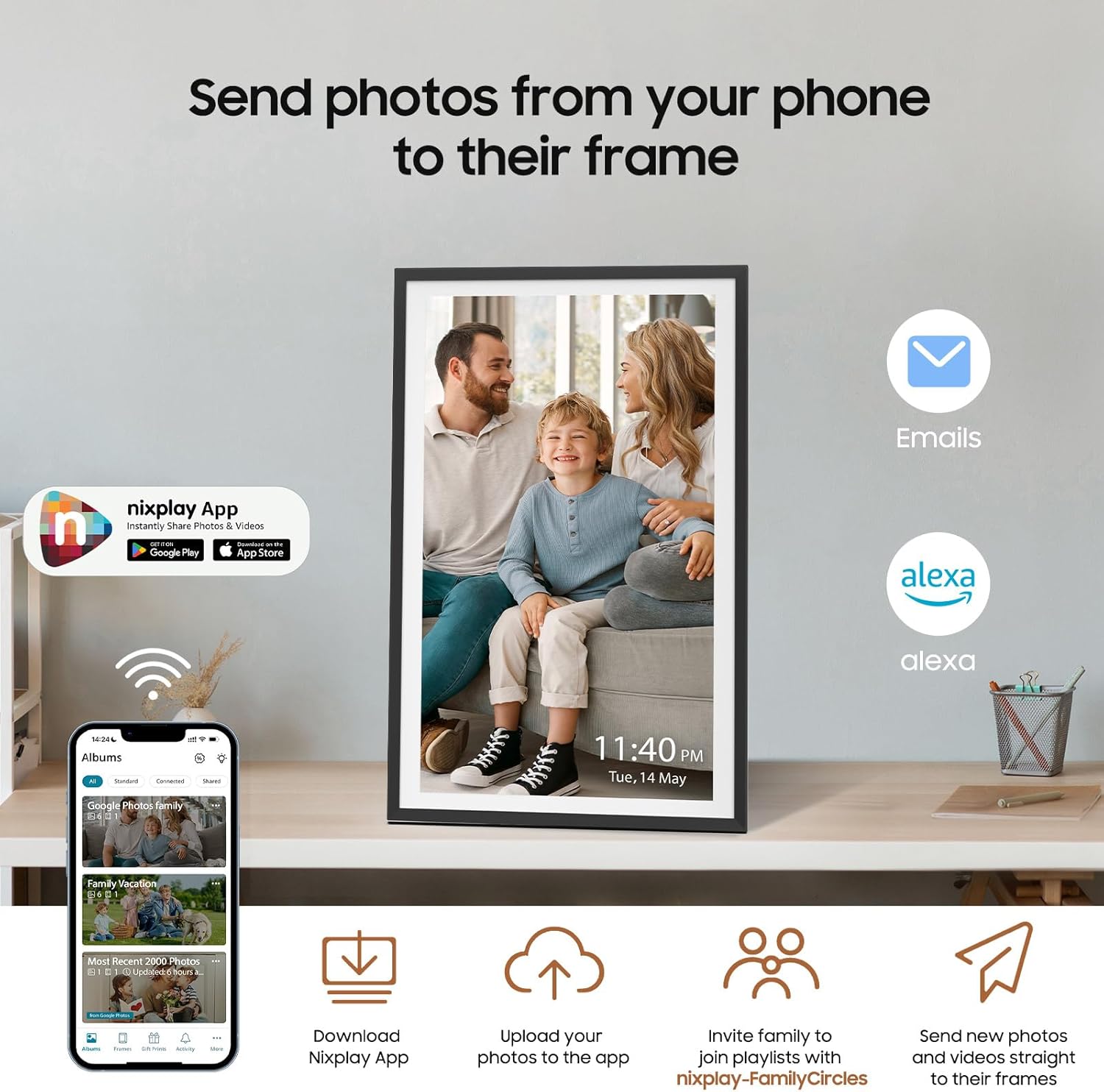
Figure 2.1: Various methods for sending photos to your ApoloSign Digital Picture Frame, including the Nixplay app, email, and Alexa voice commands.

Figure 2.2: The frame supports free cloud storage and seamless photo migration.
3. Operating Your Digital Picture Frame
3.1 Sharing Moments
The ApoloSign Digital Picture Frame makes sharing memories effortless:
- Nixplay App: Use the mobile app to upload photos and videos directly from your phone. You can also create playlists and manage content.
- FamilyCircles: Invite family and friends to contribute to shared playlists through the Nixplay-FamilyCircles feature, allowing everyone to share their favorite moments.
- Email: Send photos directly to your frame's unique email address.
- Desktop Web App: Access your Nixplay account from any web browser to manage your frame and upload content.

Figure 3.1: The Nixplay Family Circles feature allows inviting family and friends to share photos and videos.
3.2 Smart Features
- Nixplay-SenseMe (Smart Sound Sensor): This feature detects sound to wake up the frame when you enter the room and puts it to sleep during quiet periods, conserving energy.
- Auto-Rotate: The frame automatically adjusts the orientation of your photos and videos whether it's placed in portrait or landscape mode, or wall-mounted.
- Amazon Alexa Integration: Control your frame and playlists using voice commands with Amazon Alexa.
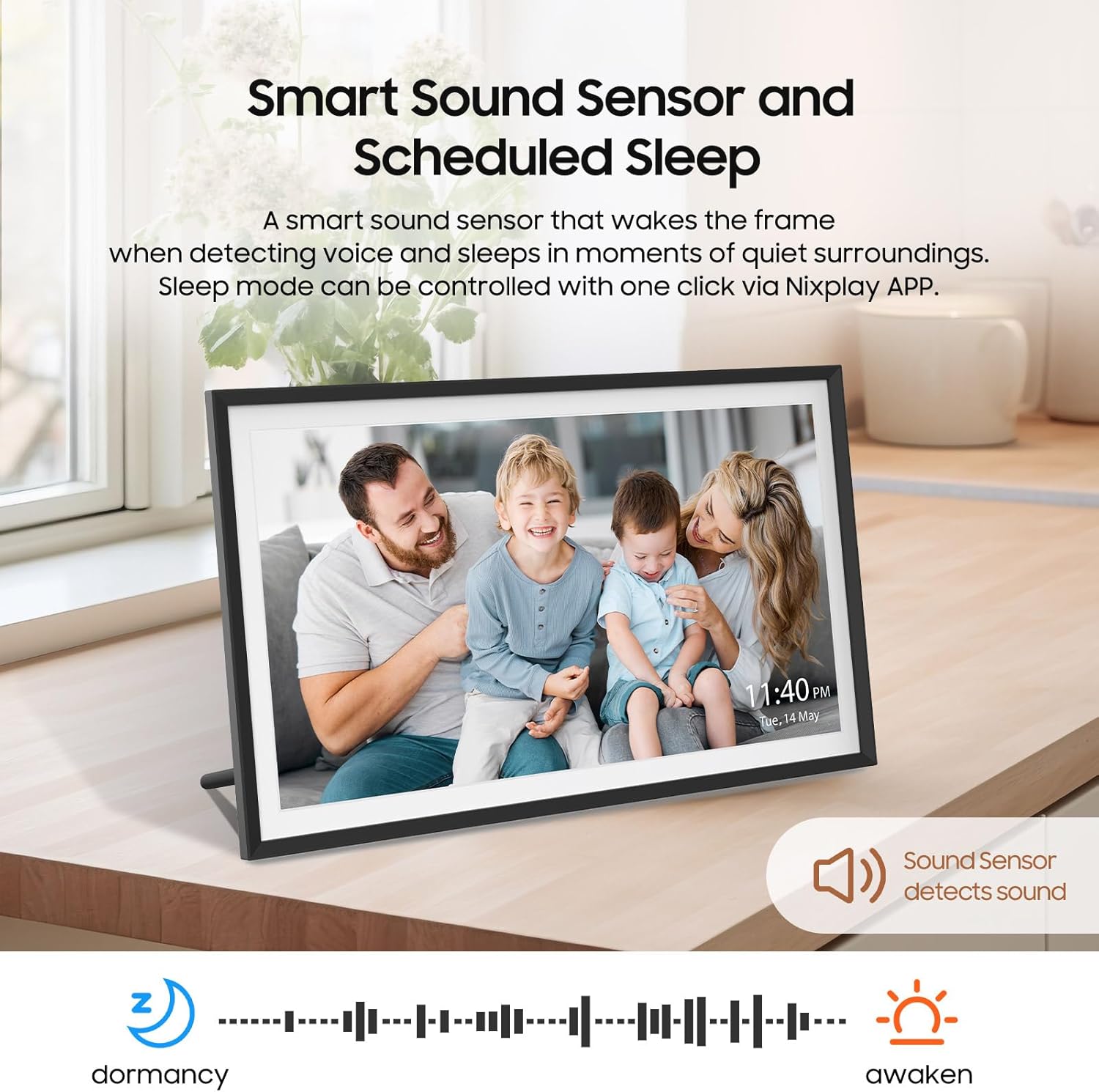
Figure 3.2: The Smart Sound Sensor feature for automatic wake and sleep.

Figure 3.3: The Smart Auto-rotate Design adapts content to the frame's orientation.

Figure 3.4: Alexa Built-in functionality for voice control.
3.3 Touch Screen Operation
The 15.6-inch FHD IPS touch screen allows for intuitive control. Simply tap and swipe through your photos and videos just like on a smartphone or tablet. This user-friendly interface is designed for ease of use, even for those who are not tech-savvy.
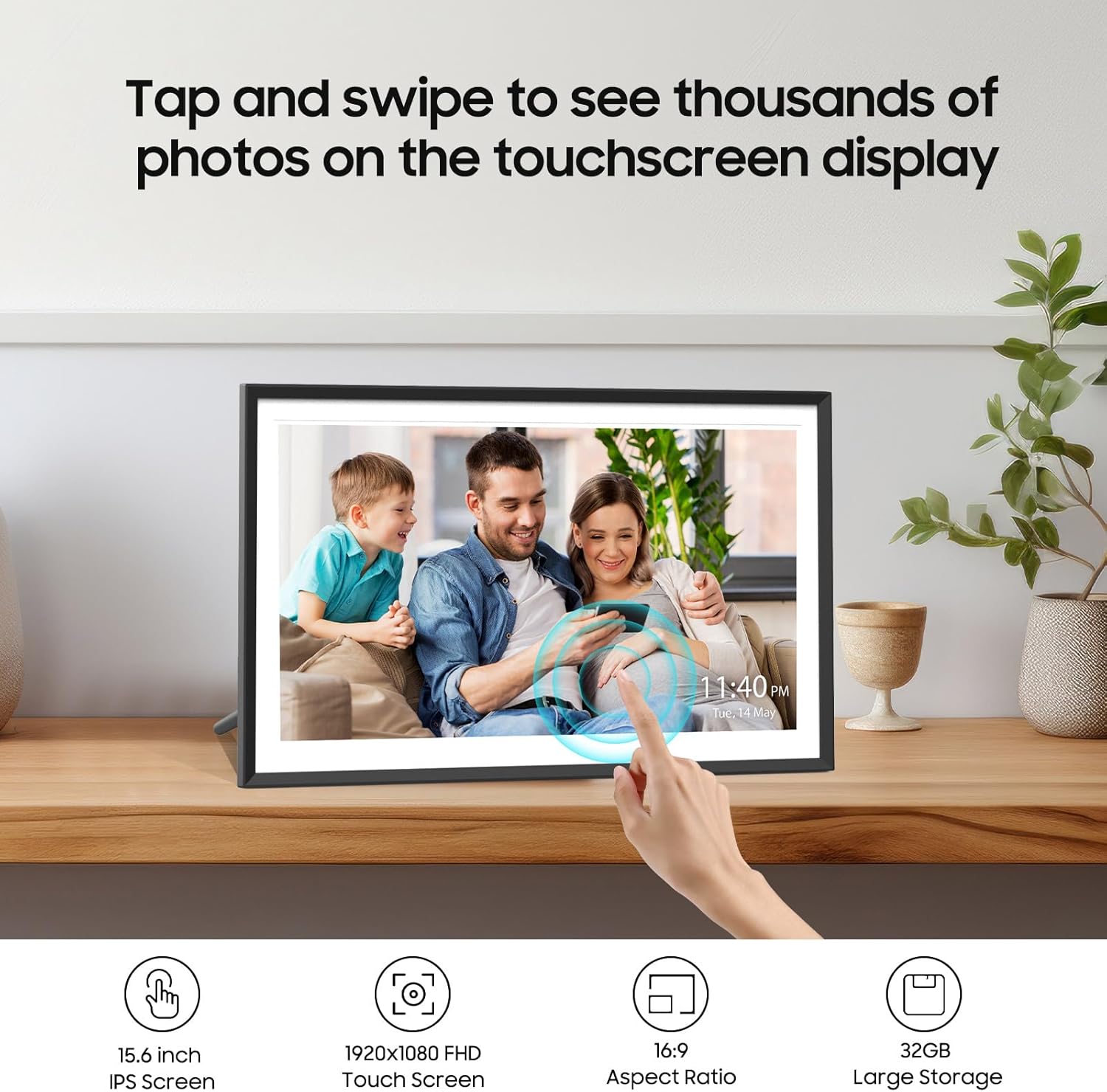
Figure 3.5: Effortless navigation and interaction via the touch screen display.
4. Maintenance
To ensure the longevity and optimal performance of your ApoloSign Digital Picture Frame, follow these simple maintenance guidelines:
- Cleaning the Screen: Use a soft, lint-free cloth to gently wipe the screen. For stubborn smudges, slightly dampen the cloth with water or a screen-safe cleaning solution. Avoid harsh chemicals or abrasive materials.
- Cleaning the Frame: Wipe the frame's exterior with a dry, soft cloth.
- Placement: Place the frame in a stable location, away from direct sunlight, excessive heat, humidity, or dust. Ensure adequate ventilation around the device.
- Power Off When Not in Use: If you plan not to use the frame for an extended period, it is recommended to unplug it from the power outlet.
5. Troubleshooting
If you encounter issues with your ApoloSign Digital Picture Frame, refer to the following common solutions:
| Problem | Solution |
|---|---|
| Frame does not power on. | Ensure the power adapter is securely connected to both the frame and a working power outlet. Try a different outlet. |
| Cannot connect to Wi-Fi. | Check your Wi-Fi password. Ensure the frame is within range of your Wi-Fi router. Restart your router and the frame. |
| Photos are not appearing on the frame. | Verify that the frame is connected to your Nixplay account. Check your Nixplay app or web account to ensure photos have been successfully uploaded to the correct playlist assigned to the frame. |
| Screen is unresponsive. | Try restarting the frame by unplugging it and plugging it back in after a few seconds. Ensure the screen is clean and free of debris. |
For further assistance, please refer to the support section.
6. Specifications
| Feature | Detail |
|---|---|
| Product Dimensions | 3.94 x 7.87 x 0.99 inches |
| Item Weight | 4.27 pounds |
| Model Number | DPF156 |
| Brand | ApoloSign |
| Color | Black |
| Resolution | 1920x1080 (FHD) |
| Compatible Devices | Android, Personal Computer, Smartphone, Tablet, iOS |
| Screen Size | 15.6 Inches |
| Screen Type | IPS Touch Screen |
| Aspect Ratio | 16:9 |
| Viewing Angle | 178° |
| Visible Screen Diagonal | 16" / 40 cm |
7. Warranty and Support
ApoloSign is committed to providing high-quality products and excellent customer service. Your ApoloSign Digital Picture Frame comes with the following:
- Lifetime Warranty: Enjoy peace of mind with a lifetime warranty on your product.
- 30-Day Free Trial: Experience the frame with a 30-day free trial period.
- 24/7 Fast Support: Access dedicated customer support around the clock for any queries or issues.
For detailed warranty information, troubleshooting, or to contact customer support, please visit the official ApoloSign store or contact their support channels.
Official ApoloSign Store: ApoloSign Store on Amazon
Ask a question about this manual
Ask about setup, troubleshooting, compatibility, parts, safety, or missing instructions. Manuals+ will review the question and use this page’s manual context to help answer it.