
Wisoqu Wisoqun9ctzp1y2g
Wisoqu Mini Body Camera User Manual
Model: Wisoqun9ctzp1y2g
1. Introduction
Thank you for choosing the Wisoqu Mini Body Camera. This compact and versatile device is designed for various recording needs, offering high-definition video and image capture in a portable form factor. Its back-clip design allows for convenient wearability, making it ideal for law enforcement, security inspections, railway maintenance, and personal recording.
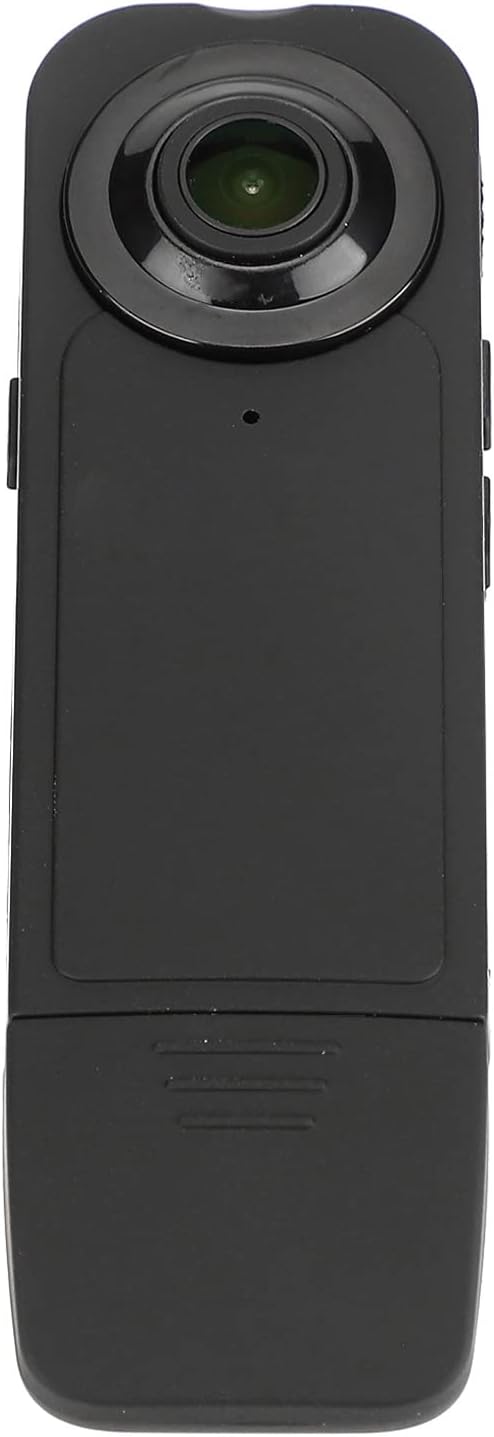
Front view of the Wisoqu Mini Body Camera.
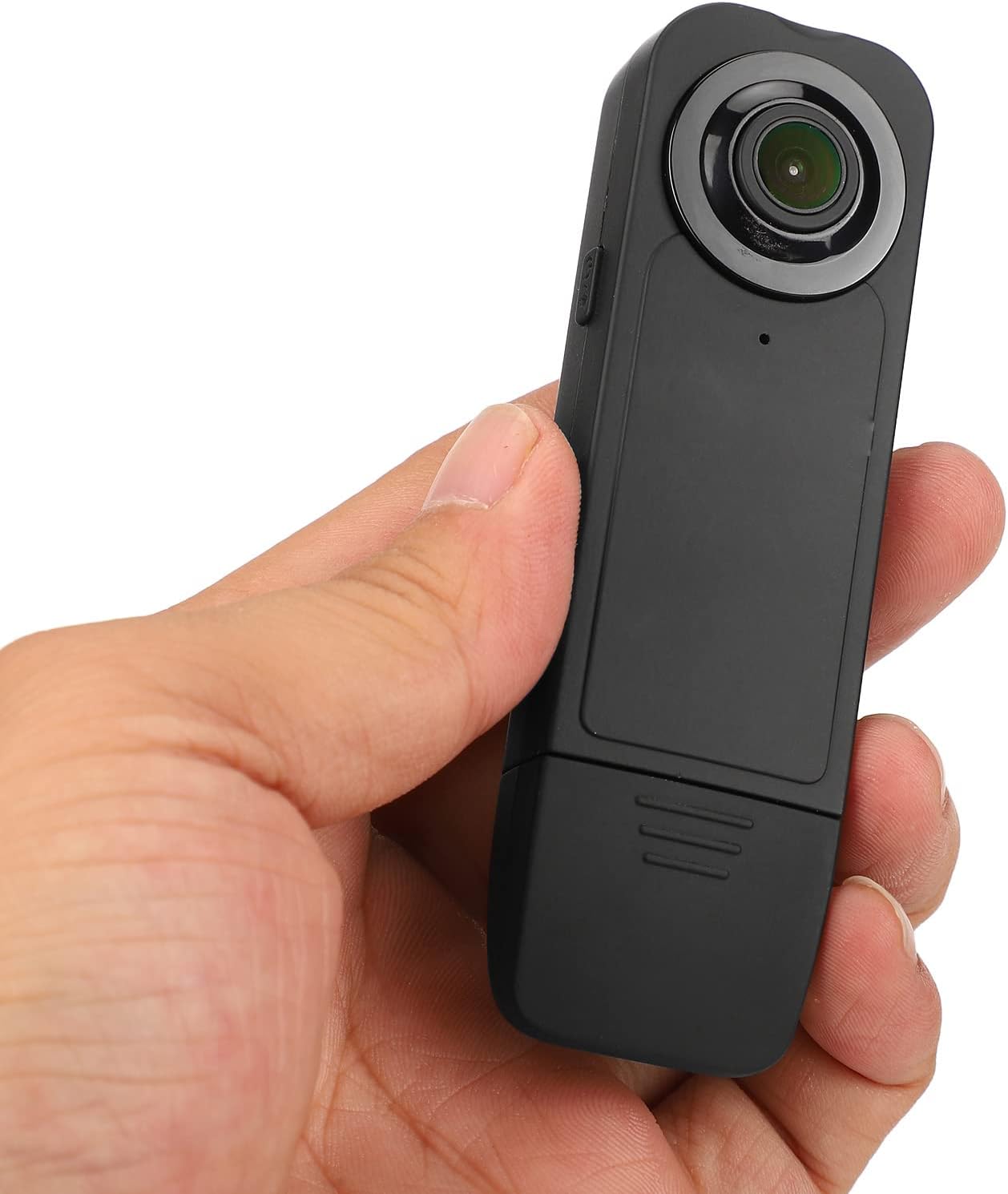
The compact size of the camera, shown held in a hand.
2. Package Contents
Please check the package to ensure all items are present:
- 1 x Mini Body Camera
- 1 x Charging Cable
- 1 x Type C Adapter
- 1 x Micro USB Adapter
- 1 x User Manual
3. Product Overview
Familiarize yourself with the various parts and controls of your Mini Body Camera:

Diagram illustrating the camera's components: back clip, HD camera, power button, power on indicator, motion detection/recording button, photograph button, charging indicator, USB interface, and TF card slot.
- HD Camera: Main lens for video and photo capture.
- Back Clip: For attaching the camera to clothing or other surfaces.
- Power Button: To turn the camera on/off.
- Motion Detection/Recording Button: Initiates video recording or motion detection mode.
- Photograph Button: To capture still images.
- Power On Indicator: Light indicating the camera's power status.
- Charging Indicator: Light indicating charging status.
- USB Interface: For charging and data transfer.
- TF Card Slot: For inserting a microSD card (up to 32GB, not included).
4. Setup
4.1 Charging the Camera
Before first use, fully charge the camera. Connect the camera to a power source (USB charger, power bank, or computer USB port) using the provided charging cable. The charging indicator will show the charging status.

The camera can be charged via battery power, power bank, or a wall power supply.
4.2 Inserting a Memory Card
The camera requires a TF (microSD) card for storing recordings. It supports cards up to 32GB. Insert the TF card into the designated slot until it clicks into place. Ensure the camera is off before inserting or removing the card.

Detail of the back clip design and the accessible TF card slot and Micro USB port.
5. Operating the Camera
5.1 Power On/Off
- To power on: Press and hold the Power Button until the power on indicator lights up.
- To power off: Press and hold the Power Button until the power on indicator turns off.
5.2 Video Recording
Press the Motion Detection/Recording Button once to start video recording. The indicator light will change to confirm recording is in progress. Press the button again to stop recording. Videos are saved in AVI (M-JPEG) format at 1920 x 1080p resolution at 30 frames per second.

Illustration of the camera's video resolution (1920x1080) and picture resolution (12M).
5.3 Taking Photographs
Press the Photograph Button once to capture a still image. Images are saved in JPG format with a resolution of 12M (4032 x 3024).
5.4 Auto Save Function
The camera features an auto-save function. If the system detects that the battery is low, it will automatically save the current recording file and then shut down to prevent data loss.

Visual representation of the camera's automatic save function when the battery is low.
5.5 Continuous Recording While Charging
The camera supports recording and video recording while charging. With an external power supply, it can record for extended periods without interruption.
5.6 Application Scenarios
The Wisoqu Mini Body Camera is suitable for a wide range of applications, including:
- Food inspection
- Law enforcement
- Security inspection
- Railway maintenance
- Personal recording and surveillance
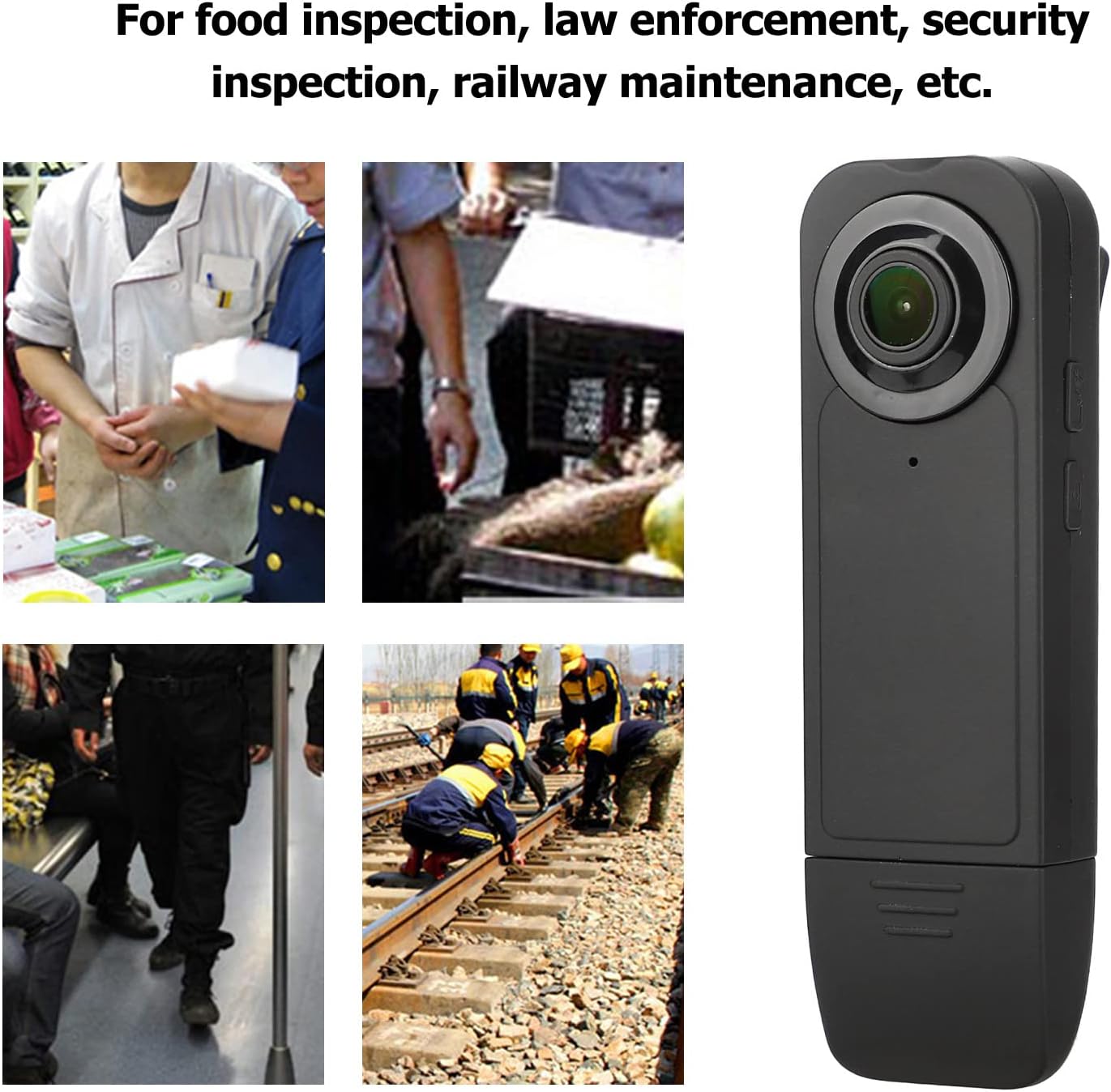
Examples of the camera's use in food inspection, law enforcement, security, and railway maintenance.
5.7 Low Light Performance
The camera is designed to perform in various lighting conditions, capturing clear footage even in low-light environments.

Visual representation of the camera's ability to capture details in varying light conditions, including low light.
6. Maintenance
- Cleaning: Use a soft, dry cloth to clean the camera body. For the lens, use a specialized lens cleaning cloth. Do not use liquid cleaners or solvents.
- Storage: Store the camera in a cool, dry place away from direct sunlight and extreme temperatures.
- Battery Care: To prolong battery life, avoid fully discharging the battery frequently. Charge the camera regularly, even if not in use for extended periods.
- Firmware Updates: Check the manufacturer's website periodically for any available firmware updates to ensure optimal performance.
7. Troubleshooting
- Camera not turning on: Ensure the battery is charged. Connect to a power source and try again.
- Cannot record: Check if a TF card is inserted correctly and if it has sufficient free space. The camera supports up to 32GB.
- Poor video/image quality: Ensure the lens is clean. Check lighting conditions.
- Camera freezes: Try resetting the camera by pressing and holding the power button for an extended period (e.g., 10-15 seconds) until it powers off.
- Files not saving: Ensure the TF card is not full or corrupted. Reformat the card if necessary (this will erase all data).
8. Specifications
| Feature | Specification |
|---|---|
| Product Material | ABS, Metal |
| Image Resolution | 12M (4032 x 3024) |
| Image Format | JPG |
| Video Resolution | 1920 x 1080p, 30FPS |
| Video Compression Format | AVI (M-JPEG) |
| Long Recording Time | 360 Minutes (approx. 6 hours) |
| Storage Information | TF Card Supports Up to 32GB (not Included) |
| Interface | Micro USB |
| Microphone | Built-in |
| Battery Information | Li-ion Battery, Model 702260, Capacity 1000mAh (built-in) |
| Supported Systems | For Windows, for OS X, for Linux |
| Item Weight | 3.52 ounces |
| Package Dimensions | 4.53 x 4.45 x 1.73 inches |
| Country of Origin | China |
| Special Features | Adjustable, Auto Save, Back Clip Design |
| Screen Size | 2 Inches (Visible diagonal) |
| Camcorder Type | Video Camera |
9. Important Safety Information
- Legal Compliance: Please strictly abide by the relevant laws and regulations of the country where this product is used. Do not use this product for any illegal purpose. The user is solely responsible for any consequences arising from misuse.
- Operating Temperature: Use the camera within normal temperature ranges. Avoid using it in extreme temperatures that are unsuitable for human comfort.
- Operating Humidity: Use the camera in an environment with suitable humidity levels for human comfort.
- Water Exposure: This camera is not waterproof. Avoid exposing it to water or high humidity.
- Disassembly: Do not attempt to disassemble or modify the camera. This may void the warranty and cause damage.
10. Warranty and Support
For product support, troubleshooting assistance, or warranty inquiries, please refer to the official Wisoqu brand store or contact your retailer. Keep your purchase receipt as proof of purchase for warranty claims.
Visit the Wisoqu Store for more information.
Ask a question about this manual
Ask about setup, troubleshooting, compatibility, parts, safety, or missing instructions. Manuals+ will review the question and use this page’s manual context to help answer it.