
1. Product Overview
The RICHCHIP RC100 is a versatile mini Bluetooth wireless microphone designed for clear audio capture in various scenarios, including online meetings, classes, live streaming, video recording, and general audio recording. Its compact design and wireless connectivity offer freedom of movement and ease of use. It features noise cancellation for clear sound and can also function as a remote shutter for your smartphone camera.

Figure 1.1: The RICHCHIP RC100 Bluetooth Wireless Microphone shown with its included accessories: a blue zippered case, a furry wind muff, and two leather key-ring holders.

Figure 1.2: The RC100 offers 3-in-1 functionality: Vocal Microphone, Wireless Recording, and Remote Shutter.
2. Package Contents
Please check the package to ensure all items are present:
- RICHCHIP RC100 Wireless Microphone
- USB Type-C Charging Cable
- USB Type-C to 3.5mm Adapter
- Furry Wind Muff
- Storage Case
- Leather Holders (2 pieces)

Figure 2.1: All components included in the RC100 package.
3. Setup and Pairing
Follow these steps to set up and pair your RICHCHIP RC100 microphone with your device:
- Power On: Press and hold the power button on the microphone for 3 seconds. The blue and red indicator lights will begin to flash alternately, indicating it is in pairing mode.
- Enable Bluetooth: On your smartphone, computer, or other compatible device, navigate to the Bluetooth settings and ensure Bluetooth is enabled.
- Select Device: In the list of available Bluetooth devices, select both "RichChip" and "Air Shutter" to connect.
- Confirmation: Once successfully paired, the blue indicator light on the microphone will flash every 6 seconds. The RC100 does not require an external receiver.

Figure 3.1: Visual guide to the Bluetooth pairing process.

Figure 3.2: The RC100 operates wirelessly without the need for a separate receiver.
4. Operating Instructions
4.1. Vocal Microphone Mode
The RC100 functions as a high-quality vocal microphone, ideal for capturing clear audio during online meetings, virtual classes, and live streaming sessions. Simply clip the microphone to your clothing, close to your mouth, for optimal sound pickup.

Figure 4.1: The RC100 in use for online communication.

Figure 4.2: Proper placement of the RC100 microphone when clipped to clothing.
4.2. Wireless Recording Mode
For recording audio, the RC100 provides clear sound with noise cancellation. It is compatible with standard recording applications on iOS (e.g., Voice Memos) and Android (e.g., Voice Recorder) devices. It can also be used as an external microphone with action cameras like the GoPro HERO 12.
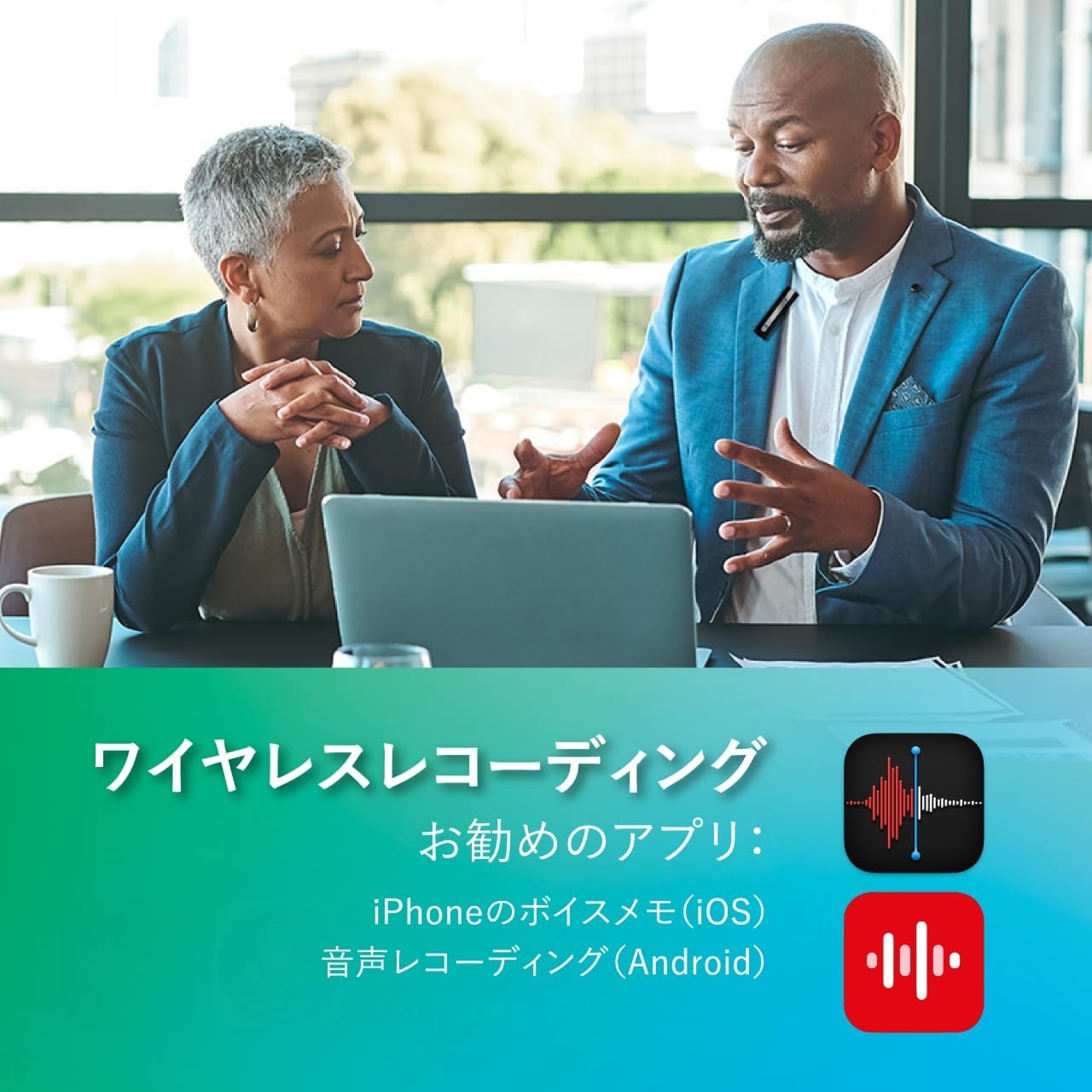
Figure 4.3: The RC100 facilitates wireless recording in professional settings.

Figure 4.4: The RC100 integrates seamlessly with smartphone recording applications.

Figure 4.5: The RC100 is compatible with GoPro HERO 12 for enhanced audio capture during action recording.
4.3. Remote Shutter Function
The RC100 can act as a remote shutter for your smartphone's native camera application. To use this feature, ensure that the