1. Introduction
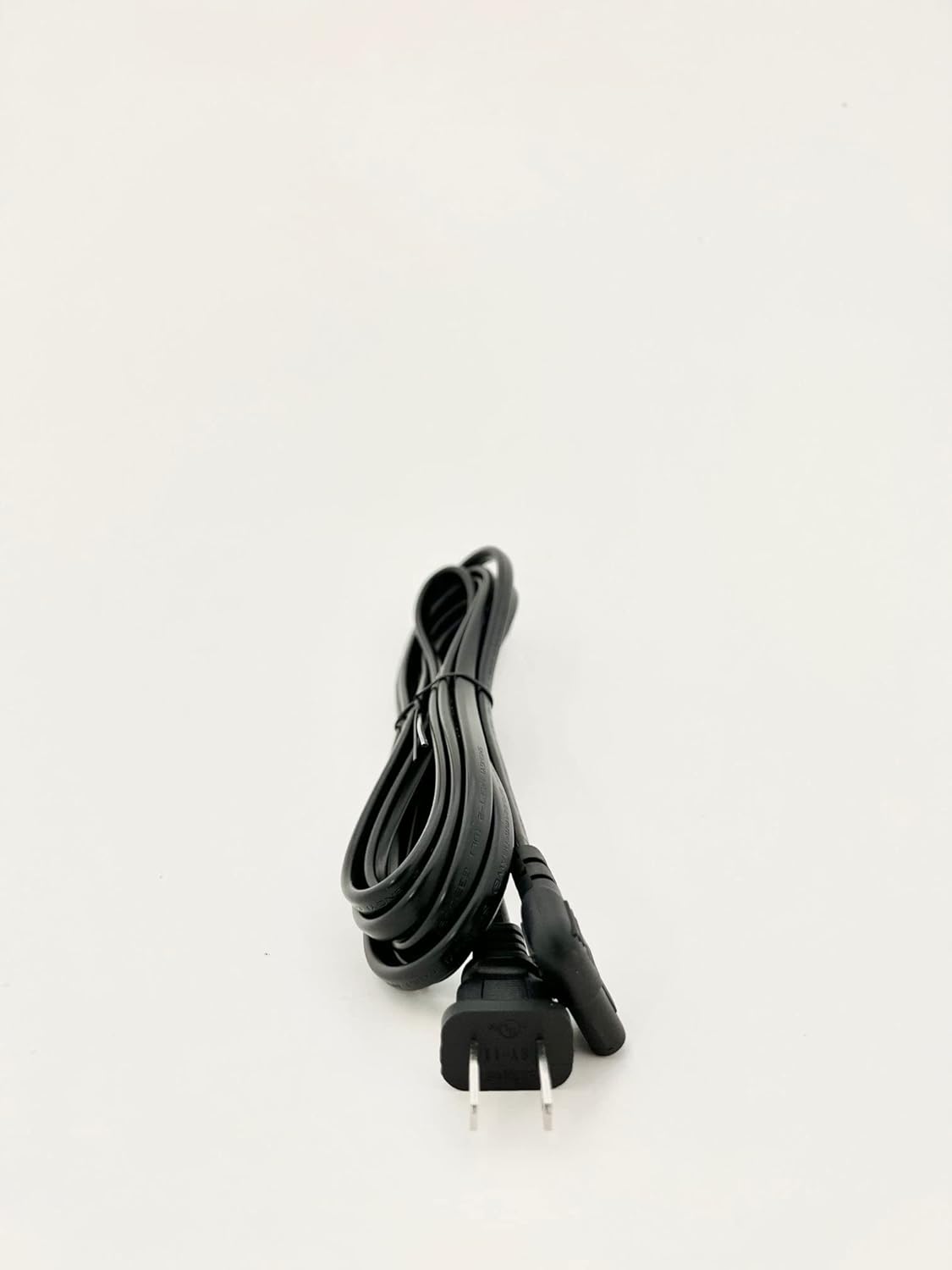
This manual provides instructions for the safe and effective use of your OMNIHIL L-Shape 5FT AC Power Cord. This power cord is designed to be compatible with the Roborock Dock Charger Model CDZ12RR, providing reliable power for your device. Please read this manual thoroughly before use and retain it for future reference.
2. Safety Information
- UL Listed: This product is UL Listed, indicating it meets specific safety standards.
- Indoor Use Only: This power cord is intended for indoor use in dry locations. Do not expose to moisture or extreme temperatures.
- Proper Connection: Ensure the power cord is fully inserted into both the wall outlet and the device's power input. A loose connection can cause overheating or damage.
- Avoid Damage: Do not bend, twist, or crimp the power cord excessively. Avoid placing heavy objects on the cord. Regularly inspect the cord for any signs of damage, such as fraying or exposed wires. If damaged, discontinue use immediately and replace.
- Unplug Safely: Always grasp the plug, not the cord, when disconnecting from an outlet.
3. Setup
Follow these steps to connect your OMNIHIL L-Shape AC Power Cord to your Roborock Dock Charger.
- Ensure the Roborock Dock Charger is powered off and disconnected from any power source.
- Locate the power input port on your Roborock Dock Charger.
- Insert the L-shaped connector end of the OMNIHIL power cord firmly into the power input port of the Roborock Dock Charger. The L-shape design helps ensure a snug fit and reduces strain.
- Plug the two-prong wall plug end of the OMNIHIL power cord into a standard, grounded electrical wall outlet.
- Verify that both connections are secure.

4. Operation
Once properly connected, the OMNIHIL L-Shape AC Power Cord provides continuous power to your Roborock Dock Charger. No further operational steps are required for the power cord itself. The functionality of your Roborock Dock Charger will depend on its own operational instructions.
5. Maintenance
- Cleaning: Disconnect the power cord from the wall outlet and the device before cleaning. Wipe the cord with a dry, soft cloth. Do not use liquid cleaners or abrasive materials.
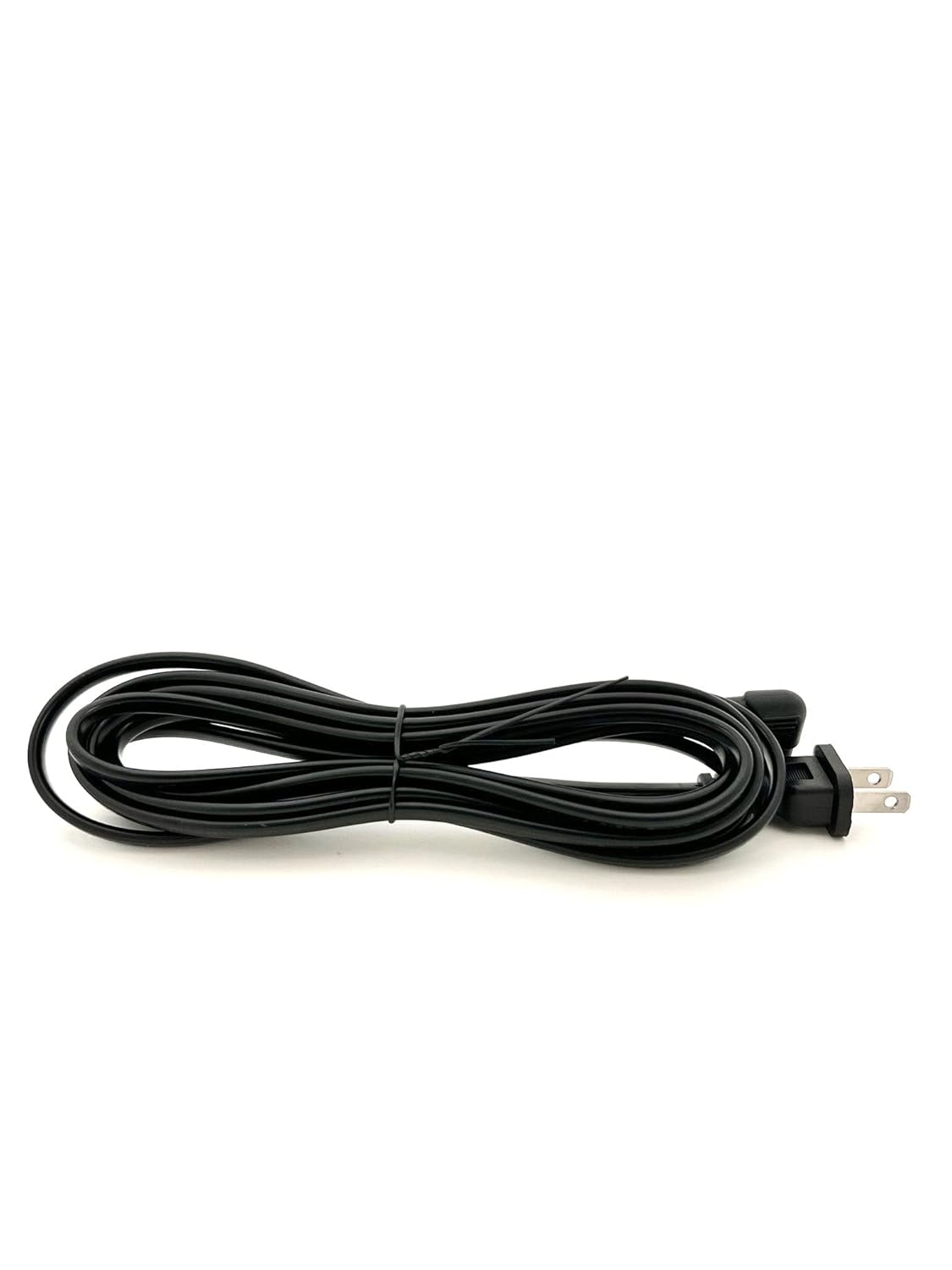
- Storage: When not in use, coil the power cord loosely and store it in a cool, dry place away from direct sunlight and extreme temperatures. Avoid tight coiling or kinking.
- Inspection: Periodically inspect the entire length of the cord, including the plugs, for any signs of wear, cuts, or damage. If any damage is observed, replace the cord immediately.
6. Troubleshooting
If your Roborock Dock Charger is not receiving power, consider the following troubleshooting steps related to the power cord:
- No Power:
- Ensure both ends of the power cord are securely plugged into the wall outlet and the Roborock Dock Charger.
- Check if the wall outlet is functional by plugging in another device.
- Inspect the power cord for any visible damage (cuts, kinks, exposed wires). If damaged, replace the cord.
- Loose Connection: If the cord feels loose, gently push it in further until it is secure. The L-shape design is intended to provide a firm connection.
If issues persist after these steps, consult the Roborock Dock Charger's manual or contact OMNIHIL customer support.
7. Specifications
| Feature | Specification |
|---|---|
| Brand | OMNIHIL |
| Model Compatibility | Roborock Dock Charger Model: CDZ12RR |
| Cable Type | AC Power Cord |
| Connector Type (Wall) | Nema Type A (2-prong) |
| Connector Type (Device) | L-Shape |
| Cable Length | 5 Feet (60 Inches) |
| Color | Black |
| Certifications | UL, RoHS |
| Material Feature | High Quality Material |
| Item Weight | 4 ounces |

8. Warranty and Support
This OMNIHIL L-Shape AC Power Cord comes with a 5-Year Free Replacement Warranty. For warranty claims, technical support, or any questions regarding your product, please contact OMNIHIL customer service through the retailer's platform or the official OMNIHIL website.


