Introduction
This manual provides comprehensive instructions for the Dpofirs Wireless Video Doorbell (Model Dpofirshgg4s67tca). This device is designed to enhance your home security by providing a clear view of your doorstep, two-way communication, and remote monitoring capabilities. Please read this manual thoroughly before installation and operation to ensure proper use and optimal performance.
Package Contents
Verify that all items listed below are included in your package. If any items are missing or damaged, please contact customer support.
- 1 x Doorbell Camera
- 1 x Monitor
- 1 x Charging Cable (Type-C)
- 1 x User Manual
- 1 x Large Base Plate
- 1 x Small Base Plate
- 1 x Large Back Sticker
- 1 x Small Back Sticker
- 6 x Expansion Tubes
- 6 x Screws
- 1 x Small Screw

Image: All components included in the Dpofirs Wireless Video Doorbell package, laid out for inspection.
Product Overview
Familiarize yourself with the main components of your Dpofirs Wireless Video Doorbell system.
Doorbell Camera

Image: Diagram highlighting the 170-degree wide-angle camera, environmental sensors, LED fill light, and doorbell button on the doorbell unit.
- 170-degree Wide Angle Camera: Captures a broad view of your doorstep.
- Environmental Sensors: Detect ambient light for automatic day/night mode switching.
- LED Fill Light: Provides illumination for clear night vision.
- Doorbell Button: Activates the doorbell and initiates communication.
Indoor Monitor

Image: The indoor monitor displaying a live feed from the doorbell camera, alongside the doorbell unit.
- 4.3-inch Screen: Displays live video feed from the doorbell camera.
- Control Buttons: For navigating menus, adjusting volume, and other functions.
- Microphone and Speaker: Enable two-way audio communication.
Setup and Installation
Follow these steps to set up and install your Dpofirs Wireless Video Doorbell system.
1. Charging the Devices
Before initial use, fully charge both the doorbell camera and the indoor monitor using the provided Type-C charging cable. Connect the cable to a standard USB power adapter (not included).
- Doorbell Camera Battery: 1000mAh Li-ion (built-in)
- Monitor Battery: 400mAh Li-ion (built-in)
2. Initial Pairing (Doorbell and Monitor)
The doorbell and monitor are typically pre-paired. If they are not connected, follow these steps:
- Long press the doorbell button on the outdoor unit.
- Observe the indicator light on the doorbell camera flashing.
- Turn on the indoor monitor.
- Wait for a short period; the doorbell and monitor should automatically connect. Once connected, the monitor will display the live feed from the doorbell camera.

Image: The doorbell and monitor illustrating wireless connectivity, emphasizing no wiring or complex networking is required.
3. Micro SD Card Installation (Optional)
To enable video recording, insert a Micro SD card (up to 128GB, not included) into the designated slot on the doorbell camera or monitor (refer to device diagrams for exact location). Once inserted, the system can automatically record video when the doorbell is pressed.
4. Mounting the Doorbell Camera
Choose a suitable location near your door, ensuring a clear, unobstructed view. Use the provided base plates, screws, and expansion tubes for secure installation. The doorbell is designed for outdoor use.

Image: The doorbell camera mounted on a door frame, demonstrating its wide-angle view capturing a person and a pet inside.
Operating Instructions
Answering a Doorbell Call
When a visitor presses the doorbell button, the indoor monitor will ring and display the live video feed. You can then:
- View: See who is at your door on the monitor.
- Two-Way Talk: Press the talk button on the monitor to communicate with the visitor.
- Record: If a Micro SD card is installed, the system will automatically record the event.
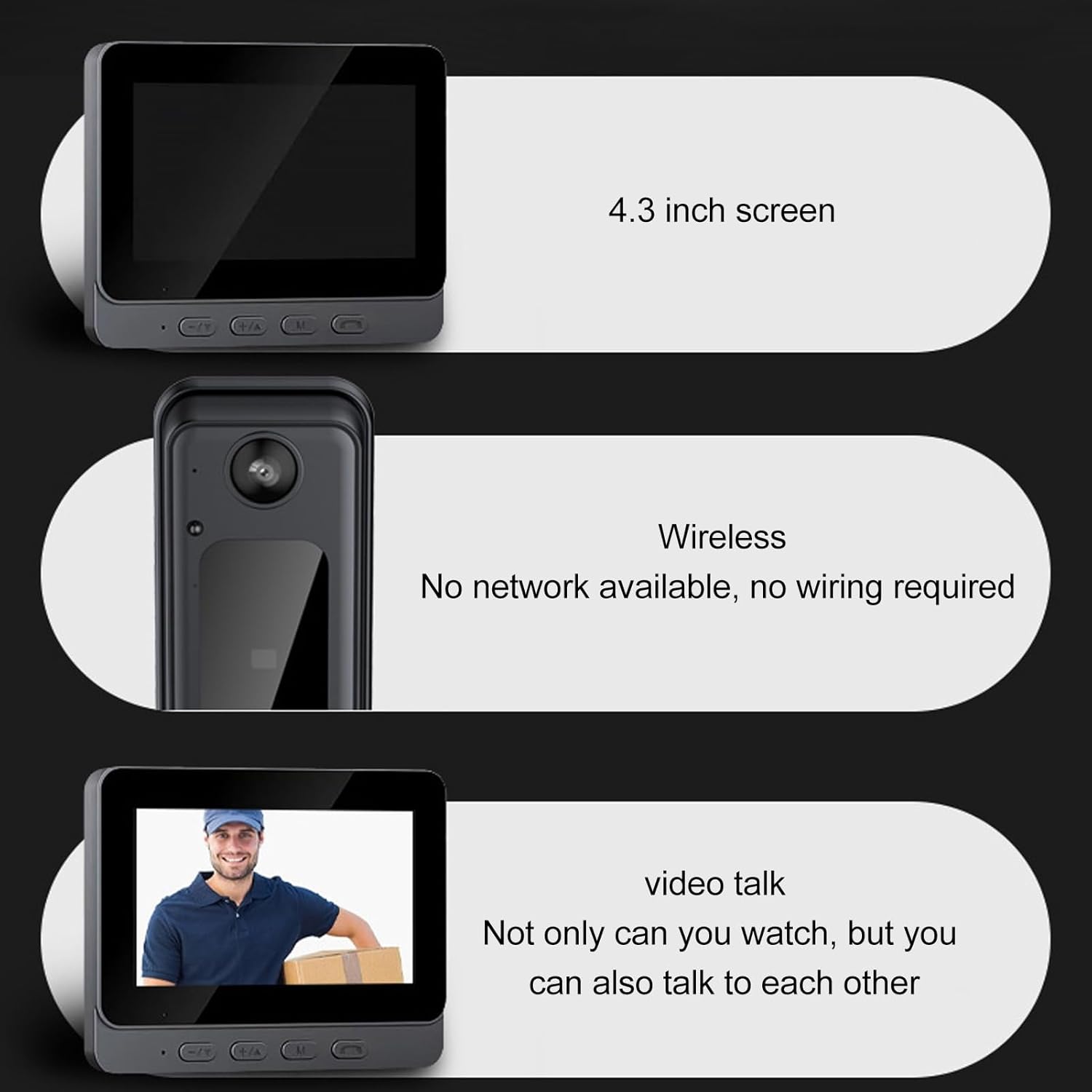
Image: Visual representation of the 4.3-inch screen, wireless operation, and two-way video talk capability of the system.
Remote Video Call
The indoor monitor allows you to view the outdoor camera's video feed at any time, even if the doorbell hasn't been pressed. This is useful for monitoring your doorstep proactively, especially for family members without mobile phones.
Video Recording and Playback
With a Micro SD card installed, the doorbell automatically records video when the doorbell button is pressed. You can review recorded footage directly on the indoor monitor.

Image: Illustrates automatic video recording upon doorbell press, automatic photographing, and the 8MP fisheye wide-angle HD lens.
Key Features
- 1080p HD Camera: The 8MP high-resolution camera records video in 1080p HD, capturing clear and detailed images of visitors.
- 170-Degree Wide-Angle Lens: Provides an expansive view of your doorstep, minimizing blind spots and allowing you to see multiple visitors clearly.
- Two-Way Audio: Equipped with a high-fidelity microphone and powerful speakers for clear, stable two-way communication with visitors. Volume can be adjusted as needed.
- Day and Night Functionality: Features high-power infrared night vision lights and an ICR infrared filter, enabling automatic switching between day and night modes for clear visibility even in low-light conditions.
- Wireless Connectivity: Operates wirelessly via 2.4GHz Wi-Fi, eliminating the need for complex wiring or networking.

Image: A detailed view of the 8MP high-definition camera lens, designed to capture clear outdoor scenery.
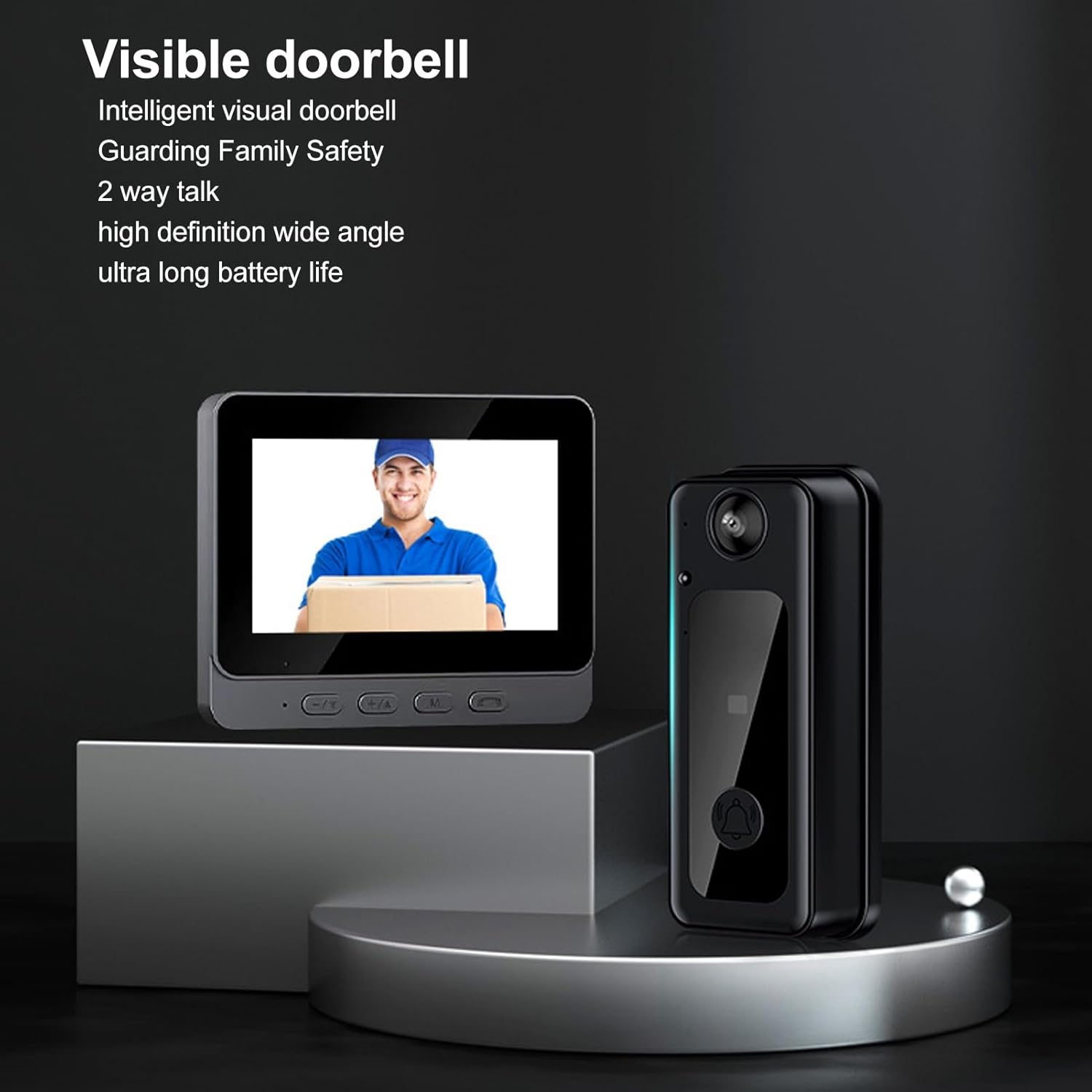
Image: The doorbell and monitor displayed together, emphasizing features like intelligent visual doorbell, guarding family safety, two-way talk, high definition wide angle, and ultra-long battery life.
Specifications
| Item Type | Wireless Video Doorbell Camera |
| Material | ABS |
| Lens Pixels | 8 MP |
| Lens Type | 170-degree Wide Angle (Fisheye) |
| Night Vision Distance | 5 to 10 meters |
| Pickup Distance | 5 meters |
| Storage | Micro SD Card (not included), supports up to 128GB |
| Doorbell Battery Type | Lithium-ion (built-in) |
| Doorbell Battery Capacity | 1000 mAh |
| Monitor Battery Type | Lithium-ion (built-in) |
| Monitor Battery Capacity | 400 mAh |
| Charging Interface | Type-C |
| WiFi Version | 2.4 GHz |
| Power | 2 Watts |
| Wireless Communication | Wi-Fi |
| Number of Channels | 2 |
| Indoor/Outdoor Use | Outdoor |
| Video Recording Resolution | 1080p |
Maintenance
- Cleaning: Use a soft, dry cloth to clean the doorbell camera lens and monitor screen. Avoid using abrasive cleaners or solvents.
- Charging: Recharge the doorbell and monitor regularly to ensure continuous operation. Battery life may vary based on usage and environmental conditions.
- Firmware Updates: Check the manufacturer's website periodically for any available firmware updates to improve performance and add new features.
- Environmental Conditions: While designed for outdoor use, avoid exposing the doorbell camera to extreme weather conditions for prolonged periods.
Troubleshooting
If you encounter issues with your Dpofirs Wireless Video Doorbell, refer to the following common problems and solutions.
- No Video on Monitor:
- Ensure both the doorbell camera and monitor are powered on and fully charged.
- Verify that the doorbell and monitor are paired correctly (refer to "Initial Pairing" section).
- Check for any obstructions between the doorbell and monitor that might interfere with the wireless signal.
- Poor Video Quality:
- Clean the doorbell camera lens with a soft cloth.
- Ensure adequate lighting. The night vision feature should activate automatically in low light.
- Two-Way Audio Not Working:
- Check the volume settings on the indoor monitor.
- Ensure there are no obstructions blocking the microphone or speaker on either device.
- Doorbell Not Ringing:
- Confirm the doorbell button is being pressed correctly.
- Ensure the doorbell camera and monitor are connected.
- Check the monitor's sound settings.
- Short Battery Life:
- Ensure both devices are fully charged before use.
- Frequent activity or extreme temperatures can affect battery performance.
- Consider the age of the battery; rechargeable batteries have a finite lifespan.
Warranty and Support
For warranty information and technical support, please refer to the documentation included with your purchase or visit the official Dpofirs website. Keep your purchase receipt as proof of purchase for warranty claims.
Manufacturer: Dpofirs
Model Number: Dpofirshgg4s67tca

