
Introduction
This manual provides essential information for the safe and efficient use of your QAOFUL Q40-5 J1772 to Tesla Charger Adapter. This adapter is designed to allow Tesla electric vehicle owners to charge their vehicles at standard SAE J1772 AC charging stations. It supports up to 80 Amps and 250 Volts, offering a versatile charging solution. Please read this manual thoroughly before use.
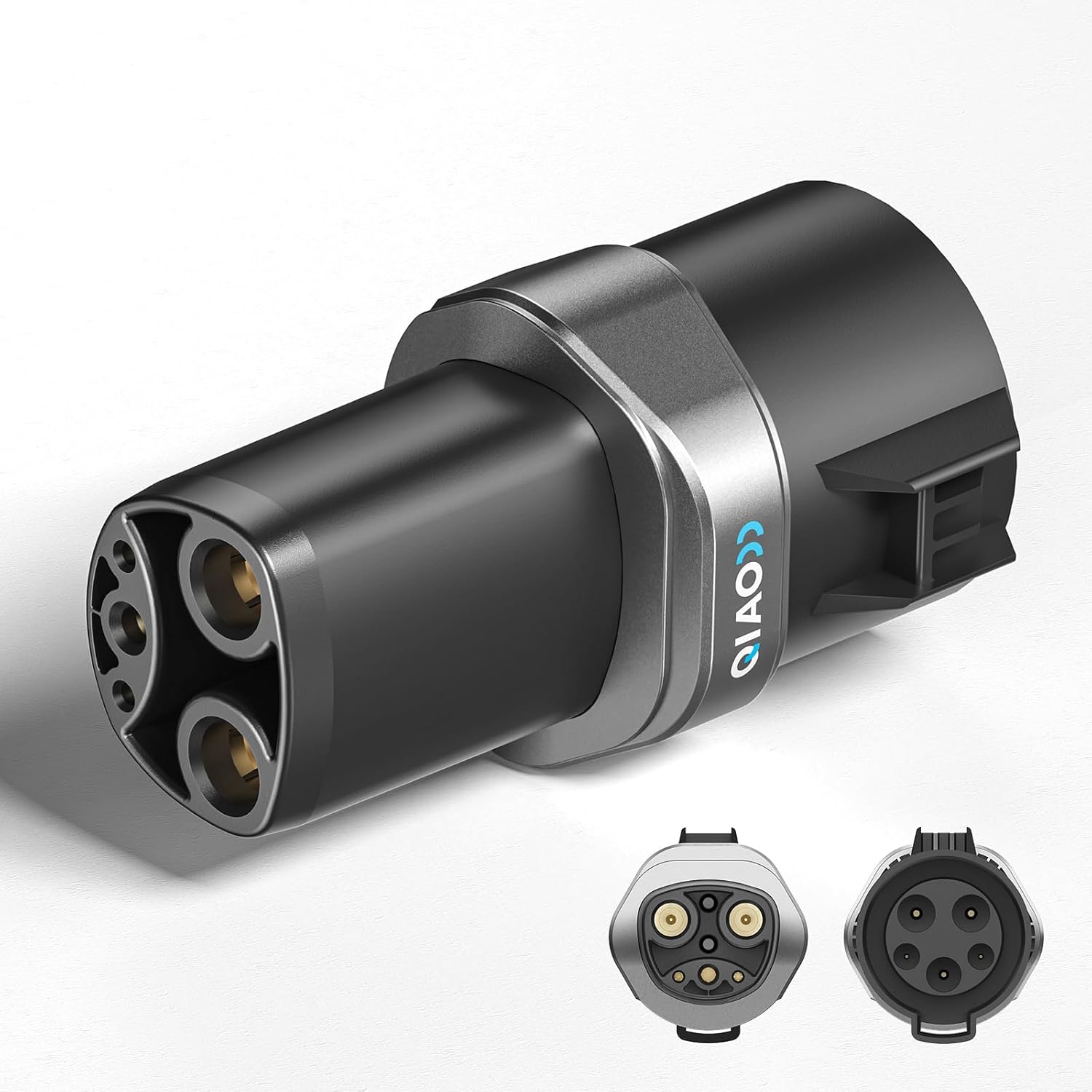
Image: The QIAO J1772 to Tesla Charger Adapter, showcasing its design and connectors.
Package Contents
- 1 x QAOFUL Q40-5 J1772 to Tesla Charger Adapter
- 1 x Protective Pouch
- 1 x User Manual
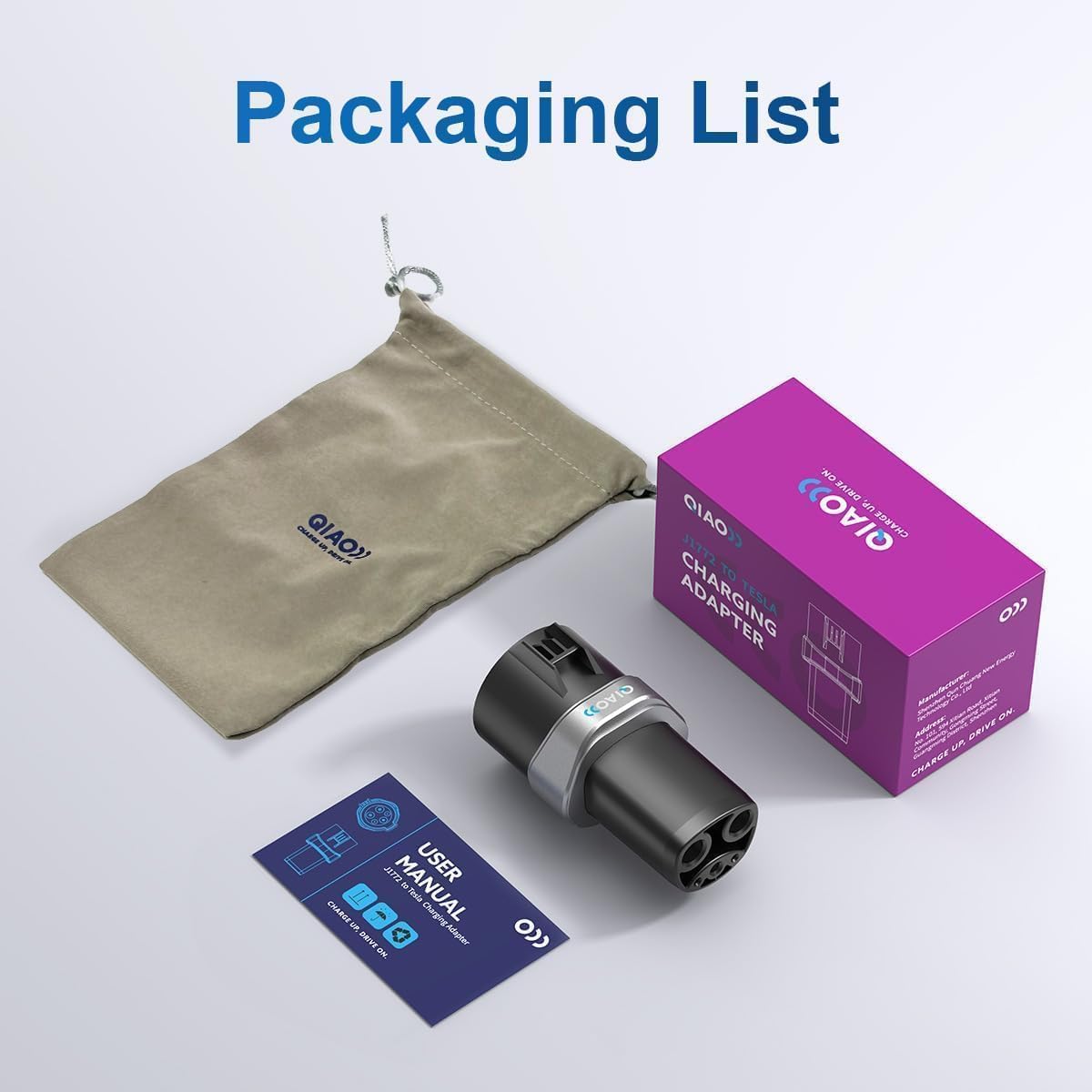
Image: The adapter, protective pouch, and user manual as included in the package.
Compatibility
This adapter is designed for use with Tesla Models S, Y, X, and 3. It is compatible with SAE J1772 AC charging stations. It is NOT compatible with Tesla Cybertruck or J1772 DC charging stations. Always verify your vehicle model and the charging station type before use.
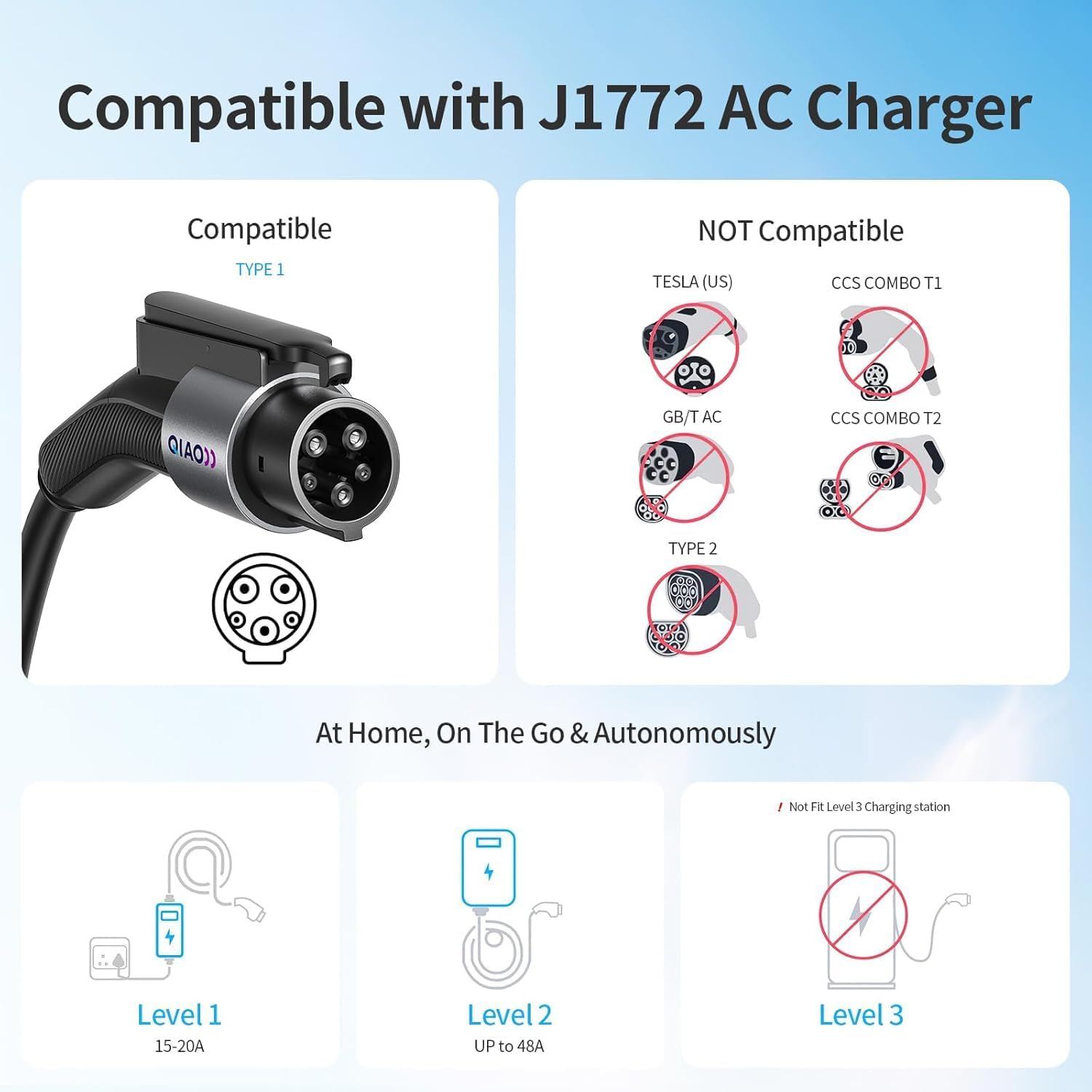
Image: Visual guide illustrating compatibility with J1772 AC chargers (Level 1, Level 2) and incompatibility with Tesla (US), GB/T AC, Type 2, CCS Combo T1, CCS Combo T2, and Level 3 DC charging stations.

Image: Diagram showing the adapter connecting to a Tesla car, confirming compatibility with Models S, 3, X, Y, and incompatibility with Cybertruck.
Setup & Operating Instructions
- Connect to J1772 Charger: Take the J1772 charging cable from the AC charging station. Insert the J1772 plug firmly into the adapter's J1772 port until it clicks into place.
- Connect to Tesla Vehicle: Open your Tesla's charging port. Insert the adapter (with the J1772 plug attached) into your Tesla's NACS charging port. Ensure a secure connection.
- Initiate Charging: Once both connections are secure, the charging process should begin automatically or can be initiated via your Tesla's touchscreen or mobile app. The vehicle's charging indicator light will typically turn green to confirm active charging.
- Monitor Charging: The adapter supports up to 80 Amps and 250 Volts for efficient AC charging. Monitor your vehicle's charging status through its display or app.
- Disconnecting: To disconnect, first stop the charging session via your vehicle or the charging station. Then, press the release button on the J1772 plug to remove it from the adapter. Finally, gently pull the adapter out of your Tesla's charging port.
Video: Demonstration of connecting the J1772 charger to the adapter and then to a Tesla vehicle for charging.
Maintenance
- Cleaning: Keep the adapter clean and free from dust, dirt, and moisture. Use a dry, soft cloth to wipe the exterior. Do not use harsh chemicals or abrasive materials.
- Storage: Store the adapter in its protective pouch in a cool, dry place when not in use. Avoid exposing it to extreme temperatures or direct sunlight for prolonged periods.
- Inspection: Regularly inspect the adapter for any signs of damage, such as cracks, frayed wires, or bent pins. Do not use the adapter if it appears damaged.
- Durability: The adapter is designed with IP55 waterproof and dustproof ratings, and IK10 impact resistance, allowing it to withstand various weather conditions and daily use.
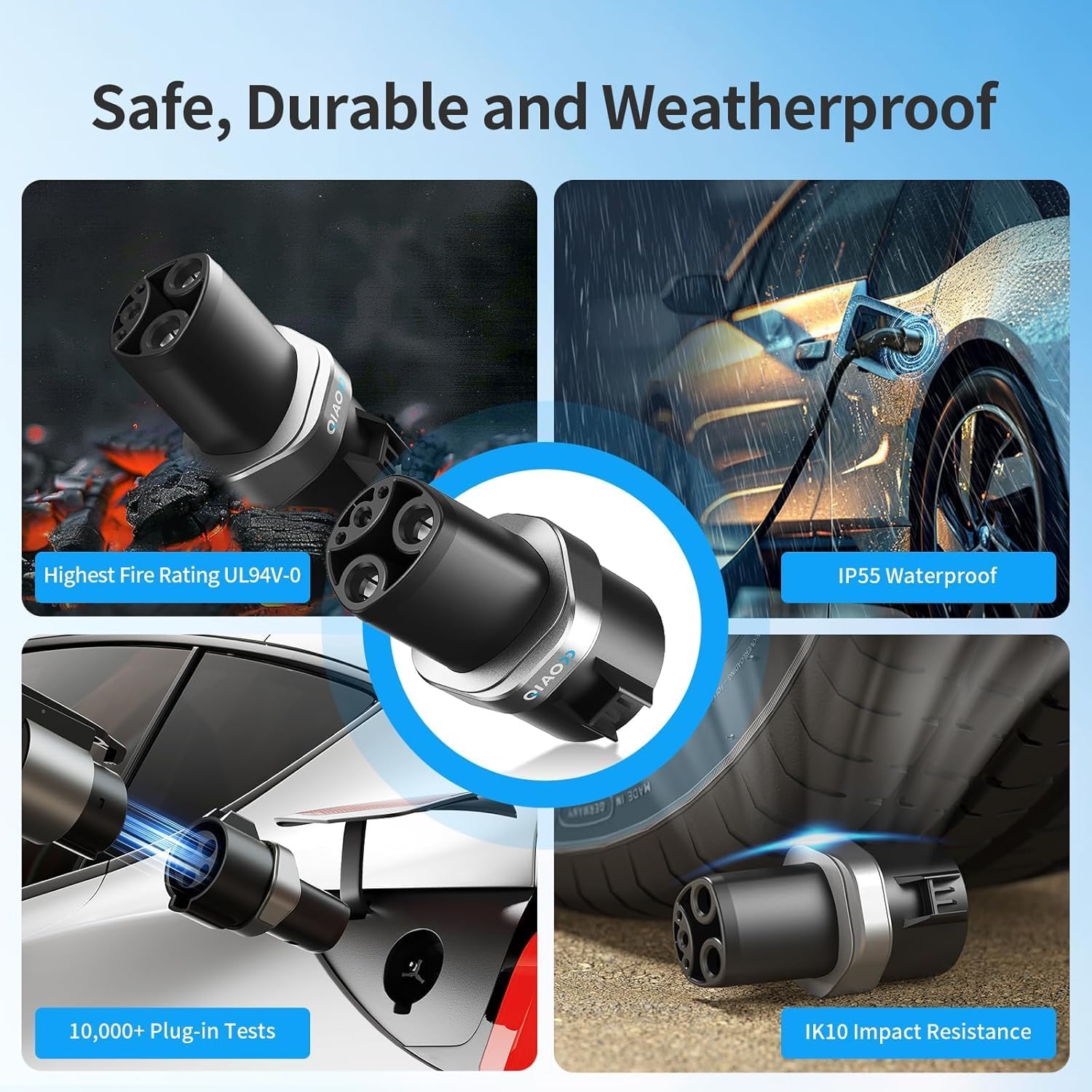
Image: Visual representation of the adapter's safety and durability features, including fire rating, IP55 waterproof, 10,000+ plug-in tests, and IK10 impact resistance.
Troubleshooting
- Not Charging: Ensure both the J1772 charger and the adapter are securely connected. Check the charging station for any error messages. Verify that your Tesla vehicle is properly configured for charging.
- Slow Charging: Confirm that the J1772 charging station is providing the expected power output. Ensure the adapter is rated for the desired amperage and voltage (up to 80A 250V).
- Adapter Overheating: Discontinue use immediately if the adapter feels excessively hot. This could indicate an issue with the charging station or the adapter itself. Contact support if this occurs.
- Compatibility Issues: Double-check that your Tesla model (S/Y/X/3) and the charging station type (J1772 AC) are compatible with the adapter.
Specifications
| Feature | Detail |
|---|---|
| Product Dimensions | 4 x 2 x 2 inches (10.5 x 6.3 x 6.3 cm) |
| Item Weight | 8.8 ounces (260g) |
| Model Number | Q40-5 |
| Compatible Devices | Tesla S/Y/X/3 EVs |
| Compatible Charging Stations | J1772 AC Charger |
| Connector Type | 5 Pin (J1772 to NACS) |
| Maximum Current | 80A |
| Maximum Voltage | 250V AC |
| Material(s) | Plastic, Copper alloy, Silver plated |
| Protection Grade | IP55 (Waterproof & Dustproof) |
| Temperature Rating | -22°F (-30°C) to 122°F (50°C) |
| Fire Rating | UL94 V-0 |
| Certifications | CE, FCC |

Image: A visual summary of the product's dimensions, weight, materials, and key specifications.
Warranty & Support
The QAOFUL Q40-5 J1772 to Tesla Charger Adapter comes with a 2-year warranty from the date of purchase. This warranty covers manufacturing defects and ensures reliable performance under normal use conditions.
For any technical assistance, questions, or warranty claims, please contact our 24/7 technical support. Refer to the contact information provided in the packaging or on the official QAOFUL website.

Image: Graphic indicating 2-year warranty and 24/7 technical support availability for the adapter.