
1. Introduction
This manual provides comprehensive instructions for the installation, setup, operation, and maintenance of your new Toeeklsa 12.3-inch Android 13 Car Radio. Designed specifically for Toyota FJ Cruiser models from 2007 to 2017, this head unit offers advanced features including wireless CarPlay/Android Auto, GPS navigation, DSP audio processing, and support for an AHD backup camera. Please read this manual thoroughly before installation and use to ensure proper function and safety.
2. Safety Information
Always prioritize safety during installation and operation. Improper installation can lead to vehicle damage or personal injury. Consult a professional if you are unsure about any steps. Do not operate the device in a way that distracts you from driving. Ensure all wiring is correctly insulated to prevent electrical shorts.
3. Package Contents
Verify that all items are present in your package:
- 12.3-inch Android 13 Head Unit
- Power Plug and Wiring Harness
- AHD Backup Camera
- GPS Antenna
- 4G Antenna
- Microphone
- RCA Cable
- USB Cable
- CANBUS Decoder
- Installation Tools (e.g., Crowbar, Mittens)

4. Installation Guide
Professional installation is recommended. Ensure the vehicle's battery is disconnected before starting. This unit is designed for a perfect fit in Toyota FJ Cruiser 2007-2017 models.
4.1. Pre-Installation Steps
- Remove the original car radio and dashboard trim carefully.
- Disconnect all cables from the original unit.
4.2. Wiring Instructions
Connect the provided wiring harness to the new head unit and the vehicle's existing wiring. Ensure all connections are secure.
- Connect the main power harness.
- Connect the CANBUS decoder if your vehicle requires it for steering wheel controls or other integrated functions.
- Connect the GPS antenna, 4G antenna, and external microphone.
- Connect the AHD backup camera to the designated input.

4.3. Hazard and Defrost Button Wiring Fix
If your hazard and defrost buttons are not functioning after installation, it may indicate a specific wiring issue. Please refer to the video below for detailed instructions on how to identify and fix this problem by correctly connecting the ACC wire.
4.4. Mounting the Head Unit
Once all wiring is complete, carefully slide the head unit into the dashboard opening and secure it with the appropriate screws or clips. Reattach any removed trim pieces.
5. Initial Setup
After installation, reconnect the vehicle battery and power on the unit. Follow the on-screen prompts for initial setup.
5.1. Wi-Fi Connection
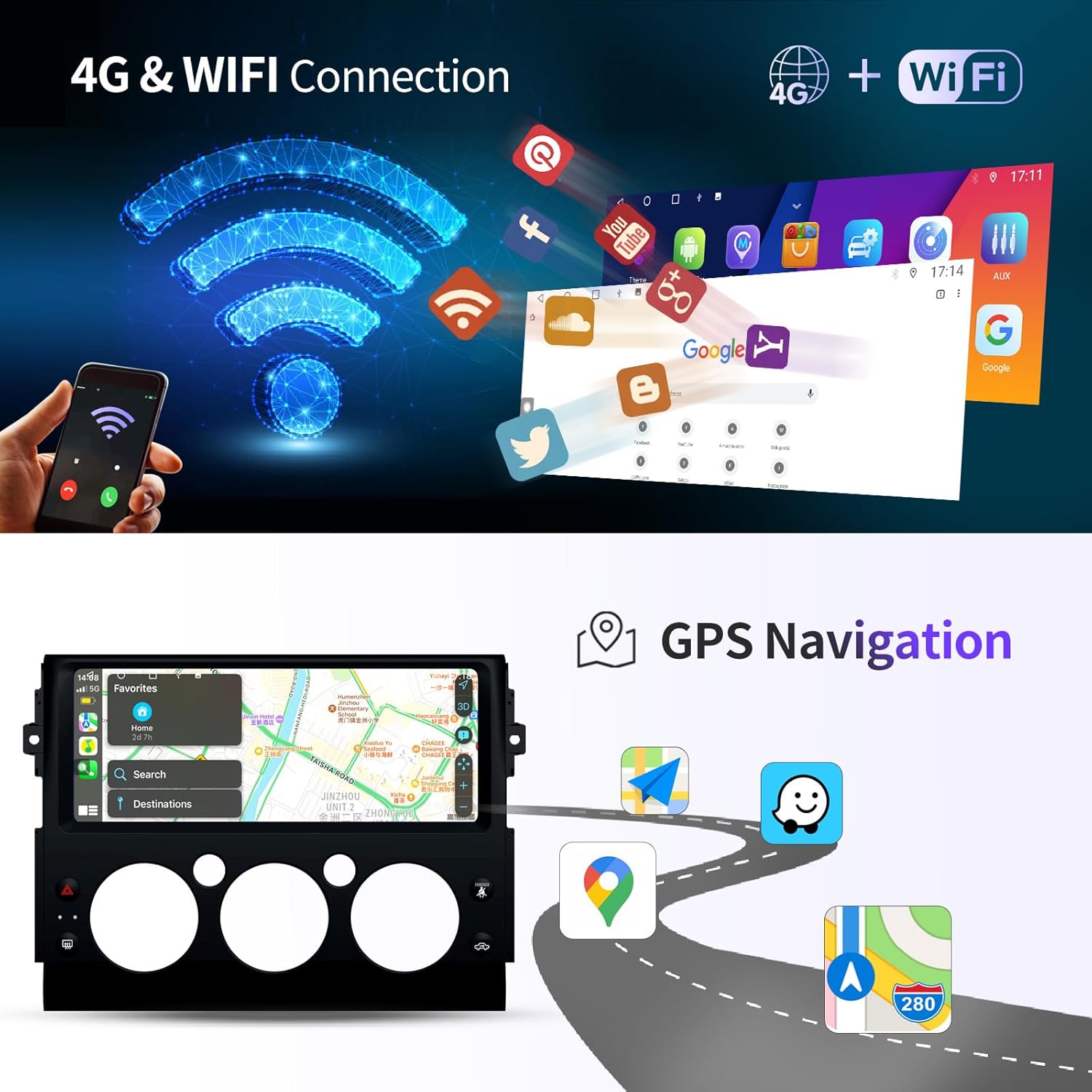
To access online features, connect the head unit to a Wi-Fi network (e.g., your phone's hotspot or home Wi-Fi). Navigate to Settings > Network & Internet > Wi-Fi and select your desired network.
6. Operating Instructions
Your Toeeklsa head unit runs on Android 13, offering a familiar and intuitive interface. The 12.3-inch QLED full screen with 1920*1080 resolution provides clear visuals.
6.1. Basic Navigation and Touchscreen Controls
The 2.5D glass mirror touchscreen is responsive and shatter-resistant. Swipe left/right to navigate between app screens, tap icons to open applications, and use the back/home buttons on the interface for navigation.
6.2. Audio Features
- FM/AM/RDS Radio: Access local radio stations. The unit supports automatic and manual search.
- DSP Equalizer: Utilize the built-in Digital Sound Processor (DSP) with 16-band EQ to customize your audio experience. Adjust sound fields, bass boost, and filter settings for optimal sound quality.
- Subwoofer Support: Connect an external subwoofer for enhanced bass output.

6.3. Connectivity
- Bluetooth 5.0: Connect your smartphone for hands-free calling, phone book download, and music streaming.
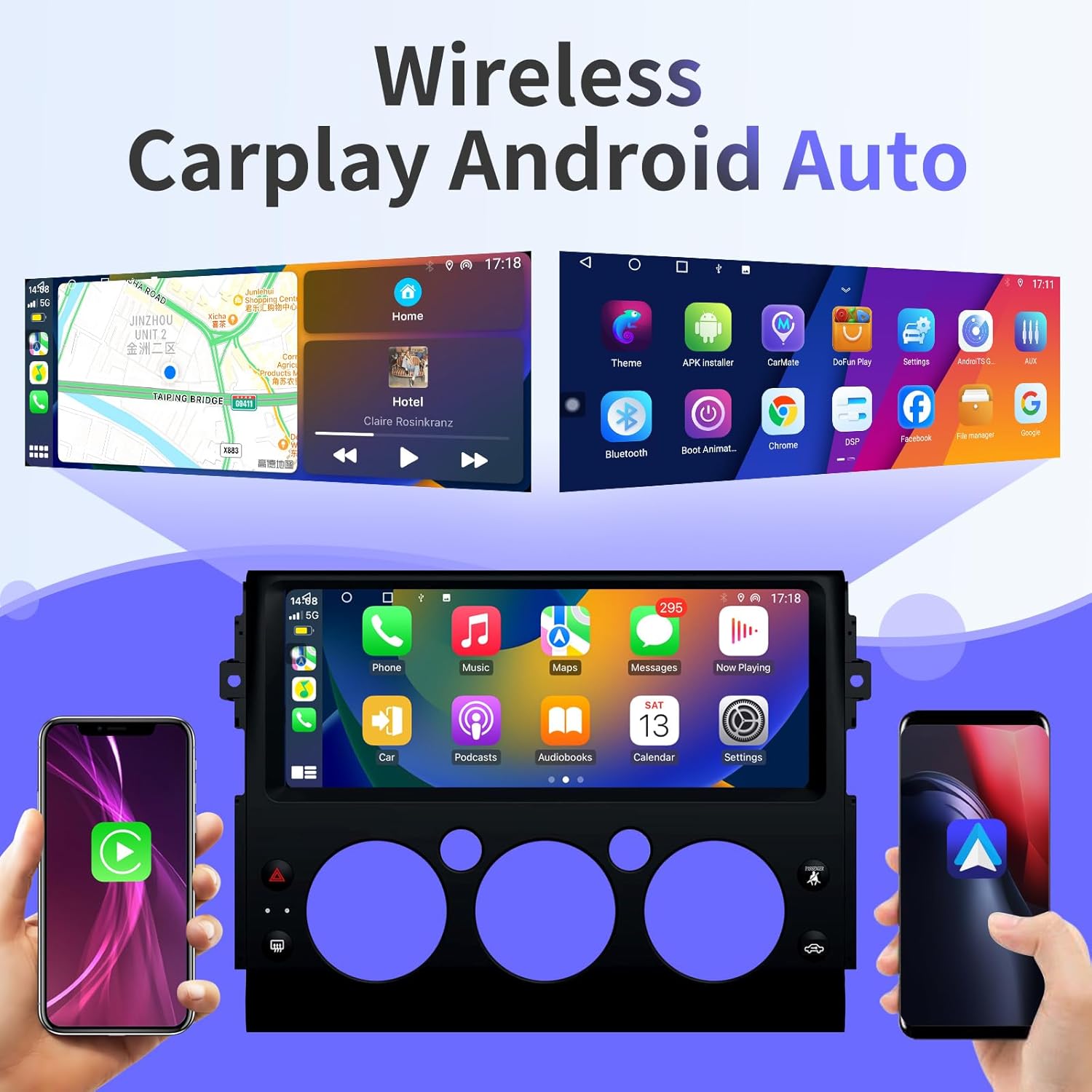
- Wireless Apple CarPlay & Android Auto: Seamlessly integrate your smartphone for navigation, music, messages, and voice control (Siri/Google Assistant).
6.4. GPS Navigation
The unit features built-in GPS with support for online and offline maps. Enjoy real-time updates, accurate directions, traffic warnings, and voice guidance. Connect to Wi-Fi or 4G for online map services.
6.5. Multimedia Playback
Play HD videos directly on the 12.3-inch screen. The Android system allows for installation of various media apps from the Google Play Store.
6.6. Steering Wheel Control
Utilize your vehicle's existing steering wheel controls to manage calls, adjust volume, and change songs for a safer driving experience. The CANBUS decoder ensures compatibility.

6.7. Backup Camera
The included AHD rear view reversing camera features night vision, providing clear visibility in various conditions. The unit also supports OEM backup cameras if your car is already equipped.
7. Advanced Features
7.1. Split Screen Functionality
The split-screen feature allows you to run two applications simultaneously, such as navigation and music playback, enhancing multitasking capabilities.

7.2. App Store Access
Download and install additional applications from the Google Play Store to expand the functionality of your head unit.
7.3. Screen Brightness Adjustment
Adjust the screen brightness to your preference via the settings menu for optimal visibility day or night.
8. Troubleshooting
This section addresses common issues you might encounter.
- No Power: Check all power connections, especially the ACC wire. Ensure the vehicle battery is charged.
- No Sound: Verify speaker connections and audio settings (volume, mute, DSP).
- Hazard/Defrost Buttons Not Working: Refer to Section 4.3 and Video 4.1 for specific wiring instructions related to these buttons.
- GPS Signal Issues: Ensure the GPS antenna is properly installed and has a clear view of the sky.
- CarPlay/Android Auto Connection Problems: Check Bluetooth and Wi-Fi connections. Ensure your phone is compatible and the app is updated.
- Touchscreen Unresponsive: Try restarting the unit. If the issue persists, contact support.
For further assistance, please contact customer support.
9. Specifications
| Feature | Specification |
|---|---|
| Display Size | 12.3 Inches |
| Resolution | 1920 x 1080 (QLED Full Screen) |
| Operating System | Android 13 |
| Processor | 8-Core |
| RAM | 6GB |
| ROM | 128GB |
| Connectivity | Bluetooth 5.0, USB, Wi-Fi, 4G |
| Special Features | Wireless Apple CarPlay, Android Auto, DSP, GPS Navigation, AHD Backup Camera, Voice Control, Steering Wheel Control |
| Mounting Type | Dashboard Mount |
| Product Dimensions | 12.3 x 6.4 x 12.3 inches |
| Item Weight | 5.72 pounds |


10. Maintenance
To ensure the longevity and optimal performance of your car radio, follow these maintenance guidelines:
- Cleaning: Use a soft, dry cloth to clean the screen and exterior. Avoid abrasive cleaners or solvents.
- Software Updates: Periodically check for software updates through the unit's settings to ensure you have the latest features and bug fixes.
- Temperature: Avoid exposing the unit to extreme temperatures.
11. Warranty and Support
Your Toeeklsa car radio comes with a 1-Year product warranty and lifetime technical support. We also offer a 30-day money-back guarantee for any reason.
If you have any questions regarding the use or installation of this unit, please do not hesitate to contact our dedicated technical support team. We guarantee an online reply within 24 hours.
To contact support, please use the "Get Product Support" option on the product's purchase page or navigate to the seller's page and click "Ask a question."