
RIVERSONG GSM179342
RIVERSONG Spirit T USB C Earphones User Manual
Model: GSM179342
1. Introduction
Thank you for choosing the RIVERSONG Spirit T USB C Earphones. This manual provides essential information for setting up, operating, and maintaining your earphones to ensure optimal performance and longevity. Please read this manual thoroughly before using the product.
2. Product Overview
The RIVERSONG Spirit T earphones are designed to deliver high-quality stereo audio and clear voice communication through a convenient USB-C connection. They feature an in-line microphone and volume control for easy management of calls and music.

Image: Overview of the RIVERSONG Spirit T USB C Earphones, showing the earbuds, USB-C connector, and in-line control.
3. Features
- Stereo Sound: Provides premium stereo sound for unique musical experiences and clear conversations.
- USB-C Wired Earphones: Equipped with a USB-C cable, ready to use without charging. Ideal for simplicity and reliability.
- Comfortable Material: Soft surface material ensures comfortable wear for extended periods.
- Built-in Microphone: Allows for easy phone calls with high sound quality and voice clarity.
- Modern Device Compatibility: USB-C port enables easy connection with most modern devices, addressing the absence of a 3.5mm jack.
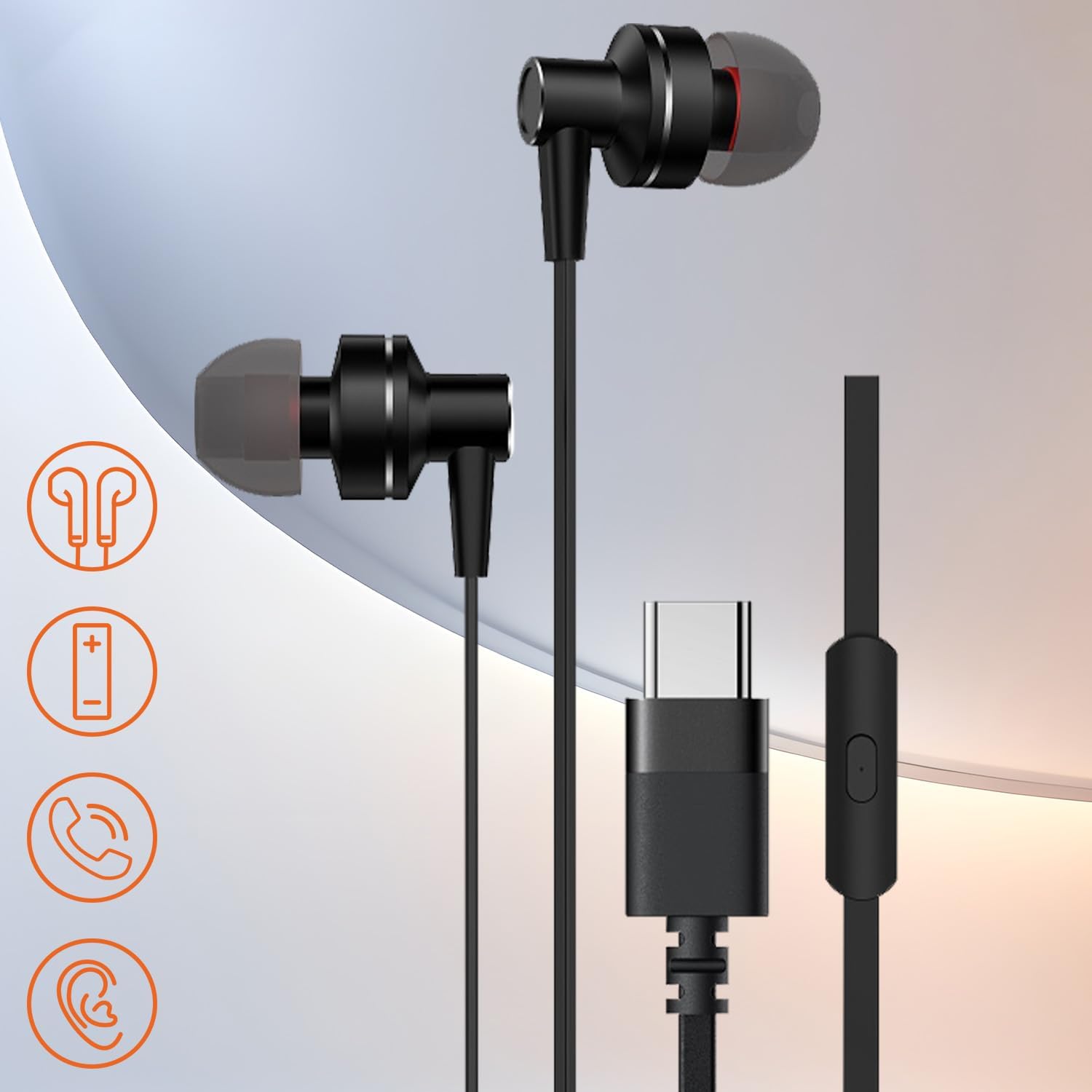
Image: RIVERSONG Spirit T earphones with visual icons representing key features like stereo sound, volume control, call function, and comfortable fit.
4. What's in the Box
Your RIVERSONG Spirit T Earphones package includes:
- RIVERSONG Spirit T USB C Earphones (with integrated cable)
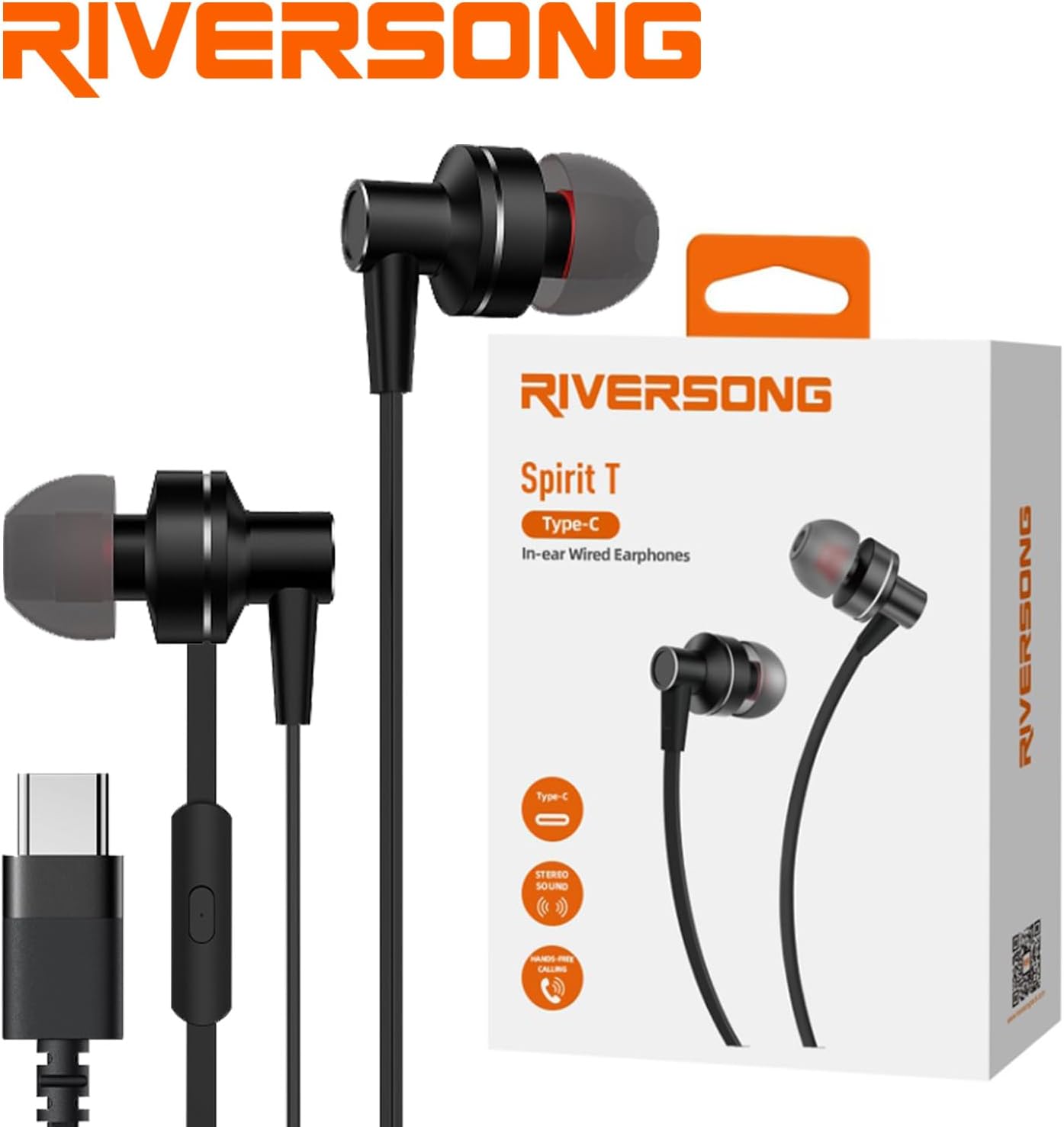
Image: The RIVERSONG Spirit T earphones displayed alongside their retail packaging, indicating the product as received in the box.
5. Setup
The RIVERSONG Spirit T earphones are designed for plug-and-play simplicity.
- Connect: Insert the USB-C connector of the earphones firmly into the USB-C port of your compatible device (e.g., smartphone, tablet, laptop).
- Audio Output: Your device should automatically recognize the earphones and route audio through them. If not, check your device's audio settings to select the USB-C audio output.

Image: A close-up view highlighting the USB-C connector and one of the earbud units, demonstrating the connection point.
6. Operating Instructions
The in-line control allows for easy management of audio playback and calls.
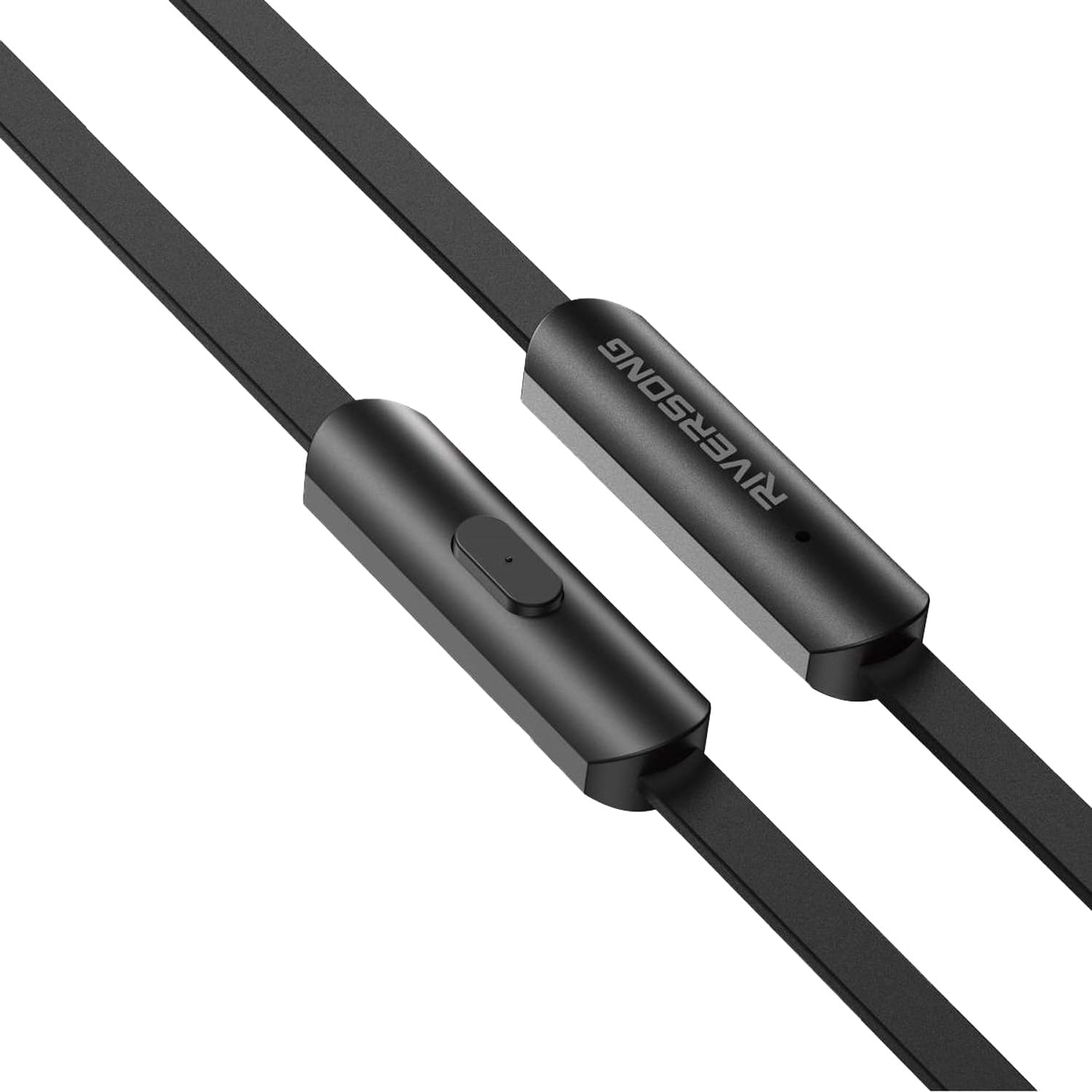
Image: A detailed view of the in-line control unit, showing the volume up, volume down, and multi-function buttons.
- Volume Control:
- Press the + button to increase volume.
- Press the - button to decrease volume.
- Multi-function Button (Center Button):
- Single Press: Play/Pause music; Answer/End a call.
- Double Press: Skip to the next track.
- Triple Press: Go back to the previous track.
- Long Press: Reject an incoming call; Activate voice assistant (if supported by device).
- Microphone: The built-in microphone allows for hands-free calling. Ensure the microphone is not obstructed during calls.
7. Maintenance
Proper care will extend the life of your earphones.
- Cleaning: Gently wipe the earbuds and cable with a soft, dry, lint-free cloth. Do not use harsh chemicals or abrasive materials.
- Storage: When not in use, store the earphones in a clean, dry place, away from extreme temperatures and direct sunlight. Avoid tangling the cable.
- Avoid Moisture: These earphones are not waterproof. Avoid exposure to water, sweat, or excessive humidity.
- Handle with Care: Do not pull on the cable to disconnect the earphones. Always grasp the USB-C plug.

Image: A close-up view of the earbud tips, emphasizing the soft material designed for comfort and ease of cleaning.
8. Troubleshooting
If you encounter issues with your earphones, try the following solutions:
| Problem | Possible Cause / Solution |
|---|---|
| No sound from earphones. |
|
| Microphone not working. |
|
| Volume control buttons not responding. |
|
9. Specifications
| Attribute | Detail |
|---|---|
| Brand | RIVERSONG |
| Model Name | Spirit T |
| Model Number | GSM179342 |
| Connectivity Technology | Wired (USB-C) |
| Form Factor | In-Ear |
| Color | Black |
| Special Features | Microphone included, Volume Control |
| Components Included | Cable |
10. Warranty and Support
RIVERSONG products are designed and manufactured to the highest quality standards. For information regarding warranty coverage, technical support, or service inquiries, please refer to the warranty card included with your purchase or visit the official RIVERSONG website.
Manufacturer: Riversong
Product ASIN: B0D1KC66YN
First Available Date: April 25, 2024
Ask a question about this manual
Ask about setup, troubleshooting, compatibility, parts, safety, or missing instructions. Manuals+ will review the question and use this page’s manual context to help answer it.