
Introduction
The Ttbesmi M62 Open Ear Bone Conduction Earbuds provide a unique audio experience, allowing you to enjoy sound while remaining aware of your surroundings. Designed for comfort and stability, these wireless Bluetooth earbuds are suitable for various activities, including sports and daily use. They feature advanced sound technology, clear call capabilities, and a durable, water-resistant design.
What's in the Box
Please check the package contents to ensure all items are present:
- 1 x Ttbesmi M62 Open Ear Bone Conduction Earbuds
- 1 x USB-C Charging Cable
- 1 x User Manual
- 1 x Exquisite Packaging Box
Features
- Environmental Awareness: The open ear design allows you to stay connected to your surroundings, enhancing safety during outdoor activities like cycling, walking, running, or driving.
- Comfortable & Lightweight Design: Weighing only 0.3 ounces, these earbuds are made from skin-friendly ABS material, ensuring comfortable and stable wear for extended periods without discomfort. The ergonomic design keeps them securely in place during movement.
- Waterproof and Sweatproof (IPX5): Featuring IPX5 waterproof and sweatproof nano-coating with a fully enclosed sound cavity, these earbuds are protected from sweat and rain, making them ideal for jogging, hiking, gym exercises, and other fitness activities.
- Bluetooth 5.3 & Clear Calls: Equipped with a Bluetooth 5.3 chip for a more stable and faster wireless connection. Dual noise-canceling microphones monitor ambient sounds and produce an opposite signal to reduce background noise, ensuring crystal-clear calls.
- Premium Sound Quality: Patented speaker and acoustic cavity technology deliver high-quality audio with whale cavity stereo surround sound, minimizing sound leakage to protect your privacy while providing an immersive music experience.
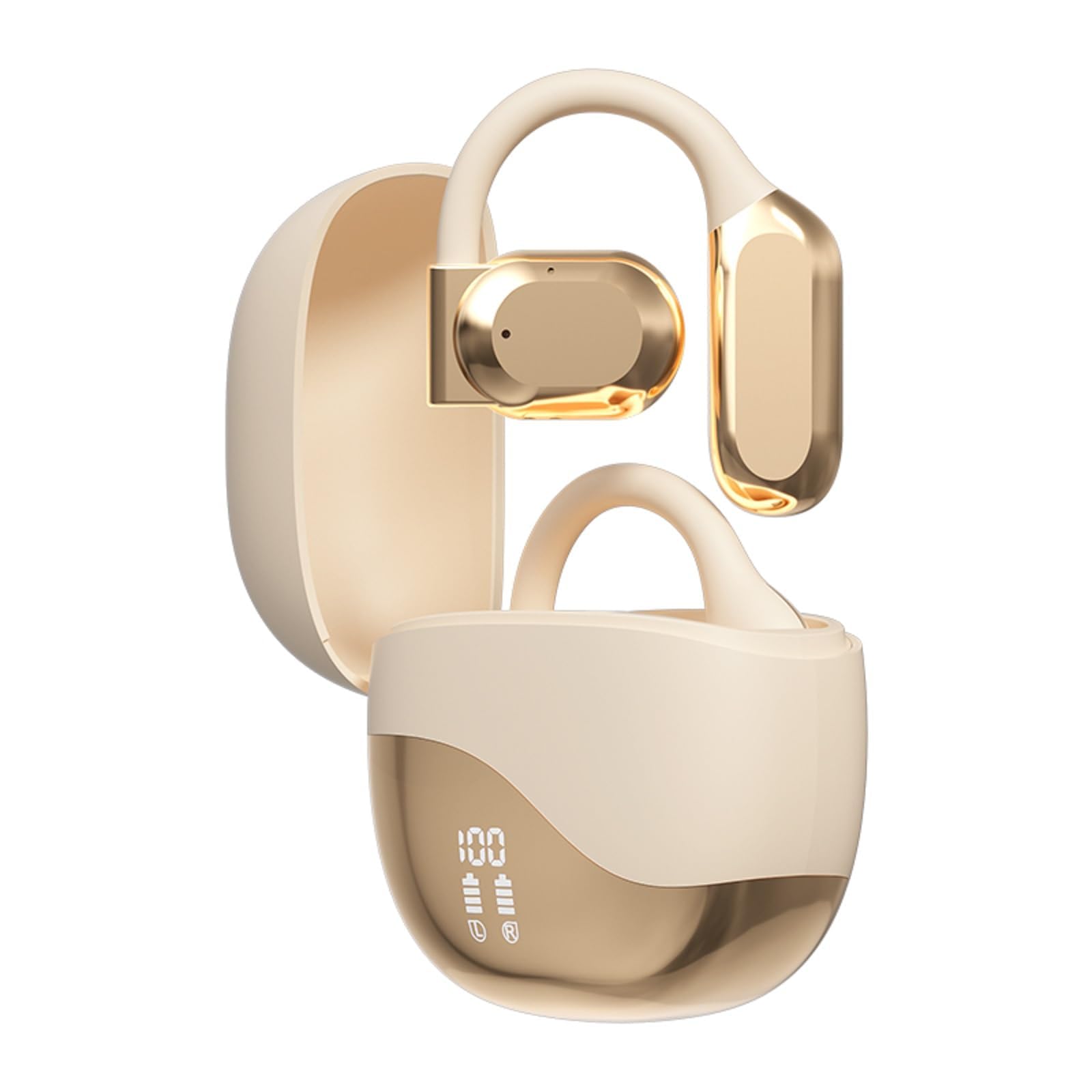
Image: The open ear design allows users to remain aware of their surroundings during activities.
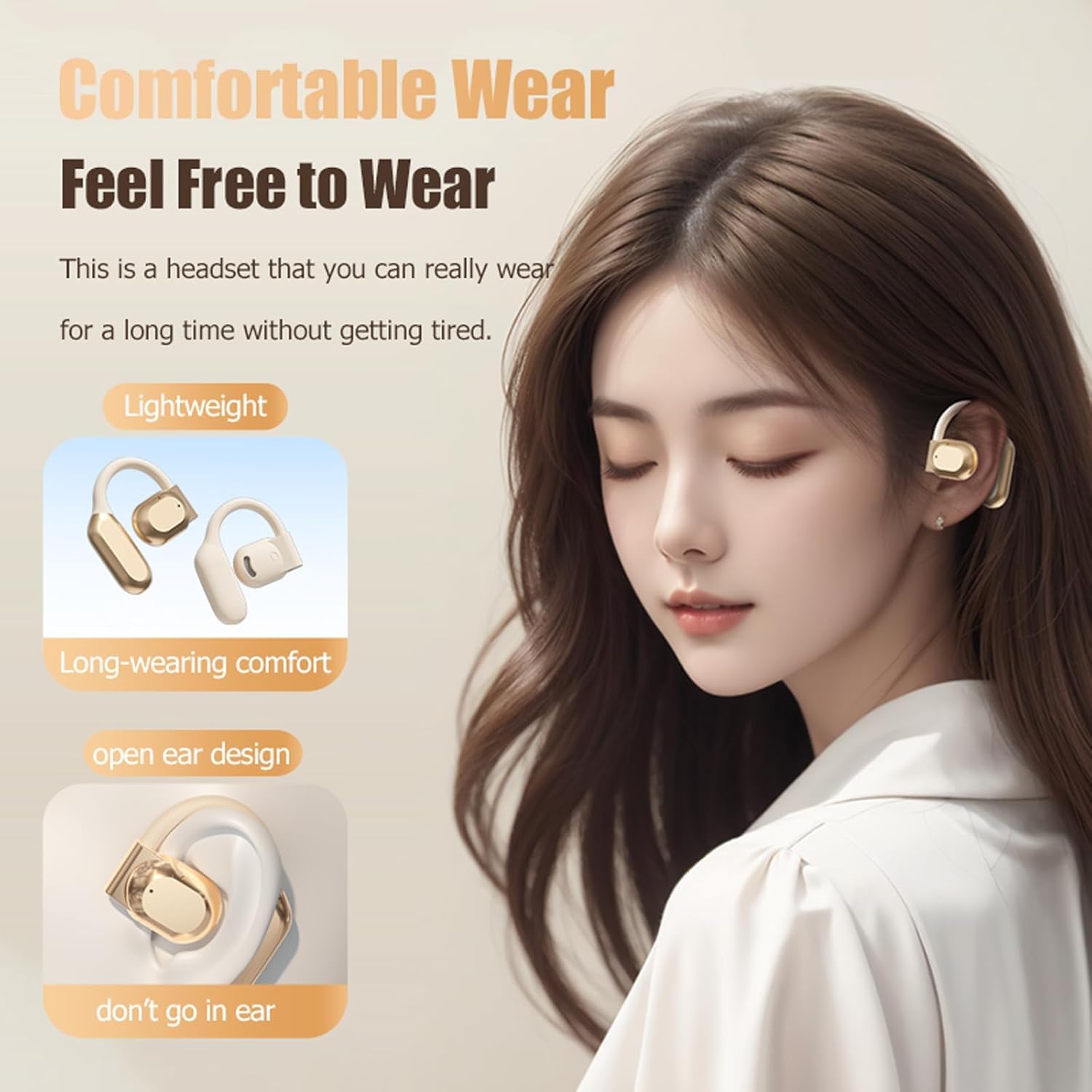
Image: The ergonomic and lightweight design ensures comfort for long-term wear.

Image: Internal structure illustrating the advanced audio technology for stunning sound quality.
Setup
1. Charging the Earbuds
- Place the earbuds into the charging case.
- Connect the USB-C cable to the charging port on the case and a power source.
- The LED display on the charging case will indicate the charging status. A full charge takes approximately 1.5 hours.

Image: The charging case features a smart LED display to show real-time power levels and charging status.
2. Pairing with a Device
- Open the charging case. The earbuds will automatically enter pairing mode.
- On your device (smartphone, tablet, laptop), enable Bluetooth.
- Search for "M62" in the list of available Bluetooth devices and select it to connect.
- Once connected, you will hear a confirmation tone.

Image: The earbuds offer wide compatibility and stable pairings with various Bluetooth-enabled devices.
Operating Instructions
Power On/Off
- Power On: Open the charging case, and the earbuds will automatically power on.
- Power Off: Place the earbuds back into the charging case and close the lid. They will automatically power off and begin charging.
Music Control
- Play/Pause: Single tap either earbud.
- Next Track: Double tap the right earbud.
- Previous Track: Double tap the left earbud.
- Volume Up: Triple tap the right earbud.
- Volume Down: Triple tap the left earbud.
Call Control
- Answer/End Call: Single tap either earbud.
- Reject Call: Press and hold either earbud for 2 seconds.
- Activate Voice Assistant: Press and hold either earbud for 3 seconds (when not on a call).
Maintenance
- Cleaning: Use a soft, dry cloth to clean the earbuds and charging case. Do not use abrasive cleaners or immerse in water.
- Storage: Store the earbuds in their charging case when not in use to protect them from dust and damage. Avoid extreme temperatures.
- Battery Care: To prolong battery life, avoid fully discharging the earbuds frequently. Charge them regularly, even if not used for extended periods.
Troubleshooting
Earbuds Not Pairing
- Ensure the earbuds are charged and out of the charging case.
- Turn off Bluetooth on your device and turn it back on.
- Forget/delete "M62" from your device's Bluetooth list and try pairing again.
- Try pairing with a different device to rule out device-specific issues.
No Sound or Low Volume
- Check the volume level on both your device and the earbuds.
- Ensure the earbuds are properly connected to your device.
- Restart your device and reconnect the earbuds.
Charging Issues
- Verify the USB-C cable is securely connected to both the charging case and the power source.
- Try using a different USB-C cable or power adapter.
- Ensure the charging contacts on the earbuds and inside the case are clean and free of debris.
Specifications
| Feature | Specification |
|---|---|
| Model Name | M62 |
| Connectivity Technology | Wireless (Bluetooth) |
| Bluetooth Version | 5.3 |
| Transmission Distance | Up to 10 meters (33 feet) |
| Audio Driver Type | Bone Conduction Driver |
| Play Time (Earbuds) | Approximately 6 hours (at 50% volume) |
| Charging Time | Approximately 1.5 hours |
| Charging Case Battery Capacity | 400mAh |
| Water Resistance Level | IPX5 |
| Item Weight | 0.64 ounces |
| Material | Plastic (Skin-friendly ABS) |
| Ear Placement | Open Ear |
| Control Type | Media Control, Remote |
| Microphone | Included (Dual noise-canceling) |
Official Product Video
Video: An official overview of the Ttbesmi M62 Open Ear Bone Conduction Earbuds, showcasing their features and design.
Warranty and Support
This product comes with a standard manufacturer's warranty. For specific warranty details, please refer to the documentation included in your product packaging or contact the manufacturer directly.
If you encounter any issues or have questions regarding your Ttbesmi M62 earbuds, please contact customer support for assistance. Contact information can typically be found on the product packaging or the manufacturer's official website.